Top 5 Wearable App Development Companies Software for 2026 (Prices and Free Plans)
Best wearable app development companies software in 2026: 5 contenders with entry costs and free tiers. Read the caveats before you buy. Compare quickly.
- Editor's choiceGoogle Fit APIs
Health and fitness data on Android
Starts atSee websiteVisit developers.google.comFull review - Great alternative
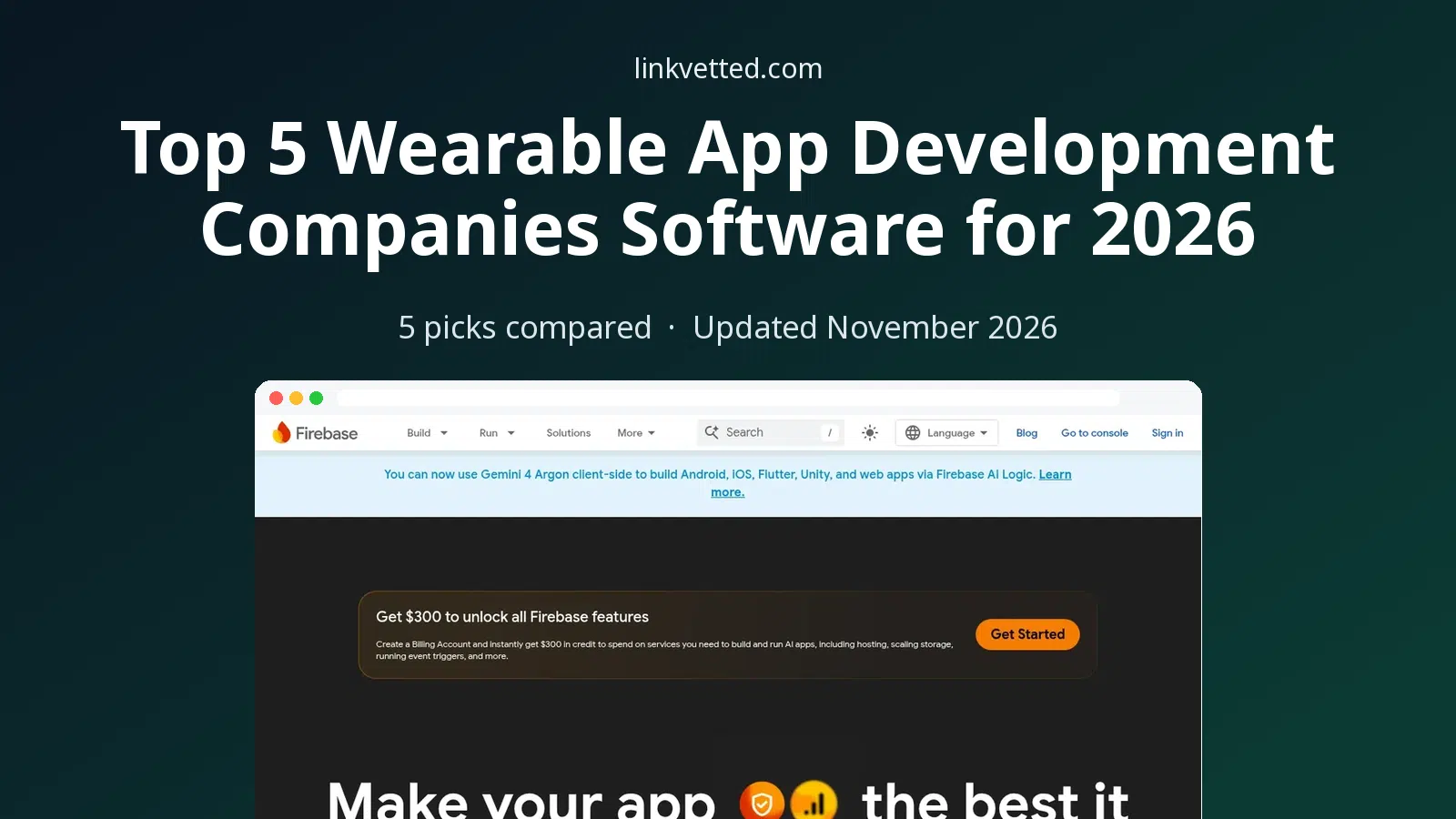
 Firebase
Managed backend for mobile apps
Starts at$9.37 per monthVisit firebase.google.comFull review - Also consider
 AWS Amplify
Full-stack web and mobile backends
Starts atSee websiteVisit aws.amazon.comFull review
Direct answer
For health and fitness data on Android, Google Fit APIs is where this list starts. Listed starting prices: Firebase from $9.37 per month. Firebase is better for managed backend for mobile apps, and AWS Amplify is better for full-stack web and mobile backends. All 5 tools are compared below on price, free plan and limits.
TL;DR:
- Number one here is Google Fit APIs, a fit for health and fitness data on Android.
- Before buying Microsoft Visual Studio App Center, weigh this: needs setup of build and release pipelines.
- Wear OS by Google suits Smartwatch apps on Google's product.
- 2 of 5 tools offer a free plan: Firebase, AWS Amplify.
Last checked November 2026. Prices and plan details were read from the vendors' own pages in November 2026; vendors change plans often, so confirm the current price on the vendor site before you buy.
Quick comparison
| Tool | Best for | Starts at | Free plan? | |
|---|---|---|---|---|
| Google Fit APIs | Health and fitness data on Android | See website | Not stated | Visit |
| Firebase | Managed backend for mobile apps | $9.37 per month | Yes | Visit |
| AWS Amplify | Full-stack web and mobile backends | See website | Yes | Visit |
| Microsoft Visual Studio App Center | Continuous build, test and release | See website | Not stated | Visit |
| Wear OS by Google | Smartwatch apps on Google's product | See website | Not stated | Visit |
Wearable App Development Companies Software, one by one
If you are comparing wearable app development companies software, this page covers 5 tools in one place: what each is best for, what it costs to start, whether it has a free plan, and the main limit to know about.
Google Fit APIs
Best for: Health and fitness data on Android
Google Fit APIs serves health and fitness data on Android. They suit wearable apps that track activity, workouts or wellness metrics on Android and Wear OS hardware.
Also, consider it when Android and Wear OS users are the primary audience for fitness features. Worth adding: handling user health data also demands careful permission and privacy design. Google Fit APIs does not show a starting price in this comparison, so check the vendor site for current pricing. Free options: Not stated.
Honest limits: Android-focused instead of cross-platform.
- Suits fitness and wellness app features
- Works with Android and Bluetooth devices
- Needs attention to data permissions
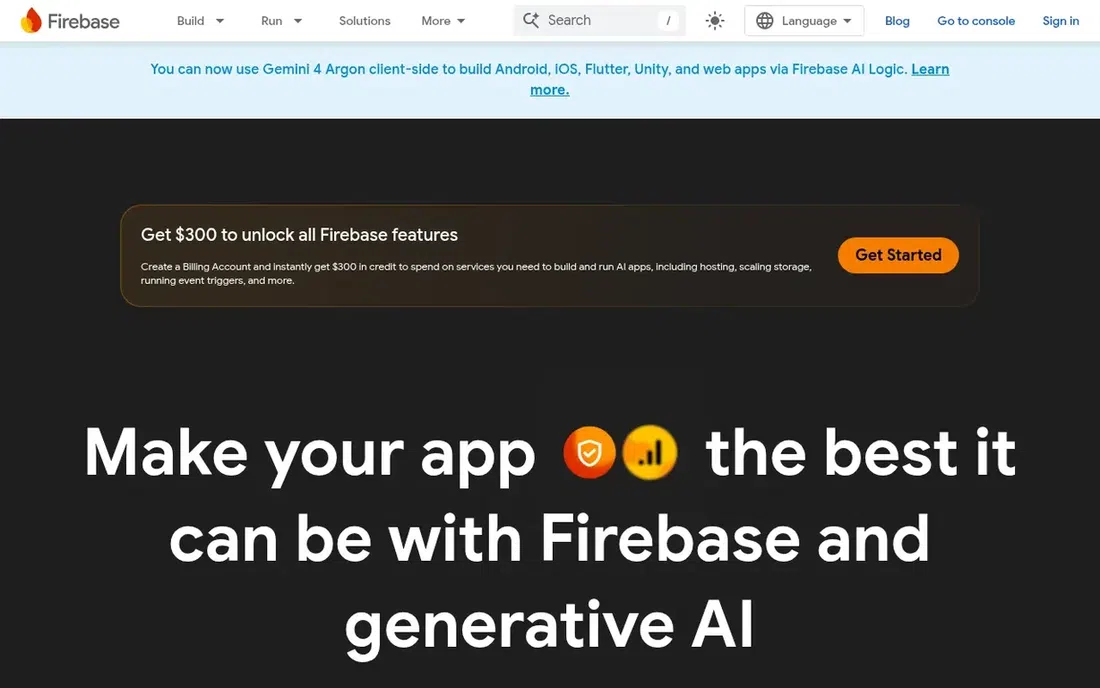
Firebase serves managed backend for mobile apps. Firebase is Google's mobile and web app development system, positioned to help developers build apps and games that users enjoy.
Firebase cost at the entry level: $9.37 per month. Free access exists with Firebase.
Where it is weaker: Configuration can grow complicated over time.
- Google's mobile and web development system
- Supports building apps and games
- Wearable features come from system APIs
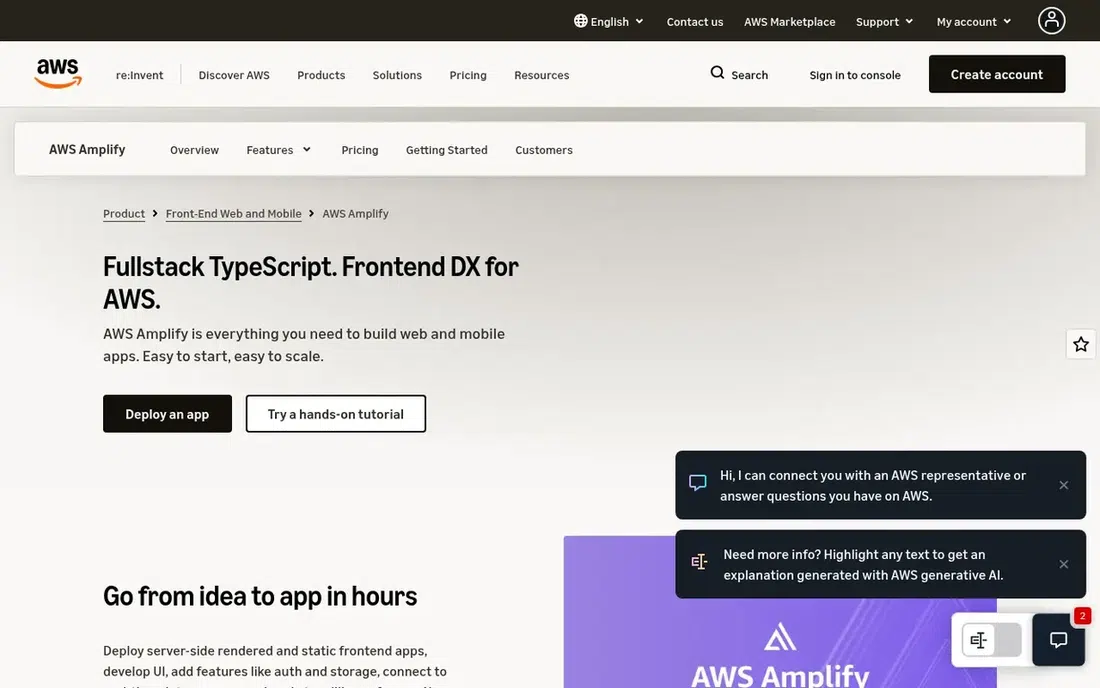
AWS Amplify is a good fit for full-stack web and mobile backends. AWS Amplify is a full-stack development product for web and mobile apps, described by AWS as simple to start and simple to scale with no cloud expertise needed.
It fits teams building on Amazon Web Services that want connected app infrastructure without assembling services manually. This comparison lists no price for AWS Amplify; ask the vendor. Free access exists with AWS Amplify.
Where it is weaker: Not a wearable UI toolkit.
- Marketed as simple to start without cloud expertise
- Meant to scale with the app
- AWS concepts still surface in practice
Microsoft Visual Studio App Center
Best for: Continuous build, test and release
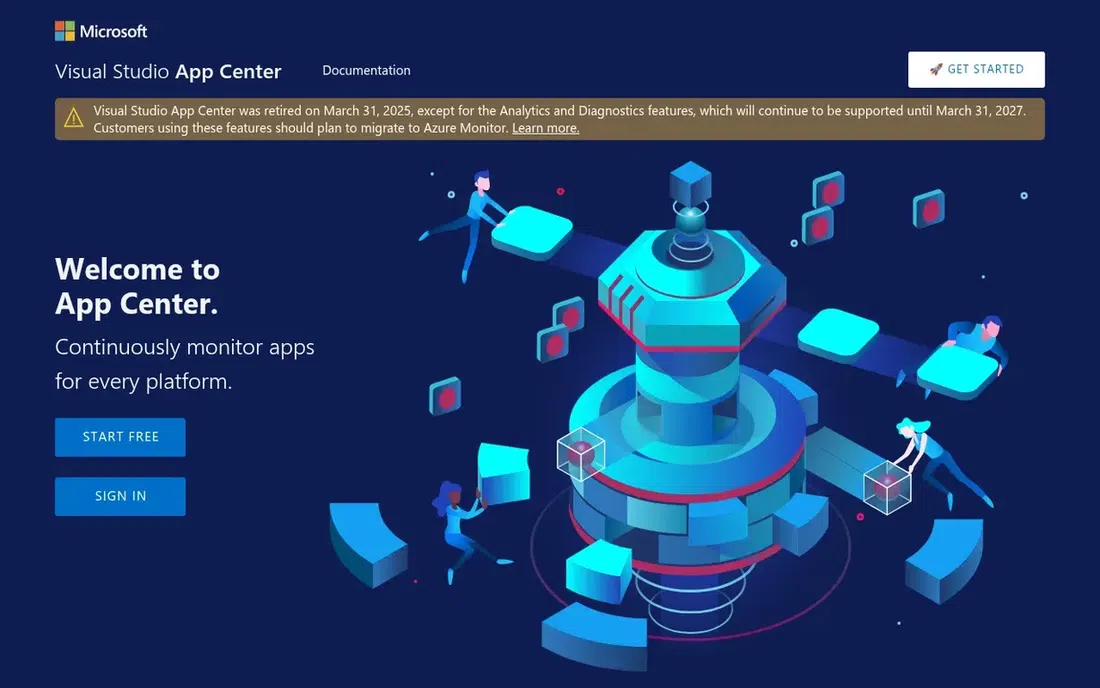
Microsoft Visual Studio App Center is a good fit for continuous build, test and release. Microsoft Visual Studio App Center is a service for continuously building, testing, releasing and monitoring apps across products, including iOS, Android, Xamarin and React Native.
Consider it when release automation and monitoring matter more than device-level features. Microsoft Visual Studio App Center does not show a starting price in this comparison, so check the vendor site for current pricing. Free access: Not stated.
Watch-outs: Less centred on health data features.
- Builds for iOS, Android
- Xamarin and React Native
- Needs setup of build and release pipelines
Wear OS by Google
Best for: Smartwatch apps on Google's product
Wear OS by Google is a good fit for Smartwatch apps on Google's product. For development it defines the product your watch app runs on, including how it interacts with a paired phone.
Downsides: Only spans Wear OS devices.
In practice, Wear OS is a platform instead of a build tool, so you still need development frameworks and backend services around it. No starting price is listed for Wear OS by Google here; confirm pricing on the vendor site. Free plan details: Not stated.
- Supports maps
- Smartwatch operating system from Google
- Watch hardware varies by manufacturer
How these tools were picked
What to check before you buy
- Ask Google Fit APIs, AWS Amplify, Microsoft Visual Studio App Center and Wear OS by Google for a written quote, since no starting price is shown.
- Check what the free option really includes: Firebase and AWS Amplify offer a free plan, and usage caps differ.
- Before choosing Google Fit APIs, weigh its main limit: Android-focused instead of cross-platform.
- Run a one or two week pilot of Microsoft Visual Studio App Center with the people who will use it every day.
- Check whether Google Fit APIs bills monthly or annually, and what cancelling early costs.
FAQ
Can these tools replace a mobile backend?
Firebase and AWS Amplify supply managed backend and full-stack services for mobile apps. Build services like App Center focus on testing, release and monitoring instead of data storage. So they complement a backend instead of replace it.
Do these tools publish their prices?
Not all of them. Google Fit APIs, AWS Amplify, Microsoft Visual Studio App Center and Wear OS by Google publish no starting price, so expect a quote request for those. The rest, Firebase included, show a starting price, though seats and billing terms still change the final cost.
Which options for wearable app development companies software have a free plan?
Firebase and AWS Amplify offer a free plan in this list. Free plans usually cap users, projects or features, so check the limits on the vendor page.
Is Google Fit APIs the right pick for everyone comparing wearable app development companies software?
No single tool suits every team. Google Fit APIs comes first because it fits health and fitness data on Android, while Firebase suits managed backend for mobile apps and AWS Amplify suits full-stack web and mobile backends. Match the tool to your own size, budget and workflow before deciding.
How are the tools for wearable app development companies software ordered?
Google Fit APIs sits first and Wear OS by Google last because the order follows typical fit for wearable app development companies software, then price clarity and free access. It is a judgement call, so read each profile for fit and limits.
Sources
- https://developers.google.com/fit
- https://firebase.google.com
- https://aws.amazon.com/amplify
- https://appcenter.ms
- https://wearos.google.com