Best Virtual Reality Software for 2026: Our 6 Vetted Picks
Need the best virtual reality software? We compare 6 tools on cost, free access and who each suits. Each pick lists its main limit. Last reviewed November 2026.
- Editor's choiceHTC VIVE
Standalone and PC VR headset ecosystems
Starts atSee websiteVisit vive.comFull review - Great alternativeAutodesk VRED
Automotive design and engineering visualization
Starts atSee websiteVisit autodesk.comFull review - Also consider
 NVIDIA Omniverse
Industrial digital twins and robotics simulation
Starts at$1 per hour per GPUVisit nvidia.comFull review
Direct answer
For standalone and PC VR headset ecosystems, HTC VIVE is where this list starts. Listed starting prices: NVIDIA Omniverse from $1 per hour per GPU and Unity from $210.00 a month. If your case is different, Autodesk VRED suits automotive design and engineering visualization and NVIDIA Omniverse suits industrial digital twins and robotics simulation. The remaining 3 options are covered below with prices and limits.
TL;DR:
- The list opens with HTC VIVE, aimed at standalone and PC VR headset ecosystems.
- The lowest published monthly entry price here is $210.00 per month, from Unity.
- Unity is the one to check for building and deploying VR experiences.
- Check the limits for Virtuix Omni before you commit: hardware, not authoring software.
Last checked November 2026. Prices and plan details were read from the vendors' own pages in November 2026; vendors change plans often, so confirm the current price on the vendor site before you buy.
Quick comparison
| Tool | Best for | Starts at | Free plan? | |
|---|---|---|---|---|
| HTC VIVE | Standalone and PC VR headset ecosystems | See website | Not stated | Visit |
| Autodesk VRED | Automotive design and engineering visualization | See website | Not stated | Visit |
| NVIDIA Omniverse | Industrial digital twins and robotics simulation | $1 per hour per GPU | Yes | Visit |
| Virtuix Omni | Locomotion hardware for VR gaming and fitness | See website | Not stated | Visit |
 PTC Vuforia | Enterprise augmented reality options | See website | Not stated | Visit |
 Unity | Building and deploying VR experiences | $210.00 a month | Free trial | Visit |
The 6 tools in detail
If you are comparing virtual reality software, this page covers 6 tools in one place: what each is best for, what it costs to start, whether it has a free plan, and the main limit to know about.
HTC VIVE
Best for: Standalone and PC VR headset ecosystems
For standalone and PC VR headset ecosystems, HTC VIVE is a natural candidate. VIVE is primarily a hardware and system ecosystem, so you still need software to build custom experiences.
Use it as the device layer and pair it with an engine for example Unity for content development. HTC VIVE gives you virtual, augmented and mixed reality headsets, glasses, accessories, games and the VIVERSE portal, spanning standalone and PC VR. Pricing for HTC VIVE is not stated here, so ask the vendor for current figures. Free options: Not stated.
The main drawbacks: Model choice needs careful comparison.
- Range of VR
- Standalone and PC VR choices
- Hardware ecosystem, not an engine
Autodesk VRED
Best for: Automotive design and engineering visualization
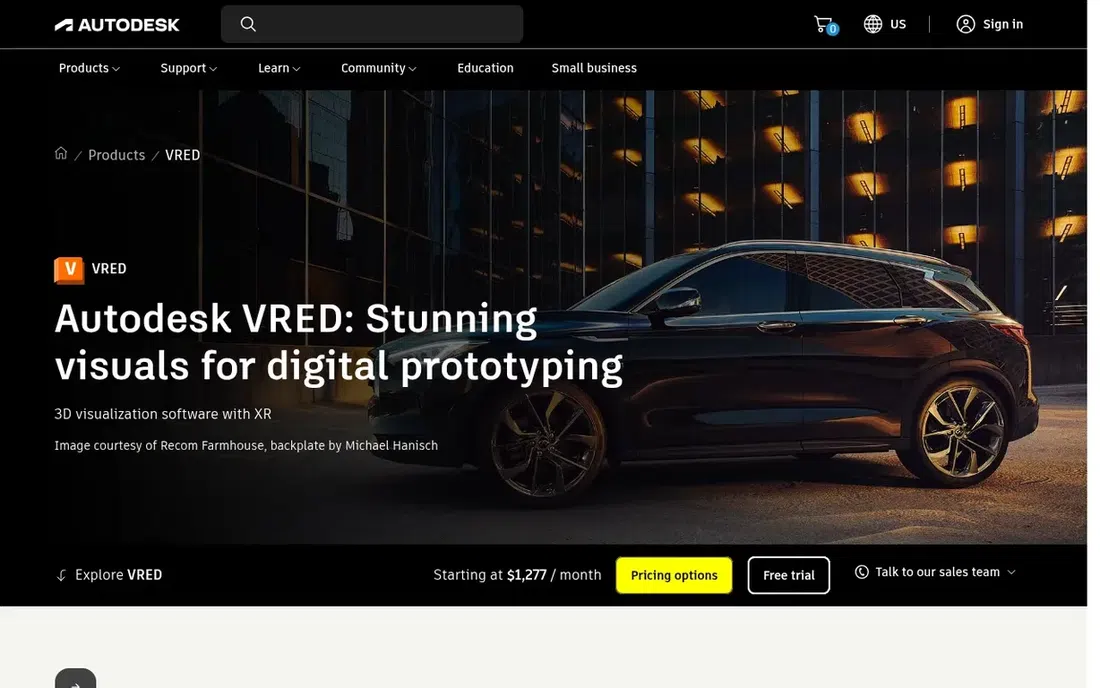
Autodesk VRED serves automotive design and engineering visualization. Autodesk VRED is 3D visualization software positioned for automotive designers and automotive engineers.
The main drawbacks: Not a general-purpose VR engine.
If your project spans robotics simulation or general interactive content, evaluate Unity or NVIDIA Omniverse instead. Pricing for Autodesk VRED is not stated here, so ask the vendor for current figures. Free access: Not stated.
- Aimed at automotive designers and engineers
- Focused 3D visualization workflow
- Narrow industry focus

NVIDIA Omniverse was built for industrial digital twins and robotics simulation. NVIDIA Omniverse is described as a collection of libraries and microservices for building industrial digital twins and robotics simulation applications.
Organizations planning simulation-heavy VR or XR workflows should contain it on a shortlist. Worth adding: confirm hardware and workflow requirements on the vendor site before committing. Price to start with NVIDIA Omniverse: $1 per hour per GPU. A free plan is available with NVIDIA Omniverse.
Where it is weaker: Targeted at technical and industrial teams.
- Supports robotics simulation work
- Collection of libraries and microservices
- Not a consumer VR content tool
Virtuix Omni
Best for: Locomotion hardware for VR gaming and fitness
Virtuix Omni is built with locomotion hardware for VR gaming and fitness in mind. Virtuix gives you the Omni One omnidirectional treadmill for home fitness and gaming, plus Omni Arena for enterprise and location-based entertainment venues.
It addresses locomotion, letting users walk and run in place inside VR. Virtuix Omni does not show a starting price in this comparison, so check the vendor site for current pricing. Free options: Not stated.
The main drawbacks: Hardware, not authoring software.
- Omnidirectional treadmill for home use
- Addresses physical movement in VR
- Needs dedicated floor space
Pick PTC Vuforia if this describes you: enterprise augmented reality options. PTC Vuforia is enterprise augmented reality software for building options and transforming business workflows.
Downsides: Enterprise orientation may not fit small teams.
In daily use, buyers planning mixed reality programs should consider it where AR is the priority. If your core need is VR authoring, start with Unity and add AR capabilities only where required. Check the vendor site for PTC Vuforia pricing; none is listed in this comparison. Trial and free access: Not stated.
- Enterprise AR software focus
- Pitched at building business options
- AR emphasis instead of pure VR
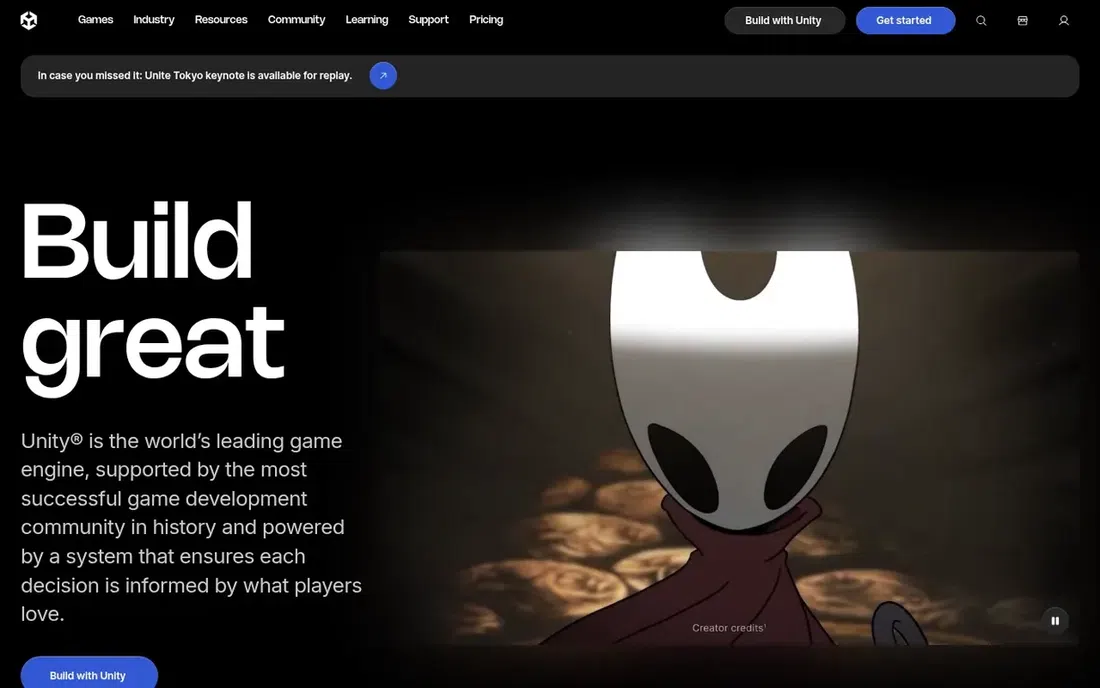
Where Unity fits: building and deploying VR experiences. Unity is a 3D engine for developing and deploying interactive content, including XR experiences, across mobile, PC, console and other products. It also supports industrial applications beyond games.
Limits to weigh: Needs development skills.
If your goal is ready-made enterprise AR or a specific headset ecosystem, look at the more specialized choices instead. Unity is a development system, so it assumes programming and design work instead of offering a finished VR application. On cost, Unity starts like this: $210.00 per month. Free options: Free trial.
- Large ecosystem of documentation and assets
- PC and console
- Not a headset or turnkey visualization tool
How we chose
Selection started from tools commonly considered for virtual reality software, then narrowed to 6 that have clear pricing information or a clear quote process. Treat prices as a snapshot: vendors change plans often, so check the vendor site for the figure that applies today. We ordered the tools by general fit, then by how clearly pricing is shown, then by free access. A buyer with unusual needs may reorder them.
Questions to settle before buying
- Get a written quote from HTC VIVE, Autodesk VRED, Virtuix Omni and PTC Vuforia; the list shows no starting price for them.
- Look at the free plan from NVIDIA Omniverse closely: its caps decide whether it is usable for real work.
- Take the trial from Unity and push a live task through it before you pay.
- Before choosing HTC VIVE, weigh its main limit: hardware ecosystem, not an engine.
- See whether NVIDIA Omniverse offers onboarding or training, and whether it is included in the price.
- Confirm you can export your data from HTC VIVE, so leaving later does not mean losing records.
FAQ
Do I need a game engine to build VR software?
In most cases, yes. An engine like Unity offers the tools to build interactions, rendering and deployment across headsets and products. Specialized tools like Autodesk VRED or PTC Vuforia include narrower visualization or AR needs instead of full custom VR development.
How are the tools for virtual reality software ordered?
The order follows typical fit for virtual reality software, with HTC VIVE first and Unity last, then price clarity and free access. It is editorial judgement, not a score, so another team could rank the tools differently.
Which options for virtual reality software have a free plan?
NVIDIA Omniverse is the only tool in this list with a free plan. Free plans usually cap users, projects or features, so check the limits on the vendor page. One other tool offers a trial instead.
What is the cheapest option for virtual reality software in this list?
On published monthly entry prices, Unity is the lowest here at $210.00 per month. Entry price is only part of the cost, because seats, add-ons and billing terms can change the total. Each of the 6 options in this virtual reality software guide has its own card above with the price, free plan and limits.
Do these tools publish their prices?
Not all of them. HTC VIVE, Autodesk VRED, Virtuix Omni and PTC Vuforia publish no starting price, so expect a quote request for those. The rest, NVIDIA Omniverse included, show a starting price, though seats and billing terms still change the final cost.
Sources
- https://www.vive.com
- https://www.autodesk.com/products/vred
- https://www.nvidia.com/en-us/omniverse
- https://www.virtuix.com
- https://www.ptc.com/en/products/vuforia
- https://unity.com