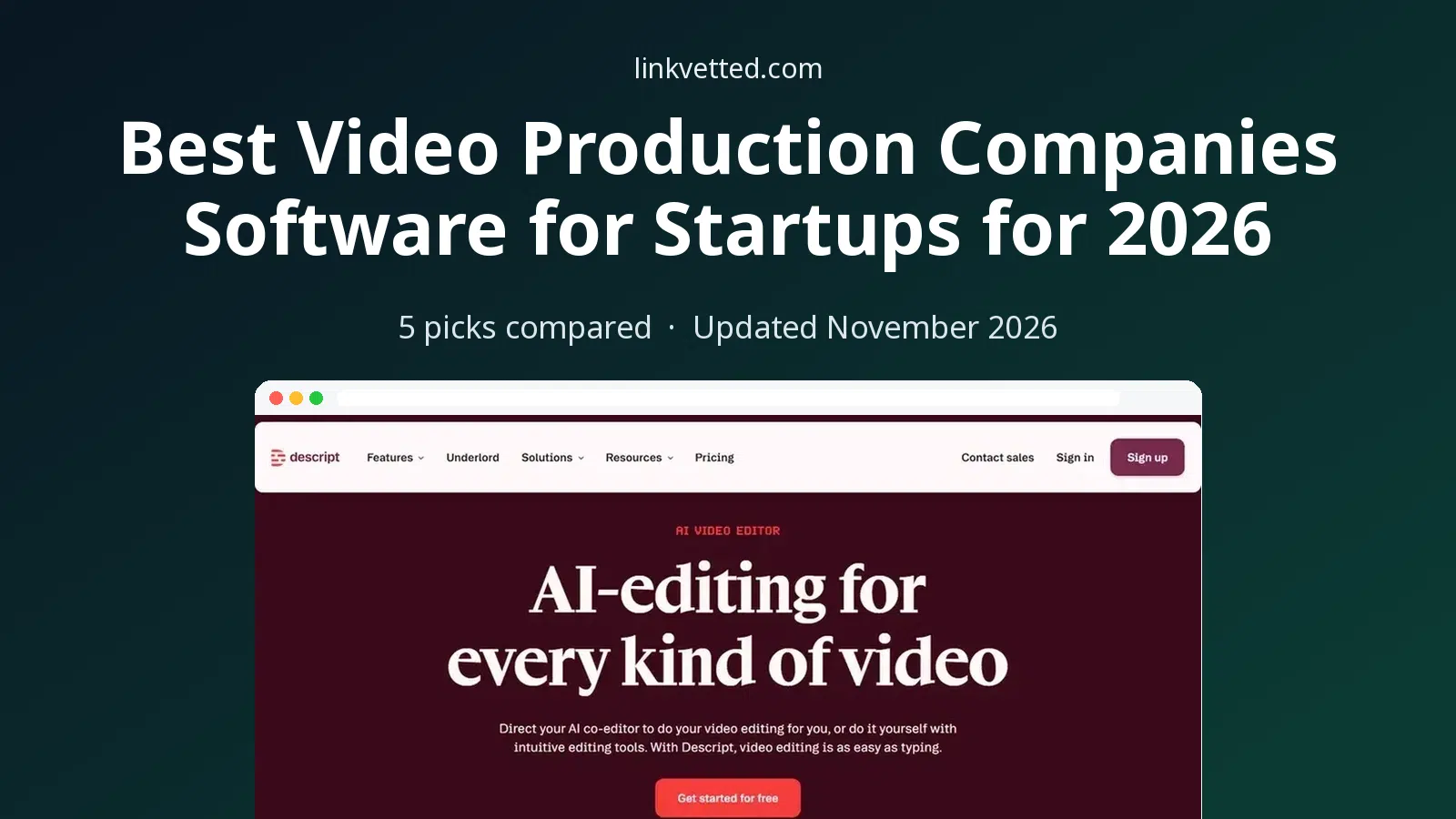
Best Video Production Companies Software for Startups for 2026: Our 5 Vetted Picks
5 best video production companies software for startups, compared on pricing, free plans and best-fit use. The catches are listed up front. Checked this month.
- Editor's choice
 CapCut
Quick social video editing
Starts atSee websiteVisit capcut.comFull review - Great alternative
 Canva
Straightforward branded video and graphics
Starts atSee websiteVisit canva.comFull review - Also consider
 Descript
Text-based editing for small teams
Starts at$16 per person a monthVisit descript.comFull review
Direct answer
If you need quick social video editing, CapCut is the first tool to look at here. Listed starting prices: Descript from $16 per person a month, HeyGen from $29 per month and Synthesia from $19 a month. Canva is better for straightforward branded video and graphics, and Descript is better for text-based editing for small teams. Details, prices and limits for the rest of the 5 tools are below.
TL;DR:
- CapCut is the opening pick, best for quick social video editing.
- What to know about CapCut first: less control for complicated projects.
- Synthesia suits Avatar-led training and business video.
- Free plans exist at 4 of 5 tools (CapCut, Descript, HeyGen, Synthesia).
Last checked November 2026. Prices and plan details were read from the vendors' own pages in November 2026; vendors change plans often, so confirm the current price on the vendor site before you buy.
Quick comparison
| Tool | Best for | Starts at | Free plan? | |
|---|---|---|---|---|
| CapCut | Quick social video editing | See website | Yes | Visit |
| Canva | Straightforward branded video and graphics | See website | Not stated | Visit |
| Descript | Text-based editing for small teams | $16 per person a month | Yes | Visit |
 HeyGen | Founder and personal avatar videos | $29 per month | Yes | Visit |
 Synthesia | Avatar-led training and business video | $19 a month | Yes | Visit |
The best video production companies software for startups
If you are comparing video production companies software for startups, this page covers 5 tools in one place: what each is best for, what it costs to start, whether it has a free plan, and the main limit to know about.
In short, CapCut is for fast social video editing. It fits startup marketing teams that publish often to social channels and need captions, trims and trend-driven formats without a heavy workflow.
Reasons to shortlist it: Desktop.
Watch-outs: Less control for complicated projects.
Template-driven editing can make every video look similar, and deep postproduction control is restricted. Check the vendor site for CapCut pricing; none is listed in this comparison. A free plan is available with CapCut.
- Oriented to YouTube and Instagram output
- Mobile and online editing
- Template look can feel generic
Canva is built with straightforward branded video and graphics in mind. For startups, its value in video is speed: branded intros, promo clips, presentation recordings and social assets can be assembled from templates by people without design training. It does well as a companion to a dedicated editor instead of a replacement.
Honest limits: Video editing is entry-level.
What Canva does well: Handy for social posts and promos.
Also, choose it for light branded content and keep production work in a video-first tool. Brand consistency relies on setting up templates carefully. This comparison lists no price for Canva; ask the vendor. Free options: Not stated.
- Merges graphics
- Presentations and video
- Not made for long-form production
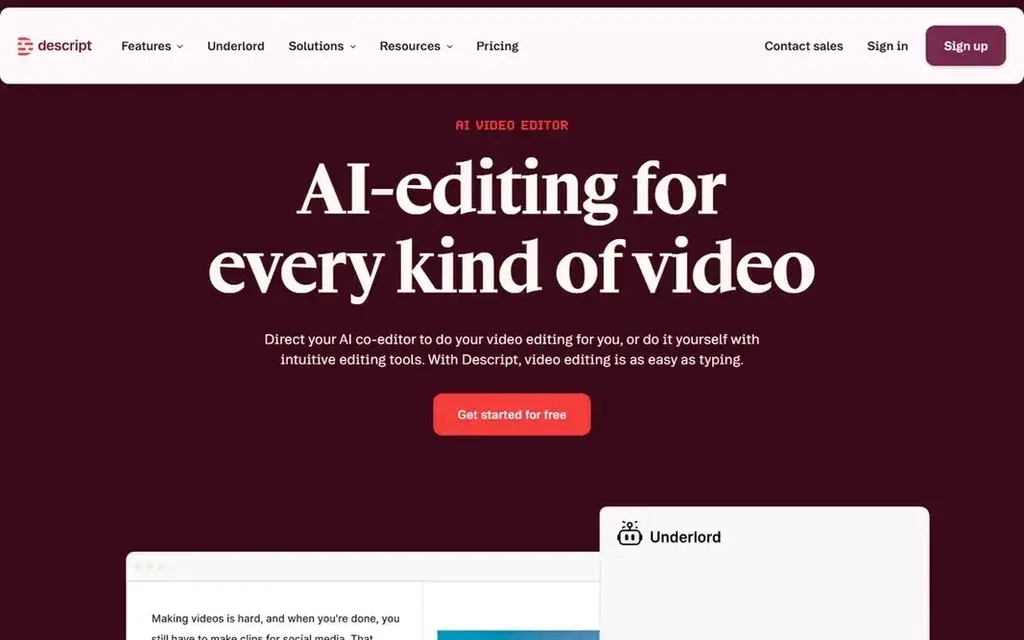
Where Descript fits: text-based editing for small teams. Descript is an AI video and audio editor built around text. Teams needing advanced color work, complicated motion graphics or multi-track finishing will find it lighter than a traditional editor.
Downsides: Transcript accuracy can need cleanup.
Also, recording, transcription, editing and publishing live in one workspace, and edits to the transcript flow through to the video. Very long projects can also get unwieldy. Descript starts at: $16 per person per month. A free plan is available with Descript.
- Manages both video and audio
- Recording
- Advanced postproduction is limited

HeyGen is built with founder and personal avatar videos in mind. Pair it with a standard editor when you have to blend avatar segments with real footage.
The output is generated, so it will not replace genuine footage for testimonials, events or culture content. From a buyer's view, startups use this style of tool for founder updates, sales outreach, localized versions of the same message and fast explainers. On cost, HeyGen starts like this: $29 per month. A free plan is available with HeyGen.
Points against: Avatar realism varies by use case.
- Handy for repeatable updates and outreach
- Cuts the have to film each video
- Not a full editing suite

Synthesia is built with Avatar-led training and business video in mind. For startups, that means onboarding modules, product explainers and policy updates can be produced from a script instead of a shoot.
Watch-outs: Avatar output can feel formal.
For everyday use, if your brand relies on authentic live-action footage or highly creative storytelling, avatar video may read as impersonal. Choose a conventional editor or a hybrid workflow when the message needs real people and locations. On cost, Synthesia starts like this: $19 per month. You can start on Synthesia without paying.
- AI avatar presenters without a film crew
- Positioned for business communication and training
- Less suited to live-action storytelling
How the list was put together
For each of the 5 tools we noted price, free plan or trial, fit for video production companies software for startups and the main limit, using vendor pages and documentation. Where a price is missing, the vendor does not list one publicly or ties it to a quote. Always confirm before budgeting. Order on the page follows fit for the typical buyer first, then price transparency and free access. Your own requirements should decide the final pick.
Things to verify first
- Ask CapCut and Canva for a written quote, since no starting price is shown.
- Read the fine print on the free plans from CapCut, Descript, HeyGen and Synthesia; seat, project and feature caps differ.
- Before choosing CapCut, weigh its main limit: less control for complicated projects.
- Before you load data into Canva, check what an export looks like and who can run it.
- Involve the people who will use CapCut daily; a short pilot beats a long feature checklist.
FAQ
Which video production companies software for startups have a free plan?
CapCut, Descript, HeyGen and Synthesia offer a free plan in this list. Free plans usually cap users, projects or features, so check the limits on the vendor page.
When should a startup use avatar video instead of filming?
Avatar tools for example Synthesia and HeyGen work well for training, updates and localized versions of the same message. For testimonials, events and culture content, real footage typically communicates more authentically.
How are the video production companies software for startups ordered?
CapCut sits first and Synthesia last because the order follows typical fit for video production companies software for startups, then price clarity and free access. It is a judgement call, so read each profile for fit and limits.
Is CapCut the right pick for everyone comparing video production companies software for startups?
No single tool suits every team. CapCut comes first because it fits fast social video editing, while Canva suits simple branded video and graphics and Descript suits text-based editing for small teams. Match the tool to your own size, budget and workflow before deciding.
Which video tool is easiest for a non-editor founder?
Canva and CapCut are also approachable for short branded or social clips. Reserve Premiere Pro for when you have someone dedicated to editing.
What is the cheapest option for video production companies software for startups in this list?
On published monthly entry prices, Descript is the lowest here at $16 per person per month. Entry price is only part of the cost, because seats, add-ons and billing terms can change the total. Each of the 5 options in this video production companies software for startups guide has its own card above with the price, free plan and limits.
Sources
- https://www.capcut.com
- https://www.canva.com
- https://www.descript.com
- https://www.heygen.com
- https://www.synthesia.io