Best Venngage Alternatives for 2026 (5 Compared)
Venngage alternatives in 2026: 5 tools with starting prices, free plans and limits. Strengths and weak spots are spelled out. Reviewed in November 2026.
- Editor's choiceDesignWizard
Free online graphic design
Starts at$9.99 a monthVisit designwizard.comFull review - Great alternative
 Miro
Collaborative visual workspace
Starts at$8 per member a monthVisit miro.comFull review - Also consider
 Snappa
AI-generated social media graphics
Starts at$10 per monthVisit snappa.comFull review
Direct answer
DesignWizard is the first pick on this list for free online graphic design. Listed starting prices: DesignWizard from $9.99 a month, Miro from $8 per member a month and Snappa from $10 per month. Miro is the stronger choice for collaborative visual workspace, while Snappa suits AI-generated social media graphics. Details, prices and limits for the rest of the 5 tools are below.
TL;DR:
- DesignWizard sits first on this list: free online graphic design.
- The cheapest monthly starting price in the list is $8 per member per month, offered by Miro.
- What to know about Miro first: not a traditional graphic design tool.
- For all-in-one visual design suite, Canva is worth a look.
- Only 4 of the 5 tools have a free plan (DesignWizard, Miro, Snappa, Piktochart), so check the caps.
Last checked November 2026. Prices and plan details were read from the vendors' own pages in November 2026; vendors change plans often, so confirm the current price on the vendor site before you buy.
Quick comparison
| Tool | Best for | Starts at | Free plan? | |
|---|---|---|---|---|
| DesignWizard | Free online graphic design | $9.99 a month | Yes | Visit |
| Miro | Collaborative visual workspace | $8 per member a month | Yes | Visit |
| Snappa | AI-generated social media graphics | $10 per month | Yes | Visit |
 Piktochart | Infographics and data visualization | $10 per member a month | Yes | Visit |
 Canva | All-in-one visual design suite | See website | Not stated | Visit |
Venngage, one by one
LinkVetted put together this guide to Venngage for readers who want a clear shortlist without reading every vendor page. It compares 5 tools on starting price, free plans, who each one suits and where each one falls short.
DesignWizard
Best for: Free online graphic design
DesignWizard makes the most sense for free online graphic design. DesignWizard is free graphic design software that helps you produce graphic designs online in seconds. It is right for individuals and small firms looking for a straightforward, no-cost design option.
The main drawbacks: Less known than some competitors.
Also, as a free tool, DesignWizard may lack some of the advanced features and template variety of premium alternatives. As for the details, for more solid design capabilities, consider Canva or Piktochart. DesignWizard pricing: $9.99 per month. A free plan is available with DesignWizard.
- Online accessibility
- Free graphic design software
- May have restricted advanced features
In short, Miro is for collaborative visual workspace. Miro is an AI innovation workspace that accelerates product development from ideation to launch. It helps teams align, break tool silos, and ship what customers need in one visual product, making it ideal for collaborative brainstorming and planning.
For creating refined marketing graphics, Canva or Snappa would be more appropriate. In daily use, Miro is not primarily a graphic design tool, so it may lack some template-driven design features. Entry price for Miro: $8 per member per month. You can start on Miro without paying.
What Miro does well: Breaks down tool silos. Honest limits: May be overkill for straightforward designs.
- Facilitates team alignment
- AI-powered innovation workspace
- Not a traditional graphic design tool
Think of Snappa for AI-generated social media graphics. It suits users who require quick, engaging visuals with minimal effort.
On top of that, Snappa is optimized for social media and ads, so it may not be well suited to infographics or presentations. Starting cost for Snappa: $10 per month. A free plan is available with Snappa.
Where it falls short: Restricted to certain graphic types.
- Fast output
- Focus on social media and ads
- May need premium plan for full access

In short, Piktochart is for Infographics and data visualization. Piktochart is an infographic tool and AI design product that turns data into visuals rapidly.
It is ideal for creating infographics, presentations, reports, ebooks, and videos, particularly for users without design experience who require to present data plainly. Piktochart starts at: $10 per member per month. You can start on Piktochart without paying.
Where it is weaker: Less versatile for other design types.
- No design experience needed
- AI-powered design assistance
- May need premium plan for full features
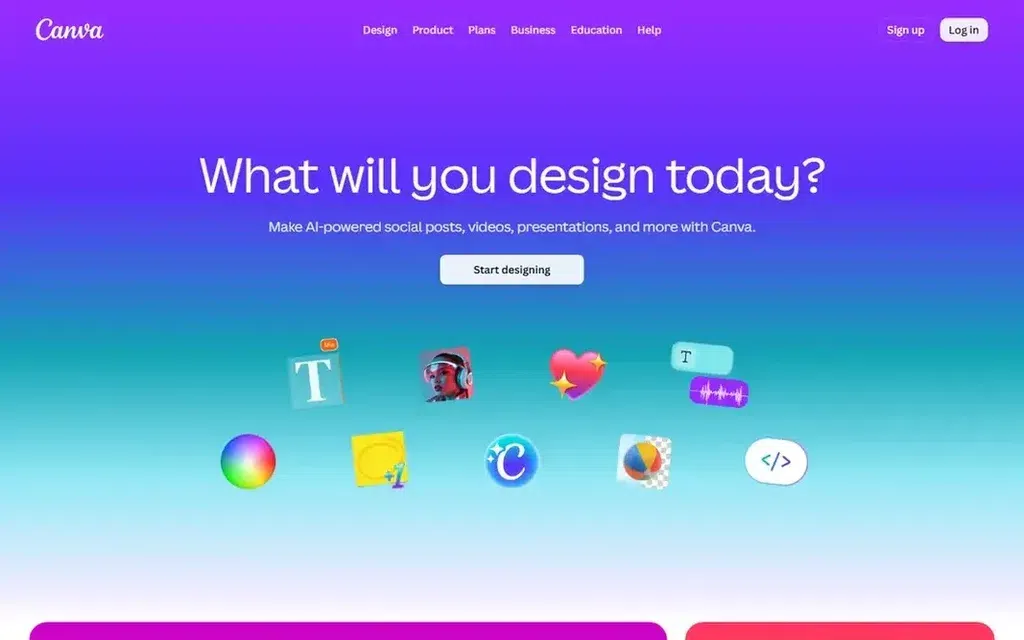
Canva targets all-in-one visual design suite. If you primarily need infographics or data visualization, a specialized tool like Piktochart might be more focused.
Drawbacks to consider: Can be overwhelming for beginners.
Pricing for Canva is not stated here, so ask the vendor for current figures. Trial and free access: Not stated.
- Broad range of design types
- Approachable interface
- Advanced features need premium plan
How we compared the tools
Selection started from tools commonly considered for Venngage, then narrowed to 5 that have clear pricing information or a clear quote process. Where a vendor does not publish a price, the entry says quote. Where a price depends on seats or billing term, the entry says so. The order reflects how well each tool fits the most common buying scenario for Venngage, then price clarity, then free plan access. It is a starting point, not a verdict.
Before you commit
- Ask Canva for a written quote, since no starting price is shown.
- Look at free plan limits closely: DesignWizard, Miro, Snappa and Piktochart have one, and the caps decide whether it is usable for real work.
- Read the limits listed for DesignWizard first: may have restricted advanced features.
- Ask the daily users to test DesignWizard on a live task before you roll it out to everyone.
- Confirm the exact Snappa plan that includes your must-have features.
FAQ
Is DesignWizard the right pick for everyone comparing Venngage?
No single tool suits every team. DesignWizard comes first because it fits free online graphic design, while Miro suits collaborative visual workspace and Snappa suits AI-generated social media graphics. Match the tool to your own size, budget and workflow before deciding.
What is the best free alternative to Venngage?
For most readers this guide would start with DesignWizard, built for free online graphic design. Miro is the alternative for collaborative visual workspace, and Snappa for AI-generated social media graphics. The right answer depends on budget and workflow.
Can I try these tools before paying?
Often, yes. DesignWizard, Miro, Snappa and Piktochart have a free plan. Use your own data and a real task during the test, and check what the free tier or trial limits before you rely on it.
Which options for Venngage have a free plan?
On this list, DesignWizard, Miro, Snappa and Piktochart include a free plan. Caps on seats, usage or features are common, so test the free plan against your real workload.
What is the cheapest option for Venngage in this list?
On published monthly entry prices, Miro is the lowest here at $8 per member per month. Entry price is only part of the cost, because seats, add-ons and billing terms can change the total. All 5 picks in this Venngage alternatives comparison list a starting price, free plan details and the main limits on their cards above.
Sources
- https://www.designwizard.com
- https://miro.com
- https://snappa.com
- https://piktochart.com
- https://www.canva.com