6 Video Platform As a Service Software for Enterprise Worth Shortlisting in 2026
Best video platform as a service software for enterprise in 2026: 6 contenders with entry costs and free tiers. Read the caveats before you buy. Prices checked.
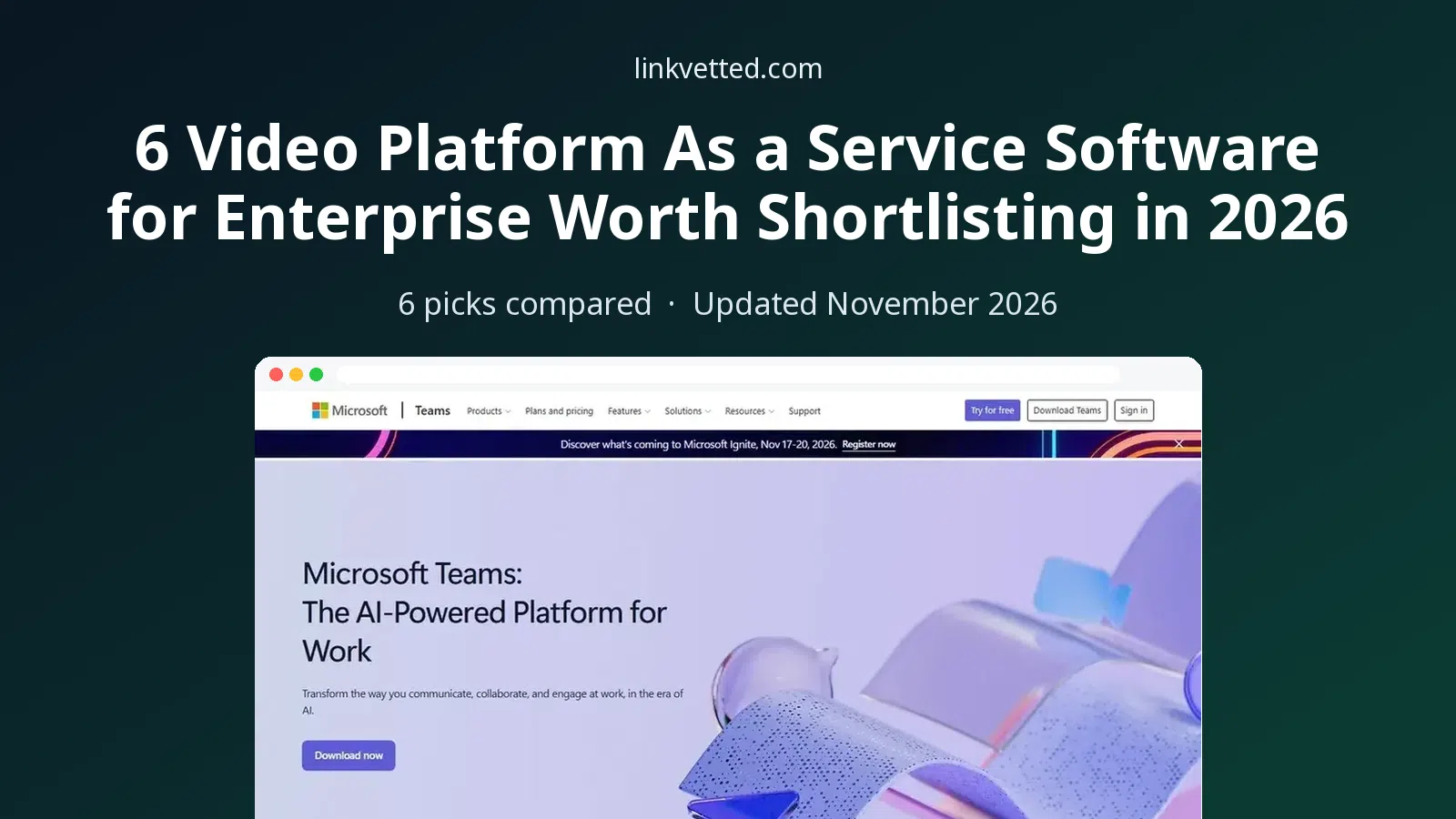
- Editor's choice
 Vimeo
Hosting and streaming video content
Starts atPricing on requestVisit vimeo.comFull review - Great alternative
 Microsoft Teams
Organizations standardized on Microsoft 365
Starts atPricing on requestVisit microsoft.comFull review - Also consider
 Cisco Webex
AI-powered collaboration with devices
Starts atPricing on requestVisit webex.comFull review
Direct answer
Vimeo is the first pick on this list for hosting and streaming video content. Microsoft Teams is the stronger choice for organizations standardized on Microsoft 365, while Cisco Webex suits AI-powered collaboration with devices. Details and limits for the rest of the 6 tools are below. None of these vendors publish plan prices, so pricing is on request for every option.
TL;DR:
- The list opens with Vimeo, aimed at hosting and streaming video content.
- Zoom Video Communications is the one to check for all-in-one meetings, chat and events.
- What to know about Cisco Webex first: wide portfolio needs careful scoping.
- Vimeo, Zoom Video Communications and the 4 others all sell by quote; expect sales conversations before you see a price.
- Free plans exist at 2 of 6 tools (Vimeo, Cisco Webex).
Last checked November 2026. Pricing on request: vendors did not publish plan prices when this guide was last checked (November 2026), so ask each vendor for a written quote.
Quick comparison
| Tool | Best for | Starts at | Free plan? | |
|---|---|---|---|---|
| Vimeo | Hosting and streaming video content | Pricing on request | Yes | Visit |
| Microsoft Teams | Organizations standardized on Microsoft 365 | Pricing on request | Not stated | Visit |
| Cisco Webex | AI-powered collaboration with devices | Pricing on request | Yes | Visit |
| Lifesize | Enterprise video communications suites | Pricing on request | Not stated | Visit |
 GoTo Meeting | Straightforward web conferencing | Pricing on request | Not stated | Visit |
| Zoom Video Communications | All-in-one meetings, chat and events | Pricing on request | Not stated | Visit |
The best video platform as a service software for enterprise
Choosing video platform as a service software for enterprise usually comes down to price, fit and limits. This LinkVetted guide sets 6 tools side by side on those three points, with the facts kept short and checkable.
Pick Vimeo if this describes you: hosting and streaming video content. Teams looking for meeting, calling and webinar infrastructure should treat Vimeo as a complement instead of a replacement for a conferencing suite.
Honest limits: Different fit from conferencing suites.
In daily use, confirm how hosting, privacy and embedding needs map to your content strategy before choosing it. No starting price is listed for Vimeo here; confirm pricing on the vendor site. Vimeo has a free plan.
- Handy for published video content
- Solid video hosting and viewing focus
- Not a meeting-first collaboration tool

Microsoft Teams targets organizations standardized on Microsoft 365. Microsoft Teams is positioned as video conferencing, meetings and calling software where tools and files are always available in one place.
Trade-offs to know: Best value inside the Microsoft ecosystem.
Its design aims to help teams link naturally, stay organized and bring ideas to life, which fits enterprises already running Microsoft productivity and identity services across the organization. Microsoft Teams does not show a starting price in this comparison, so check the vendor site for current pricing. As for free access: Not stated.
- Tight fit with Microsoft productivity workflows
- Aimed at natural
- Interface can feel dense for occasional users

Cisco Webex makes the most sense for AI-powered collaboration with devices. Cisco Webex describes AI-powered collaboration, customer experience, devices and system options in one portfolio. Worth adding: for enterprises that want meeting software connected to room hardware and customer-facing channels, Webex offers a wide product story that can be scoped to different teams and use cases.
Watch-outs: Device and system choices add complexity.
That breadth means buyers should define which elements they need before evaluating, since the portfolio extends well beyond core meetings. Teams seeking a narrow, meeting-only tool may find a more straightforward product quicker to adopt than a full collaboration and device system. This comparison lists no price for Cisco Webex; ask the vendor. Cisco Webex has a free plan.
- Product approach for global organizations
- Customer experience and device choices
- Wide portfolio needs careful scoping
Lifesize
Best for: Enterprise video communications suites
Lifesize makes the most sense for enterprise video communications suites. Lifesize, now presented as Enghouse Video, describes adaptable options for business communications and a thorough suite of enterprise video options.
Organizations wanting a widely adopted meeting-first system may prefer to compare against bigger collaboration suites. Since the brand and portfolio are presented under Enghouse Video, buyers should confirm current product lines, roadmap and support straight with the vendor. Lifesize does not show a starting price in this comparison, so check the vendor site for current pricing. Trial and free access: Not stated.
Limits to weigh: Brand now presented under Enghouse Video.
- Geared toward corporate communication
- Adaptable option framing
- Portfolio details need vendor confirmation
Choose GoTo Meeting for straightforward web conferencing. GoTo Meeting positions itself around web conferencing and online meetings, promising a quality virtual meeting experience with the system features firms need.
GoTo Meeting does not show a starting price in this comparison, so check the vendor site for current pricing. As for free access: Not stated.
Points against: Narrower than full collaboration suites.
- Clear web conferencing positioning
- Straightforward meeting-centric scope
- Fewer adjacent modules in scope
Zoom Video Communications
Best for: All-in-one meetings, chat and events
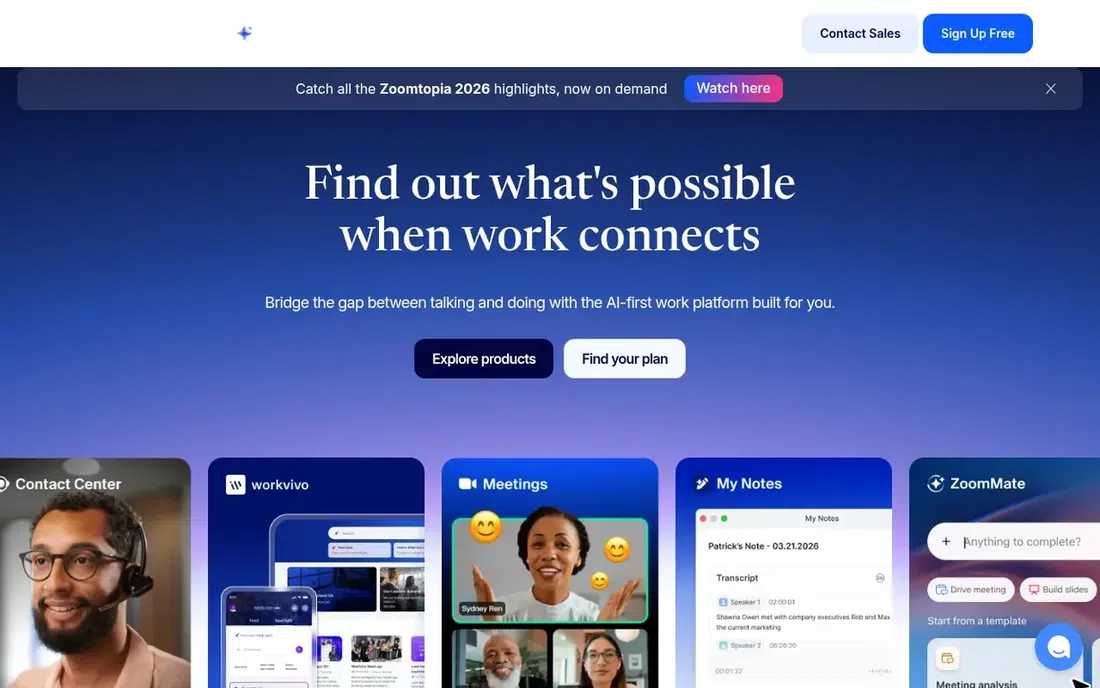
For all-in-one meetings, chat and events, Zoom Video Communications is a natural candidate. Organizations deeply standardized on another collaboration ecosystem may prefer a system already embedded in their existing productivity tools instead of adding a parallel stack.
Downsides: Feature depth varies by module.
Best features of Zoom Video Communications: Bundles chat and whiteboard tools. Since the suite spans plenty of modules, teams should map which capabilities they actually need and confirm how each is administered. Zoom Video Communications shows no starting price here, so confirm the cost on the vendor site. Free options: Not stated.
- Wide collaboration suite in one system
- Phone and events
- Large suite can take time to configure
How we built this list
LinkVetted looked at what each vendor publishes: pricing, plan limits, feature coverage for video platform as a service software for enterprise and stated drawbacks. No hands-on testing is claimed. Where a price is missing, the vendor does not list one publicly or ties it to a quote. Always confirm before budgeting. The order reflects how well each tool fits the most common buying scenario for video platform as a service software for enterprise, then price clarity, then free plan access. It is a starting point, not a verdict.
A buyer's checklist
- Request quotes from Vimeo, Zoom Video Communications and the others; the list shows no fixed prices.
- Read the fine print on the free plans from Vimeo and Cisco Webex; seat, project and feature caps differ.
- Read the limits listed for Vimeo first: not a meeting-first collaboration tool.
- Ask Lifesize which support channels and response times come with the plan you would buy.
- Work out what Cisco Webex costs with your real seat count, add-ons and usage, not just the entry price.
FAQ
Do these tools publish their prices?
No. None of the tools, from Vimeo to Zoom Video Communications, shows a fixed starting price here, so budget time for quotes.
Is Vimeo the right pick for everyone comparing video platform as a service software for enterprise?
No single tool suits every team. Vimeo comes first because it fits hosting and streaming video content, while Microsoft Teams suits organizations standardized on Microsoft 365 and Cisco Webex suits AI-powered collaboration with devices. Match the tool to your own size, budget and workflow before deciding.
Which options for video platform as a service software for enterprise have a free plan?
On this list, Vimeo and Cisco Webex include a free plan. Caps on seats, usage or features are common, so test the free plan against your real workload.
What counts as video system as a service for enterprises?
It usually means cloud-delivered video software handling meetings, webinars, events or hosted video, managed by a vendor instead of hosted on your own infrastructure. Scope varies widely, so define which video workloads you need before comparing vendors.
How are the tools for video platform as a service software for enterprise ordered?
The order follows typical fit for video platform as a service software for enterprise, with Vimeo first and Zoom Video Communications last, then price clarity and free access. It is editorial judgement, not a score, so another team could rank the tools differently.
Sources
- https://vimeo.com
- https://www.microsoft.com/en-us/microsoft-teams/group-chat-software
- https://www.webex.com
- https://www.lifesize.com
- https://www.goto.com/meeting
- https://zoom.us