Best Video Effects Software for Enterprise for 2026: Our 5 Vetted Picks
Best video effects software for enterprise: 5 contenders ranked by fit, with entry costs and free tiers. Verdicts stay brief and factual. Updated for 2026.
- Editor's choiceMaxon Cinema 4D
3D motion design and graphics
Starts atPricing on requestVisit maxon.netFull review - Great alternative
 DaVinci Resolve Studio
All-in-one edit, color and VFX
Starts atPricing on requestVisit blackmagicdesign.comFull review - Also considerBoris FX Sapphire
Plug-in effects and transitions
Starts atPricing on requestVisit borisfx.comFull review
Direct answer
For 3D motion design and graphics, Maxon Cinema 4D is where this list starts. DaVinci Resolve Studio fits all-in-one edit, color and VFX; Boris FX Sapphire fits plug-in effects and transitions. The full list of 5 tools follows, with free plan facts. None of these vendors publish plan prices, so pricing is on request for every option.
TL;DR:
- Maxon Cinema 4D is the opening pick, best for 3D motion design and graphics.
- Maxon Cinema 4D, Autodesk Flame and the 3 others all need a premium plan or a trial, since no free plan is listed.
- Autodesk Flame suits high-end finishing and VFX.
- Pricing across the list, from Maxon Cinema 4D to Autodesk Flame, is by quote only.
- Before buying DaVinci Resolve Studio, weigh this: the breadth of modules can take time to learn.
Last checked November 2026. Pricing on request: vendors did not publish plan prices when this guide was last checked (November 2026), so ask each vendor for a written quote.
Quick comparison
| Tool | Best for | Starts at | Free plan? | |
|---|---|---|---|---|
| Maxon Cinema 4D | 3D motion design and graphics | Pricing on request | Not stated | Visit |
| DaVinci Resolve Studio | All-in-one edit, color and VFX | Pricing on request | Not stated | Visit |
| Boris FX Sapphire | Plug-in effects and transitions | Pricing on request | Not stated | Visit |
 Adobe After Effects | Motion graphics and effects design | Pricing on request | Not stated | Visit |
| Autodesk Flame | High-end finishing and VFX | Pricing on request | Not stated | Visit |
Video Effects Software for Enterprise compared in detail
If you are comparing video effects software for enterprise, this page covers 5 tools in one place: what each is best for, what it costs to start, whether it has a free plan, and the main limit to know about.
Maxon Cinema 4D
Best for: 3D motion design and graphics
Maxon Cinema 4D works best for 3D motion design and graphics. Cinema 4D is a 3D content creation tool, not a video editor or compositor, so it works alongside the other applications here instead of replacing them.
No starting price is listed for Maxon Cinema 4D here; confirm pricing on the vendor site. Free plan details: Not stated.
Limits to weigh: 3D work has a significant ramp-up time.
- Complements 2D effects and compositing tools
- Widely used for 3D motion graphics
- Not a video editor or compositing application
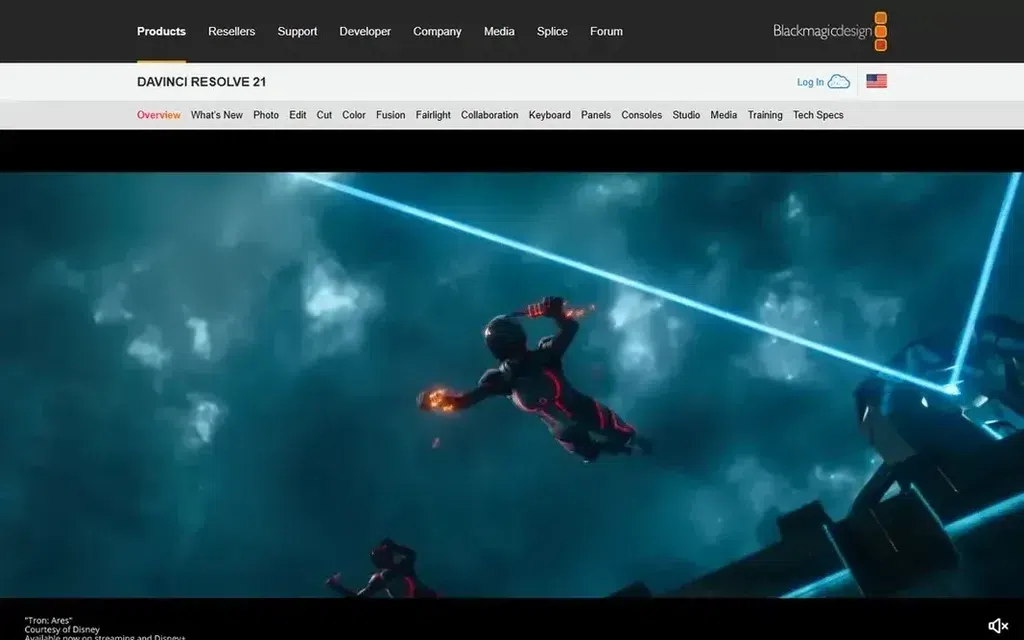
DaVinci Resolve Studio is designed for all-in-one edit, color and VFX. Teams whose effects needs are largely node-based compositing may prefer a specialist tool, whereas those wanting consolidation should weigh Resolve Studio. More specifically, since it runs on Mac, Windows and Linux, it can fit enterprises with mixed workstation fleets.
It provides teams one environment for finishing work that would otherwise be split across multiple tools. More specifically, the single-application approach means a broad surface area to learn, and dedicated compositing packages still go deeper for complicated shot work. No starting price is listed for DaVinci Resolve Studio here; confirm pricing on the vendor site. As for free access: Not stated.
Points against: The breadth of modules can take time to learn.
- Windows and Linux
- Available for Mac
- Very effects-heavy work may still need dedicated compositing
Boris FX Sapphire
Best for: Plug-in effects and transitions
Boris FX Sapphire is built with plug-in effects and transitions in mind. Boris FX Sapphire is a plug-in suite of visual effects and transitions for broadcast, multimedia, motion graphics and VFX work, with plugins for Adobe hosts among others.
Watch-outs: Needs a compatible host application.
Also, teams starting from scratch, or needing full 3D motion design, should pair it with a host tool or consider a complete application instead. Also, Sapphire depends on a host application, so it complements instead of replaces editing, compositing or finishing software. This comparison lists no price for Boris FX Sapphire; ask the vendor. Free plan details: Not stated.
Upsides: Spans broadcast.
- Multimedia and motion graphics
- Works inside host editing and compositing tools
- Brings effects instead of replacing editing or compositing
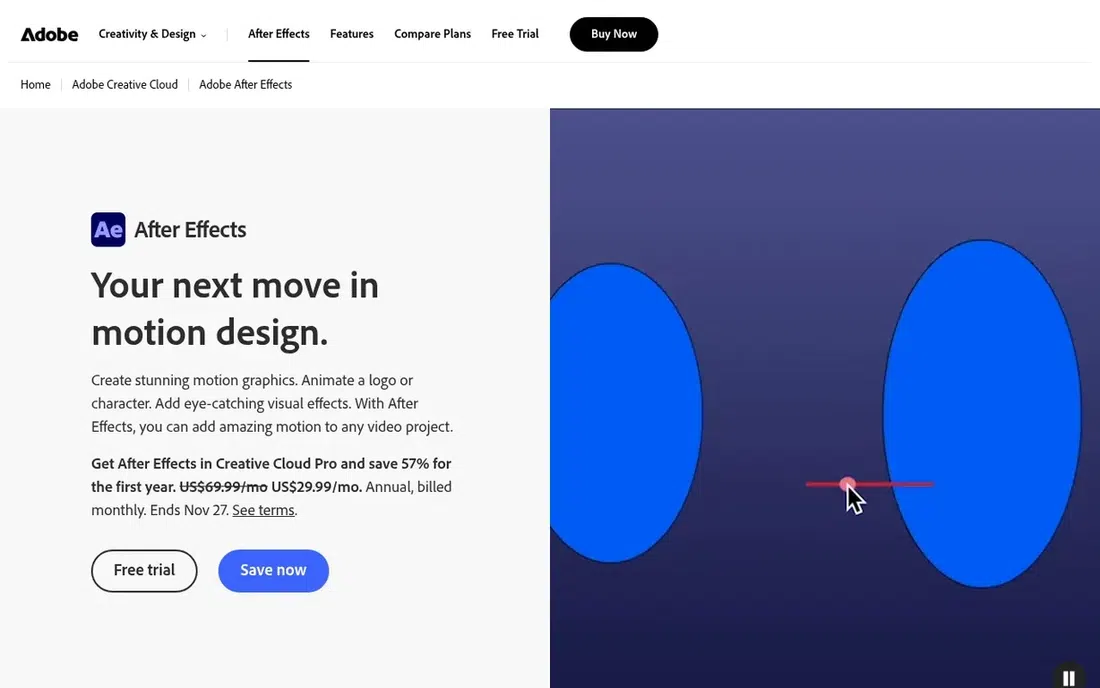
Adobe After Effects makes the most sense for motion graphics and effects design. For heavy compositing pipelines or single-application editing, color and effects, other choices in this list may fit better.
What users get: Industry-standard motion graphics toolset.
Check the vendor site for Adobe After Effects pricing; none is listed in this comparison. Free options: Not stated. What to check first: Effects-heavy projects can demand feature-rich hardware.
- Video and web
- Capable fit for broadcast and brand work
- Not a full editing or finishing suite on its own
Autodesk Flame
Best for: High-end finishing and VFX
Autodesk Flame is built with high-end finishing and VFX in mind. It suits enterprise post facilities and in-house finishing teams that need a dedicated environment for finalizing complicated shots and sequences, and Autodesk notes it can be purchased through the official store or a reseller.
Where it is weaker: Targeted at specialist finishing artists.
Flame is a specialist finishing tool, so routine editing, motion graphics and template-driven effects work is normally handled in other applications. No starting price is listed for Autodesk Flame here; confirm pricing on the vendor site. Free options: Not stated.
- Targets high-grade film and TV work
- Available through Autodesk store or resellers
- Not intended for routine editorial tasks
How we compared the tools
What to confirm before you sign up
- Request quotes from Maxon Cinema 4D, Autodesk Flame and the others; the list shows no fixed prices.
- Before choosing Maxon Cinema 4D, weigh its main limit: 3D work has a significant ramp-up time.
- Test the integrations you rely on with DaVinci Resolve Studio before committing; some connectors sit on upper tiers.
- Look at which plan of Boris FX Sapphire unlocks the features you need; entry tiers are often cut down.
- Check the support hours and onboarding help Adobe After Effects offers; smaller vendors vary a lot here.
FAQ
What should enterprises check before choosing effects software?
Confirm operating system and host compatibility, hardware requirements, licensing terms for bigger teams and how the tool suits your existing pipeline. Running a representative project through each candidate is the most steady way to compare fit.
How are the tools for video effects software for enterprise ordered?
Maxon Cinema 4D sits first and Autodesk Flame last because the order follows typical fit for video effects software for enterprise, then price clarity and free access. It is a judgement call, so read each profile for fit and limits.
Do these tools publish their prices?
No. None of the tools, from Maxon Cinema 4D to Autodesk Flame, shows a fixed starting price here, so budget time for quotes.
Does any tool for video effects software for enterprise here have a free plan?
No tool in this list, Maxon Cinema 4D and Autodesk Flame included, has a permanent free plan. Trials and quotes are the usual route, so plan a short evaluation period.
Do plug-ins like Boris FX Sapphire replace editing software?
No. Sapphire is a plug-in suite that extends host applications with effects and transitions. So it works alongside editing and compositing tools instead of replacing them. Enterprises should confirm host compatibility before standardizing on it.
Can I try these tools before paying?
Not by default. None of the tools, from Maxon Cinema 4D to Autodesk Flame, lists a free plan or a free trial here, so ask each vendor for a demo before committing.
Sources
- https://www.maxon.net/en/cinema-4d
- https://www.blackmagicdesign.com/products/davinciresolve
- https://borisfx.com/products/sapphire
- https://www.adobe.com/products/aftereffects.html
- https://www.autodesk.com/products/flame/overview