Video Effects Software in 2026: The 5 Best Options Side by Side
Need the best video effects software? We compare 5 tools on cost, free access and who each suits. The weak spots sit next to the strengths. Prices checked.
- Editor's choiceNuke
Node-based compositing for film and TV
Starts atPricing on requestVisit foundry.comFull review - Great alternative
 DaVinci Resolve
All-in-one editing, color and VFX
Starts atPricing on requestVisit blackmagicdesign.comFull review - Also consider
 Adobe Premiere Pro
Editing with effects built in
Starts atPricing on requestVisit adobe.comFull review
Direct answer
For node-based compositing for film and TV, Nuke is where this list starts. For a different need, DaVinci Resolve covers all-in-one editing, color and VFX and Adobe Premiere Pro covers editing with effects built in. The full list of 5 tools follows, with free plan facts. None of these vendors publish plan prices, so pricing is on request for every option.
TL;DR:
- Number one here is Nuke, a fit for node-based compositing for film and TV.
- A permanent free plan is missing from all 5 tools, Nuke and Adobe After Effects included; plan for a trial or a premium start.
- Check the limits for DaVinci Resolve before you commit: plenty of pages means a broader ramp-up time.
- Nuke, Adobe After Effects and the 3 others all sell by quote; expect sales conversations before you see a price.
- Adobe After Effects suits motion graphics and layered effects.
Last checked November 2026. Pricing on request: vendors did not publish plan prices when this guide was last checked (November 2026), so ask each vendor for a written quote.
Quick comparison
| Tool | Best for | Starts at | Free plan? | |
|---|---|---|---|---|
| Nuke | Node-based compositing for film and TV | Pricing on request | Not stated | Visit |
| DaVinci Resolve | All-in-one editing, color and VFX | Pricing on request | Not stated | Visit |
| Adobe Premiere Pro | Editing with effects built in | Pricing on request | Not stated | Visit |
 Final Cut Pro | Mac and iPad editors | Pricing on request | Not stated | Visit |
 Adobe After Effects | Motion graphics and layered effects | Pricing on request | Not stated | Visit |
Video Effects Software, one by one
If you are comparing video effects software, this page covers 5 tools in one place: what each is best for, what it costs to start, whether it has a free plan, and the main limit to know about.
Nuke
Best for: Node-based compositing for film and TV
Pick Nuke if this describes you: node-based compositing for film and TV. If you need straightforward effects inside an editor, a timeline-based application will be quicker to adopt.
Watch-outs: Steep ramp-up time.
Nuke shows no starting price here, so confirm the cost on the vendor site. Free access: Not stated.
- Aimed at film and TV production
- Aims at pixel-perfect results
- Overkill for straightforward edits
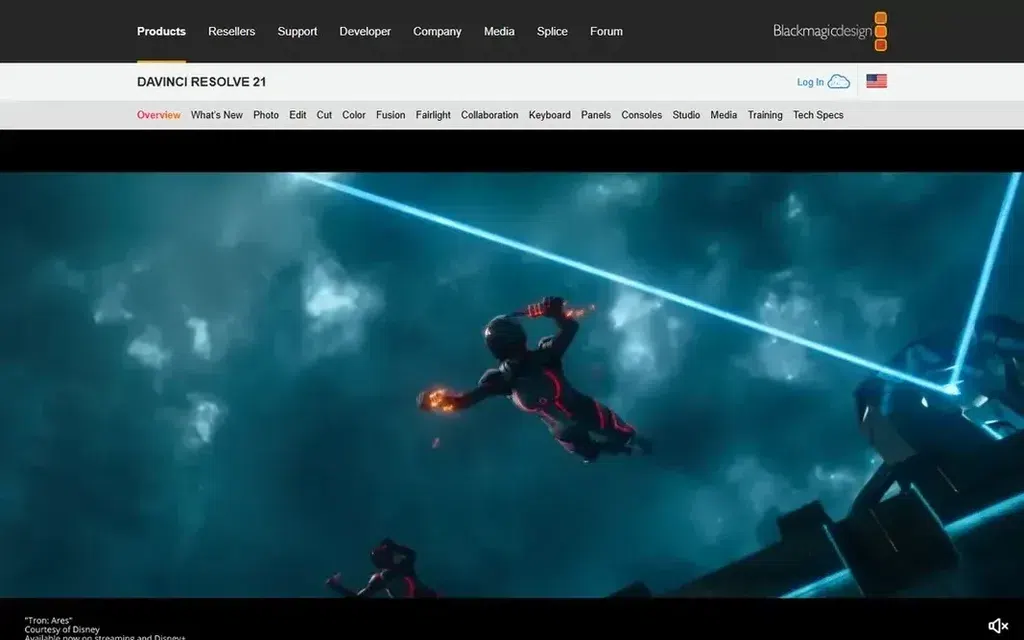
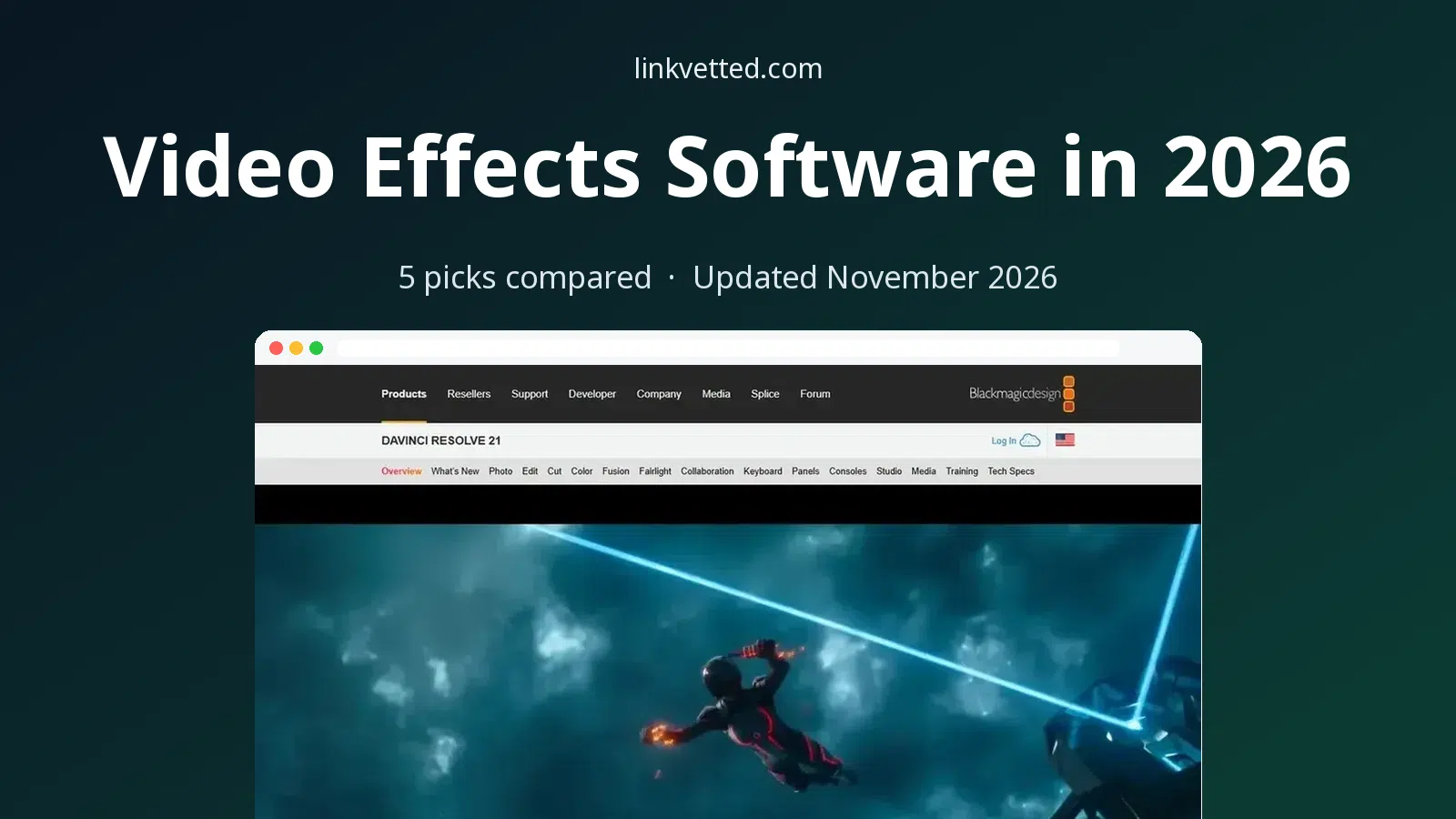
DaVinci Resolve is aimed squarely at all-in-one editing, color and VFX. DaVinci Resolve bundles professional video editing, color correction, visual effects and audio post production into a single application, based on its vendor. It runs on Mac, Windows and Linux and comes in free and premium versions.
Main advantages: VFX and audio in one app.
Honest limits: Plenty of pages means a broader ramp-up time. That makes it a solid fit for editors who want color and effects in the same place as the cut instead of moving between separate tools. If you only need a focused motion graphics or compositing tool, a dedicated application may be more straightforward, but Resolve rewards those who want one environment. Check the vendor site for DaVinci Resolve pricing; none is listed in this comparison. Free options: Not stated.
- Editing, color
- Free and premium versions offered
- Effects work is tied to its own workflow
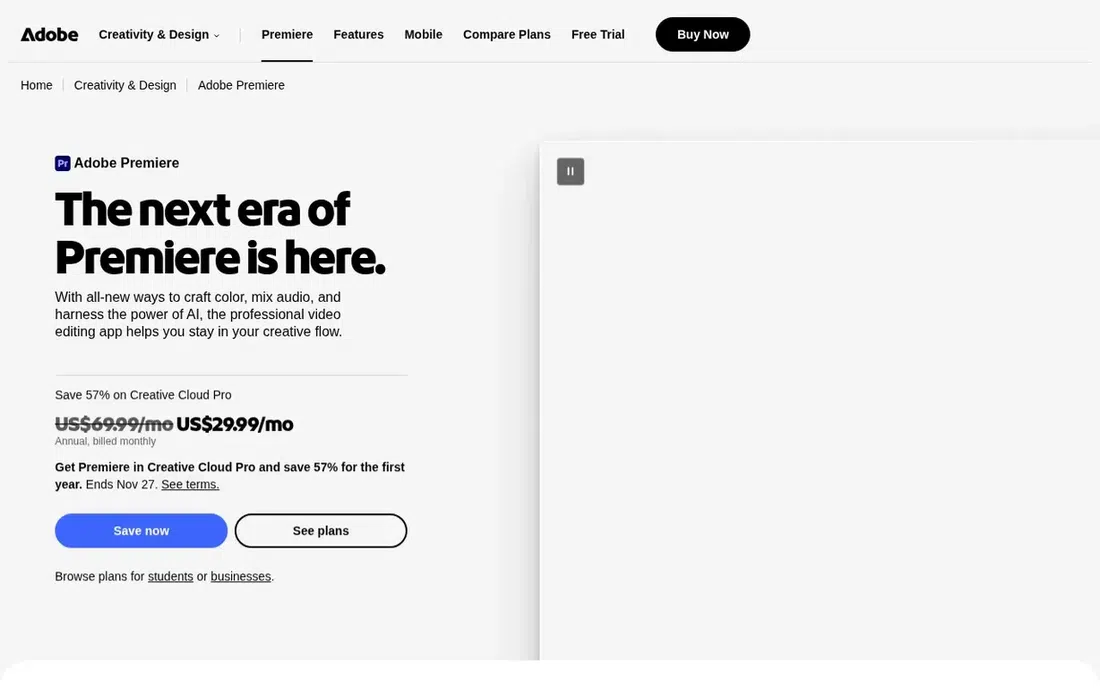
Adobe Premiere Pro works best for editing with effects built in. For complicated compositing and in-depth motion graphics, Premiere Pro is normally paired with After Effects instead of used alone. The vendor positions it as a complete postproduction environment for professional work.
Upsides: Extends into related Adobe workflows.
For everyday use, if your work is largely heavy effects and animation, start with a dedicated effects tool and add an editor only when you need one. Worth adding: Adobe Premiere Pro is professional video editing and postproduction software, with tools to edit and trim video, add effects, mix audio and extend video. Adobe Premiere Pro shows no starting price here, so confirm the cost on the vendor site. As for free access: Not stated. Points against: Project complexity can slow performance.
- Editing
- Trimming and effects in one tool
- Effects depth is below dedicated compositors
Final Cut Pro is aimed squarely at Mac and iPad editors. Editors who require cross-platform collaboration or node-based compositing should look at DaVinci Resolve or Nuke instead.
What to check first: Restricted to Apple products.
Since it is tied to Apple products, Windows and Linux users cannot adopt it. No starting price is listed for Final Cut Pro here; confirm pricing on the vendor site. As for free access: Not stated.
- Aims to make pro editing approachable
- Contains intelligent editing features
- Effects depend on its own ecosystem
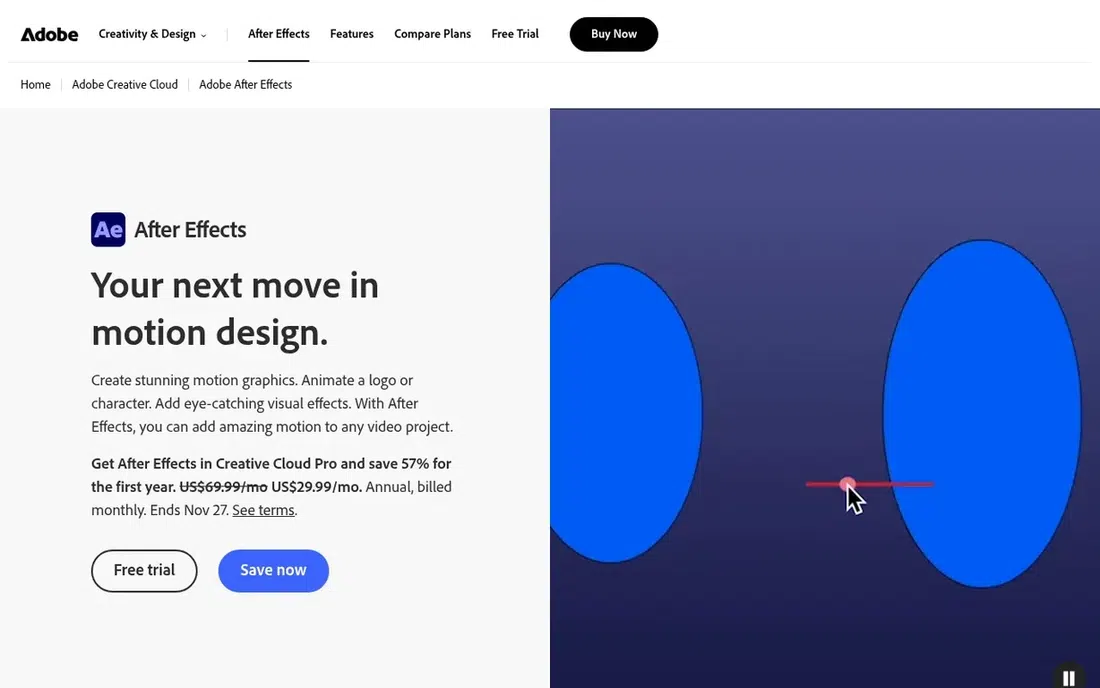
Adobe After Effects was built for motion graphics and layered effects. It is made for design work across film, TV, video and web.
Drawbacks to consider: Demanding on system resources.
In daily use, the layer-based approach can feel complicated for straightforward edits, and effects-heavy projects place real demands on hardware. Adobe After Effects shows no starting price here, so confirm the cost on the vendor site. Trial and free access: Not stated.
- Solid motion graphics toolset
- Works alongside other Adobe editing tools
- Layer-based compositing has a learning curve
How these tools were picked
LinkVetted looked at what each vendor publishes: pricing, plan limits, feature coverage for video effects software and stated drawbacks. No hands-on testing is claimed. Seat minimums, billing terms and add-ons can move the real cost, so the starting prices here are a guide and not a quote. Tools are placed by general fit for video effects software, with price clarity and free access as tie-breakers. A different team can reasonably rank them differently.
Questions to settle before buying
- Confirm the entry price with every vendor: no tool from Nuke to Adobe After Effects shows a fixed starting price.
- Read the limits listed for Nuke first: steep ramp-up time.
- Read the plan comparison for Nuke carefully; key features often start on a higher tier.
- See whether Final Cut Pro offers onboarding or training, and whether it is included in the price.
- Verify that exporting from DaVinci Resolve is possible on your plan and covers all your records.
FAQ
Is Nuke the right pick for everyone comparing video effects software?
No single tool suits every team. Nuke comes first because it fits node-based compositing for film and TV, while DaVinci Resolve suits all-in-one editing, color and VFX and Adobe Premiere Pro suits editing with effects built in. Match the tool to your own size, budget and workflow before deciding.
Can I try these options before paying?
Not by default. None of the tools, from Nuke to Adobe After Effects, lists a free plan or a free trial here, so ask each vendor for a demo before committing.
Does any tool for video effects software here have a free plan?
A permanent free plan is not offered by Nuke, Adobe After Effects or the other tools here. Plan a short evaluation period instead.
Which tool fits node-based compositing?
Nuke is built around node-based compositing for film and TV work, which hands shot-level control. Editors who prefer timelines may find DaVinci Resolve or After Effects more familiar, so match the workflow to your team.
How are the tools for video effects software ordered?
The order follows typical fit for video effects software, with Nuke first and Adobe After Effects last, then price clarity and free access. It is editorial judgement, not a score, so another team could rank the tools differently.
Sources
- https://www.foundry.com/products/nuke-family/nuke
- https://www.blackmagicdesign.com/products/davinciresolve
- https://www.adobe.com/products/premiere.html
- https://www.apple.com/final-cut-pro
- https://www.adobe.com/products/aftereffects.html