Topaz Video Alternatives in 2026: 5 Options Vetted
Topaz Video alternatives in 2026: 5 tools with starting prices, free plans and limits. Hidden costs and gaps are flagged. A comparison table is included.
- Editor's choice
 DaVinci Resolve
Color, effects, and audio in one app
Starts atPricing on requestVisit blackmagicdesign.comFull review - Great alternative
 Vegas Pro
Windows editing with AI tools
Starts atPricing on requestVisit vegascreativesoftware.comFull review - Also consider
 CapCut
Fast social media video edits
Starts atPricing on requestVisit capcut.comFull review
Direct answer
DaVinci Resolve is the first pick on this list for color, effects, and audio in one app. Vegas Pro is the stronger choice for Windows editing with AI tools, while CapCut suits fast social media video edits. The full list of 5 tools follows, with free plan facts. None of these vendors publish plan prices, so pricing is on request for every option.
TL;DR:
- Number one here is DaVinci Resolve, a fit for color, effects, and audio in one app.
- Filmora is the one to check for accessible AI-assisted editing.
- Before buying CapCut, weigh this: less suited to complicated postproduction.
- No starting price is shown for any of the 5 tools, DaVinci Resolve and Filmora included, so plan time for sales calls.
- CapCut is the only tool of the 5 with a free plan.
Last checked November 2026. Pricing on request: vendors did not publish plan prices when this guide was last checked (November 2026), so ask each vendor for a written quote.
Quick comparison
| Tool | Best for | Starts at | Free plan? | |
|---|---|---|---|---|
| DaVinci Resolve | Color, effects, and audio in one app | Pricing on request | Not stated | Visit |
| Vegas Pro | Windows editing with AI tools | Pricing on request | Not stated | Visit |
| CapCut | Fast social media video edits | Pricing on request | Yes | Visit |
 Adobe Premiere Pro | Professional editing and postproduction | Pricing on request | Not stated | Visit |
 Filmora | Accessible AI-assisted editing | Pricing on request | Not stated | Visit |
Topaz Video, one by one
Choosing Topaz Video usually comes down to price, fit and limits. This LinkVetted guide sets 5 tools side by side on those three points, with the facts kept short and checkable.
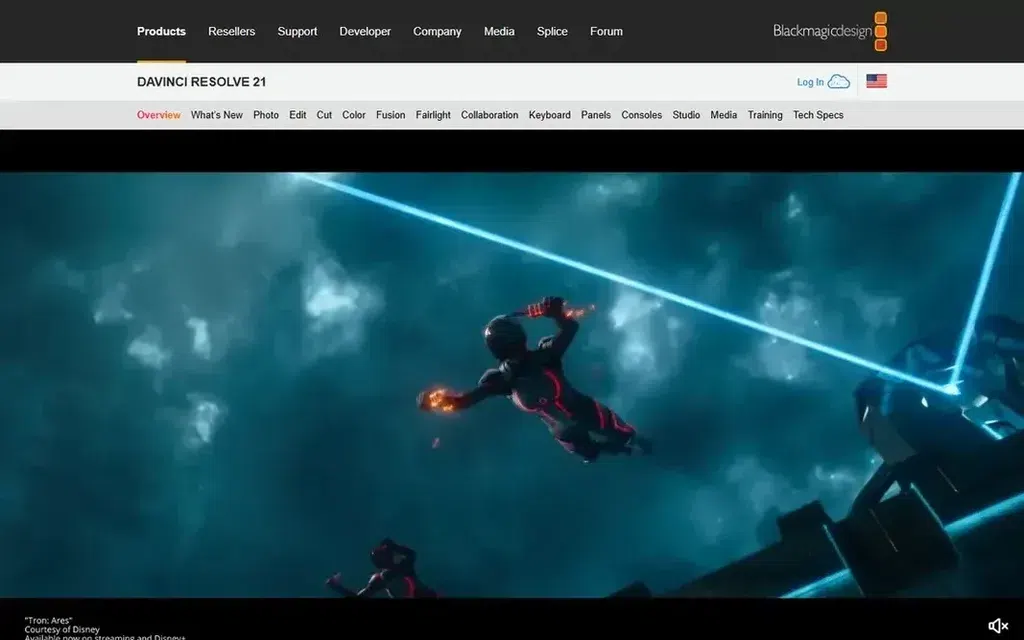
DaVinci Resolve is designed for color, effects, and audio in one app. DaVinci Resolve merges professional video editing, color correction, visual effects, and audio postproduction in a single application. It is available for Mac, Windows, and Linux, with free and premium versions.
Upsides: Free and premium versions offered.
Points against: Deep feature set can overwhelm beginners. The depth of its color and effects tools can be overwhelming for newcomers, and the application benefits from capable hardware. If you need a more straightforward timeline for short social videos, CapCut or Filmora may be simpler to start with. Pricing for DaVinci Resolve is not stated here, so ask the vendor for current figures. Free access: Not stated.
- Available for Mac, Windows, Linux
- Audio together
- Needs capable hardware
In short, Vegas Pro is for Windows editing with AI tools. Advanced color and VFX features may involve a ramp-up time.
More specifically, if you need cross-platform adaptability, DaVinci Resolve is a more solid alternative. No starting price is listed for Vegas Pro here; confirm pricing on the vendor site. Trial and free access: Not stated.
What to check first: Windows only.
- AI tools and color grading
- Windows-focused workflow
- Ramp-up time for advanced features
In short, CapCut is for fast social media video edits. CapCut is an AI-powered video editor for creating YouTube and Instagram videos, with smart templates and creative effects.
Upsides: AI-powered editing tools.
CapCut is less suited to complicated postproduction work for example advanced color grading or multi-layer compositing. Pricing for CapCut is not stated here, so ask the vendor for current figures. Free access exists with CapCut.
Points against: Feature depth varies by product.
- Desktop, mobile
- Smart templates and creative effects
- Less suited to complicated postproduction
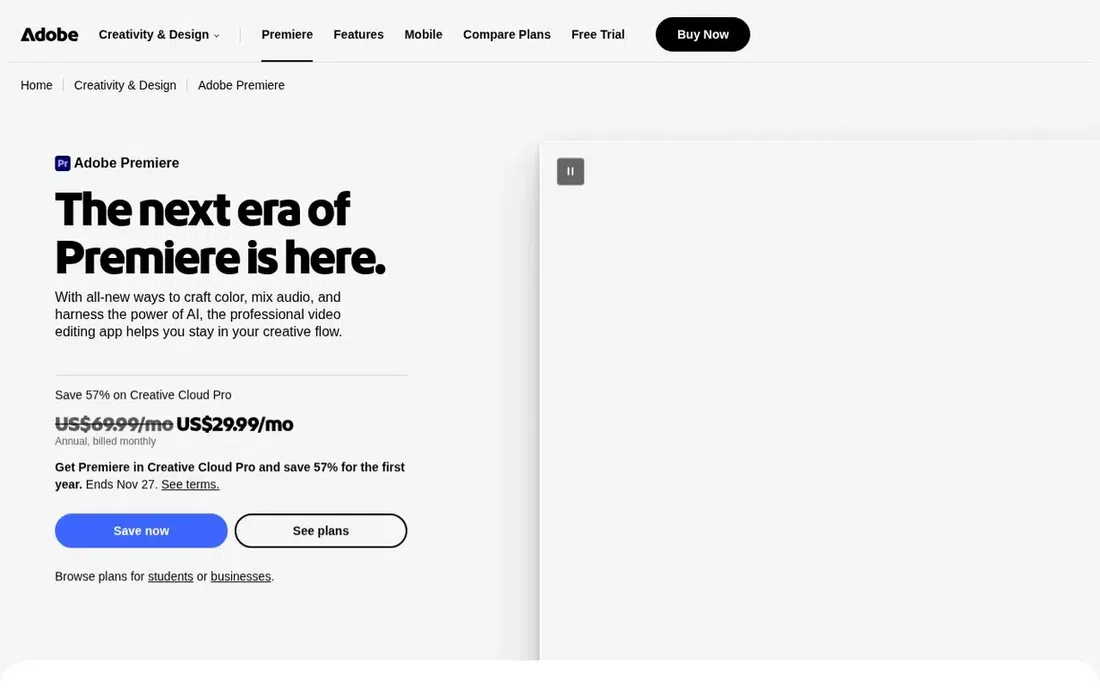
Adobe Premiere Pro targets professional editing and postproduction. Premiere Pro is subscription-based, so it may not suit occasional editors who prefer a one-time purchase. It can also be demanding on older hardware.
As for the details, the homepage flags editing, effects, and audio work as core strengths. In daily use, Adobe Premiere Pro is professional video editing and postproduction software for trimming, adding effects, mixing audio, and extending video. Adobe Premiere Pro shows no starting price here, so confirm the cost on the vendor site. Free plan details: Not stated.
Where it is weaker: Subscription-based access.
- Integrates into professional workflows
- Wide editing and effects toolset
- Can be demanding on hardware
Choose Filmora for accessible AI-assisted editing. It supplies easy-to-learn timeline tools along with AI features, effects, captions, and audio tools. On top of that, if your projects demand deeper postproduction control, Adobe Premiere Pro or DaVinci Resolve may be more appropriate.
The main drawbacks: Some features may need learning.
Filmora is not pitched at high-end finishing work like advanced color grading or complicated visual effects. Beyond that, some AI features may also need time to learn. This comparison lists no price for Filmora; ask the vendor. Free options: Not stated.
- Easy-to-learn timeline tools
- AI features, effects, captions
- Not geared toward high-end finishing
How we compared the tools
Selection started from tools commonly considered for Topaz Video, then narrowed to 5 that have clear pricing information or a clear quote process. Plan names, prices and limits change often. Treat the figures here as a starting point and verify them with the vendor. The ranking is editorial: typical fit first, then clear pricing, then free access. If your needs are unusual, read the profiles rather than relying on position.
A buyer's checklist
- Request quotes from DaVinci Resolve, Filmora and the others; the list shows no fixed prices.
- Test the free plan from CapCut against your real workload before relying on it.
- Before choosing DaVinci Resolve, weigh its main limit: deep feature set can overwhelm beginners.
- Test how quickly Filmora answers a pre-sales question; it hints at how support will feel later.
- Confirm minimum seats and billing terms with CapCut before you commit to an annual plan.
FAQ
Do these editors contain AI features?
Multiple do: CapCut, Filmora, and Vegas Pro highlight AI tools on their vendor pages. Beyond that, check each vendor's current feature list to confirm the AI capabilities you need.
Do these tools publish their prices?
No. None of the tools, from DaVinci Resolve to Filmora, shows a fixed starting price here, so budget time for quotes. Prices, free plan details and limits for all 5 tools in this Topaz Video alternatives roundup sit on the individual cards above.
How are the tools for Topaz Video ordered?
DaVinci Resolve sits first and Filmora last because the order follows typical fit for Topaz Video, then price clarity and free access. It is a judgement call, so read each profile for fit and limits.
Can I try these tools before paying?
Often, yes. CapCut has a free plan. Use your own data and a real task during the test, and check what the free tier or trial limits before you rely on it. Each of the 5 options in this Topaz Video alternatives guide has its own card above with the price, free plan and limits.
Are there more straightforward choices for social media videos?
CapCut is built for YouTube and Instagram videos with AI-powered tools, smart templates, and creative effects across desktop, mobile, and online. As for the details, Filmora also provides an accessible timeline with AI features and captions. These are better suited to fast edits than complicated postproduction.
What is the best Topaz Video alternative for professional editing?
Start with DaVinci Resolve if you need color, effects, and audio in one app. Vegas Pro is the better match for Windows editing with AI tools, and CapCut for fast social media video edits. The best choice depends on budget, team size and workflow.
Sources
- https://www.blackmagicdesign.com/products/davinciresolve
- https://www.vegascreativesoftware.com/us/vegas-pro
- https://www.capcut.com
- https://www.adobe.com/products/premiere.html
- https://filmora.wondershare.com