Video Software in 2026: The 5 Best Options Side by Side
5 products for the best video software, ranked by fit, with starting costs and free tiers. Clear notes on pricing gaps and limits. Refreshed for 2026.
- Editor's choice
 Final Cut Pro
Mac and iPad editors
Starts atPricing on requestVisit apple.comFull review - Great alternative
 CapCut
Social media and AI-powered editing
Starts atPricing on requestVisit capcut.comFull review - Also consider
 Adobe After Effects
Motion graphics and visual effects
Starts atPricing on requestVisit adobe.comFull review
Direct answer
Final Cut Pro comes first here, mainly for Mac and iPad editors. If your case is different, CapCut suits social media and AI-powered editing and Adobe After Effects suits motion graphics and visual effects. All 5 tools are compared below on fit, free plan and limits. None of these vendors publish plan prices, so pricing is on request for every option.
TL;DR:
- Top of the list is Final Cut Pro, which targets Mac and iPad editors.
- Pricing across the list, from Final Cut Pro to Adobe Premiere Pro, is by quote only.
- Adobe Premiere Pro suits professional editing and postproduction.
- Just one of the 5 tools, CapCut, has a free plan.
- Before buying Adobe After Effects, weigh this: not a full video editor.
Last checked November 2026. Pricing on request: vendors did not publish plan prices when this guide was last checked (November 2026), so ask each vendor for a written quote.
Quick comparison
| Tool | Best for | Starts at | Free plan? | |
|---|---|---|---|---|
| Final Cut Pro | Mac and iPad editors | Pricing on request | Not stated | Visit |
| CapCut | Social media and AI-powered editing | Pricing on request | Yes | Visit |
| Adobe After Effects | Motion graphics and visual effects | Pricing on request | Not stated | Visit |
 DaVinci Resolve | All-in-one editing and color grading | Pricing on request | Not stated | Visit |
 Adobe Premiere Pro | Professional editing and postproduction | Pricing on request | Not stated | Visit |
5 options for video software Options in detail
Short on time? The summary and table above give the quick view of 5 tools for video software, and the profiles that follow give the detail behind each entry.
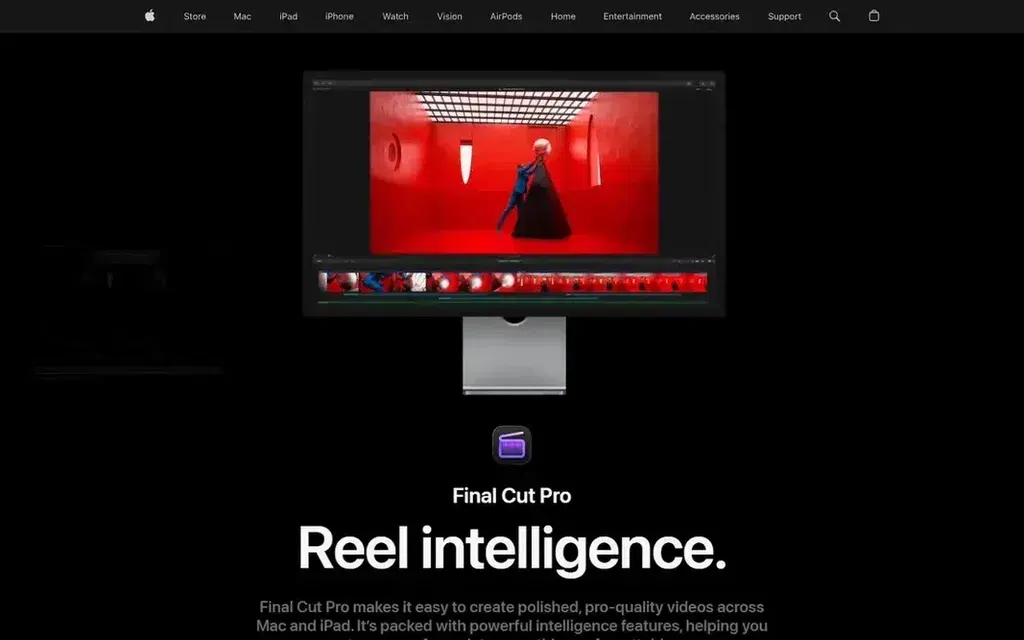
For Mac and iPad editors, Final Cut Pro is a natural candidate. It is built for editors who work within the Apple ecosystem and value performance and integration.
What to check first: Only available on Apple products.
Final Cut Pro is exclusive to Apple devices, so Windows and Linux users cannot use it. Final Cut Pro shows no starting price here, so confirm the cost on the vendor site. Free plan details: Not stated.
- Optimized for Mac and iPad
- Capable intelligence features
- One-time purchase may be high for some
CapCut is aimed squarely at social media and AI-powered editing. The software fits beginners and influencers looking for efficient editing.
From a buyer's view, if you need more control and professional tools, consider Adobe Premiere Pro or DaVinci Resolve. Check the vendor site for CapCut pricing; none is listed in this comparison. CapCut has a free plan.
Points against: Primarily geared toward short-form content.
- Smart templates for fast creation
- Available on desktop, mobile, online
- Restricted advanced features
Choose Adobe After Effects for motion graphics and visual effects. If you need an all-in-one editor with built-in motion graphics, DaVinci Resolve provides Fusion for VFX. Also, After Effects is not intended for full-length video editing and fits best alongside an editor like Premiere Pro.
It also needs a subscription and a capable system. Adobe After Effects is motion graphics software that permits you to design for film, TV, video, and web. No starting price is listed for Adobe After Effects here; confirm pricing on the vendor site. Free options: Not stated.
Drawbacks to consider: Not a full video editor.
- Industry-standard motion graphics tools
- Deep effects and animation capabilities
- Subscription required
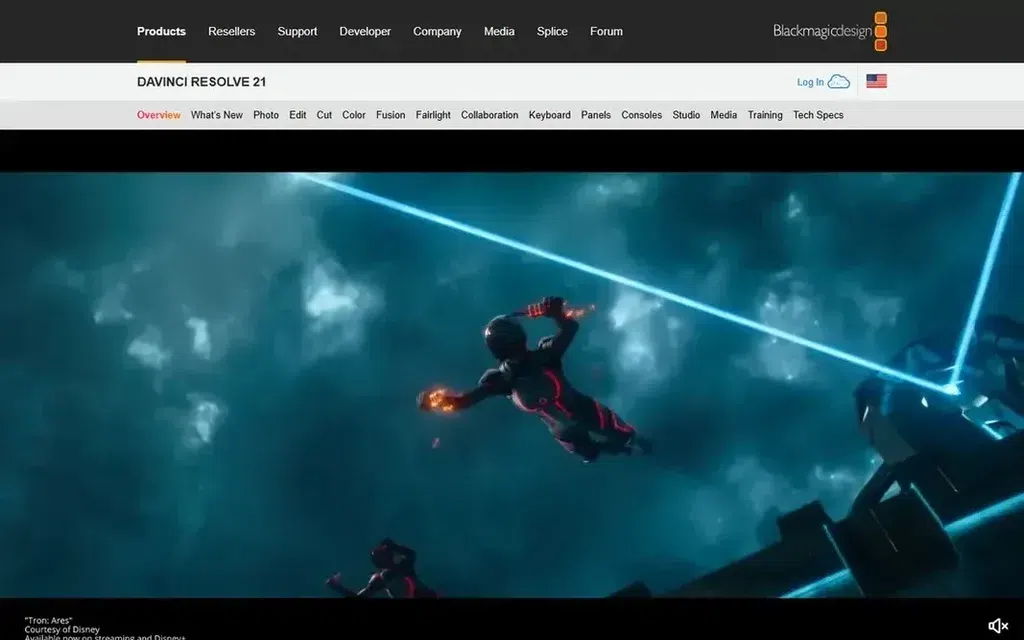
Pick DaVinci Resolve if this describes you: all-in-one editing and color grading. DaVinci Resolve merges professional video editing, color correction, visual effects, and audio postproduction in a single application.
Where it is weaker: Steep ramp-up time.
From a buyer's view, if you need a more straightforward interface or are deeply integrated into the Apple ecosystem, Final Cut Pro might be a better fit. Check the vendor site for DaVinci Resolve pricing; none is listed in this comparison. Free plan details: Not stated.
- Integrated editing, color, VFX, audio
- Available for Mac, Windows, Linux
- Needs capable hardware for optimal performance
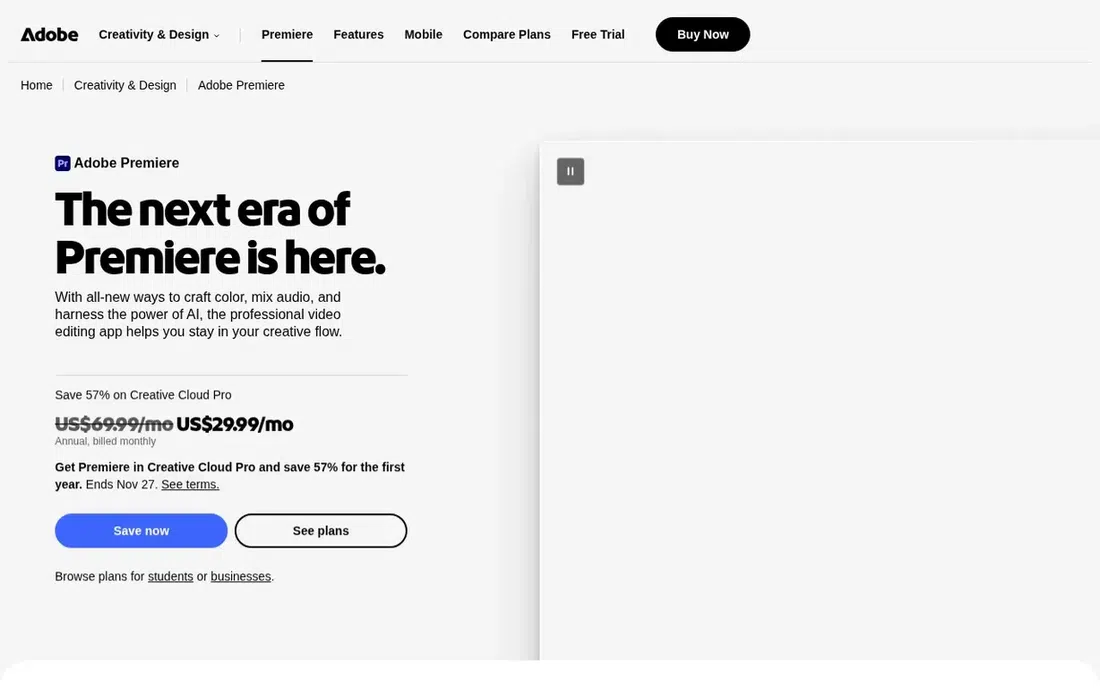
Choose Adobe Premiere Pro for professional editing and postproduction. The software suits professionals and serious hobbyists who need a full-featured editing suite.
In practice, if you prefer a one-time purchase or need advanced color grading, consider DaVinci Resolve or Final Cut Pro as alternatives. This comparison lists no price for Adobe Premiere Pro; ask the vendor. As for free access: Not stated.
Where it falls short: Needs capable hardware.
- Links up with other Adobe apps
- Advanced effects and audio mixing
- Subscription-based pricing
Selection criteria
LinkVetted used vendor pricing pages and product documentation as the base, then compared plans, free access and documented limits for 5 tools. Figures are shown as the vendors publish them. Billing terms, seat minimums and add-ons can change the real cost. Tools are placed by general fit for video software, with price clarity and free access as tie-breakers. A different team can reasonably rank them differently.
Before you commit
- Confirm the entry price with every vendor: no tool from Final Cut Pro to Adobe Premiere Pro shows a fixed starting price.
- Test the free plan from CapCut against your real workload before relying on it.
- Read the limits listed for Final Cut Pro first: only available on Apple systems.
- Ask Adobe After Effects about contract length, onboarding fees and user minimums before you sign.
- Work out what CapCut costs with your real seat count, add-ons and usage, not just the entry price.
FAQ
Which video editor is a good match for professional color grading?
Start with Final Cut Pro if you need Mac and iPad editors. CapCut is the better match for social media and AI-powered editing, and Adobe After Effects for motion graphics and visual effects. The best choice depends on budget, team size and workflow.
Is Final Cut Pro the right pick for everyone comparing video software?
No single tool suits every team. Final Cut Pro comes first because it fits Mac and iPad editors, while CapCut suits social media and AI-powered editing and Adobe After Effects suits motion graphics and visual effects. Match the tool to your own size, budget and workflow before deciding.
Can I try these options before paying?
Often, yes. CapCut has a free plan. Use your own data and a real task during the test, and check what the free tier or trial limits before you rely on it. For the full picture, the cards above cover all 5 entries of this video software list, including price, free plan and limits.
What is the best video editing software for beginners?
For most readers this guide would start with Final Cut Pro, built for Mac and iPad editors. CapCut is the alternative for social media and AI-powered editing, and Adobe After Effects for motion graphics and visual effects. The right answer depends on budget and workflow.
Do these tools publish their prices?
No. None of the tools, from Final Cut Pro to Adobe Premiere Pro, shows a fixed starting price here, so budget time for quotes. Prices, free plan details and limits for all 5 tools in this video software roundup sit on the individual cards above.
Do I need a feature-rich computer for video editing?
Yes, professional video editing software like Adobe Premiere Pro and DaVinci Resolve need capable hardware for smooth performance. Lighter editors like CapCut may run on less capable systems.
Sources
- https://www.apple.com/final-cut-pro
- https://www.capcut.com
- https://www.adobe.com/products/aftereffects.html
- https://www.blackmagicdesign.com/products/davinciresolve
- https://www.adobe.com/products/premiere.html