Top 5 Video Content Creation Software for Enterprise for 2026 (Prices and Free Plans)
Best video content creation software for enterprise in 2026: 5 tools with starting prices, free plans and limits. Honest caveats for every entry. Choose faster.
- Editor's choice
 Frame.io
Review and approval workflows
Starts atPricing on requestVisit frame.ioFull review - Great alternative
 DaVinci Resolve Studio
All-in-one edit, color and audio
Starts atPricing on requestVisit blackmagicdesign.comFull review - Also consider
 Avid Media Composer
Film and TV postproduction workflows
Starts atPricing on requestVisit avid.comFull review
Direct answer
Frame.io comes first here, mainly for review and approval workflows. For a different need, DaVinci Resolve Studio covers all-in-one edit, color and audio and Avid Media Composer covers film and TV postproduction workflows. The remaining 2 options are covered below with pricing notes and limits. None of these vendors publish plan prices, so pricing is on request for every option.
TL;DR:
- Frame.io is the opening pick, best for review and approval workflows.
- Every tool from Frame.io to Vimeo works by quote, with no list price shown.
- The main caution on Avid Media Composer: workflow can feel complicated.
- Just one of the 5 tools, Vimeo, has a free plan.
Last checked November 2026. Pricing on request: vendors did not publish plan prices when this guide was last checked (November 2026), so ask each vendor for a written quote.
Quick comparison
| Tool | Best for | Starts at | Free plan? | |
|---|---|---|---|---|
| Frame.io | Review and approval workflows | Pricing on request | Not stated | Visit |
| DaVinci Resolve Studio | All-in-one edit, color and audio | Pricing on request | Not stated | Visit |
| Avid Media Composer | Film and TV postproduction workflows | Pricing on request | Not stated | Visit |
 Adobe Premiere Pro | Professional editing and postproduction | Pricing on request | Not stated | Visit |
 Vimeo | Hosting and sharing finished video | Pricing on request | Yes | Visit |
5 options for video content creation software for enterprise in detail
Short on time? The summary and table above give the quick view of 5 tools for video content creation software for enterprise, and the profiles that follow give the detail behind each entry.
Frame.io targets review and approval workflows. Frame.io centralizes files, feedback and people on one secure product so teams can deliver creative work quicker. For hosting finished videos publicly, Vimeo handles distribution.
Where it shines: feedback and people; Secure product for creative delivery.
Watch-outs: Not a video editor. Worth adding: the homepage emphasizes secure collaboration, making it a natural companion to editing software in bigger organizations. Beyond that, teams looking for a single application for editing and review may find the split workflow brings steps. Pricing for Frame.io is not stated here, so ask the vendor for current figures. As for free access: Not stated.
- Centralizes files
- Accelerates creative review
- Needs integration with editing tools
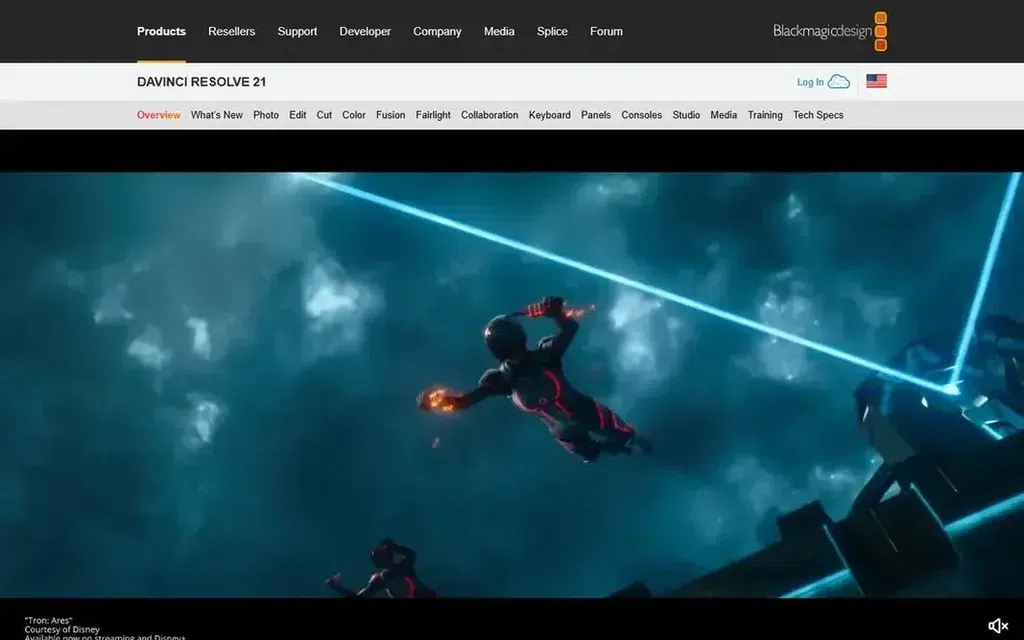
DaVinci Resolve Studio is a good fit for all-in-one edit, color and audio. DaVinci Resolve Studio from Blackmagic Design merges professional video editing, color correction, visual effects and audio postproduction in a single application. The homepage notes free and premium versions, giving teams adaptability in how they standardize.
If your team prefers a more straightforward editor with a large effects ecosystem, Premiere Pro may be simpler to adopt. More specifically, the depth of the toolset can be daunting for editors new to color and audio pages, and some advanced workflows need the premium version. No starting price is listed for DaVinci Resolve Studio here; confirm pricing on the vendor site. Trial and free access: Not stated.
Main advantages: Editing, color.
Honest limits: Deep feature set can overwhelm new users.
- Free and premium versions offered
- VFX and audio in one app
- Premium version needed for some workflows
Pick Avid Media Composer if this describes you: film and TV postproduction workflows. The homepage emphasizes postproduction and delivery, aligning with established broadcast and film pipelines.
Beyond that, Avid Media Composer is professional video editing software aimed at creative storytelling and postproduction workflows in film, television and video. Teams focused on quick turnaround or motion graphics may prefer Premiere Pro or After Effects. Check the vendor site for Avid Media Composer pricing; none is listed in this comparison. Free access: Not stated.
Where it is weaker: Needs dedicated training.
- Made for professional postproduction
- Capable storytelling and editing tools
- Workflow can feel complicated
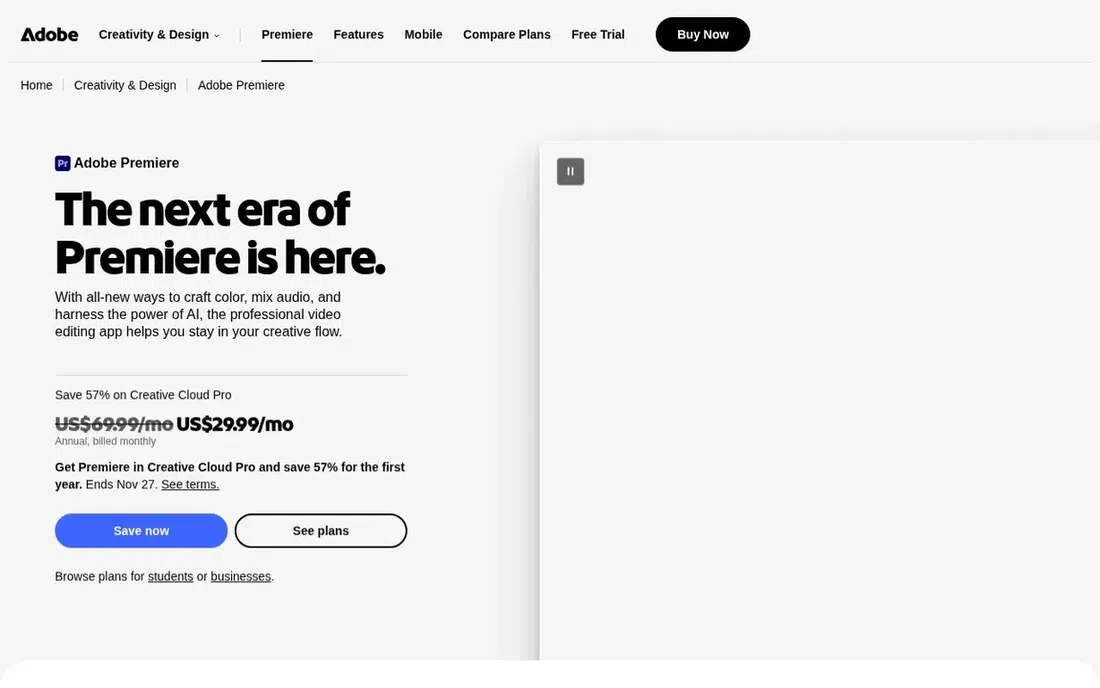
Pick Adobe Premiere Pro if this describes you: professional editing and postproduction. Adobe Premiere Pro is professional video editing and postproduction software for trimming, effects, audio mixing and more.
The homepage flags editing, effects and audio tools, making it a practical core for plenty of production pipelines. As for the details, if your team needs deep color grading in the same application, DaVinci Resolve Studio may be a better fit, and for motion graphics specifically, After Effects is the dedicated choice. Adobe Premiere Pro shows no starting price here, so confirm the cost on the vendor site. As for free access: Not stated.
Points against: Can be resource intensive.
- Wide editing and trimming tools
- Extends to motion graphics workflows
- Subscription-based access
Vimeo is aimed squarely at hosting and sharing finished video. For review and approval workflows specifically, Frame.io is a more focused choice. Worth adding: the homepage centres on discovery and streaming, so it complements editing tools instead of replacing them.
Its consumer-facing discovery features may not match every enterprise branding need. Also, Vimeo is a video platform for watching and sharing films, shorts, documentaries and more in HD. This comparison lists no price for Vimeo; ask the vendor. Vimeo includes a free tier.
The main drawbacks: Consumer-oriented discovery features.
- Discovery of films and shorts
- Video hosting and streaming
- Not an editing tool
How we compared the tools
The comparison looks at four things: starting price, free access, how well the feature set matches video content creation software for enterprise, and the main limit of each tool. Where a price is missing, the vendor does not list one publicly or ties it to a quote. Always confirm before budgeting. The order reflects how well each tool fits the most common buying scenario for video content creation software for enterprise, then price clarity, then free plan access. It is a starting point, not a verdict.
Things to verify first
- Ask each vendor, from Frame.io to Vimeo, for a written quote; none of them publishes a starting price.
- Test the free plan from Vimeo against your real workload before relying on it.
- Read the limits listed for Frame.io first: not a video editor.
- Map your must-have features to a specific Vimeo plan before you compare prices.
- Confirm that Avid Media Composer connects to the apps your team already uses, on the plan you would actually buy.
FAQ
Do these tools publish their prices?
No. None of the tools, from Frame.io to Vimeo, shows a fixed starting price here, so budget time for quotes.
What is the best video editing software for enterprise teams?
Start with Frame.io if you need review and approval workflows. DaVinci Resolve Studio is the better match for all-in-one edit, color and audio, and Avid Media Composer for film and TV postproduction workflows. The best choice depends on budget, team size and workflow.
How are the tools for video content creation software for enterprise ordered?
The order follows typical fit for video content creation software for enterprise, with Frame.io first and Vimeo last, then price clarity and free access. It is editorial judgement, not a score, so another team could rank the tools differently.
Can DaVinci Resolve Studio replace several tools?
Even so, some teams still prefer specialized motion graphics tools like After Effects for complicated animation. Evaluate whether a unified workflow suits your team's skills.
Can I try these tools before paying?
Often, yes. Vimeo has a free plan. Use your own data and a real task during the test, and check what the free tier or trial limits before you rely on it. Prices, free plan details and limits for all 5 tools in this video content creation software for enterprise roundup sit on the individual cards above.
Which options for video content creation software for enterprise have a free plan?
Vimeo is the only tool in this list with a free plan. Free plans usually cap users, projects or features, so check the limits on the vendor page. Each of the 5 options in this video content creation software for enterprise guide has its own card above with the price, free plan and limits.
Sources
- https://frame.io
- https://www.blackmagicdesign.com/products/davinciresolve
- https://www.avid.com/media-composer
- https://www.adobe.com/products/premiere.html
- https://vimeo.com