Best Video Editing Software for Remote Teams for 2026: Our 6 Vetted Picks
6 products for the best video editing software for remote teams, ranked by fit, with starting costs and free tiers. Short verdicts, no fluff. Prices checked.
- Editor's choice
 Final Cut Pro
Mac and iPad editing teams
Starts atPricing on requestVisit apple.comFull review - Great alternative
 DaVinci Resolve
Editing, color and audio in one app
Starts atPricing on requestVisit blackmagicdesign.comFull review - Also consider
 Frame.io
Centralized review and feedback
Starts atPricing on requestVisit frame.ioFull review
Direct answer
Start with Final Cut Pro if you need Mac and iPad editing teams. DaVinci Resolve is the stronger choice for editing, color and audio in one app, while Frame.io suits centralized review and feedback. Free plan facts and limits for all 6 tools follow. None of these vendors publish plan prices, so pricing is on request for every option.
TL;DR:
- The list opens with Final Cut Pro, aimed at Mac and iPad editing teams.
- One limit worth knowing about DaVinci Resolve: wide toolset can overwhelm beginners.
- Filmora fits quick AI-assisted editing for smaller teams.
- Pricing across the list, from Final Cut Pro to Filmora, is by quote only.
- Only Vimeo offers a free plan among these 6 tools.
Last checked November 2026. Pricing on request: vendors did not publish plan prices when this guide was last checked (November 2026), so ask each vendor for a written quote.
Quick comparison
| Tool | Best for | Starts at | Free plan? | |
|---|---|---|---|---|
| Final Cut Pro | Mac and iPad editing teams | Pricing on request | Not stated | Visit |
| DaVinci Resolve | Editing, color and audio in one app | Pricing on request | Not stated | Visit |
| Frame.io | Centralized review and feedback | Pricing on request | Not stated | Visit |
 Adobe Premiere Pro | Professional editing with effects and audio | Pricing on request | Not stated | Visit |
 Vimeo | Hosting and sharing finished video | Pricing on request | Yes | Visit |
 Filmora | Quick AI-assisted editing for smaller teams | Pricing on request | Not stated | Visit |
The 6 tools in detail
Short on time? The summary and table above give the quick view of 6 video editing software for remote teams, and the profiles that follow give the detail behind each entry.
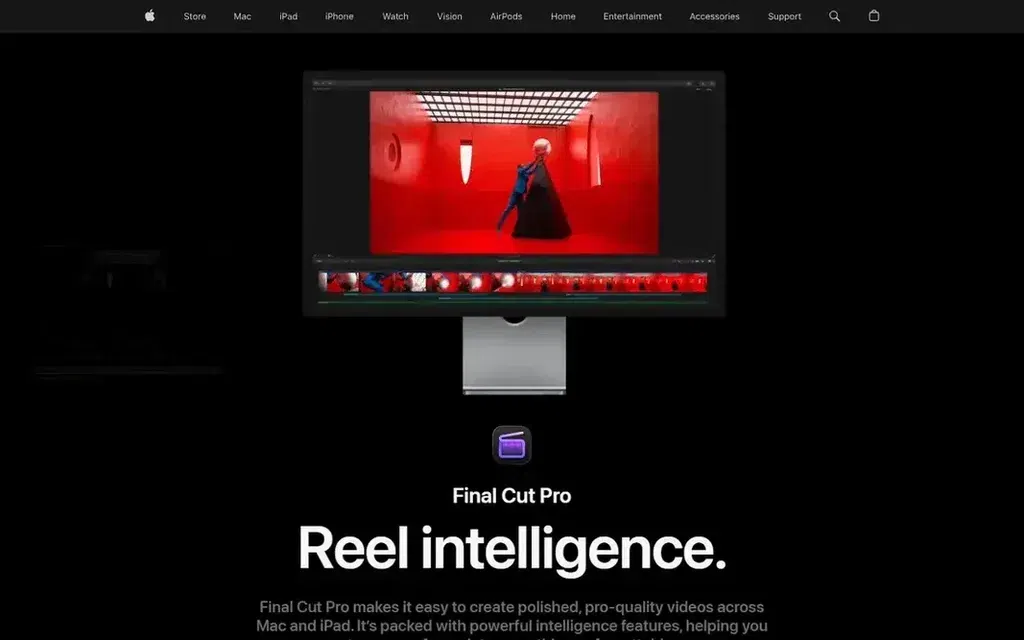
For Mac and iPad editing teams, Final Cut Pro is a natural candidate. Final Cut Pro is Apple's professional editing application, described as making pro-quality video creation and editing simple on Mac and iPad.
Limits to weigh: Restricted to Apple hardware.
This comparison lists no price for Final Cut Pro; ask the vendor. As for free access: Not stated.
- Pro-quality creation and editing on Mac and iPad
- Suits Apple-centered team setups
- Mixed-device teams need another choice
For editing, color and audio in one app, DaVinci Resolve is a natural candidate. Since it spans multiple disciplines, the interface can feel dense for editors who only need entry-level cutting.
Trade-offs to know: Demanding on hardware for complicated work.
In daily use, teams that prefer a single-purpose editor with a more straightforward surface may prefer Final Cut Pro or Filmora instead. Pricing for DaVinci Resolve is not stated here, so ask the vendor for current figures. Trial and free access: Not stated.
- Available for Mac
- Free and premium versions documented by the vendor
- Wide toolset can overwhelm beginners
Choose Frame.io for centralized review and feedback. Frame.io centralizes files, feedback and people on one secure product so creative work moves to delivery quicker.
Downsides: Not a full editing application.
Frame.io is a collaboration and review layer instead of a timeline editor. So it does not replace Premiere Pro, Resolve or Final Cut Pro. Frame.io does not show a starting price in this comparison, so check the vendor site for current pricing. Trial and free access: Not stated.
- Helps distributed teams deliver quicker
- Feedback and people in one secure product
- Fits best alongside an editor
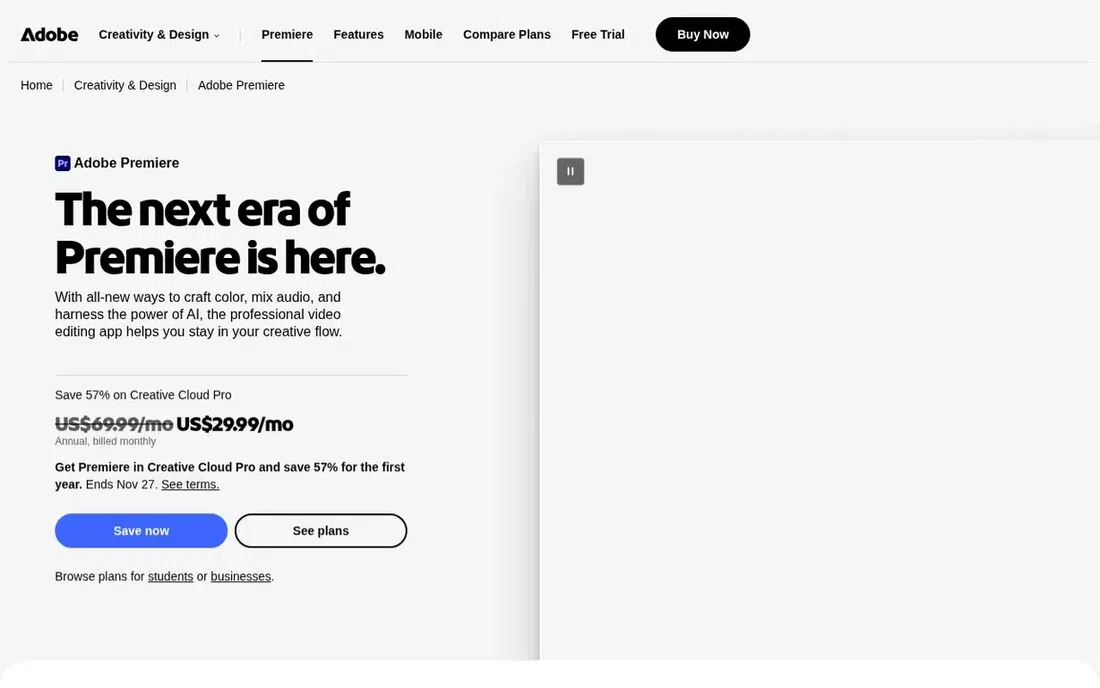
Pick Adobe Premiere Pro if this describes you: professional editing with effects and audio. Adobe Premiere Pro is professional video editing and post-production software for trimming, adding effects, mixing audio and extending video. From a buyer's view, consider a lighter editor like Filmora when speed and simplicity matter more than a full professional feature set.
For everyday use, the depth of the toolset means new editors face a ramp-up time. Teams with straightforward cutting needs may find it more than required. Adobe Premiere Pro shows no starting price here, so confirm the cost on the vendor site. Free options: Not stated.
Downsides: Full feature set takes time to learn.
- Professional post-production feature set
- Effects and audio mixing in one application
- Heavier than straightforward editors for fast cuts
In short, Vimeo is for hosting and sharing finished video. Vimeo is a video product for watching and sharing films, shorts, documentaries and more in HD.
Honest limits: Limited value during the edit itself.
Pricing for Vimeo is not stated here, so ask the vendor for current figures. Vimeo offers a free plan.
- HD playback for shared work
- Handy for presenting finished pieces
- Not an editing tool
Pick Filmora if this describes you: quick AI-assisted editing for smaller teams. Filmora is AI-powered video editing software for desktop and mobile, with easy-to-learn timeline tools plus AI features, effects, captions and audio.
It suits remote teams that produce social, marketing or internal video and want a quicker path from raw footage to a finished cut without a heavy professional suite. Pricing for Filmora is not stated here, so ask the vendor for current figures. Free access: Not stated.
Where it falls short: Complicated post workflows may outgrow it.
- Easy-to-learn timeline tools
- Effects
- Less depth than professional suites
How we built this list
The comparison looks at four things: starting price, free access, how well the feature set matches video editing software for remote teams, and the main limit of each tool. Where a vendor does not publish a price, the entry says quote. Where a price depends on seats or billing term, the entry says so. The order reflects how well each tool fits the most common buying scenario for video editing software for remote teams, then price clarity, then free plan access. It is a starting point, not a verdict.
Pre-purchase checklist
- Confirm the entry price with every vendor: no tool from Final Cut Pro to Filmora shows a fixed starting price.
- Test the free plan from Vimeo against your real workload before relying on it.
- Before choosing Final Cut Pro, weigh its main limit: restricted to Apple hardware.
- Price Final Cut Pro for your actual team size; headline prices rarely include add-ons or overage.
- A short pilot of Adobe Premiere Pro with your real workflow tells you more than a feature table.
FAQ
Can I try these tools before paying?
Often, yes. Vimeo has a free plan. Use your own data and a real task during the test, and check what the free tier or trial limits before you rely on it. For the full picture, the cards above cover all 6 entries of this video editing software for remote teams list, including price, free plan and limits.
Is Final Cut Pro the right pick for everyone comparing video editing software for remote teams?
No single tool suits every team. Final Cut Pro comes first because it fits Mac and iPad editing teams, while DaVinci Resolve suits editing, color and audio in one app and Frame.io suits centralized review and feedback. Match the tool to your own size, budget and workflow before deciding.
How are the tools for video editing software for remote teams ordered?
The order follows typical fit for video editing software for remote teams, with Final Cut Pro first and Filmora last, then price clarity and free access. It is editorial judgement, not a score, so another team could rank the tools differently.
Do we need a separate product for hosting finished videos?
Yes, editing tools and hosting systems serve different purposes. Vimeo offers HD playback and a place to present finished work, whereas Frame.io manages review, so numerous teams use an editor plus one or both of these.
Is a free editor enough for a small remote team?
More straightforward tools for example Filmora handle typical editing, captions and effects needs for marketing or social video. Teams producing complicated films or broadcast work typically need the deeper toolset of Premiere Pro, Resolve or Media Composer.
Do these tools publish their prices?
No. None of the tools, from Final Cut Pro to Filmora, shows a fixed starting price here, so budget time for quotes. Prices, free plan details and limits for all 6 tools in this video editing software for remote teams roundup sit on the individual cards above.
Sources
- https://www.apple.com/final-cut-pro
- https://www.blackmagicdesign.com/products/davinciresolve
- https://frame.io
- https://www.adobe.com/products/premiere.html
- https://vimeo.com
- https://filmora.wondershare.com