Best Video Editing Software for Office in 2026: Prices, Free Plans and 6 Picks
Need best-rated video editing software for office? We compare 6 tools on cost, free access and who each suits. Read the caveats before you buy. Clear verdicts.
- Editor's choice
 CapCut
Fast AI-powered edits for social media
Starts atPricing on requestVisit capcut.comFull review - Great alternative
 DaVinci Resolve
All-in-one post-production with color and audio
Starts atPricing on requestVisit blackmagicdesign.comFull review - Also consider
 Final Cut Pro
Mac and iPad users needing pro-quality editing
Starts atPricing on requestVisit apple.comFull review
Direct answer
Our first pick is CapCut, best for fast AI-powered edits for social media. For a different need, DaVinci Resolve covers all-in-one post-production with color and audio and Final Cut Pro covers Mac and iPad users needing pro-quality editing. The full list of 6 tools follows, with free plan facts. None of these vendors publish plan prices, so pricing is on request for every option.
TL;DR:
- CapCut takes the first slot, best suited to fast AI-powered edits for social media.
- CapCut, Camtasia and the 4 others all sell by quote; expect sales conversations before you see a price.
- What to know about CapCut first: restricted advanced editing features.
- Camtasia is the one to check for screen recording and tutorial creation.
Last checked November 2026. Pricing on request: vendors did not publish plan prices when this guide was last checked (November 2026), so ask each vendor for a written quote.
Quick comparison
| Tool | Best for | Starts at | Free plan? | |
|---|---|---|---|---|
| CapCut | Fast AI-powered edits for social media | Pricing on request | Yes | Visit |
| DaVinci Resolve | All-in-one post-production with color and audio | Pricing on request | Not stated | Visit |
| Final Cut Pro | Mac and iPad users needing pro-quality editing | Pricing on request | Not stated | Visit |
 Filmora | Easy-to-learn editing with AI features for beginners | Pricing on request | Not stated | Visit |
 Adobe Premiere Pro | Professional editing with Creative Cloud integration | Pricing on request | Not stated | Visit |
 Camtasia | Screen recording and tutorial creation | Pricing on request | Not stated | Visit |
Best-Rated Video Editing Software for Office compared in detail
Choosing Best-Rated video editing software for office usually comes down to price, fit and limits. This LinkVetted guide sets 6 tools side by side on those three points, with the facts kept short and checkable.
CapCut serves fast AI-powered edits for social media. CapCut is an AI-powered video editor aimed at creating YouTube and Instagram videos with smart templates and creative effects.
The main drawbacks: Primarily geared toward short-form content.
From a buyer's view, the tool is accessible across desktop, mobile, and online systems. CapCut concentrates on short-form content and may lack the precision and advanced controls required for long-form or complicated projects. This comparison lists no price for CapCut; ask the vendor. CapCut includes a free tier.
- Available on desktop, mobile, online
- AI tools and smart templates
- Limited advanced editing features
DaVinci Resolve
Best for: All-in-one post-production with color and audio
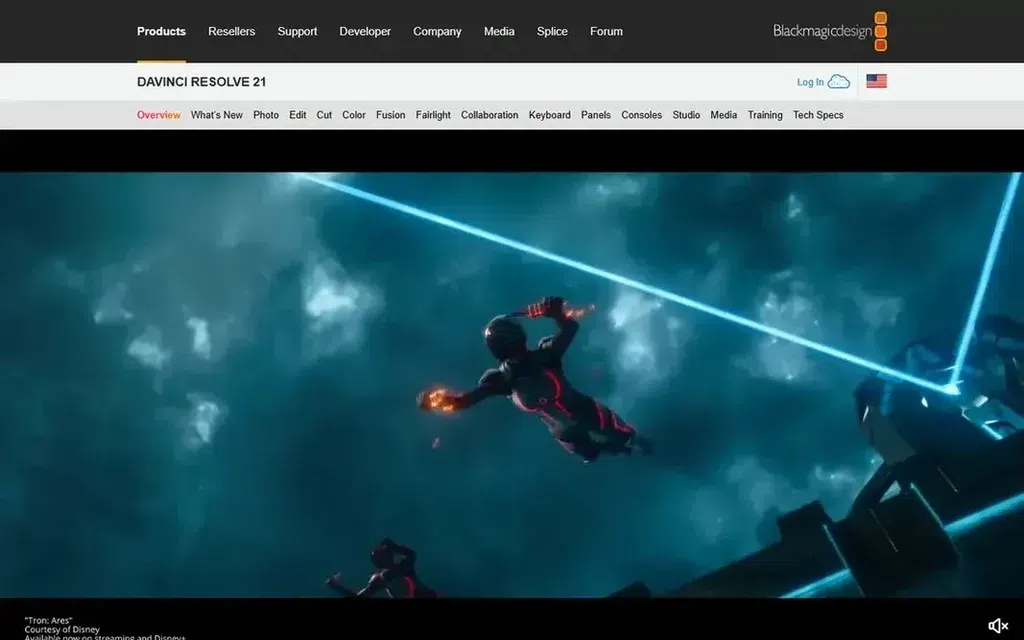
Pick DaVinci Resolve if this describes you: all-in-one post-production with color and audio. DaVinci Resolve is a thorough post-production option that comes with video editing, color correction, visual effects, and audio post-production in a single application.
Choose Resolve if you value an integrated workflow and are willing to invest time in learning. Offices needing only entry-level cuts may prefer a more straightforward editor. No starting price is listed for DaVinci Resolve here; confirm pricing on the vendor site. Free access: Not stated.
Watch-outs: High system requirements.
- Free version supplies solid features
- Available for Mac, Windows, Linux
- Complex interface for beginners
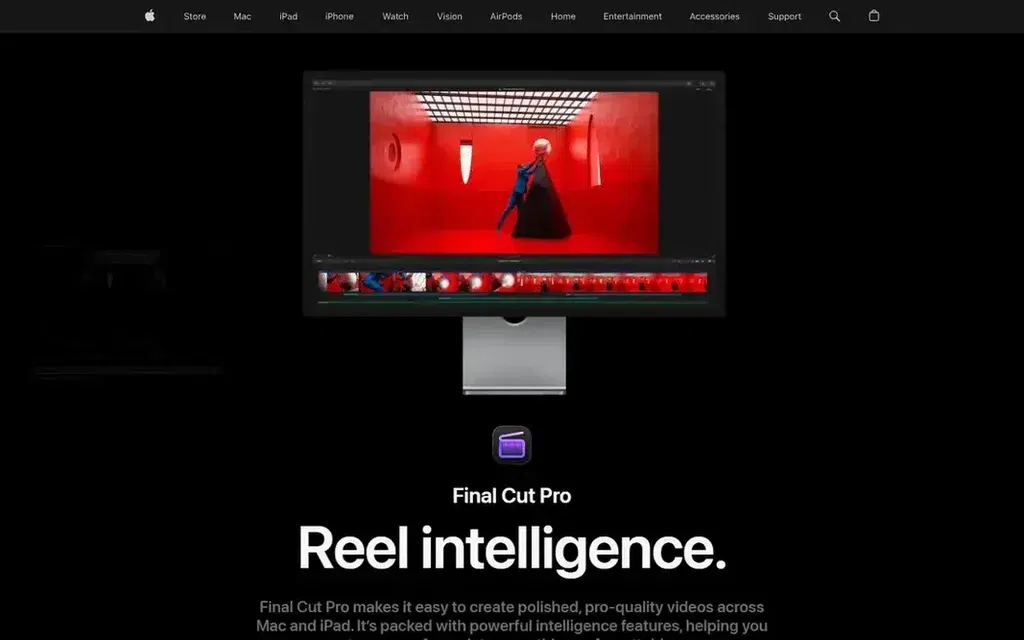
Final Cut Pro is a good fit for Mac and iPad users needing pro-quality editing. Final Cut Pro is Apple's professional video editing software for Mac and iPad, packed with capable intelligence features that make pro-quality video creation easy.
Also, the magnetic timeline helps editors arrange clips efficiently. As for the details, the one-time purchase price might be high for occasional users. Check the vendor site for Final Cut Pro pricing; none is listed in this comparison. Free access: Not stated.
Drawbacks to consider: Only available on Apple devices.
- Magnetic timeline eases organization
- Optimized for Apple hardware
- One-time purchase may be costly
Filmora
Best for: Easy-to-learn editing with AI features for beginners
Filmora was built for easy-to-learn editing with AI features for beginners. Filmora is AI-powered video editing software for desktop and mobile, offering easy-to-learn timeline tools, AI features, effects, captions, and audio.
Watch-outs: Advanced features need subscription.
In practice, Filmora's free version layers on a watermark to exports, and some advanced features are behind a subscription. It may not satisfy professional editors needing granular control. This comparison lists no price for Filmora; ask the vendor. On free options: Not stated.
- AI-powered editing tools
- Easy-to-learn timeline interface
- Watermark on exports in free version
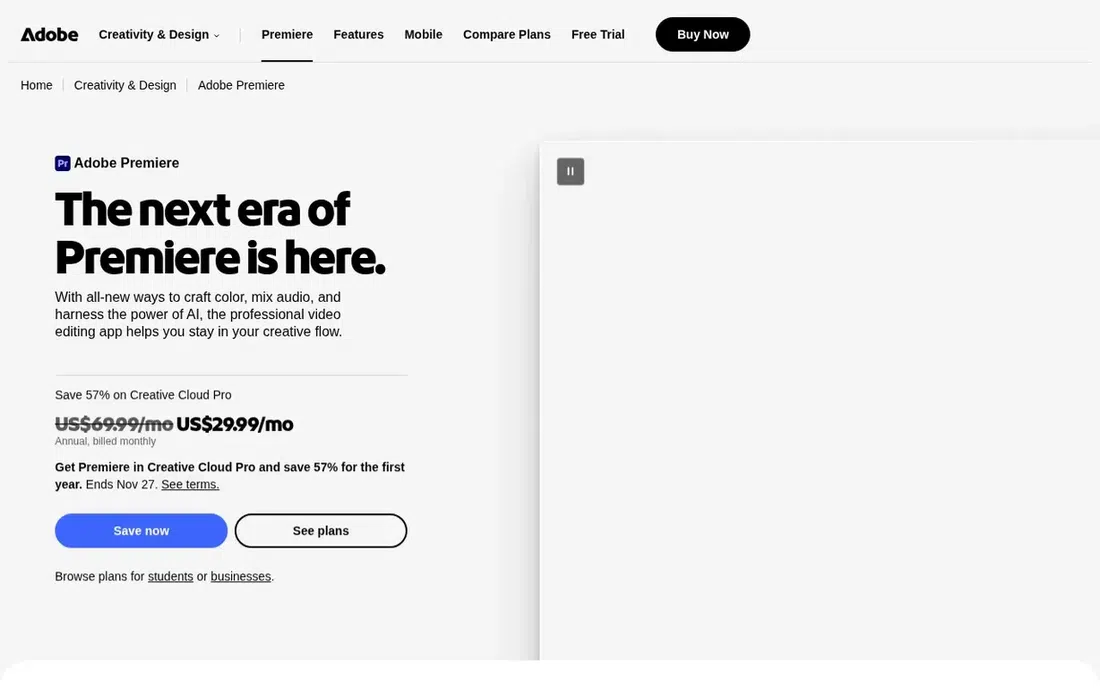
Adobe Premiere Pro makes the most sense for professional editing with Creative Cloud integration. The software supports collaborative workflows and links up with other Adobe tools.
Where it is weaker: Can be resource-intensive.
In daily use, Adobe Premiere Pro is a professional video editing application used for trimming, adding effects, mixing audio, and more. On top of that, offices with entry-level editing needs may find more straightforward tools more efficient. Check the vendor site for Adobe Premiere Pro pricing; none is listed in this comparison. Trial and free access: Not stated.
- Smooth integration with other Adobe apps
- Supports a broad set of formats
- Needs a subscription
In short, Camtasia is for screen recording and tutorial creation. Camtasia is a screen recorder and video editor built for creating professional tutorials, training videos, and software demos. It is well suited to offices that often produce instructional content, for example HR training or product walkthroughs.
Honest limits: A good match for instructional content.
The tool merges recording and editing in one package. Choose Camtasia for efficient screen-based content creation. This comparison lists no price for Camtasia; ask the vendor. Trial and free access: Not stated.
- Simple to produce tutorials and demos
- Built-in screen recorder
- Restricted advanced editing capabilities
Selection criteria
The comparison looks at four things: starting price, free access, how well the feature set matches Best-Rated video editing software for office, and the main limit of each tool. Treat prices as a snapshot: vendors change plans often, so check the vendor site for the figure that applies today. Tools are placed by general fit for Best-Rated video editing software for office, with price clarity and free access as tie-breakers. A different team can reasonably rank them differently.
What to check before you buy
- Confirm the entry price with every vendor: no tool from CapCut to Camtasia shows a fixed starting price.
- Test the free plan from CapCut against your real workload before relying on it.
- Read the limits listed for CapCut first: restricted advanced editing features.
- Ask Adobe Premiere Pro how an export works before you move any records in; an easy exit lowers the risk.
- Work out what Camtasia costs with your real seat count, add-ons and usage, not just the entry price.
FAQ
Can I try these tools before paying?
Often, yes. CapCut has a free plan. Use your own data and a real task during the test, and check what the free tier or trial limits before you rely on it. All 6 picks in this Best-Rated video editing software for office comparison list a starting price, free plan details and the main limits on their cards above.
What is the best video editing software for office training videos?
CapCut is the pick this page puts first, mainly for fast AI-powered edits for social media. If your situation differs, DaVinci Resolve suits all-in-one post-production with color and audio, and Final Cut Pro suits Mac and iPad users needing pro-quality editing. Compare price and limits before you decide.
Which options for Best-Rated video editing software for office have a free plan?
CapCut is the only tool in this list with a free plan. Free plans usually cap users, projects or features, so check the limits on the vendor page. For the full picture, the cards above cover all 6 entries of this Best-Rated video editing software for office list, including price, free plan and limits.
Is CapCut the right pick for everyone comparing Best-Rated video editing software for office?
No single tool suits every team. CapCut comes first because it fits quick AI-powered edits for social media, while DaVinci Resolve suits all-in-one post-production with color and audio and Final Cut Pro suits Mac and iPad users needing pro-quality editing. Match the tool to your own size, budget and workflow before deciding.
How are the tools for Best-Rated video editing software for office ordered?
The order follows typical fit for Best-Rated video editing software for office, with CapCut first and Camtasia last, then price clarity and free access. It is editorial judgement, not a score, so another team could rank the tools differently.
Sources
- https://www.capcut.com
- https://www.blackmagicdesign.com/products/davinciresolve
- https://www.apple.com/final-cut-pro
- https://filmora.wondershare.com
- https://www.adobe.com/products/premiere.html
- https://www.techsmith.com/camtasia.html