5 Video Editing Software for Podcasting Worth Shortlisting in 2026
Shortlisting the best video editing software for podcasting? 5 products compared on cost, free access and ideal buyer. Short verdicts, no fluff. Details below.
- Editor's choice
 DaVinci Resolve
Editing, color and audio in one app
Starts atSee websiteVisit blackmagicdesign.comFull review - Great alternative
 Descript
Text-based podcast editing
Starts at$16 per person a monthVisit descript.comFull review - Also consider
 Adobe Premiere Pro
Full professional podcast postproduction
Starts atSee websiteVisit adobe.comFull review
Direct answer
For editing, color and audio in one app, DaVinci Resolve is where this list starts. Listed starting prices: Descript from $16 per person a month and Riverside from $24 a month. Look at Descript for text-based podcast editing, and at Adobe Premiere Pro for full professional podcast postproduction. The full list of 5 tools follows, with prices and free plan facts.
TL;DR:
- DaVinci Resolve is the opening pick, best for editing, color and audio in one app.
- The main caution on DaVinci Resolve: plenty of panels to learn.
- Riverside is the one to check for recording and editing remote conversations.
- Descript is the lowest-priced starter here at $16 per person per month.
- Only 3 of the 5 tools have a free plan (Descript, CapCut, Riverside), so check the caps.
Last checked November 2026. Prices and plan details were read from the vendors' own pages in November 2026; vendors change plans often, so confirm the current price on the vendor site before you buy.
Quick comparison
| Tool | Best for | Starts at | Free plan? | |
|---|---|---|---|---|
| DaVinci Resolve | Editing, color and audio in one app | See website | Not stated | Visit |
| Descript | Text-based podcast editing | $16 per person a month | Yes | Visit |
| Adobe Premiere Pro | Full professional podcast postproduction | See website | Not stated | Visit |
 CapCut | Fast social clips from episodes | See website | Yes | Visit |
 Riverside | Recording and editing remote conversations | $24 a month | Yes | Visit |
Our 5 picks for video editing software for podcasting
Choosing video editing software for podcasting usually comes down to price, fit and limits. This LinkVetted guide sets 5 tools side by side on those three points, with the facts kept short and checkable.
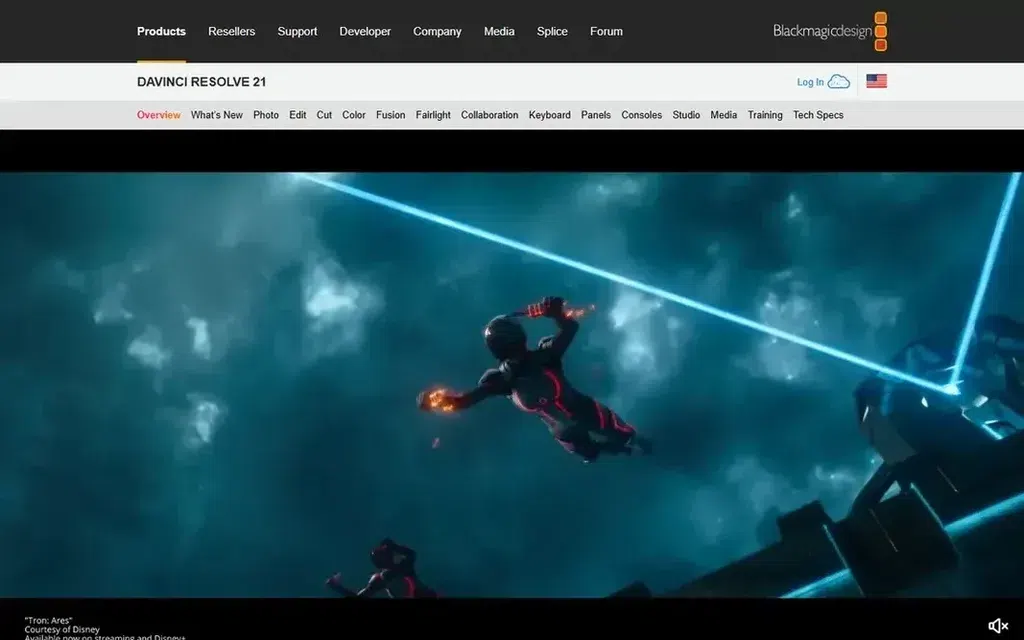
DaVinci Resolve targets editing, color and audio in one app. Podcasters who want to grade footage, balance dialogue and finish an episode without hopping between programs will appreciate the integrated pages.
Where it shines: Windows and Linux.
Watch-outs: Numerous panels to learn.
Choose Resolve when color and audio finishing matter as much as the edit itself. The breadth of the application means plenty of panels and settings to absorb, and smooth performance relies on a well-specced machine. DaVinci Resolve does not show a starting price in this comparison, so check the vendor site for current pricing. Free plan details: Not stated.
- Single app for edit
- Capable color correction tools
- Demands solid hardware
In short, Descript is for text-based podcast editing. Pick a traditional timeline editor when your episodes need heavy visual effects or precise scene construction.
From a buyer's view, for podcasters, this means cutting filler words, removing tangents and rearranging segments by working on the transcript instead of scrubbing a timeline. Text-first editing hands less fine-grained control over frame-level cuts, effects and complicated multi-camera sequences. Descript pricing: $16 per person per month. Descript has a free plan.
What to check first: Less granular timeline control.
- Accelerates interview cleanup
- Record
- Transcription accuracy varies by audio
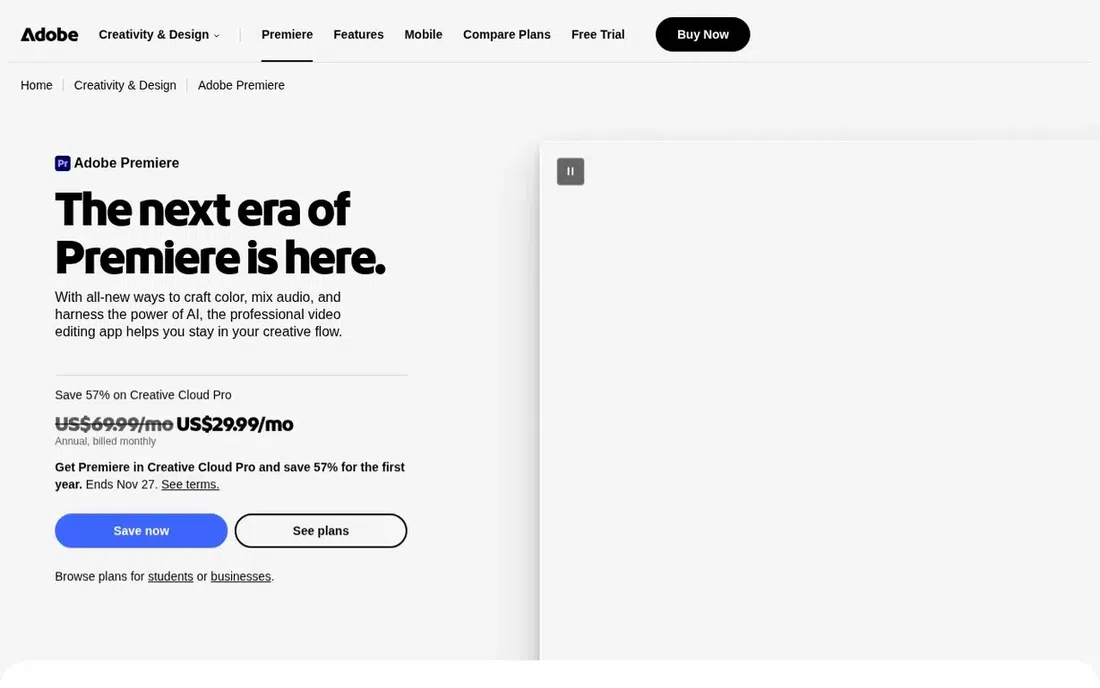
Where Adobe Premiere Pro fits: full professional podcast postproduction. Casual audio-first podcasters may find it heavier than needed. Beyond that, if you largely want to cut talking-head footage by editing a transcript, a text-based tool will be quicker to learn and to use week to week.
Worth adding: the ramp-up time is real, and the interface assumes familiarity with timeline editing and postproduction terms. Also, for podcasters who record multi-camera or screen-based episodes, it provides the control to cut between angles, clean up audio and build consistent episode templates. No starting price is listed for Adobe Premiere Pro here; confirm pricing on the vendor site. As for free access: Not stated.
Points against: Dense interface for beginners.
- Deep editing and trimming tools
- Extends to motion graphics workflows
- Needs a capable computer
CapCut makes the most sense for fast social clips from episodes. CapCut is an AI-powered video editor with smart templates and creative effects, available on desktop, mobile and online.
Drawbacks to consider: Geared toward short-form content.
As for the details, Podcasters can use it to turn full episodes into short promotional clips for YouTube and Instagram, adding captions and effects with minimal effort. CapCut is oriented toward social video instead of long-form episode finishing, so audio repair and multi-camera work are restricted. Pricing for CapCut is not stated here, so ask the vendor for current figures. Free access exists with CapCut.
- Templates and creative effects
- Mobile and online editing
- Fewer deep postproduction controls
Riverside was built for recording and editing remote conversations. Riverside is an online studio for high-quality podcast and video recording and editing, powered by AI and aimed at human conversations. Podcasters who interview remote guests can capture sessions and then manage editing in the same environment, which shortens the path from recording to published episode.
Watch-outs: Best value for recording-first users.
Its editing tools are pitched at podcast and conversation content instead of wide video production, so complicated projects may outgrow it. Creators who already record locally with dedicated gear may not need the studio layer. What you pay to start with Riverside: $24 per month. Riverside offers a free plan.
- Made for podcast and video displays
- AI-assisted editing built in
- Editing depth is narrower
What went into this list
We compared the tools on published pricing, free plan or trial availability, feature coverage for video editing software for podcasting, and the limits each vendor documents. Figures are shown as the vendors publish them. Billing terms, seat minimums and add-ons can change the real cost. We ordered the tools by general fit, then by how clearly pricing is shown, then by free access. A buyer with unusual needs may reorder them.
A buyer's checklist
- Get a written quote from DaVinci Resolve, Adobe Premiere Pro and CapCut; the list shows no starting price for them.
- Look at free plan limits closely: Descript, CapCut and Riverside have one, and the caps decide whether it is usable for real work.
- Before choosing DaVinci Resolve, weigh its main limit: numerous panels to learn.
- Before you load data into Adobe Premiere Pro, check what an export looks like and who can run it.
- Find out what support DaVinci Resolve includes on your plan, and whether onboarding help costs extra.
FAQ
Do I need professional software to edit a video podcast?
Simple interview episodes can be cut in approachable editors with captions and entry-level audio tools. On top of that, professional suites matter when you need multi-camera editing, in-depth color work or precise audio mixing across longer episodes.
Which options for video editing software for podcasting have a free plan?
On this list, Descript, CapCut and Riverside include a free plan. Caps on seats, usage or features are common, so test the free plan against your real workload. Each of the 5 options in this video editing software for Podcasting guide has its own card above with the price, free plan and limits.
How are the tools for video editing software for podcasting ordered?
DaVinci Resolve sits first and Riverside last because the order follows typical fit for video editing software for podcasting, then price clarity and free access. It is a judgement call, so read each profile for fit and limits.
What is the cheapest option for video editing software for podcasting in this list?
On published monthly entry prices, Descript is the lowest here at $16 per person per month. Entry price is only part of the cost, because seats, add-ons and billing terms can change the total. All 5 picks in this video editing software for Podcasting comparison list a starting price, free plan details and the main limits on their cards above.
Can I try these tools before paying?
Often, yes. Descript, CapCut and Riverside have a free plan. Use your own data and a real task during the test, and check what the free tier or trial limits before you rely on it. For the full picture, the cards above cover all 5 entries of this video editing software for Podcasting list, including price, free plan and limits.
Sources
- https://www.blackmagicdesign.com/products/davinciresolve
- https://www.descript.com
- https://www.adobe.com/products/premiere.html
- https://www.capcut.com
- https://riverside.fm