The 5 Best Video Editing Software for Podcasters in 2026, Ranked
Compare 5 best video editing software for podcasters, with prices, free plans and who each fits. Hidden costs and gaps are flagged. Last reviewed November 2026.
- Editor's choice
 Final Cut Pro
Mac and iPad podcast editing
Starts atSee websiteVisit apple.comFull review - Great alternative
 Descript
Text-based podcast editing
Starts at$16 per person per monthVisit descript.comFull review - Also consider
 CapCut
Quick social clips from episodes
Starts atSee websiteVisit capcut.comFull review
Direct answer
Start with Final Cut Pro if you need Mac and iPad podcast editing. Listed starting prices: Descript from $16 per person per month and Riverside from $24 a month. If your case is different, Descript suits text-based podcast editing and CapCut suits quick social clips from episodes. The remaining 2 options are covered below with prices and limits.
TL;DR:
- Final Cut Pro sits first on this list: Mac and iPad podcast editing.
- Only 3 of the 5 tools have a free plan (Descript, CapCut, Riverside), so check the caps.
- Adobe Premiere Pro suits professional podcast video postproduction.
- The lowest published monthly entry price here is $16 per person per month, from Descript.
- The main caution on Descript: less precise for complicated visual effects.
Last checked November 2026. Prices and plan details were read from the vendors' own pages in November 2026; vendors change plans often, so confirm the current price on the vendor site before you buy.
Quick comparison
| Tool | Best for | Starts at | Free plan? | |
|---|---|---|---|---|
| Final Cut Pro | Mac and iPad podcast editing | See website | Not stated | Visit |
| Descript | Text-based podcast editing | $16 per person per month | Yes | Visit |
| CapCut | Quick social clips from episodes | See website | Yes | Visit |
 Riverside | Recording and editing in the browser | $24 a month | Yes | Visit |
 Adobe Premiere Pro | Professional podcast video postproduction | See website | Not stated | Visit |
Every option for video editing software for podcasters explained
This LinkVetted guide covers 5 video editing software for podcasters. Each profile lists a starting price, free plan details, strengths and drawbacks, so you can drop poor fits quickly.
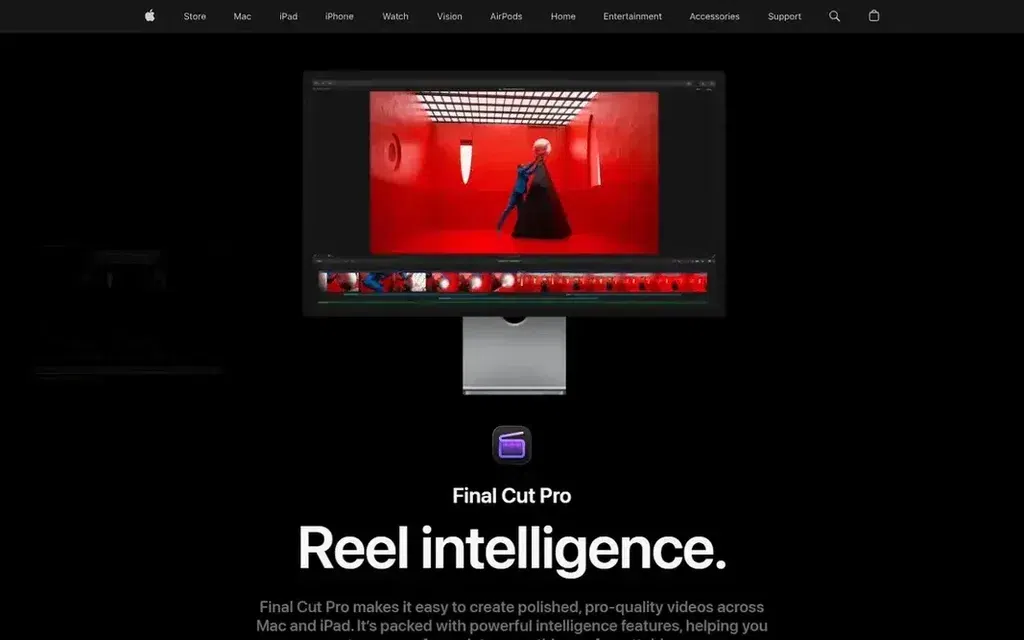
For Mac and iPad podcast editing, Final Cut Pro is a natural candidate. It suits podcasters already working in the Apple ecosystem who want quick timeline editing and a smooth path from recording to published episode clips.
Downsides: Less handy on Windows workflows.
More specifically, choose Final Cut Pro when your studio runs on Mac and you value a simplified Apple editing experience. Pricing for Final Cut Pro is not stated here, so ask the vendor for current figures. Free access: Not stated.
- Optimized for Mac and iPad
- Pro-quality creation on Apple hardware
- Apple-only system
Think of Descript for text-based podcast editing. It suits podcasters who want to remove filler words, restructure conversations and produce video episodes without learning a traditional timeline first.
Honest limits: Less precise for complicated visual effects.
Where it shines: transcription and publishing together. Podcasters planning elaborate b-roll and effects may outgrow it. Descript cost at the entry level: $16 per person per month. You can start on Descript without paying.
- Recording
- Edit audio and video like text
- Most useful for spoken-word content
CapCut is a good fit for quick social clips from episodes. CapCut is an AI-powered video editor for YouTube and Instagram videos, offering smart templates and creative effects across desktop, mobile and online.
Strengths: Desktop.
It is built around short-form and template-driven editing, so long-form episode assembly and in-depth audio mixing are better handled in a dedicated suite. Pick CapCut as a companion for clip creation instead of your only podcast editor. CapCut does not show a starting price in this comparison, so check the vendor site for current pricing. Free access exists with CapCut. Honest limits: Template style can feel generic.
- Creative effects for short videos
- Mobile and online editing
- Less suited to long-form finishing
Riverside is aimed squarely at recording and editing in the browser. Riverside is an online studio for high-quality podcast and video recording and editing, powered by AI and aimed at human conversations.
A dependable connection matters for remote sessions. On top of that, choose Riverside when recording quality and a combined studio-to-edit flow are the priority. Starting cost for Riverside: $24 per month. Riverside includes a free tier.
Downsides: Depends on a stable connection.
- High-quality recording focus
- Online studio for podcast and video
- Editing depth is narrower than pro suites
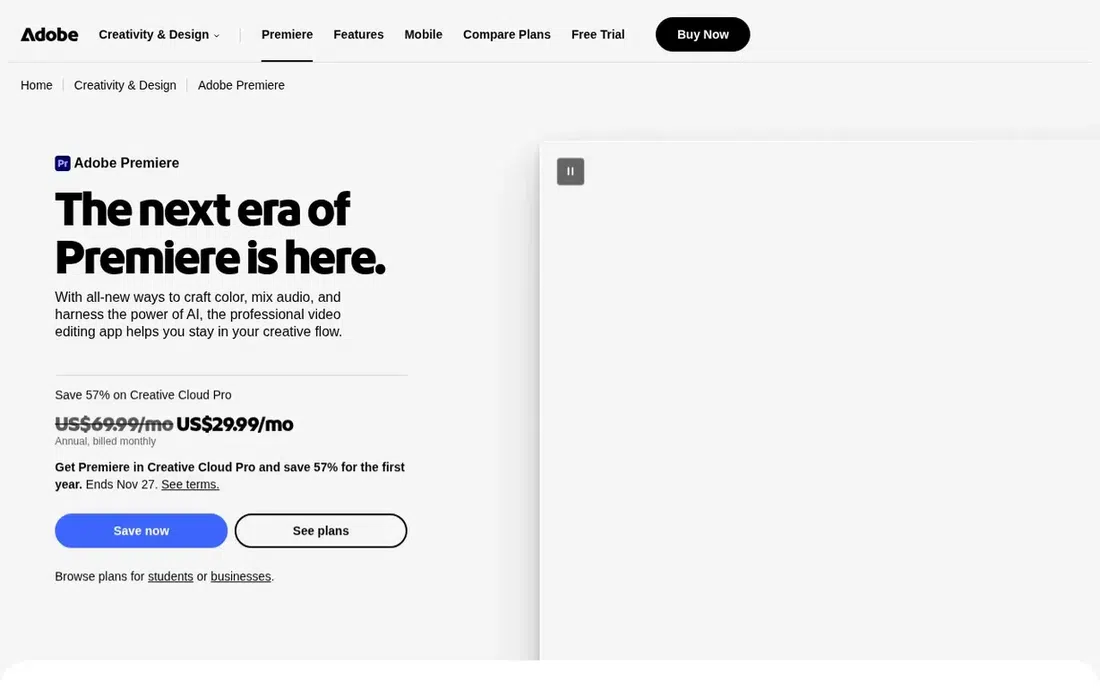
In short, Adobe Premiere Pro is for professional podcast video postproduction. The depth includes a ramp-up time, and casual podcasters may find it heavier than needed for straightforward talking-head episodes.
Trade-offs to know: Requires a capable computer.
On top of that, if you primarily want to cut filler words from a transcript, a text-based editor will feel quicker. Adobe Premiere Pro shows no starting price here, so confirm the cost on the vendor site. Free plan details: Not stated.
- Extends to graphics and postproduction
- Deep editing and trimming tools
- Demanding for beginners
Selection criteria
The comparison looks at four things: starting price, free access, how well the feature set matches video editing software for podcasters, and the main limit of each tool. Where a vendor does not publish a price, the entry says quote. Where a price depends on seats or billing term, the entry says so. Tools are placed by general fit for video editing software for podcasters, with price clarity and free access as tie-breakers. A different team can reasonably rank them differently.
A buyer's checklist
- Get a written quote from Final Cut Pro, CapCut and Adobe Premiere Pro; the list shows no starting price for them.
- Look at free plan limits closely: Descript, CapCut and Riverside have one, and the caps decide whether it is usable for real work.
- Before choosing Final Cut Pro, weigh its main limit: Apple-only platform.
- Ask Final Cut Pro which support channels and response times come with the plan you would buy.
- Confirm you can export your data from Riverside, so leaving later does not mean losing records.
FAQ
Is Final Cut Pro the right pick for everyone comparing video editing software for podcasters?
No single tool suits every team. Final Cut Pro comes first because it fits Mac and iPad podcast editing, while Descript suits text-based podcast editing and CapCut suits fast social clips from episodes. Match the tool to your own size, budget and workflow before deciding.
How are the tools for video editing software for podcasters ordered?
Final Cut Pro sits first and Adobe Premiere Pro last because the order follows typical fit for video editing software for podcasters, then price clarity and free access. It is a judgement call, so read each profile for fit and limits.
Which options for video editing software for podcasters have a free plan?
On this list, Descript, CapCut and Riverside include a free plan. Caps on seats, usage or features are common, so test the free plan against your real workload.
Do podcasters really need video editing software?
Numerous podcasters now publish video versions on products that reward visual content, so an editor helps turn recorded conversations into watchable episodes and clips. In practice, audio-only presents can stay with audio tools, but video publishing normally benefits from a dedicated editor.
Can I try these tools before paying?
Often, yes. Descript, CapCut and Riverside have a free plan. Use your own data and a real task during the test, and check what the free tier or trial limits before you rely on it.
Sources
- https://www.apple.com/final-cut-pro
- https://www.descript.com
- https://www.capcut.com
- https://riverside.fm
- https://www.adobe.com/products/premiere.html