Top 6 Venue Diagram Software for Banquet Halls for 2026 (Prices and Free Plans)
Best Venue diagram software for banquet halls in 2026: 6 tools with starting prices, free plans and limits. Concise write-ups of every option. Numbers first.
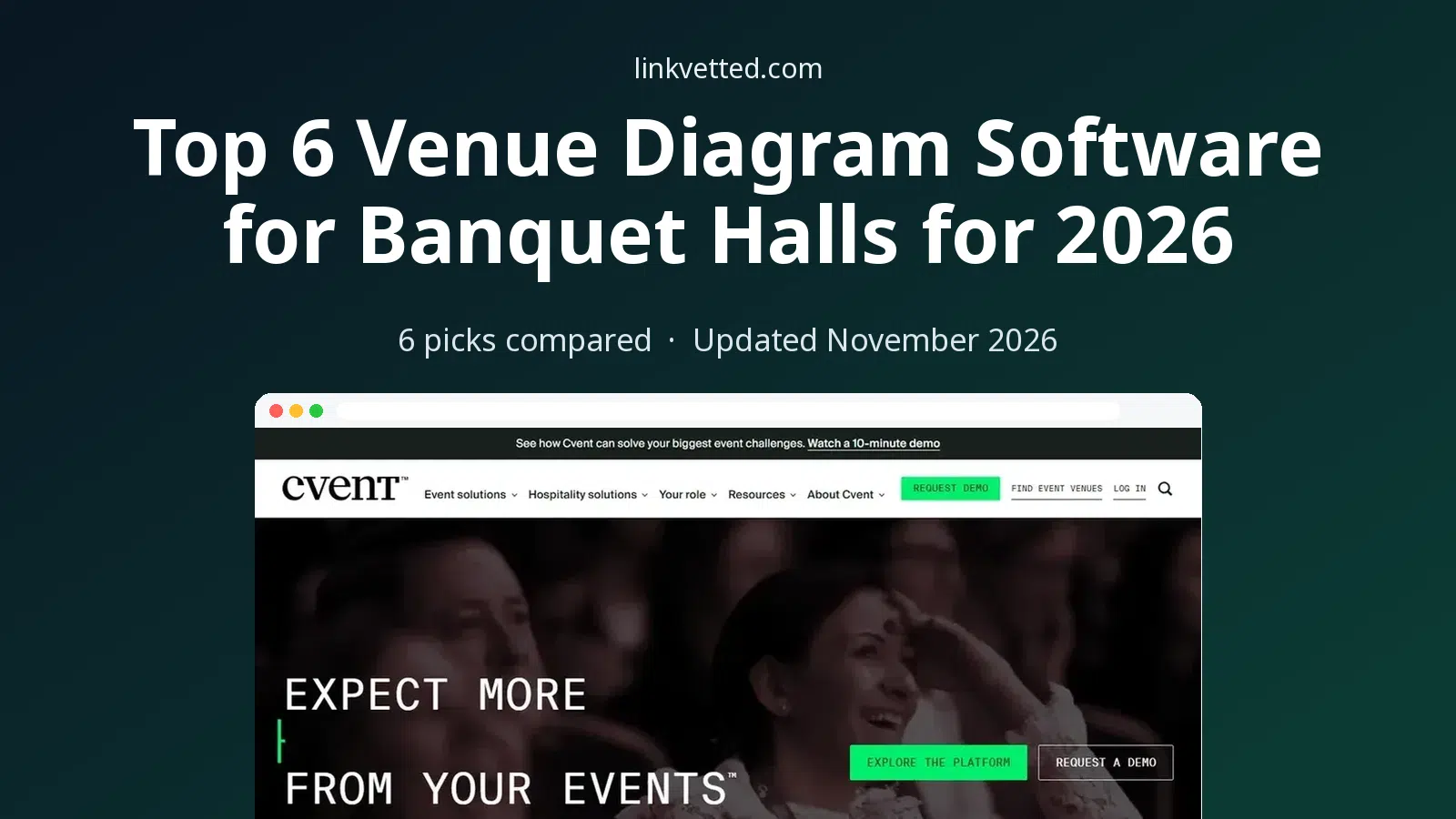
- Editor's choice
 Tripleseat
Event venue booking management
Starts atSee websiteVisit tripleseat.comFull review - Great alternativeMomentus Technologies
General venue technology evaluation
Starts atSee websiteVisit momentus.techFull review - Also considerCvent Event Diagramming
Diagramming inside a full event system
Starts atSee websiteVisit cvent.comFull review
Direct answer
For Event venue booking management, Tripleseat is where this list starts. Listed starting prices: Perfect Venue from $199 per month per location and Social Tables from $49 a month. For a different need, Momentus Technologies covers general venue technology evaluation and Cvent Event Diagramming covers Diagramming inside a full event product. The remaining 3 options are covered below with prices and limits.
TL;DR:
- Tripleseat takes the first slot, best suited to Event venue booking management.
- Social Tables is the lowest-priced starter here at $49 per month.
- Planning Pod is the one to check for Venue operations with floor plans.
- Social Tables stands alone as the one tool in this list with a free plan.
- Check the limits for Perfect Venue before you commit: Diagramming not the focus.
Last checked November 2026. Prices and plan details were read from the vendors' own pages in November 2026; vendors change plans often, so confirm the current price on the vendor site before you buy.
Quick comparison
| Tool | Best for | Starts at | Free plan? | |
|---|---|---|---|---|
| Tripleseat | Event venue booking management | See website | Not stated | Visit |
| Momentus Technologies | General venue technology evaluation | See website | Not stated | Visit |
| Cvent Event Diagramming | Diagramming inside a full event system | See website | Not stated | Visit |
| Perfect Venue | Managing inquiries and proposals | $199 per month per location | Free trial | Visit |
| Social Tables | Collaborative banquet hall diagramming | $49 a month | Yes | Visit |
 Planning Pod | Venue operations with floor plans | See website | Not stated | Visit |
Venue Diagram Software for Banquet Halls profiles
This LinkVetted guide covers 6 Venue diagram software for banquet halls. Each profile lists a starting price, free plan details, strengths and drawbacks, so you can drop poor fits quickly.
Tripleseat works best for Event venue booking management. Tripleseat gives you all-in-one online software for restaurants, hotels, caterers and unique venues, simplifying bookings and simplifying event management.
What to check first: Targeted at bookings first.
For everyday use, choose Tripleseat when booking workflow comes before diagram design. From a buyer's view, venues centred on restaurant-style event bookings may find it a natural fit. Tripleseat shows no starting price here, so confirm the cost on the vendor site. Trial and free access: Not stated.
- Simplifies bookings
- All-in-one venue management
- Diagramming is secondary
Momentus Technologies
Best for: General venue technology evaluation
Momentus Technologies is aimed squarely at general venue technology evaluation. Widely known facts about the company center on venue management technology instead of a single diagram feature. It is worth including in a shortlist when you want to compare broader venue products against focused diagramming tools.
Downsides: Diagram details need vendor check.
Halls that require proven banquet diagram features rapidly may prefer tools whose diagram focus is explicit. Consider Momentus when broader venue technology is part of your evaluation. Details of diagramming capabilities should be confirmed straight with the vendor, since the homepage excerpt provided does not describe them. Momentus Technologies shows no starting price here, so confirm the cost on the vendor site. Free options: Not stated.
- Venue technology focus
- Worth comparing straight
- Fit varies by venue type
Cvent Event Diagramming
Best for: Diagramming inside a full event system

In short, Cvent Event Diagramming is for Diagramming inside a full event platform. Choose Cvent Event Diagramming when diagramming should link to sourcing, marketing and event management.
Limits to weigh: Diagram features need review.
For everyday use, teams that only want floor plan drawing may find a focused venue tool quicker to adopt. Event diagramming is one part of that wider offering, so banquet halls already using Cvent for sourcing or event management can keep layouts in the same environment. Cvent Event Diagramming does not show a starting price in this comparison, so check the vendor site for current pricing. Free access: Not stated.
- Diagramming included
- Wide event system
- Platform may be large for small halls
Perfect Venue
Best for: Managing inquiries and proposals
For managing inquiries and proposals, Perfect Venue is a natural candidate. Perfect Venue presents event management software that lets venues receive inquiries, send proposals and get premium in one place.
Pick Perfect Venue when inquiry-to-payment workflow is the priority. Perfect Venue starts at: $199 per month per location. As for free access: Free trial.
Downsides: Diagramming not the focus.
- Payment handling in one place
- Inquiry and proposal workflow
- Best for smaller event teams
Planning Pod is aimed squarely at Venue operations with floor plans. Planning Pod describes itself as venue management software venues actually run on, replacing patchwork apps with venue-built tools for leads, BEOs, floor plans, payments and reporting.
Since Planning Pod spans leads, BEOs, payments and reporting, the diagramming portion is one piece of a larger system and may not match dedicated design tools for every layout need. This comparison lists no price for Planning Pod; ask the vendor. Free access: Not stated.
Honest limits: Wide feature set to learn.
- Made for venues
- BEO and lead tools
- Diagram depth varies by setup
Selection criteria
We compared the tools on published pricing, free plan or trial availability, feature coverage for Venue diagram software for banquet halls, and the limits each vendor documents. Where a price is missing, the vendor does not list one publicly or ties it to a quote. Always confirm before budgeting. We ordered the tools by general fit, then by how clearly pricing is shown, then by free access. A buyer with unusual needs may reorder them.
Questions to settle before buying
- Get a written quote from Tripleseat, Momentus Technologies, Cvent Event Diagramming and Planning Pod; the list shows no starting price for them.
- Look at the free plan from Social Tables closely: its caps decide whether it is usable for real work.
- Run a trial of Perfect Venue with real work before paying for a year; your own workflow is the best test.
- Before choosing Tripleseat, weigh its main limit: Diagramming is secondary.
- Ask whether Cvent Event Diagramming integrates with your current software, and whether that comes standard or as an add-on.
- Make sure Tripleseat lets you export your data in a format another tool can read.
FAQ
Is Tripleseat the right pick for everyone comparing Venue diagram software for banquet halls?
No single tool suits every team. Tripleseat comes first because it fits Event venue booking management, while Momentus Technologies suits general venue technology evaluation and Cvent Event Diagramming suits Diagramming inside a full event platform. Match the tool to your own size, budget and workflow before deciding.
How are the tools for Venue diagram software for banquet halls ordered?
The order follows typical fit for Venue diagram software for banquet halls, with Tripleseat first and Planning Pod last, then price clarity and free access. It is editorial judgement, not a score, so another team could rank the tools differently.
Do these tools publish their prices?
Not all of them. Tripleseat, Momentus Technologies, Cvent Event Diagramming and Planning Pod publish no starting price, so expect a quote request for those. The rest, Perfect Venue included, show a starting price, though seats and billing terms still change the final cost.
What should banquet halls look for in diagram software?
Look for tools that manage real room shapes, seating arrangements and shared editing between planners and venue staff. Social Tables and Planning Pod are typical starting points for these needs.
What is the cheapest option for Venue diagram software for banquet halls in this list?
On published monthly entry prices, Social Tables is the lowest here at $49 per month. Entry price is only part of the cost, because seats, add-ons and billing terms can change the total. Each of the 6 options in this Venue Diagram software for Banquet Halls guide has its own card above with the price, free plan and limits.
Sources
- https://www.tripleseat.com
- https://www.momentus.tech
- https://www.cvent.com
- https://www.perfectvenue.com
- https://www.socialtables.com
- https://www.planningpod.com
Social Tables
Best for: Collaborative banquet hall diagramming
In short, Social Tables is for collaborative banquet hall diagramming. It centers on managing event space and bringing event concepts to life visually. Choose Social Tables when collaborative design and space management are central to your booking process.
Drawbacks to consider: Part of a bigger system.
Worth adding: smaller halls that only occasionally draw floor plans may prefer a more straightforward venue tool. More specifically, for banquet halls that host numerous different room setups, it suits teams that want planners and venue staff sharing one diagramming environment instead of passing files back and forth. On cost, Social Tables starts like this: $49 per month. You can start on Social Tables without paying.