Top 6 UI/UX Software for Enterprise Teams for 2026 (Prices and Free Plans)
6 products for the best UI/UX software for enterprise teams, ranked by fit, with starting costs and free tiers. Each entry gets a plain verdict. Quick to scan.

- Editor's choice
 Sketch
Mac-centered product design teams
Starts at$12 per editor a monthVisit sketch.comFull review - Great alternativeMarvel
Prototyping and user testing in one place
Starts atSee websiteVisit marvelapp.comFull review - Also consider
 Miro
Workshops and cross-team alignment
Starts at$8 per member per monthVisit miro.comFull review
Direct answer
Sketch is the first pick on this list for Mac-centered product design teams. Listed starting prices: Sketch from $12 per editor a month, Miro from $8 per member per month and Balsamiq from $16 per editor a month. For a different need, Marvel covers Prototyping and user testing in one place and Miro covers workshops and cross-team alignment. Details, prices and limits for the rest of the 6 tools are below.
TL;DR:
- Sketch is the opening pick, best for Mac-centered product design teams.
- Figma suits collaborative design and code handoff.
- Free plans exist at 2 of 6 tools (Marvel, Miro).
- One limit worth knowing about Miro: not a dedicated interface design tool.
- The cheapest monthly starting price in the list is $3 per month, offered by Figma.
Last checked November 2026. Prices and plan details were read from the vendors' own pages in November 2026; vendors change plans often, so confirm the current price on the vendor site before you buy.
Quick comparison
| Tool | Best for | Starts at | Free plan? | |
|---|---|---|---|---|
| Sketch | Mac-centered product design teams | $12 per editor a month | Free trial | Visit |
| Marvel | Prototyping and user testing in one place | See website | Yes | Visit |
| Miro | Workshops and cross-team alignment | $8 per member per month | Yes | Visit |
 Balsamiq | Quick low-fidelity wireframing | $16 per editor a month | Free trial | Visit |
 Adobe XD | Teams already inside Adobe workflows | See website | Not stated | Visit |
 Figma | Collaborative design and code handoff | $3 a month | Not stated | Visit |
The best UI/UX software for enterprise teams
Short on time? The summary and table above give the quick view of 6 tools for UI/UX software for enterprise teams, and the profiles that follow give the detail behind each entry.
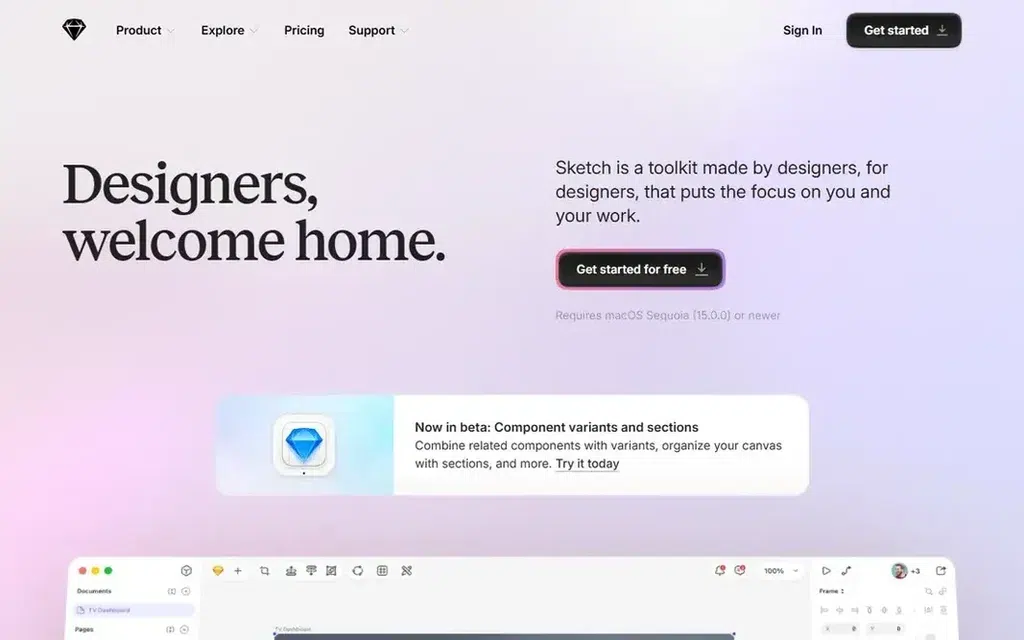
Sketch is built with Mac-centered product design teams in mind. It fits product design teams that work primarily on Mac hardware and want a focused environment centered on the designer's own workflow instead of a wide multi-discipline system.
Limits to weigh: Mac-only ecosystem limits mixed-device teams.
The starting price for Sketch: $12 per editor per month. Free plan details: Free trial.
- Built by designers for design work
- Handoff features for developers
- Less suited to cross-discipline collaboration
Marvel
Best for: Prototyping and user testing in one place
Where Marvel fits: Prototyping and user testing in one place. Marvel is a collaborative design product for digital products where teams can wireframe, prototype, user test, design and inspect work in one place, with API integration choices.
This comparison lists no price for Marvel; ask the vendor. Marvel offers a free plan.
Where it is weaker: Less depth than specialist design tools.
- API integration choices
- Design inspection and handoff included
- Most useful for more straightforward product flows
Miro is built with workshops and cross-team alignment in mind. Miro is not aimed at in-depth interface design or developer handoff, so it complements instead of replaces a dedicated UI tool.
Very large boards can also become hard to navigate without careful structure and ownership. Miro starts at: $8 per member per month. Miro has a free plan.
Drawbacks to consider: Large boards can become unwieldy.
- AI-assisted collaboration features
- Visual workspace for ideation to launch
- Not a dedicated interface design tool
Choose Balsamiq for quick low-fidelity wireframing. It fits enterprise teams that want to explore concepts early and gather feedback before committing to refined design work, including stakeholders who are not trained designers.
Watch-outs: Not a full design system tool.
Also, groups that require production-ready interfaces in one place should look elsewhere. Entry price for Balsamiq: $16 per editor per month. Free plan details: Free trial.
- Low-friction wireframes
- Straightforward for non-designers to use
- Restricted for high-fidelity visual design
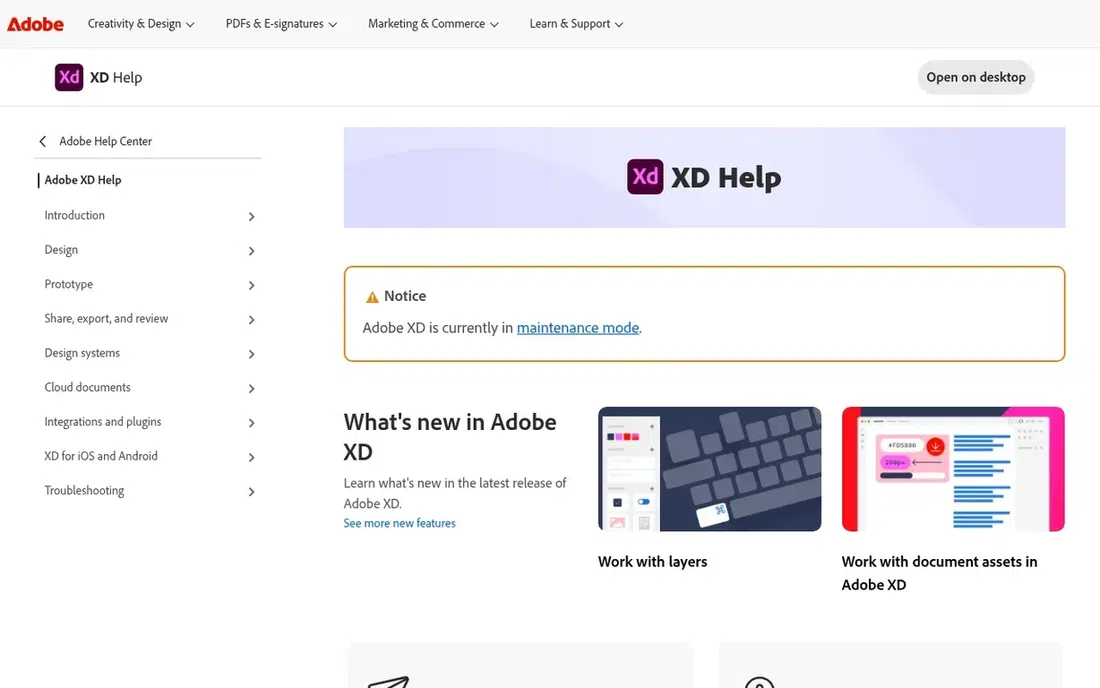
Adobe XD targets teams already inside Adobe workflows. Adobe XD is Adobe's design and prototyping tool for user interfaces.
Enterprise teams with established Adobe licenses and asset libraries can keep design work close to their existing brand and production pipelines. This comparison lists no price for Adobe XD; ask the vendor. Trial and free access: Not stated.
Trade-offs to know: Feature development has slowed in recent years.
- Familiar interface for Adobe users
- Handles design and prototyping
- Value relies on existing Adobe investment
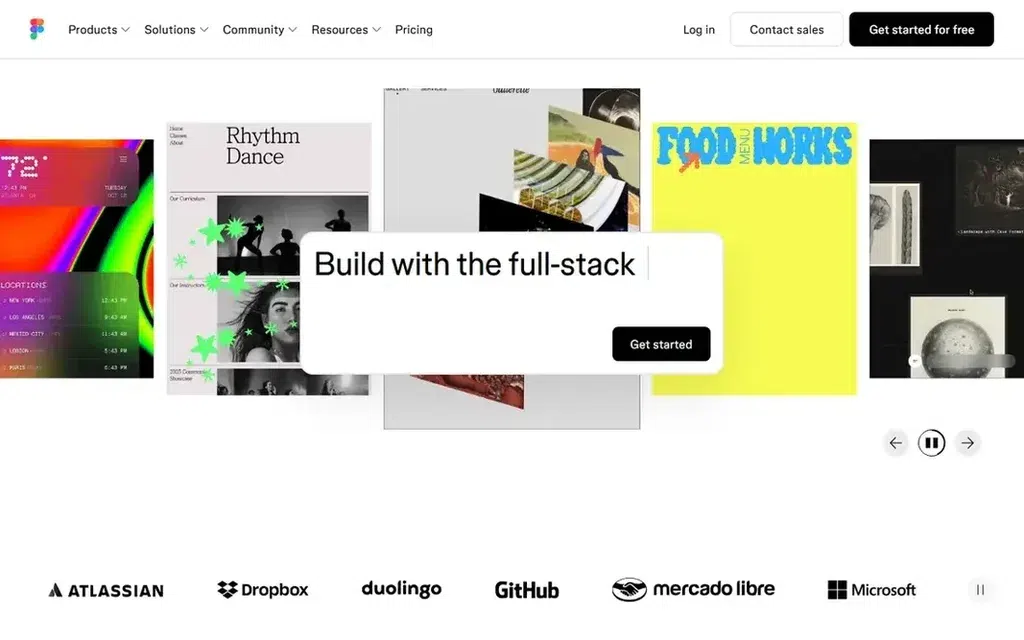
Figma makes the most sense for collaborative design and code handoff. The breadth of the product means teams need onboarding and clear conventions to stay organized, and heavy collaborative use depends on stable connectivity.
Honest limits: Wide feature set can overwhelm newcomers.
Groups that chiefly need fast low-fidelity wireframes may find a lighter, more focused tool simpler to adopt. Entry price for Figma: $3 per month. On free options: Not stated.
- Design
- Solid live team collaboration
- Needs steady connectivity for shared work
How the list was put together
What to confirm before you sign up
- Confirm the entry price on the vendor page. For Marvel and Adobe XD that means a quote rather than a fixed price.
- Read the fine print on the free plans from Marvel and Miro; seat, project and feature caps differ.
- Take the trial from Sketch and Balsamiq and push a live task through it before you pay.
- Before choosing Sketch, weigh its main limit: Mac-only ecosystem limits mixed-device teams.
- Ask Sketch about contract length, onboarding fees and user minimums before you sign.
- List the apps you already depend on and check that Balsamiq supports each one on the plan you would buy.
FAQ
Do these tools publish their prices?
Not all of them. Marvel and Adobe XD publish no starting price, so expect a quote request for those. The rest, Sketch included, show a starting price, though seats and billing terms still change the final cost.
Can I try these tools before paying?
Often, yes. Marvel and Miro have a free plan and Sketch and Balsamiq offer a free trial. Use your own data and a real task during the test, and check what the free tier or trial limits before you rely on it.
What is the cheapest option for UI/UX software for enterprise teams in this list?
On published monthly entry prices, Figma is the lowest here at $3 per month. Entry price is only part of the cost, because seats, add-ons and billing terms can change the total. Each of the 6 options in this UI/UX software for enterprise teams guide has its own card above with the price, free plan and limits.
Is a low-fidelity tool like Balsamiq enough for enterprise work?
Balsamiq is capable for early sketching and feedback, particularly with non-designers. It is not intended for final visual design, so most enterprises pair it with a higher-fidelity product for production interfaces.
How are the tools for UI/UX software for enterprise teams ordered?
The order follows typical fit for UI/UX software for enterprise teams, with Sketch first and Figma last, then price clarity and free access. It is editorial judgement, not a score, so another team could rank the tools differently.
Sources
- https://www.sketch.com
- https://marvelapp.com
- https://miro.com
- https://balsamiq.com
- https://www.adobe.com/products/xd.html
- https://www.figma.com