Best Vector Tracing Software for Print Shops in 2026: Prices, Free Plans and 5 Picks
Best vector tracing software for print shops in 2026: 5 contenders with entry costs and free tiers. Weaknesses are named for every tool. Jump to the table.
- Editor's choiceScan2CAD
CAD and CNC conversion
Starts at$89 per monthVisit scan2cad.comFull review - Great alternative
 Vector Magic
Fast bitmap-to-vector conversion
Starts at$5.99 a monthVisit vectormagic.comFull review - Also consider
 Adobe Illustrator
Professional print vector editing
Starts atSee websiteVisit adobe.comFull review
Direct answer
Our first pick is Scan2CAD, best for CAD and CNC conversion. Listed starting prices: Scan2CAD from $89 per month and Vector Magic from $5.99 a month. Vector Magic fits fast bitmap-to-vector conversion; Adobe Illustrator fits professional print vector editing. The other 2 tools in the list cover narrower or pricier cases.
TL;DR:
- Number one here is Scan2CAD, a fit for CAD and CNC conversion.
- Affinity Designer suits precision vector design.
- What to know about Scan2CAD first: niche focus on technical work.
- A permanent free plan is missing from all 5 tools, Scan2CAD and Affinity Designer included; plan for a trial or a premium start.
Last checked November 2026. Prices and plan details were read from the vendors' own pages in November 2026; vendors change plans often, so confirm the current price on the vendor site before you buy.
Quick comparison
| Tool | Best for | Starts at | Free plan? | |
|---|---|---|---|---|
| Scan2CAD | CAD and CNC conversion | $89 per month | Free trial | Visit |
| Vector Magic | Fast bitmap-to-vector conversion | $5.99 a month | Not stated | Visit |
| Adobe Illustrator | Professional print vector editing | See website | Not stated | Visit |
 Vectr | Straightforward vector editing and conversion | See website | Not stated | Visit |
 Affinity Designer | Precision vector design | See website | Not stated | Visit |
Vector Tracing Software for Print Shops, one by one
If you are comparing vector tracing software for print shops, this page covers 5 tools in one place: what each is best for, what it costs to start, whether it has a free plan, and the main limit to know about.
Scan2CAD
Best for: CAD and CNC conversion
Choose Scan2CAD for CAD and CNC conversion. Scan2CAD is professional-grade CAD and CNC conversion software for Windows and macOS. It accurately converts images and PDFs into formats a good match for CAD and CNC workflows.
Drawbacks to consider: Not a general design tool.
For general graphic design or logo tracing, a different tool may be more appropriate. Also, print shops that manage technical drawings, signage, or cut files will find it handy for preparing vector data for production equipment. Its focus on technical conversion means it lacks the wide illustration and layout features of a full design suite. In practice, pick Scan2CAD when your work involves CAD or CNC output and precise technical conversion. Entry price for Scan2CAD: $89 per month. Free access: Free trial.
- Designed for CAD and CNC
- Converts images and PDFs
- Niche focus on technical work
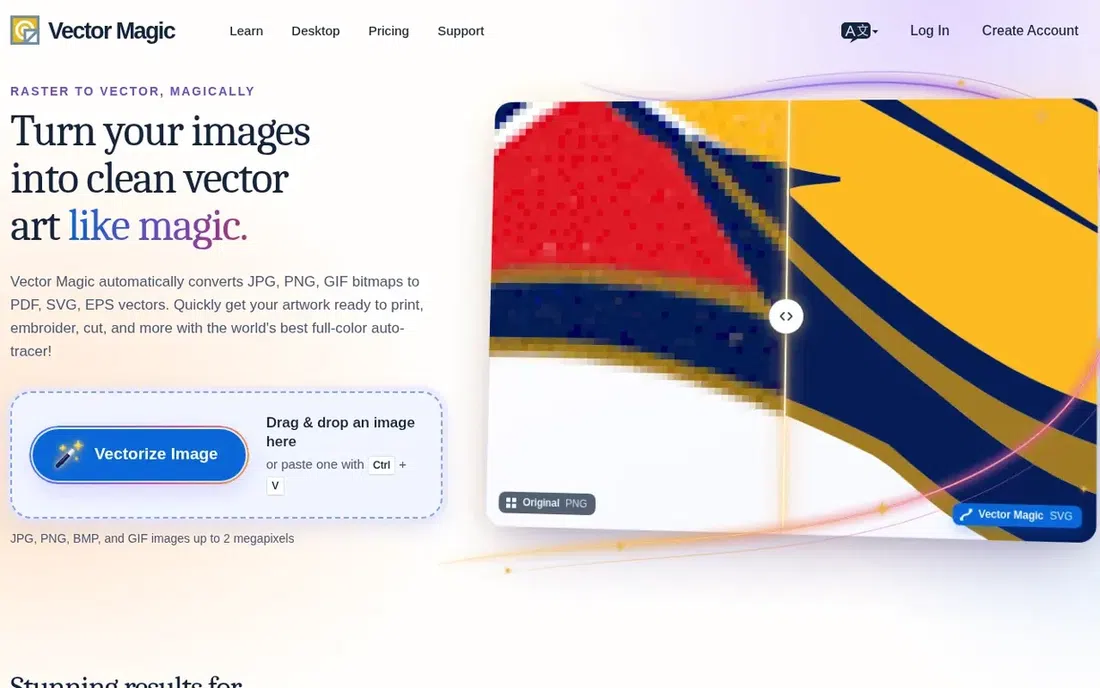
Vector Magic makes the most sense for fast bitmap-to-vector conversion. The tool is designed for tracing instead of full design work, so complicated edits may need exporting to a vector editor. It may not replace a complete design suite for layout or illustration.
Honest limits: Restricted design editing.
Vector Magic concentrates on converting bitmap images for example JPG, PNG, BMP, and GIF into vector formats including SVG, EPS, PDF, AI, and DXF. More specifically, print shops that receive customer logos or artwork as raster files will find it a practical tool for quick, clean vectorization. Starting cost for Vector Magic: $5.99 per month. Free options: Not stated.
- Full-color tracing
- Online and desktop choices
- Centred on conversion only
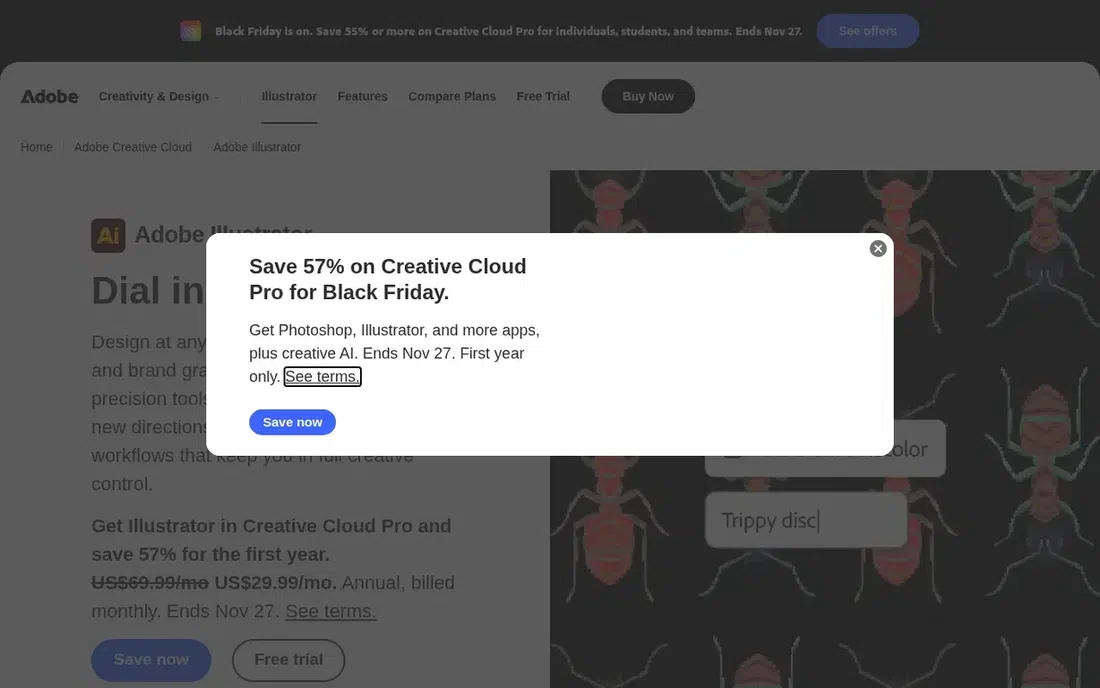
Adobe Illustrator serves professional print vector editing. Adobe Illustrator is a professional vector graphics application used widely in print production. It supports drawing, tracing, and editing with precision, and its generative AI can turn a text prompt into editable vector art.
Worth adding: print shops that require full control over paths, colors, and output will find it a solid fit for creating and refining logos, illustrations, and layouts. Choose Illustrator when you need deep editing and a complete vector workflow. For more straightforward tracing tasks or occasional conversions, a dedicated converter like Vector Magic may be more straightforward. No starting price is listed for Adobe Illustrator here; confirm pricing on the vendor site. On free options: Not stated.
What to check first: Can be complicated for beginners.
- Wide format support
- Generative AI for editable vectors
- Subscription-based access
Think of Vectr for straightforward vector editing and conversion. It is accessible for fast design tasks and entry-level vector work.
Also, print shops may use it for straightforward edits or conversions when a full professional suite is not required. For everyday use, the tool is less advanced than professional design suites and may lack the depth needed for complicated print production. Vectr shows no starting price here, so confirm the cost on the vendor site. Free options: Not stated.
What to check first: Less advanced than pro suites.
- SVG converter
- AI-assisted design features
- Restricted print production tools
Pick Affinity Designer if this describes you: precision vector design. The application is a solid fit for designers who want a focused vector tool without the overhead of a bigger suite. It has a smaller ecosystem and fewer integrations than some industry-standard tools, which may matter in collaborative workflows.
The main drawbacks: Limited external plugins.
For tracing-specific automation, a dedicated converter may be more efficient. Worth adding: Affinity Designer is professional graphic and vector design software designed for precision, speed, and creative freedom. It lets print shops produce crisp vector art and bold graphics a good match for production. No starting price is listed for Affinity Designer here; confirm pricing on the vendor site. Trial and free access: Not stated.
- Quick and responsive
- Professional design features
- Smaller ecosystem than Adobe
How these tools were picked
LinkVetted used vendor pricing pages and product documentation as the base, then compared plans, free access and documented limits for 5 tools. Figures are shown as the vendors publish them. Billing terms, seat minimums and add-ons can change the real cost. The order reflects how well each tool fits the most common buying scenario for vector tracing software for print shops, then price clarity, then free plan access. It is a starting point, not a verdict.
Pre-purchase checklist
- Get a written quote from Adobe Illustrator, Vectr and Affinity Designer; the list shows no starting price for them.
- Run a trial of Scan2CAD with real work before paying for a year; your own workflow is the best test.
- Before choosing Scan2CAD, weigh its main limit: niche focus on technical work.
- List the apps you already depend on and check that Affinity Designer supports each one on the plan you would buy.
- Test how quickly Adobe Illustrator answers a pre-sales question; it hints at how support will feel later.
FAQ
Is Scan2CAD the right pick for everyone comparing vector tracing software for print shops?
No single tool suits every team. Scan2CAD comes first because it fits CAD and CNC conversion, while Vector Magic suits quick bitmap-to-vector conversion and Adobe Illustrator suits professional print vector editing. Match the tool to your own size, budget and workflow before deciding.
Do these tools publish their prices?
Not all of them. Adobe Illustrator, Vectr and Affinity Designer publish no starting price, so expect a quote request for those. The rest, Scan2CAD included, show a starting price, though seats and billing terms still change the final cost.
Does any tool for vector tracing software for print shops here have a free plan?
No tool in this list, Scan2CAD and Affinity Designer included, has a permanent free plan. Scan2CAD offer a trial. Trials and quotes are the usual route, so plan a short evaluation period.
What should a print shop look for in vector tracing software?
Prioritize accurate tracing, support for typical vector formats like SVG and EPS, and editing tools to refine results. Consider whether you need a dedicated converter or a full design suite, and check compatibility with your existing workflow.
Can I try these tools before paying?
Often, yes. Scan2CAD offers a free trial. Use your own data and a real task during the test, and check what the free tier or trial limits before you rely on it.
Sources
- https://www.scan2cad.com
- https://vectormagic.com
- https://www.adobe.com/products/illustrator.html
- https://vectr.com
- https://affinity.serif.com/en-us/designer