Choosing Print Design Software for Publishers in 2026: 5 Options Compared
5 best print design software for publishers, compared on pricing, free plans and best-fit use. Strengths and weak spots are spelled out. Updated for 2026.
- Editor's choice
 Adobe Illustrator
Vector graphics and publication illustrations
Starts atPricing on requestVisit adobe.comFull review - Great alternativeScribus
Open-source desktop publishing
Starts atPricing on requestVisit scribus.netFull review - Also consider
 Adobe InDesign
Long-form publication and book layout
Starts atPricing on requestVisit adobe.comFull review
Direct answer
Our first pick is Adobe Illustrator, best for vector graphics and publication illustrations. For a different need, Scribus covers open-source desktop publishing and Adobe InDesign covers long-form publication and book layout. The other 2 tools in the list cover narrower or pricier cases. None of these vendors publish plan prices, so pricing is on request for every option.
TL;DR:
- Adobe Illustrator takes the first slot, best suited to vector graphics and publication illustrations.
- Adobe Illustrator, CorelDRAW Graphics Suite and the 3 others all sell by quote; expect sales conversations before you see a price.
- A permanent free plan is missing from all 5 tools, Adobe Illustrator and CorelDRAW Graphics Suite included; plan for a trial or a premium start.
- CorelDRAW Graphics Suite fits all-in-one vector, photo, and layout work.
Last checked November 2026. Pricing on request: vendors did not publish plan prices when this guide was last checked (November 2026), so ask each vendor for a written quote.
Quick comparison
| Tool | Best for | Starts at | Free plan? | |
|---|---|---|---|---|
| Adobe Illustrator | Vector graphics and publication illustrations | Pricing on request | Not stated | Visit |
| Scribus | Open-source desktop publishing | Pricing on request | Not stated | Visit |
| Adobe InDesign | Long-form publication and book layout | Pricing on request | Not stated | Visit |
 Affinity Designer | Vector art and bold graphics | Pricing on request | Not stated | Visit |
 CorelDRAW Graphics Suite | All-in-one vector, photo, and layout work | Pricing on request | Not stated | Visit |
Print Design Software for Publishers profiles
LinkVetted put together this guide to print design software for publishers for readers who want a clear shortlist without reading every vendor page. It compares 5 tools on starting price, free plans, who each one suits and where each one falls short.
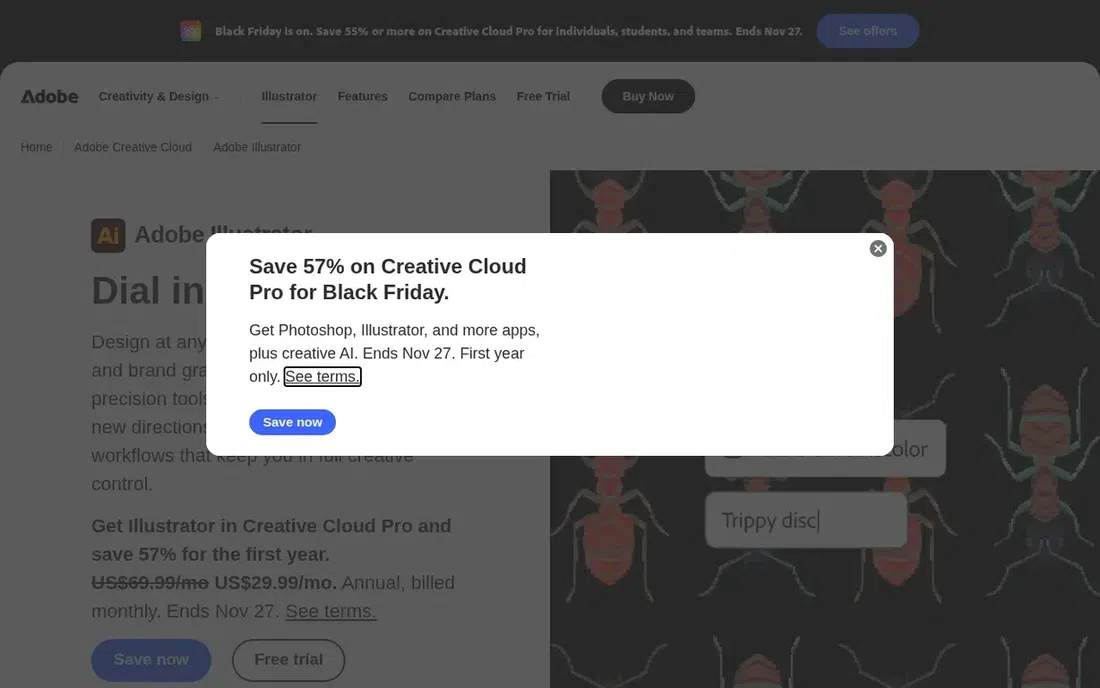
Adobe Illustrator is a good fit for vector graphics and publication illustrations. Generative AI features let users turn a text prompt into an editable vector graphic, which can accelerate early concept work.
Worth adding: Adobe Illustrator is vector graphics software used for logos, illustrations, infographics, and other crisp artwork that supports print publications. Also, Illustrator is not aimed at multi-page publication layout, so it complements instead of replaces a desktop publishing tool. Pricing for Adobe Illustrator is not stated here, so ask the vendor for current figures. Trial and free access: Not stated.
The main drawbacks: Not a page layout tool.
- Generative AI prompt-to-vector features
- Precise art for print
- Subscription required
Scribus
Best for: Open-source desktop publishing
Scribus is designed for open-source desktop publishing. Scribus is an open-source desktop publishing application used for page layout, including brochures, newsletters, and books.
Watch-outs: Restricted vendor support.
Its focus on page layout makes it a reasonable starting point for smaller editorial teams. The interface and documentation are less refined than commercial alternatives, and professional support choices are limited. This comparison lists no price for Scribus; ask the vendor. Free plan details: Not stated.
- Open-source and community-driven
- Runs on several products
- Interface less refined
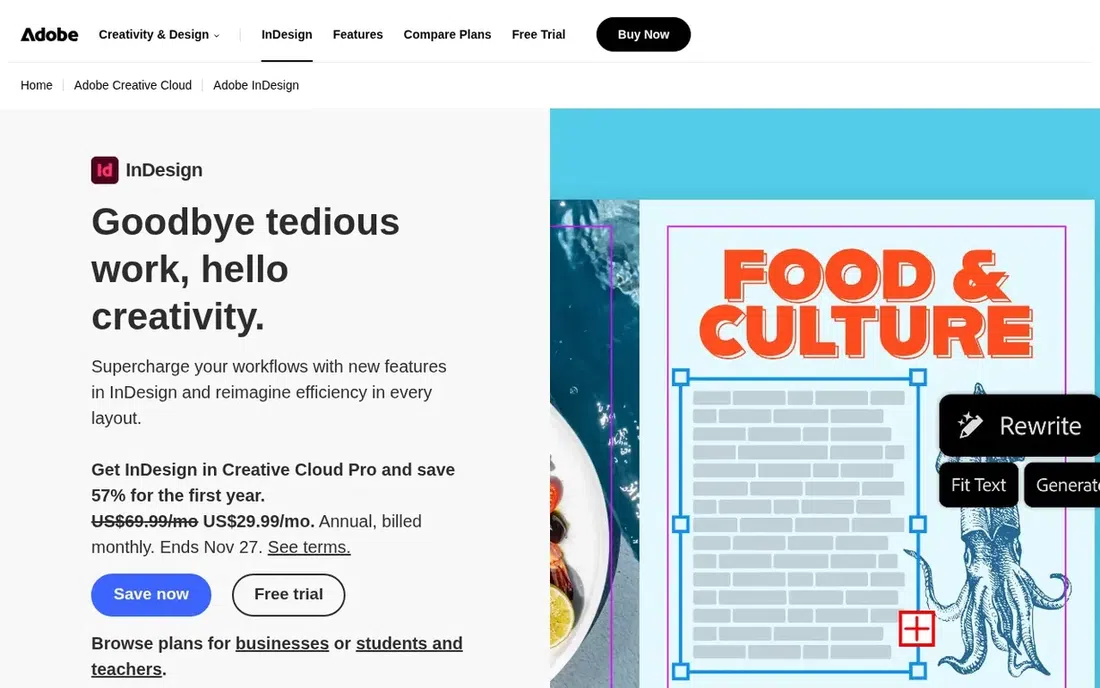
For long-form publication and book layout, Adobe InDesign is a natural candidate. Teams already working within Adobe workflows frequently find it the natural home for magazine and book production.
Points against: Can feel complicated for beginners.
It suits publishers producing structured, long-form content who require in-depth control over pages, styles, and output. Check the vendor site for Adobe InDesign pricing; none is listed in this comparison. Free plan details: Not stated.
- Capable typography and layout controls
- Manages print and digital documents
- Subscription-based access
For vector art and bold graphics, Affinity Designer is a natural candidate. Affinity Designer is graphic and vector design software for creating crisp vector art and bold graphics with precision, speed, and creative freedom.
Publishers needing only occasional vector work may find a layout suite with basic drawing tools sufficient, but dedicated illustration work benefits from a focused vector app. Designer is not a page layout application, so it cannot replace a desktop publishing tool for books or magazines. Affinity Designer shows no starting price here, so confirm the cost on the vendor site. Free access: Not stated.
Points against: Not for multi-page layout.
- Crisp vector output
- Perpetual license model
- Smaller plugin ecosystem
Where CorelDRAW Graphics Suite fits: all-in-one vector, photo, and layout work. It fits publishers and production teams that want multiple design capabilities in a single package, from drawing graphics to preparing page elements.
Where it is weaker: Different workflow from Adobe.
The suite can include brochure and promotional layout alongside artwork creation. Pricing for CorelDRAW Graphics Suite is not stated here, so ask the vendor for current figures. Trial and free access: Not stated.
- Vector illustration and photo editing
- Wide feature set in one suite
- Ramp-up time for new users
How the list was put together
Pricing pages, product documentation and feature lists were the main sources, and every entry carries at least one honest drawback. Where a price is missing, the vendor does not list one publicly or ties it to a quote. Always confirm before budgeting. Tools are placed by general fit for print design software for publishers, with price clarity and free access as tie-breakers. A different team can reasonably rank them differently.
Before you commit
- Confirm the entry price with every vendor: no tool from Adobe Illustrator to CorelDRAW Graphics Suite shows a fixed starting price.
- Before choosing Adobe Illustrator, weigh its main limit: not a page layout tool.
- Confirm you can export your data from Adobe InDesign, so leaving later does not mean losing records.
- Add up seats, add-ons and usage charges for Adobe Illustrator before comparing it with cheaper entries.
- Pick one real project and run it in CorelDRAW Graphics Suite first; a small pilot shows fit faster than a checklist.
FAQ
How should a publisher choose between Adobe and Affinity?
Adobe tools are widely used across the industry, whereas Affinity supplies professional layout and design tools under a perpetual license model. Test both against a real project before deciding.
Can I try these tools before paying?
Not by default. None of the tools, from Adobe Illustrator to CorelDRAW Graphics Suite, lists a free plan or a free trial here, so ask each vendor for a demo before committing.
Does any tool for print design software for publishers here have a free plan?
No tool in this list, Adobe Illustrator and CorelDRAW Graphics Suite included, has a permanent free plan. Trials and quotes are the usual route, so plan a short evaluation period.
Do these tools publish their prices?
No. None of the tools, from Adobe Illustrator to CorelDRAW Graphics Suite, shows a fixed starting price here, so budget time for quotes.
How are the tools for print design software for publishers ordered?
The order follows typical fit for print design software for publishers, with Adobe Illustrator first and CorelDRAW Graphics Suite last, then price clarity and free access. It is editorial judgement, not a score, so another team could rank the tools differently.
Sources
- https://www.adobe.com/products/illustrator.html
- https://www.scribus.net
- https://www.adobe.com/products/indesign.html
- https://affinity.serif.com/en-us/designer
- https://www.coreldraw.com/en/product/coreldraw