Best UX Research Software for Enterprise Teams (2026): 6 Picks Checked on Vendor Pages
6 best UX research software for enterprise teams, with entry costs, free tiers and the buyer each one serves. Where a tool struggles is spelled out. No hype.

- Editor's choice
 Dovetail
Organizing and analyzing customer feedback
Starts at$4,800 a yearVisit dovetail.comFull review - Great alternative
 Qualtrics XM
Organizations running wide experience programs
Starts atSee websiteVisit qualtrics.comFull review - Also consider
 UserTesting
Quick human insight across digital experiences
Starts atSee websiteVisit usertesting.comFull review
Direct answer
If you need organizing and analyzing customer feedback, Dovetail is the first tool to look at here. Listed starting prices: Dovetail from $4,800 a year, Lookback from $299 per year and Hotjar from $39 a month. Qualtrics XM fits organizations running broad experience programs; UserTesting fits quick human insight across digital experiences. All 6 tools are compared below on price, free plan and limits.
TL;DR:
- Number one here is Dovetail, a fit for organizing and analyzing customer feedback.
- Check the limits for Dovetail before you commit: analysis-focused instead of recruiting-focused.
- Hotjar is the one to check for behavior insight alongside research.
- Just one of the 6 tools, Hotjar, has a free plan.
- The lowest published monthly entry price here is $39 per month, from Hotjar.
Last checked November 2026. Prices and plan details were read from the vendors' own pages in November 2026; vendors change plans often, so confirm the current price on the vendor site before you buy.
Quick comparison
| Tool | Best for | Starts at | Free plan? | |
|---|---|---|---|---|
| Dovetail | Organizing and analyzing customer feedback | $4,800 a year | Free trial | Visit |
| Qualtrics XM | Organizations running wide experience programs | See website | Not stated | Visit |
| UserTesting | Quick human insight across digital experiences | See website | Not stated | Visit |
| UserZoom | Sophisticated UX insight programs | See website | Not stated | Visit |
 Lookback | Interviews and moderated usability sessions | $299 per year | Free trial | Visit |
 Hotjar | Behavior insight alongside research | $39 a month | Yes | Visit |
The full UX research software for enterprise teams list
Short on time? The summary and table above give the quick view of 6 UX research software for enterprise teams, and the profiles that follow give the detail behind each entry.
For organizing and analyzing customer feedback, Dovetail is a natural candidate. Dovetail is oriented toward making sense of existing feedback instead of running participant sessions end to end.
Points against: Value relies on feedback volume.
If you need recruiting and live testing in the same tool, pair it with a research system or choose one that handles the full workflow. The starting price for Dovetail: $4,800 per year. As for free access: Free trial.
- Built as a customer context layer
- Ingests and organizes feedback
- Analysis-focused instead of recruiting-focused
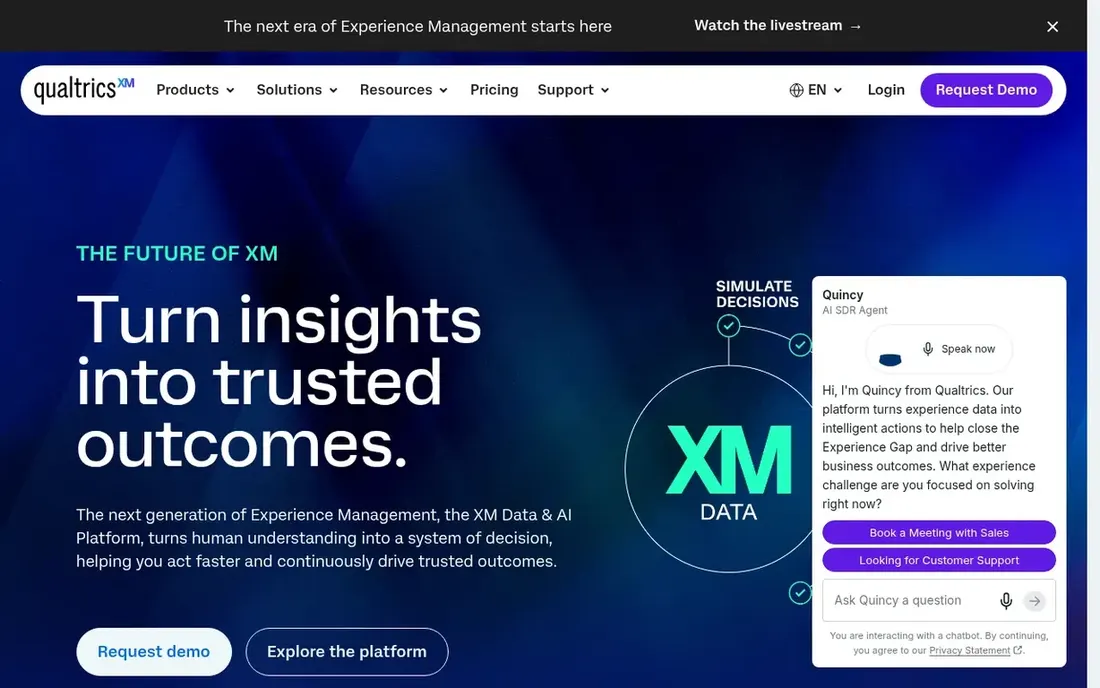
Qualtrics XM serves organizations running wide experience programs. Qualtrics XM positions itself around experience management, with messaging about simulating customer and employee experiences, predicting outcomes and taking intelligent action.
Its breadth can be more than a pure UX research team needs, and success depends on clear ownership across departments. Teams wanting a dedicated research repository or a narrow usability testing tool should weigh more focused products first. This comparison lists no price for Qualtrics XM; ask the vendor. Free plan details: Not stated.
Drawbacks to consider: Needs program ownership to use well.
- Predictive and simulation capabilities
- Experience management focus
- Large scope beyond UX research alone

For quick human insight across digital experiences, UserTesting is a natural candidate. UserTesting presents itself as a human insight product for improving digital, product and customer experience decisions.
Since it is built around a wide insight product, teams wanting only straightforward survey collection may find it more than they need. Also, consider alternatives when your priority is deep analysis of existing feedback instead of running new studies, or when a lighter research workflow is sufficient. Check the vendor site for UserTesting pricing; none is listed in this comparison. Free access: Not stated.
Drawbacks to consider: Less suited to lightweight ad hoc research.
- Wide digital experience coverage
- Supports product and customer experience decisions
- Enterprise-oriented setup
UserZoom
Best for: Sophisticated UX insight programs
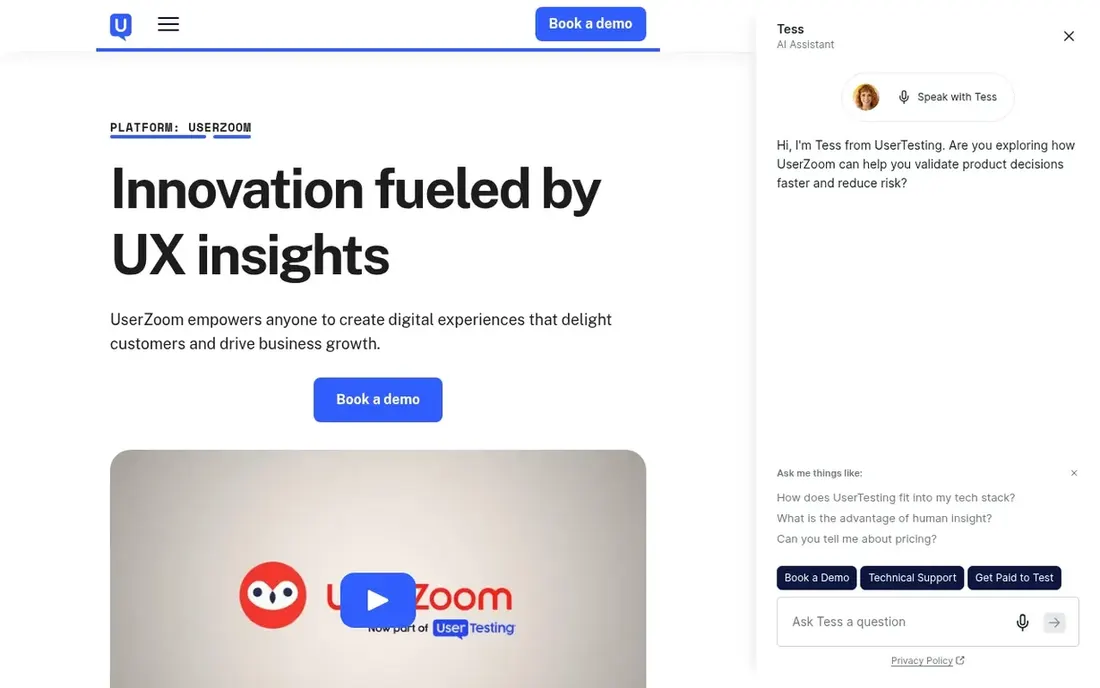
UserZoom is aimed squarely at sophisticated UX insight programs. It fits enterprise research and design organizations that run recurring studies and want a dedicated environment for UX research capabilities instead of a general survey tool.
Trade-offs to know: May overlap with other enterprise tools.
The platform's breadth means onboarding and governance planning matter for large teams. This comparison lists no price for UserZoom; ask the vendor. On free options: Not stated.
- Emphasis on sophisticated UX insights
- Supports digital experience improvement
- Wide system scope can take time to learn
Lookback is built with interviews and moderated usability sessions in mind. Lookback is described as an AI-powered user research system for interviews, usability testing and analysis, with recruiting, research and sharing insights in one place.
Downsides: Session-heavy workflows may not suit all teams.
The starting price for Lookback: $299 per year. Free plan details: Free trial.
- AI-powered research product
- Includes interviews and usability testing
- Narrower than full experience suites
Hotjar was built for behavior insight alongside research. It suits enterprise teams that want to see how people actually move through digital products and pair that behavioral view with qualitative research from other tools.
What to check first: Best paired with dedicated research tools.
Starting cost for Hotjar: $39 per month. Hotjar includes a free tier.
- Behavior insights focus
- Part of a broader experience intelligence group
- Not a full research operations suite
How we chose
For each of the 6 tools we noted price, free plan or trial, fit for UX research software for enterprise teams and the main limit, using vendor pages and documentation. Where a price is missing, the vendor does not list one publicly or ties it to a quote. Always confirm before budgeting. Tools are placed by general fit for UX research software for enterprise teams, with price clarity and free access as tie-breakers. A different team can reasonably rank them differently.
Questions to settle before buying
- Confirm the entry price on the vendor page. For Qualtrics XM, UserTesting and UserZoom that means a quote rather than a fixed price.
- Look at the free plan from Hotjar closely: its caps decide whether it is usable for real work.
- Use real work to test the free trial from Dovetail and Lookback, rather than a demo project.
- Before choosing Dovetail, weigh its main limit: analysis-focused instead of recruiting-focused.
- Look at the renewal terms for Dovetail: auto-renewal, notice periods and price changes can matter more than the first-year price.
- Verify that exporting from UserTesting is possible on your plan and covers all your records.
FAQ
How do research repositories differ from testing systems?
Repositories such as Dovetail focus on ingesting, organizing and analyzing feedback that already exists, serving cited context to teams and AI agents. Plenty of enterprises use both together.
What is the cheapest option for UX research software for enterprise teams in this list?
On published monthly entry prices, Hotjar is the lowest here at $39 per month. Entry price is only part of the cost, because seats, add-ons and billing terms can change the total. Each of the 6 options in this UX research software for enterprise teams guide has its own card above with the price, free plan and limits.
How are the tools for UX research software for enterprise teams ordered?
The order follows typical fit for UX research software for enterprise teams, with Dovetail first and Hotjar last, then price clarity and free access. It is editorial judgement, not a score, so another team could rank the tools differently.
Is Dovetail the right pick for everyone comparing UX research software for enterprise teams?
No single tool suits every team. Dovetail comes first because it fits organizing and analyzing customer feedback, while Qualtrics XM suits organizations running broad experience programs and UserTesting suits fast human insight across digital experiences. Match the tool to your own size, budget and workflow before deciding.
Can behavior analytics replace UX research software?
They work best as a complement to research products that capture participant feedback and interviews. Plan for both if decisions rely on understanding motivation.
Do these tools publish their prices?
Not all of them. Qualtrics XM, UserTesting and UserZoom publish no starting price, so expect a quote request for those. The rest, Dovetail included, show a starting price, though seats and billing terms still change the final cost.
Sources
- https://dovetail.com
- https://www.qualtrics.com
- https://www.usertesting.com
- https://www.userzoom.com
- https://www.lookback.com
- https://www.hotjar.com