Best UX Research Software for Design Teams (2026): 6 Picks Checked on Vendor Pages
Best UX research software for design teams, compared. 6 tools with published prices, free plans and limits. Details on cost, catches and fit. Read the profiles.

- Editor's choice
 Lookback
AI-powered interviews and usability
Starts at$299 per yearVisit lookback.comFull review - Great alternative
 Dovetail
Centralizing and analyzing feedback
Starts at$4,800 a yearVisit dovetail.comFull review - Also consider
 Hotjar
Behavior insights for SMBs
Starts at$39 a monthVisit hotjar.comFull review
Direct answer
Lookback is the first pick on this list for AI-powered interviews and usability. Listed starting prices: Lookback from $299 per year, Dovetail from $4,800 a year and Hotjar from $39 a month. Look at Dovetail for Centralizing and analyzing feedback, and at Hotjar for behavior insights for SMBs. The remaining 3 options are covered below with prices and limits.
TL;DR:
- Lookback sits first on this list: AI-powered interviews and usability.
- Check the limits for Hotjar before you commit: not a full UX research suite.
- Just one of the 6 tools, Hotjar, has a free plan.
- Maze fits quick design-centric testing.
- The cheapest monthly starting price in the list is $39 per month, offered by Hotjar.
Last checked November 2026. Prices and plan details were read from the vendors' own pages in November 2026; vendors change plans often, so confirm the current price on the vendor site before you buy.
Quick comparison
| Tool | Best for | Starts at | Free plan? | |
|---|---|---|---|---|
| Lookback | AI-powered interviews and usability | $299 per year | Free trial | Visit |
| Dovetail | Centralizing and analyzing feedback | $4,800 a year | Free trial | Visit |
| Hotjar | Behavior insights for SMBs | $39 a month | Yes | Visit |
| UserZoom | Sophisticated UX insights | See website | Not stated | Visit |
 UserTesting | Human insight at scale | See website | Not stated | Visit |
 Maze | Quick design-centric testing | See website | Not stated | Visit |
UX Research Software for Design Teams profiles
If you are comparing UX research software for design teams, this page covers 6 tools in one place: what each is best for, what it costs to start, whether it has a free plan, and the main limit to know about.
Lookback serves AI-powered interviews and usability. Lookback's focus on interviews and usability means it may not handle broader market research needs. Teams looking for a system that also deals with surveys or behavior analytics should consider UserZoom or Hotjar.
Beyond that, Lookback is an AI-powered user research product for interviews, usability testing, and analysis. It permits teams to recruit, research, and share insights all in one place, making it a solid fit for design teams that conduct frequent moderated or unmoderated sessions. What you pay to start with Lookback: $299 per year. Free access: Free trial.
Where it shines: All-in-one place to recruit, research, share. Watch-outs: AI features may need adjustment.
- AI-powered research product
- Supports interviews and usability testing
- Restricted to interview and usability focus
Think of Dovetail for Centralizing and analyzing feedback. It is ideal for design teams that require to synthesize research from several sources and make insights accessible across the organization.
Dovetail does not conduct research on its own; it relies on data from other tools. Dovetail cost at the entry level: $4,800 per year. As for free access: Free trial.
What to check first: Depends on integration with other research sources.
- Serves cited context for teams and AI
- Ingests and organizes customer feedback
- Not a testing tool itself
Hotjar works best for behavior insights for SMBs. Hotjar is a behavior insights system that, together with Contentsquare, centres on experience intelligence for the midsize and SMB market.
It helps design teams understand how users actually interact with their digital products through observed behavior, complementing other research methods. Hotjar pricing: $39 per month. Hotjar has a free plan.
Honest limits: Not a full UX research suite.
- Behavior insights platform
- Suited for midsize and SMB market
- Restricted to behavior analytics
UserZoom
Best for: Sophisticated UX insights
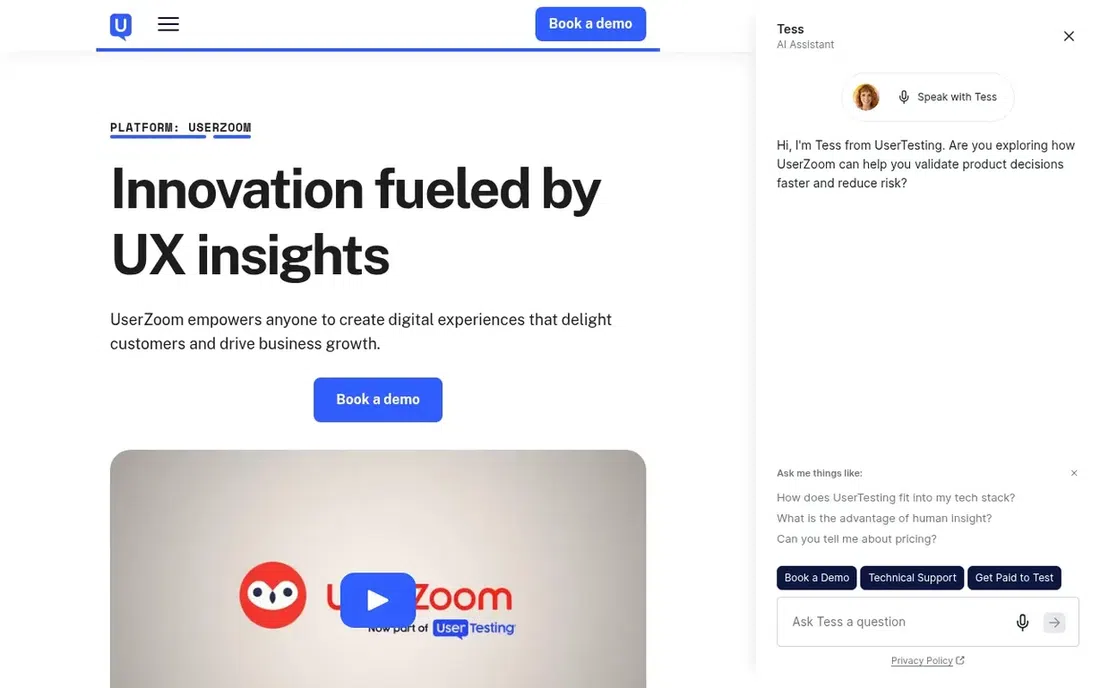
For sophisticated UX insights, UserZoom is a natural candidate. UserZoom enables teams with sophisticated UX insights to build digital experiences that delight customers and drive business growth.
For lighter, quicker testing, Maze or Lookback might be more appropriate. This comparison lists no price for UserZoom; ask the vendor. Free options: Not stated.
The main drawbacks: Potentially complicated for beginners.
- Focus on digital experience improvement
- Supports business growth through insights
- May need training to completely utilize

UserTesting is designed for human insight at scale. It suits organizations that require a scalable way to gather feedback across several touchpoints.
More specifically, if you want a tool made for fast usability tests within design workflows, consider Maze or Lookback instead. UserTesting shows no starting price here, so confirm the cost on the vendor site. Free options: Not stated.
The main drawbacks: May be complicated for small teams.
- Supports product and customer experience decisions
- Access to real human feedback
- Focus on insight instead of design testing specifically
Pick Maze if this describes you: quick design-centric testing. Whereas Maze simplifies design testing, it may not offer the depth required for complicated, multi-method research programs. Beyond that, teams needing deep behavioral analytics or large-scale insight management might have to pair it with other tools like Hotjar or Dovetail.
Honest limits: May lack advanced features for large-scale research.
In daily use, Maze is a market and user research system that brings recruiting, testing, and analysis together, helping teams run better research and make decisions with confidence. It is well suited for design teams that need to test prototypes and concepts rapidly without switching between tools. Maze shows no starting price here, so confirm the cost on the vendor site. Free options: Not stated.
- Helps teams make decisions with confidence
- Integrates recruiting, testing, analysis
- Restricted to certain research methods
What went into this list
Each tool was reviewed on what its vendor publishes: price, plan limits, core features and stated drawbacks. We did not run hands-on tests. Figures are shown as the vendors publish them. Billing terms, seat minimums and add-ons can change the real cost. Tools are placed by general fit for UX research software for design teams, with price clarity and free access as tie-breakers. A different team can reasonably rank them differently.
What to check before you buy
- Ask UserZoom, UserTesting and Maze for a written quote, since no starting price is shown.
- Look at the free plan from Hotjar closely: its caps decide whether it is usable for real work.
- Take the trial from Lookback and Dovetail and push a live task through it before you pay.
- Before choosing Lookback, weigh its main limit: AI features may need adjustment.
- Total up the real monthly cost of Hotjar, including add-ons, extra users and usage-based fees.
- Find out what support Maze includes on your plan, and whether onboarding help costs extra.
FAQ
How does Dovetail differ from other UX research tools?
Dovetail is not a testing tool but a customer context layer that ingests and organizes feedback from several sources. It excels at analysis and synthesis, whereas tools like UserTesting or Maze focus on running research sessions.
Is Lookback the right pick for everyone comparing UX research software for design teams?
No single tool suits every team. Lookback comes first because it fits AI-powered interviews and usability, while Dovetail suits Centralizing and analyzing feedback and Hotjar suits behavior insights for SMBs. Match the tool to your own size, budget and workflow before deciding.
What is the cheapest option for UX research software for design teams in this list?
On published monthly entry prices, Hotjar is the lowest here at $39 per month. Entry price is only part of the cost, because seats, add-ons and billing terms can change the total. All 6 picks in this UX research software for design teams comparison list a starting price, free plan details and the main limits on their cards above.
Which options for UX research software for design teams have a free plan?
Hotjar is the only tool in this list with a free plan. Free plans usually cap users, projects or features, so check the limits on the vendor page. Several others offer a trial instead.
What is the best UX research software for small design teams?
For most readers this guide would start with Lookback, built for AI-powered interviews and usability. Dovetail is the alternative for Centralizing and analyzing feedback, and Hotjar for behavior insights for SMBs. The right answer depends on budget and workflow.
Do these tools publish their prices?
Not all of them. UserZoom, UserTesting and Maze publish no starting price, so expect a quote request for those. The rest, Lookback included, show a starting price, though seats and billing terms still change the final cost.
Sources
- https://www.lookback.com
- https://dovetail.com
- https://www.hotjar.com
- https://www.userzoom.com
- https://www.usertesting.com
- https://maze.co