Best UI UX Design Tool for Enterprise Teams for 2026: Our 5 Vetted Picks
5 best UI UX design tool for enterprise teams, compared on pricing, free plans and best-fit use. Each pick comes with its main catch. Reviewed in November 2026.
- Editor's choice
 Balsamiq
Quick, low-friction wireframing
Starts at$16 per editor per monthVisit balsamiq.comFull review - Great alternative
 Adobe XD
Teams already inside Adobe workflows
Starts atSee websiteVisit adobe.comFull review - Also consider
 Figma
Cross-functional collaborative design work
Starts at$3 per monthVisit figma.comFull review
Direct answer
For quick, low-friction wireframing, Balsamiq is where this list starts. Listed starting prices: Balsamiq from $16 per editor per month, Figma from $3 per month and Axure RP from $29 per user a month. Look at Adobe XD for teams already inside Adobe workflows, and at Figma for cross-functional collaborative design work. The other 2 tools in the list cover narrower or pricier cases.
TL;DR:
- The list opens with Balsamiq, aimed at quick, low-friction wireframing.
- Figma comes with a trade-off: wide feature set can overwhelm new users.
- Balsamiq, Sketch and the 3 others all need a premium plan or a trial, since no free plan is listed.
- Sketch fits Mac-centered design and handoff.
Last checked November 2026. Prices and plan details were read from the vendors' own pages in November 2026; vendors change plans often, so confirm the current price on the vendor site before you buy.
Quick comparison
| Tool | Best for | Starts at | Free plan? | |
|---|---|---|---|---|
| Balsamiq | Quick, low-friction wireframing | $16 per editor per month | Free trial | Visit |
| Adobe XD | Teams already inside Adobe workflows | See website | Not stated | Visit |
| Figma | Cross-functional collaborative design work | $3 per month | Not stated | Visit |
 Axure RP | In-depth prototypes and specifications | $29 per user a month | Not stated | Visit |
 Sketch | Mac-centered design and handoff | $12 per editor a month | Free trial | Visit |
Every option for UI UX design tool for enterprise teams explained
LinkVetted compared 5 UI UX design tool for enterprise teams. The goal is a practical shortlist: published prices, free plan facts, best-fit use cases and honest limits for every entry.
Think of Balsamiq for quick, low-friction wireframing. Balsamiq provides wireframing and prototyping without the friction, pitched at product, tech and business minds who want to sketch, test and refine an UI rapidly.
On cost, Balsamiq starts like this: $16 per editor per month. Free access: Free trial.
Trade-offs to know: Restricted for high-fidelity work.
- Deliberately straightforward
- Fast wireframes and prototypes
- Not aimed at refined visual design
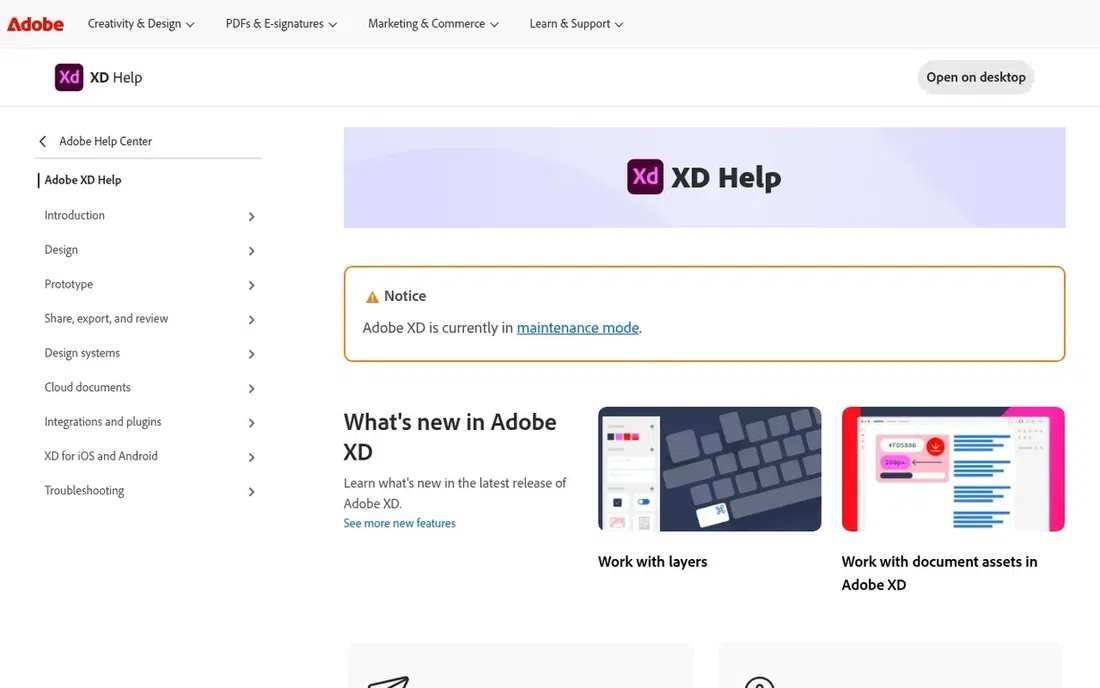
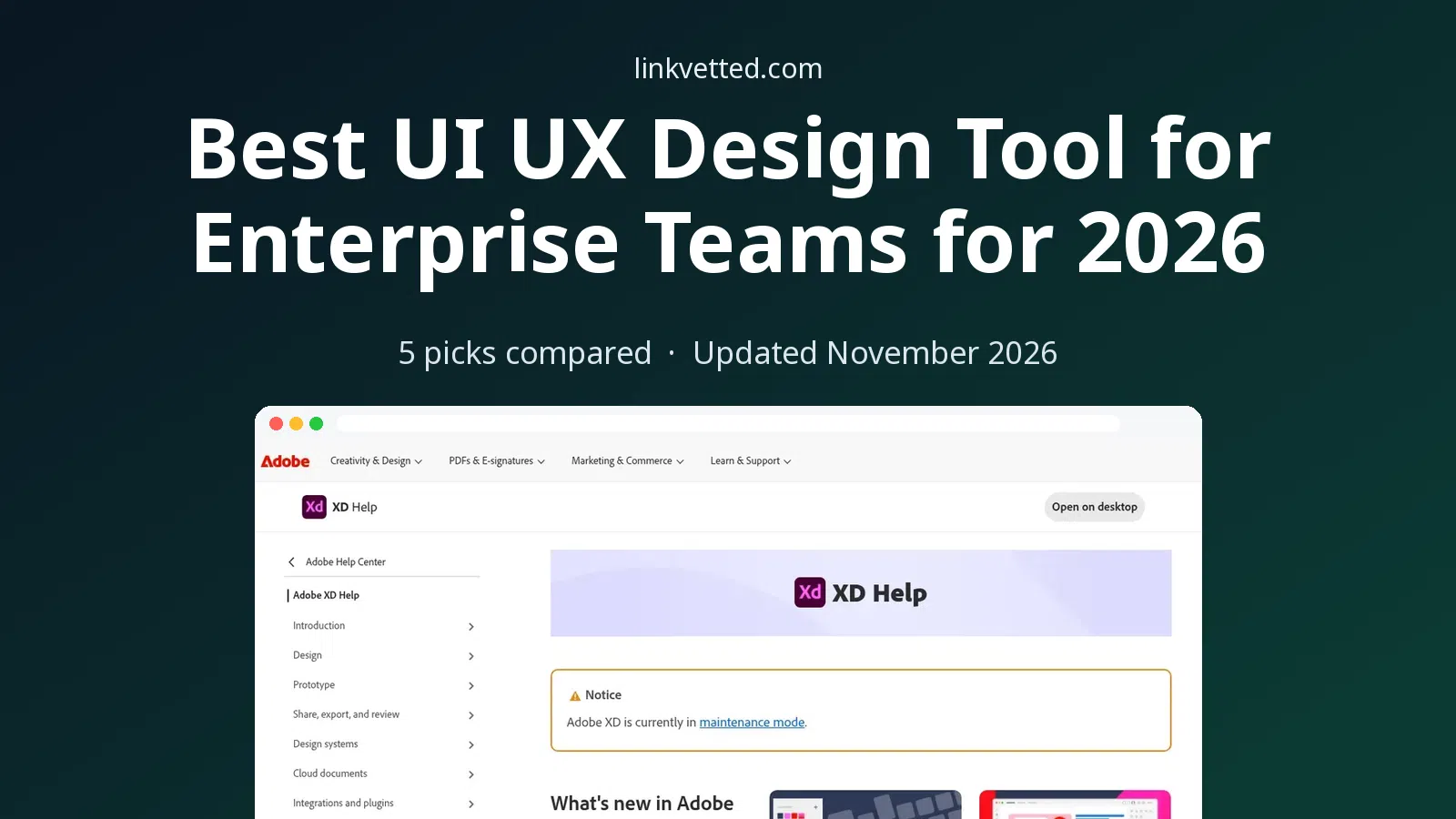
For teams already inside Adobe workflows, Adobe XD is a natural candidate. Teams that value a consistent vendor relationship and shared file workflows across their design stack commonly consider it for that reason.
Downsides: Feature depth trails some dedicated rivals.
In practice, Adobe XD is Adobe's design and prototyping tool for user interfaces. It is a natural fit for enterprises already standardized on Adobe creative software. Adobe XD shows no starting price here, so confirm the cost on the vendor site. As for free access: Not stated.
- Suits alongside other Adobe creative tools
- Spans design and prototyping basics
- Development pace has slowed in recent years
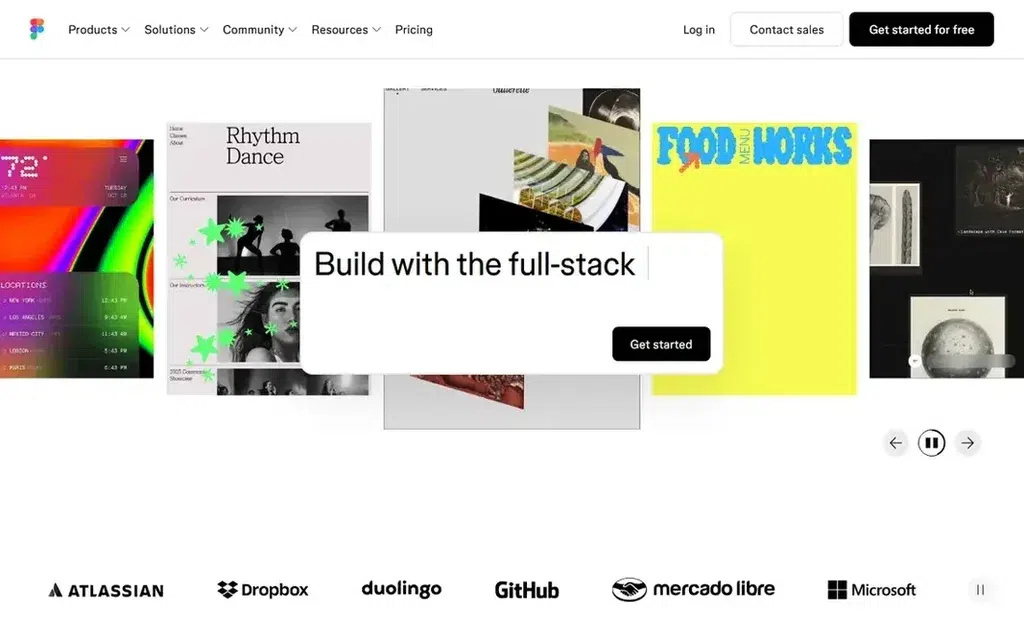
Figma is built with cross-functional collaborative design work in mind. Figma positions itself as the canvas where design, code and AI come together, taking teams from first idea to shipped product in one place.
Main advantages: Made for whole-team collaboration.
Trade-offs to know: Wide feature set can overwhelm new users.
It suits enterprise teams that want designers, developers and other stakeholders working in a shared environment instead of passing files between separate tools. Figma pricing: $3 per month. Free options: Not stated.
- Design
- Code and AI in one canvas
- Needs dependable connectivity for teamwork
Axure RP makes the most sense for in-depth prototypes and specifications. Teams that primarily need quick visual iteration or light wireframes may find a more straightforward product more comfortable.
Beyond that, Axure RP is an all-in-one software design tool for creating prototypes, specifications and diagrams. Axure RP starts at: $29 per user per month. Trial and free access: Not stated.
The main drawbacks: Steeper ramp-up time.
- Solid for complicated interaction logic
- Prototypes
- Interface feels heavier than more straightforward tools
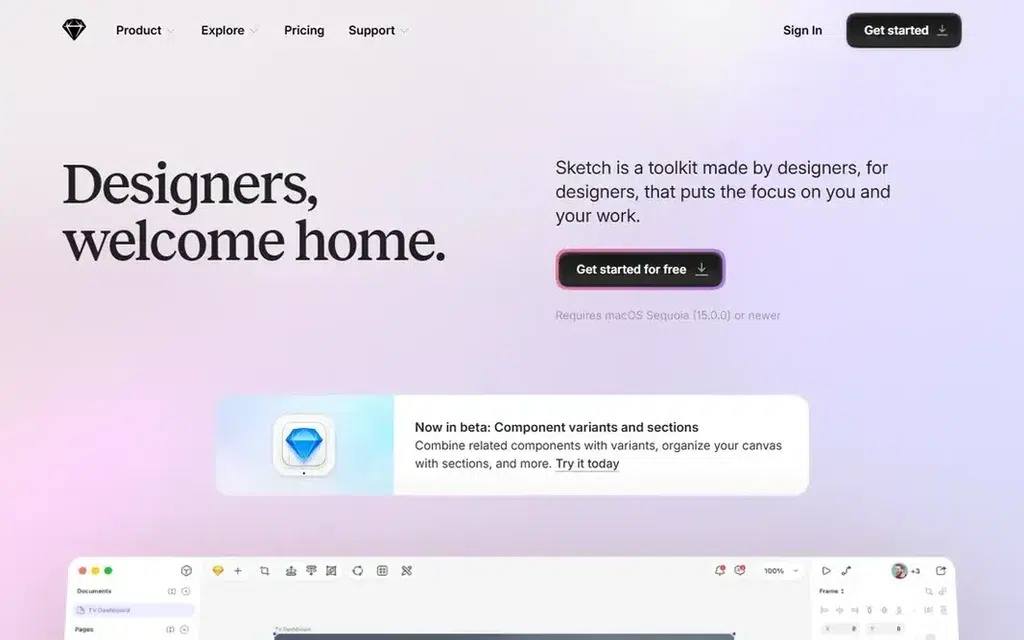
Sketch was built for Mac-centered design and handoff. Sketch describes itself as a tool that puts the focus back on you and your work, made by designers for designers.
What works well: Focused design.
It includes design, prototyping, collaboration and handoff, and it fits enterprise design teams that want a focused workspace without a sprawling feature surface. Sketch cost at the entry level: $12 per editor per month. Free access: Free trial. Honest limits: Collaboration relies on companion services.
- Prototype and handoff set
- Made by designers for designers
- Primarily suited to Mac environments
What went into this list
Each tool was reviewed on what its vendor publishes: price, plan limits, core features and stated drawbacks. We did not run hands-on tests. Treat prices as a snapshot: vendors change plans often, so check the vendor site for the figure that applies today. The order reflects how well each tool fits the most common buying scenario for UI UX design tool for enterprise teams, then price clarity, then free plan access. It is a starting point, not a verdict.
Things to verify first
- Ask Adobe XD for a written quote, since no starting price is shown.
- Take the trial from Balsamiq and Sketch and push a live task through it before you pay.
- Before choosing Balsamiq, weigh its main limit: not aimed at refined visual design.
- Before you load data into Balsamiq, check what an export looks like and who can run it.
- Ask Figma about contract length, onboarding fees and user minimums before you sign.
FAQ
Which UI UX design tool is a good match for large enterprise teams?
This list starts with Balsamiq, which fits quick, low-friction wireframing. For other needs, Adobe XD is aimed at teams already inside Adobe workflows, and Figma at cross-functional collaborative design work. Check each tool's price and main limit first.
How are the tools for UI UX design tool for enterprise teams ordered?
The order follows typical fit for UI UX design tool for enterprise teams, with Balsamiq first and Sketch last, then price clarity and free access. It is editorial judgement, not a score, so another team could rank the tools differently.
Is Balsamiq the right pick for everyone comparing UI UX design tool for enterprise teams?
No single tool suits every team. Balsamiq comes first because it fits fast, low-friction wireframing, while Adobe XD suits teams already inside Adobe workflows and Figma suits cross-functional collaborative design work. Match the tool to your own size, budget and workflow before deciding.
How should we evaluate design tools for enterprise use?
Start with your team's workflow: collaboration, handoff, documentation and prototyping depth. Then confirm security, admin controls and system compatibility with IT, and run a trial project before committing to a standard.
Is a more straightforward wireframing tool enough for enterprise UX work?
Balsamiq and similar tools are solid for early concepts and stakeholder input. But they are not made for final visual design or complicated specifications. Most enterprises combine them with a fuller system for production work.
Do these tools publish their prices?
Not all of them. Adobe XD publishes no starting price, so expect a quote request for it. The rest, Balsamiq included, show a starting price, though seats and billing terms still change the final cost. All 5 picks in this UI UX design tool for enterprise teams comparison list a starting price, free plan details and the main limits on their cards above.
Sources
- https://balsamiq.com
- https://www.adobe.com/products/xd.html
- https://www.figma.com
- https://www.axure.com
- https://www.sketch.com