Best Time & Attendance Software for Remote Teams in 2026: Prices, Free Plans and 6 Picks
Searching for the best time & attendance software for remote teams? Here are 6 options with prices and free plans. Read the caveats before you buy. No hype.
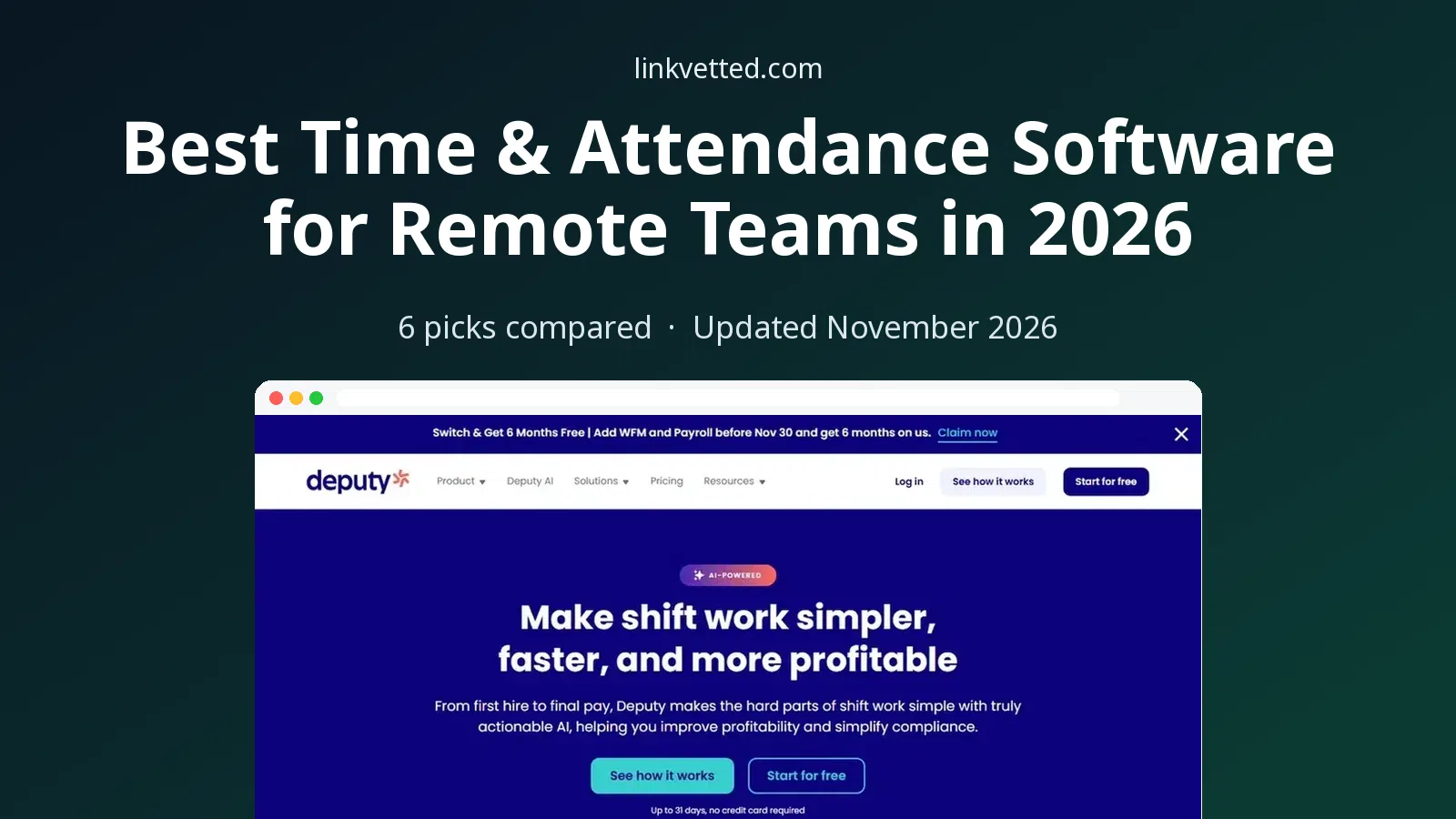
- Editor's choice
 Deputy
Shift scheduling and labor forecasting
Starts at$5 per user per monthVisit deputy.comFull review - Great alternative
 When I Work
Shift scheduling with team messaging
Starts at$2.50 per user per monthVisit wheniwork.comFull review - Also consider
 BambooHR
HR, payroll and attendance in one place
Starts at$10 per employee a monthVisit bamboohr.comFull review
Direct answer
Start with Deputy if you need shift scheduling and labor forecasting. Listed starting prices: Deputy from $5 per user per month, When I Work from $2.50 per user per month and BambooHR from $10 per employee a month. Alternatives: When I Work for shift scheduling with team messaging, and BambooHR for HR, payroll and attendance in one place. Prices, free plans and limits for all 6 tools follow.
TL;DR:
- Deputy sits first on this list: shift scheduling and labor forecasting.
- When I Work is the lowest-priced starter here at $2.50 per user per month.
- Check the limits for When I Work before you commit: centred on shift-based scheduling.
- For straightforward project-based time tracking, Clockify is worth a look.
Last checked November 2026. Prices and plan details were read from the vendors' own pages in November 2026; vendors change plans often, so confirm the current price on the vendor site before you buy.
Quick comparison
| Tool | Best for | Starts at | Free plan? | |
|---|---|---|---|---|
| Deputy | Shift scheduling and labor forecasting | $5 per user per month | Free trial | Visit |
| When I Work | Shift scheduling with team messaging | $2.50 per user per month | Free trial | Visit |
| BambooHR | HR, payroll and attendance in one place | $10 per employee a month | No | Visit |
 Homebase | Hourly teams needing scheduling and time clocks | $30 per location a month | Yes | Visit |
 Hubstaff | Time tracking with productivity insights | $10 per seat a month | Free trial | Visit |
 Clockify | Straightforward project-based time tracking | See website | Yes | Visit |
The best time & attendance software for remote teams
This LinkVetted guide covers 6 time & attendance software for remote teams. Each profile lists a starting price, free plan details, strengths and drawbacks, so you can drop poor fits quickly.
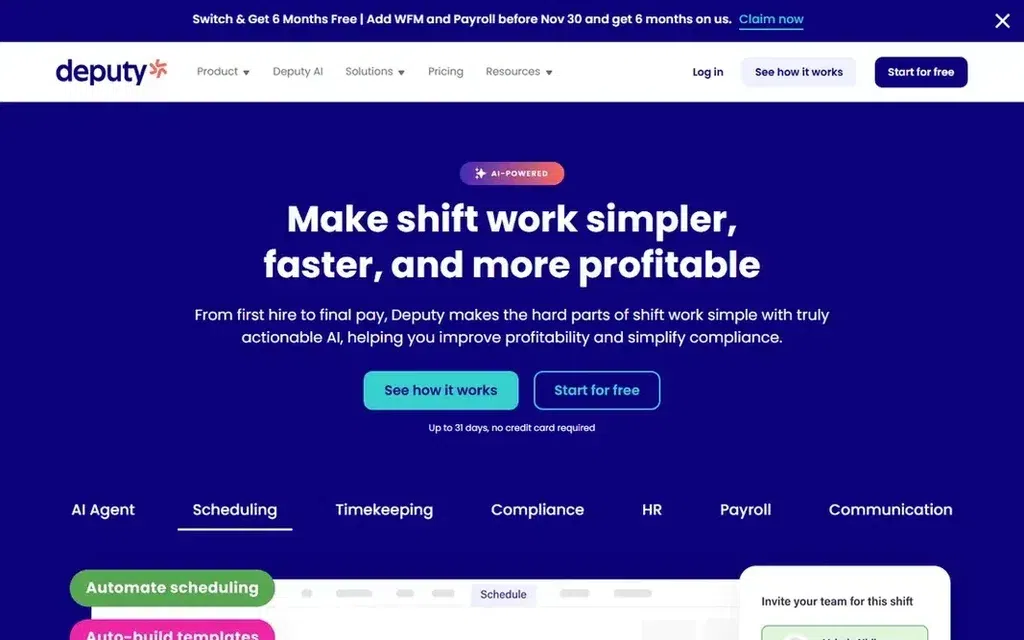
For shift scheduling and labor forecasting, Deputy is a natural candidate. Remote and hybrid teams that run shifts, coverage windows or rotating schedules can use it to plan who works when and link that planning to time and payroll.
Points against: May be more than straightforward time tracking needs.
It suits operations that depend on accurate scheduling instead of casual hour logging. Deputy pricing: $5 per user per month. Free options: Free trial.
- AI labor forecasting features
- HR and payroll support alongside scheduling
- Centered on shift-based work patterns
Think of When I Work for shift scheduling with team messaging. The product centers on shift scheduling, so remote teams with completely adaptable hours may not need its core features.
Where it falls short: Restricted value for teams without shifts.
When I Work cost at the entry level: $2.50 per user per month. On free options: Free trial.
- Schedule shifts and track time in one app
- Straightforward mobile-friendly workflow
- Centred on shift-based scheduling
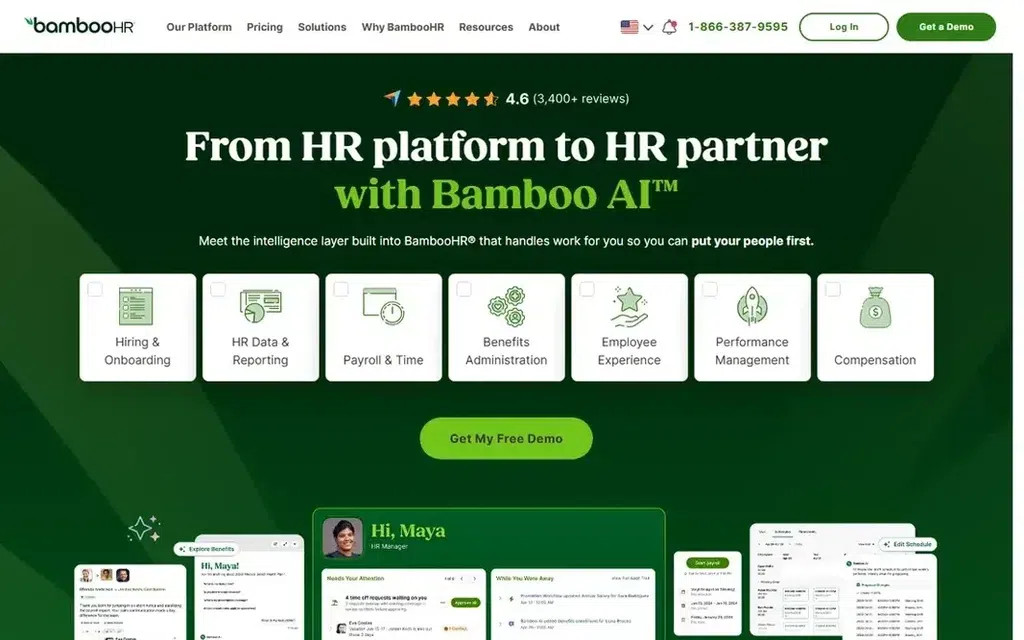
BambooHR was built for HR, payroll and attendance in one place. BambooHR is presented as a complete HR software for people, payroll and benefits, including the employee lifecycle from hire to retire.
In daily use, since it is a full HR suite, teams that only need a light clock or timesheet may find it heavier than necessary. Choose BambooHR when attendance should link to wider HR and payroll workflows. BambooHR starts at: $10 per employee per month. No free plan comes with BambooHR.
Watch-outs: Wide product may exceed straightforward time tracking needs.
- Central system for hire-to-retire workflows
- Fits teams wanting one HR system
- Setup involves more configuration
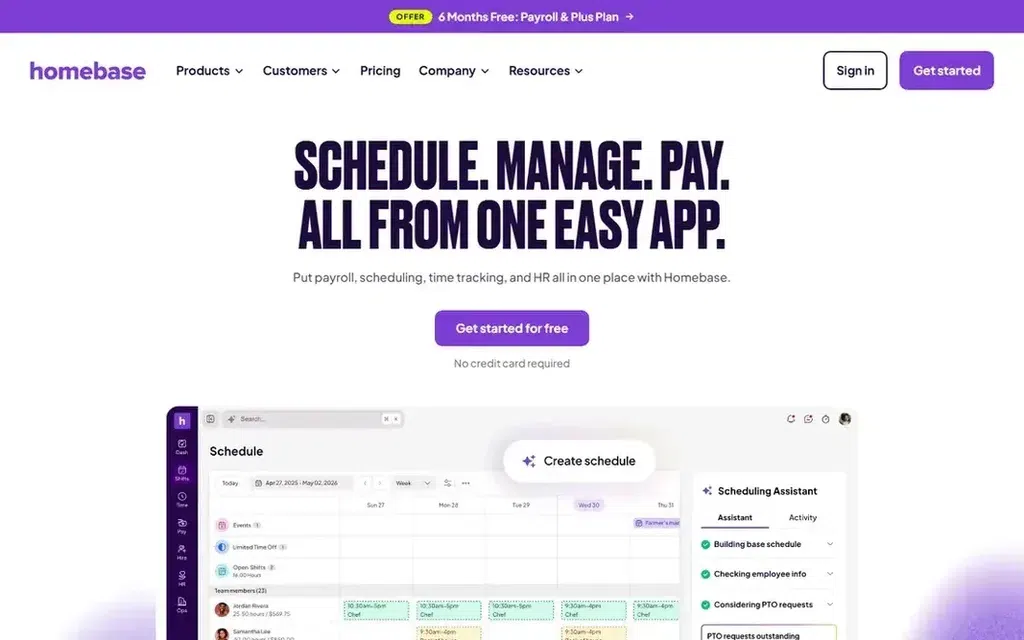
For hourly teams needing scheduling and time clocks, Homebase is a natural candidate. If you primarily need project-based time tracking, a dedicated tracker may fit better. Choose Homebase when hourly scheduling and time clocks are the priority.
From a buyer's view, teams can build schedules and track time in the same place they deal with payroll and hiring tasks. From a buyer's view, the product is shaped around hourly team management, so salaried remote teams with adaptable schedules may find parts of it unnecessary. Starting cost for Homebase: $30 per location per month. Homebase includes a free tier.
Drawbacks to consider: Oriented toward hourly and small business teams.
- Time clocks and payroll in one app
- Designed for hourly team management
- Wide feature set may be more than some need
Think of Hubstaff for Time tracking with productivity insights. It tracks employee time, watches productivity and turns approved hours into payments and insights, helping teams run work, costs and performance. More specifically, if you only need a straightforward timesheet, a lighter tool may be better.
As for the details, remote teams that bill by the hour or want visibility into how time is spent can use it to link tracked hours with reporting and payment workflows. Its productivity monitoring features may feel heavy for teams that prefer light attendance records, and some organizations avoid in-depth activity tracking. Price to start with Hubstaff: $10 per seat per month. Free access: Free trial.
Points against: Productivity monitoring may not suit every team.
- Tracks employee time with productivity insights
- Turns approved hours into payments
- Broader than entry-level attendance tracking
For straightforward project-based time tracking, Clockify is a natural candidate. Choose Clockify when straightforward project time tracking is the central requirement.
Trade-offs to know: Lighter on HR and payroll depth.
From a buyer's view, teams needing shift scheduling or HR records may need another tool alongside it. Clockify is concentrated on time tracking, so attendance rules, scheduling and payroll depth are lighter than in broader suites. Clockify shows no starting price here, so confirm the cost on the vendor site. A free plan is available with Clockify.
- Tracks work hours across projects
- Simple starting point for distributed teams
- Attendance features are entry-level compared with suites
How the list was put together
LinkVetted looked at what each vendor publishes: pricing, plan limits, feature coverage for time & attendance software for remote teams and stated drawbacks. No hands-on testing is claimed. Figures are shown as the vendors publish them. Billing terms, seat minimums and add-ons can change the real cost. Position on the page reflects fit for a typical buyer first, with price clarity and free access breaking ties. Treat it as a guide, not a ruling.
Before you commit
- Ask Clockify for a written quote, since no starting price is shown.
- Look at free plan limits closely: Homebase and Clockify have one, and the caps decide whether it is usable for real work.
- Run a trial of Deputy, When I Work and Hubstaff with real work before paying for a year; your own workflow is the best test.
- Before choosing Deputy, weigh its main limit: centered on shift-based work patterns.
- Work out what Homebase costs with your real seat count, add-ons and usage, not just the entry price.
- Confirm you can export your data from BambooHR, so leaving later does not mean losing records.
FAQ
Which options for time & attendance software for remote teams have a free plan?
On this list, Homebase and Clockify include a free plan. Caps on seats, usage or features are common, so test the free plan against your real workload. Several others offer a trial instead.
Can I try these tools before paying?
Often, yes. Homebase and Clockify have a free plan and Deputy, When I Work and Hubstaff offer a free trial. Use your own data and a real task during the test, and check what the free tier or trial limits before you rely on it.
Is Deputy the right pick for everyone comparing time & attendance software for remote teams?
No single tool suits every team. Deputy comes first because it fits shift scheduling and labor forecasting, while When I Work suits shift scheduling with team messaging and BambooHR suits HR, payroll and attendance in one place. Match the tool to your own size, budget and workflow before deciding.
What should remote teams look for in time and attendance software?
Look for time zone handling, mobile tracking, clear timesheets and reporting that matches how you bill or pay staff. If your team works shifts, scheduling features matter; if hours are adaptable, straightforward project tracking may be enough.
Do these tools publish their prices?
Not all of them. Clockify publishes no starting price, so expect a quote request for it. The rest, Deputy included, show a starting price, though seats and billing terms still change the final cost.
Sources
- https://www.deputy.com
- https://wheniwork.com
- https://www.bamboohr.com
- https://www.joinhomebase.com
- https://hubstaff.com
- https://clockify.me