Best Time Clock Apps for Small Business in 2026: 8 Apps Compared
Compare the best time clock apps for small business, with free plans, GPS clock ins, scheduling, and payroll links for hourly teams today and buying tips.
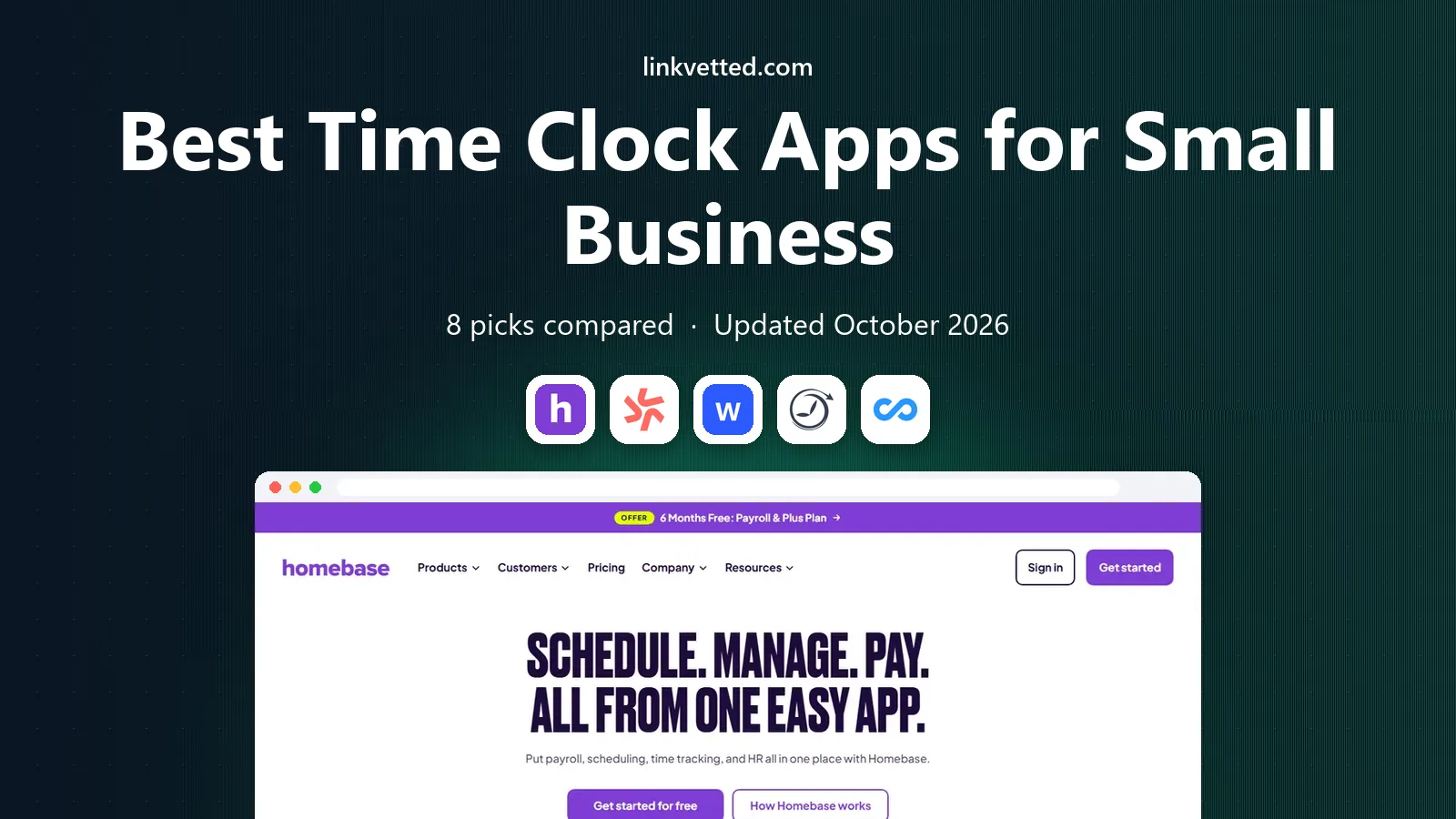
- Editor's choice
 Homebase
free scheduling and time clock for small teams
Starts atFreeVisit joinhomebase.comFull review - Great alternative
 Deputy
compliance and multi location shift teams
Starts at$5 per user per monthVisit deputy.comFull review - Also consider
 When I Work
budget shift scheduling
Starts at$2.50 per user per monthVisit wheniwork.comFull review
TL;DR:
- Homebase is the best free starting point for a single location with up to 10 employees.
- Deputy suits multi location teams that need compliance controls and demand forecasting.
- Buddy Punch leads for preventing buddy punching, with photo and location checks on clock ins.
- When I Work is the cheapest scheduling first option for shift heavy teams, with time tracking as an add on.
Quick comparison
| Tool | Best for | Starts at | Free plan? | |
|---|---|---|---|---|
| Homebase | free scheduling and time clock for small teams | Free | Yes | Visit |
| Deputy | compliance and multi location shift teams | $5 per user per month | Free trial | Visit |
| When I Work | budget shift scheduling | $2.50 per user per month | Free trial | Visit |
 Buddy Punch | stopping buddy punching | $19 per month plus $4.99 per user per month | Free trial | Visit |
 Connecteam | mobile first frontline teams | Free | Yes | Visit |
 Jibble | free verified clock ins at any size | Free | Yes | Visit |
 OnTheClock | simple GPS verified clock ins | $5 per month plus $4 per employee per month | Free trial | Visit |
 QuickBooks Time | teams already using QuickBooks | $20 per month plus $10 per user per month | Free trial | Visit |
The best time clock apps for small business
We compared time clock apps for hourly teams, focusing on easy clock ins, clean timesheets, scheduling, and payroll exports that save admin time.
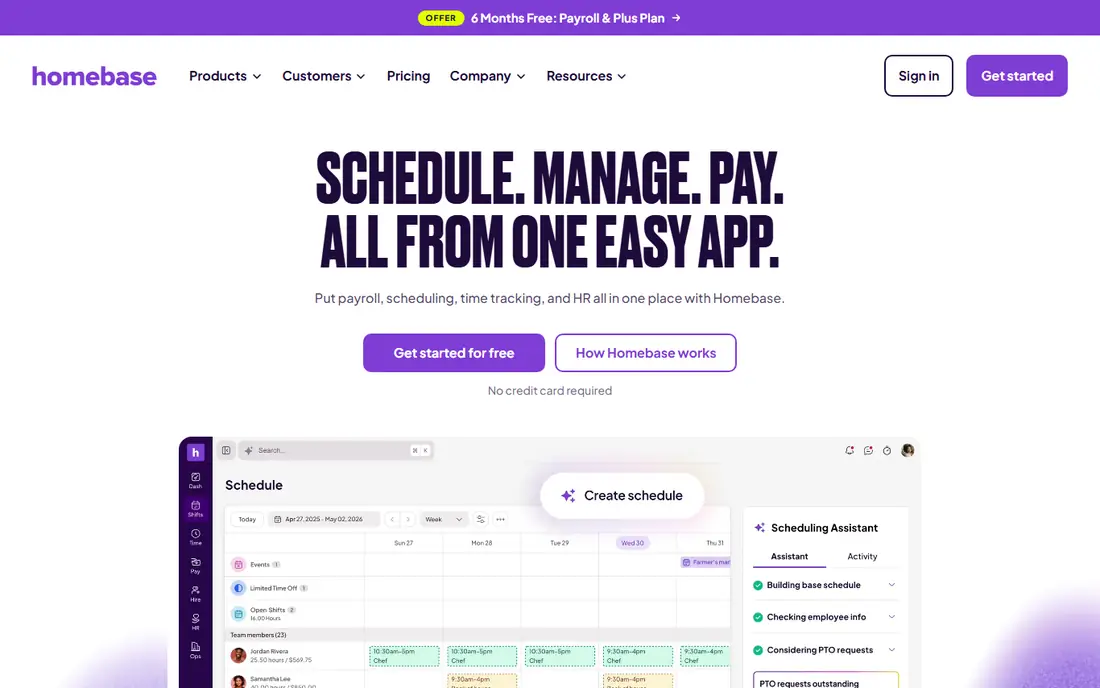
Homebase is our first pick for a small cafe, shop, or salon, because you can run schedules and a time clock without paying at the start. We compared its official feature page and pricing page, and we weighed its strengths against its limits for everyday use. The field lines above give the headline facts, while the rest of this section explains who will get the most from it and where it falls short. Our view is that this option is worth a trial if its best fit matches your main need, but you should check the current price and free limits at checkout before you commit. If the main drawback would affect you every week, pick a rival from this list whose strengths line up better with how you work, read, or run your team.
- Free plan for one location and up to 10 employees
- Scheduling, time clock, and team messaging in one app
- Payroll add on
- Paid plans are per location, so costs rise with sites
- Payroll is an add on, not included in the free plan
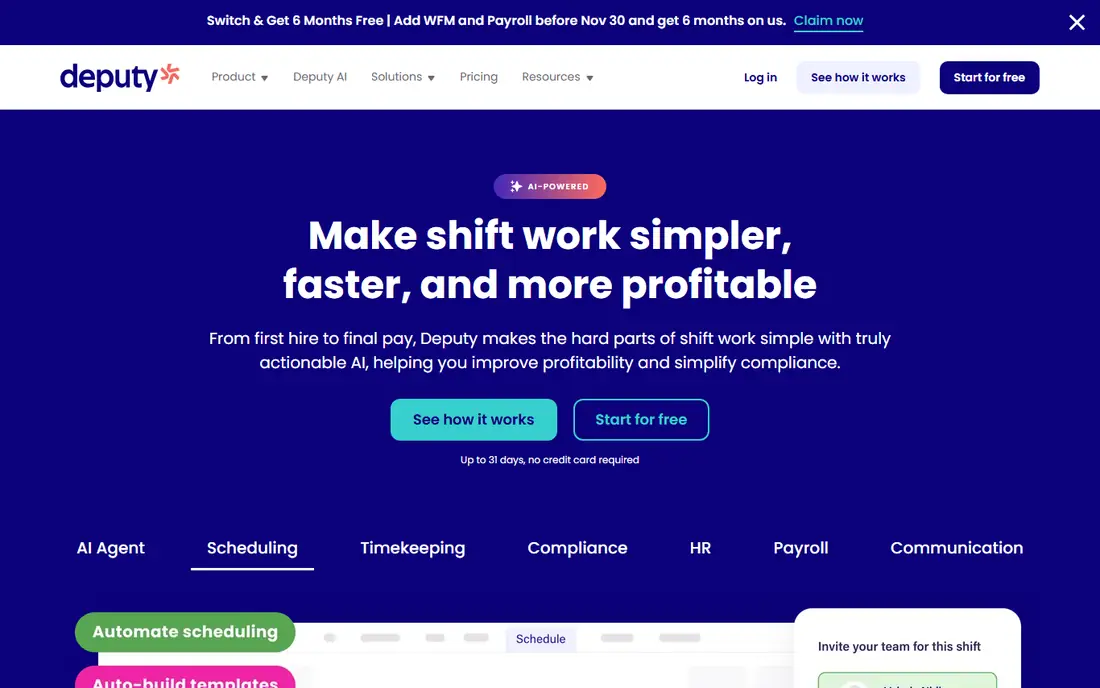
Deputy suits teams with several sites and complex rules, because it flags conflicts and compliance issues before a schedule goes live. We compared its official feature page and pricing page, and we weighed its strengths against its limits for everyday use. The field lines above give the headline facts, while the rest of this section explains who will get the most from it and where it falls short. Our view is that this option is worth a trial if its best fit matches your main need, but you should check the current price and free limits at checkout before you commit. If the main drawback would affect you every week, pick a rival from this list whose strengths line up better with how you work, read, or run your team.
- Scheduling with compliance controls
- Demand forecasting on higher plans
- Integrations with payroll providers
- No free plan, only a trial
- Per user pricing adds up with many part time staff
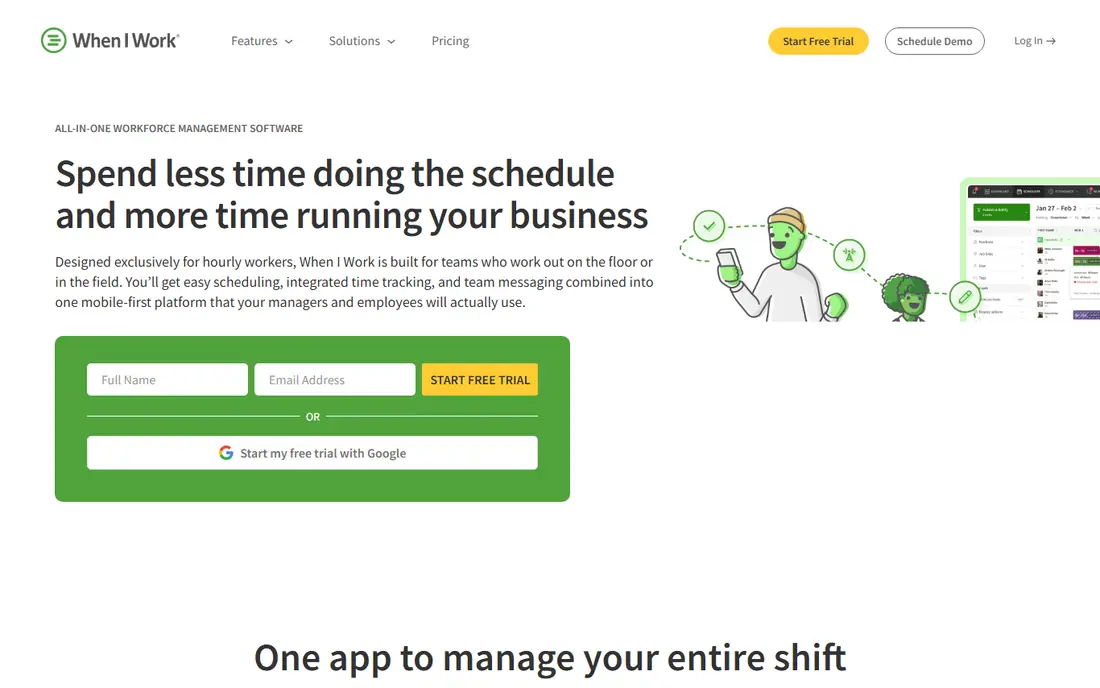
When I Work is a good fit for shift heavy teams that care most about coverage, swaps, and keeping the weekly schedule simple. We compared its official feature page and pricing page, and we weighed its strengths against its limits for everyday use. The field lines above give the headline facts, while the rest of this section explains who will get the most from it and where it falls short. Our view is that this option is worth a trial if its best fit matches your main need, but you should check the current price and free limits at checkout before you commit. If the main drawback would affect you every week, pick a rival from this list whose strengths line up better with how you work, read, or run your team.
- Low starting price
- Shift swaps and team messaging
- Integrations with payroll and point of sale tools
- Time tracking is an add on, so the headline price is not the full cost
- Advanced controls sit on higher plans
Buddy Punch is the pick when time theft is a real problem, because photo and location checks make it much harder for one person to clock in for another. We compared its official feature page and pricing page, and we weighed its strengths against its limits for everyday use. The field lines above give the headline facts, while the rest of this section explains who will get the most from it and where it falls short. Our view is that this option is worth a trial if its best fit matches your main need, but you should check the current price and free limits at checkout before you commit. If the main drawback would affect you every week, pick a rival from this list whose strengths line up better with how you work, read, or run your team.
- Photo capture and GPS checks on clock ins
- Overtime and PTO tracking
- Payroll integrations
- Base fee plus per user fee can feel costly for very small teams
- Setup needs care for location rules
Connecteam works well for field and frontline crews who live on their phones, because clock ins, schedules, and job forms sit in one app. We compared its official feature page and pricing page, and we weighed its strengths against its limits for everyday use. The field lines above give the headline facts, while the rest of this section explains who will get the most from it and where it falls short. Our view is that this option is worth a trial if its best fit matches your main need, but you should check the current price and free limits at checkout before you commit. If the main drawback would affect you every week, pick a rival from this list whose strengths line up better with how you work, read, or run your team.
- Free plan for small teams
- Time clock, scheduling, and forms in one mobile app
- Integrations with payroll tools
- Paid plans start at $29 per month for the first 30 users
- Some advanced features need higher tiers
Jibble is worth trying if you want verified clock ins without paying first, especially for a team that is spread across sites. We compared its official feature page and pricing page, and we weighed its strengths against its limits for everyday use. The field lines above give the headline facts, while the rest of this section explains who will get the most from it and where it falls short. Our view is that this option is worth a trial if its best fit matches your main need, but you should check the current price and free limits at checkout before you commit. If the main drawback would affect you every week, pick a rival from this list whose strengths line up better with how you work, read, or run your team.
- Free plan with face recognition and GPS options
- Timesheets and reports
- Integrations with payroll tools
- Paid features are needed for advanced controls and integrations
- Support and setup vary by plan
OnTheClock suits owners who want a clean time clock and payroll ready data, without paying for a full HR suite they will not use. We compared its official feature page and pricing page, and we weighed its strengths against its limits for everyday use. The field lines above give the headline facts, while the rest of this section explains who will get the most from it and where it falls short. Our view is that this option is worth a trial if its best fit matches your main need, but you should check the current price and free limits at checkout before you commit. If the main drawback would affect you every week, pick a rival from this list whose strengths line up better with how you work, read, or run your team.
- Simple pricing
- GPS and photo options
- Payroll ready timesheets and reports
- Feature set is narrower than all in one HR tools
- Scheduling is basic compared with Deputy or Homebase
QuickBooks Time is the natural pick for a business already on QuickBooks, because timesheets flow into payroll with far less manual export work. We compared its official feature page and pricing page, and we weighed its strengths against its limits for everyday use. The field lines above give the headline facts, while the rest of this section explains who will get the most from it and where it falls short. Our view is that this option is worth a trial if its best fit matches your main need, but you should check the current price and free limits at checkout before you commit. If the main drawback would affect you every week, pick a rival from this list whose strengths line up better with how you work, read, or run your team.
- Strong QuickBooks payroll integration
- GPS tracking and job costing
- Mobile clock ins for field teams
- Base fee plus per user fee is costly for small teams
- Value drops sharply if you do not use QuickBooks
How we picked these
We compared official pricing pages, feature pages, and trial terms, and we focused on clock in accuracy, timesheet exports, scheduling, and total cost for a small team. We checked free plans, per user versus per location pricing, GPS and photo verification, and payroll integrations. We favored apps that made the true monthly cost clear before signup. We also looked at user feedback in public reviews, but we treated single reviews with care, because experiences vary by device, region, and use case. Where pricing was unclear or varied by store, we wrote See website rather than guessing a figure, so you can check the current offer for your location.
How to pick a time clock app for a small business
Count your active staff and sites before you compare prices. Per user pricing is cheap for a small core team and costly for many part timers, while per location pricing is the reverse. Work out the cost for your actual roster, including seasonal staff, and add any payroll or time tracking add ons to the headline price.
Decide how much verification you need. A trusted office team may only need a simple mobile clock in, while a field crew or a site with past time theft may need GPS, photo capture, or geofencing. Tell staff clearly what data is collected, why it is collected, and how long it is kept, because trust matters as much as accuracy.
Check the payroll path end to end. A time clock that exports clean timesheets, handles overtime rules, and matches your payroll provider will save more time than a cheaper app that needs manual fixes each pay run. Run a test pay period with real shifts, breaks, and overtime before you roll the app out to the whole team.
Keep the daily workflow simple. Staff should be able to clock in, switch jobs, and request a correction in under a minute, even on a slow connection. If the app needs many taps or constant manager fixes, adoption will fall, and you will end up back on paper timesheets for part of the team.
FAQ
What is the best time clock app for small business?
Homebase is the best free starting point for a single location, while Deputy suits multi location teams with compliance needs. The right pick depends on team size, sites, and whether you need scheduling, payroll, or just a clean time clock.
Is there a free time clock app for small business?
Yes, Homebase, Connecteam, and Jibble all offer free plans, though limits and paid features differ. Check user limits, location limits, and whether payroll exports are included before you rely on a free plan.
What is the best clock in app for small business teams on the move?
Connecteam, Jibble, and QuickBooks Time all offer strong mobile clock ins with GPS options for field teams. Choose based on whether you also need job costing, scheduling, or a direct link to your payroll system.
How do I stop buddy punching?
Photo capture, facial recognition, GPS checks, and geofencing all help, and Buddy Punch and Jibble offer these controls. Pair the technology with a clear policy, so staff know what is checked and why.
Do time clock apps work with payroll?
Many do, either through built in payroll or integrations with providers such as QuickBooks, Gusto, and ADP. Confirm the exact integration for your payroll provider, and test a full pay run before you commit.