Choosing Time & Attendance Software for Enterprise in 2026: 6 Options Compared
Best time & attendance software for enterprise: 6 contenders ranked by fit, with entry costs and free tiers. With pricing notes and limits. Checked this month.
- Editor's choice
 Paycom
Single-database HR and payroll automation
Starts atSee websiteVisit paycom.comFull review - Great alternativeSAP SuccessFactors Time Tracking
SAP-centric global enterprises
Starts atSee websiteVisit sap.comFull review - Also consider
 ADP Workforce Now
Payroll-led attendance and HR
Starts atSee websiteVisit adp.comFull review
Direct answer
For single-database HR and payroll automation, Paycom is where this list starts. Listed starting prices: Deputy from $5 per user per month. Look at SAP SuccessFactors Time Tracking for SAP-centric global enterprises, and at ADP Workforce Now for payroll-led attendance and HR. Details, prices and limits for the rest of the 6 tools are below.
TL;DR:
- The list opens with Paycom, aimed at single-database HR and payroll automation.
- A fair warning about Paycom: suite-oriented instead of modular.
- UKG Pro Workforce Management suits complicated, multi-location workforce operations.
- A permanent free plan is missing from all 6 tools, Paycom and UKG Pro Workforce Management included; plan for a trial or a premium start.
Last checked November 2026. Prices and plan details were read from the vendors' own pages in November 2026; vendors change plans often, so confirm the current price on the vendor site before you buy.
Quick comparison
| Tool | Best for | Starts at | Free plan? | |
|---|---|---|---|---|
| Paycom | Single-database HR and payroll automation | See website | Not stated | Visit |
| SAP SuccessFactors Time Tracking | SAP-centric global enterprises | See website | Not stated | Visit |
| ADP Workforce Now | Payroll-led attendance and HR | See website | Not stated | Visit |
| Workday Time Tracking | Workday-centered HR and finance teams | See website | Not stated | Visit |
 Deputy | Straightforward scheduling and time capture | $5 per user per month | Free trial | Visit |
| UKG Pro Workforce Management | Complicated, multi-location workforce operations | See website | Not stated | Visit |
Tool-by-tool breakdown
LinkVetted put together this guide to time & attendance software for enterprise for readers who want a clear shortlist without reading every vendor page. It compares 6 tools on starting price, free plans, who each one suits and where each one falls short.
For single-database HR and payroll automation, Paycom is a natural candidate. Paycom presents itself as HR and payroll software built on a single database, with automation spanning the employee life cycle. Also, organizations with unusual labor rules or heavily unionized scheduling may have to validate depth against specialized workforce management tools.
Firms that prefer assembling separate best-of-breed systems may find the consolidated model less adaptable. For attendance, the appeal is that time entries, approvals and payroll sit together, reducing reconciliation work. No starting price is listed for Paycom here; confirm pricing on the vendor site. Free options: Not stated.
Reasons to shortlist it: Time data close to payroll.
Watch-outs: Suite-oriented instead of modular.
- Automation across the employee life cycle
- Single database for HR and payroll
- Employee self-service model may not suit all
SAP SuccessFactors Time Tracking
Best for: SAP-centric global enterprises
SAP SuccessFactors Time Tracking serves SAP-centric global enterprises. The trade-off is complexity: configuration and continuing administration generally assume internal SAP knowledge or partner support.
Organizations without a SAP footprint should compare more straightforward or more payroll-focused choices before committing. SAP SuccessFactors Time Tracking does not show a starting price in this comparison, so check the vendor site for current pricing. As for free access: Not stated.
Trade-offs to know: Implementation complexity is high.
- Supports global HR operations
- Part of a wide enterprise suite
- Needs SAP expertise to run well
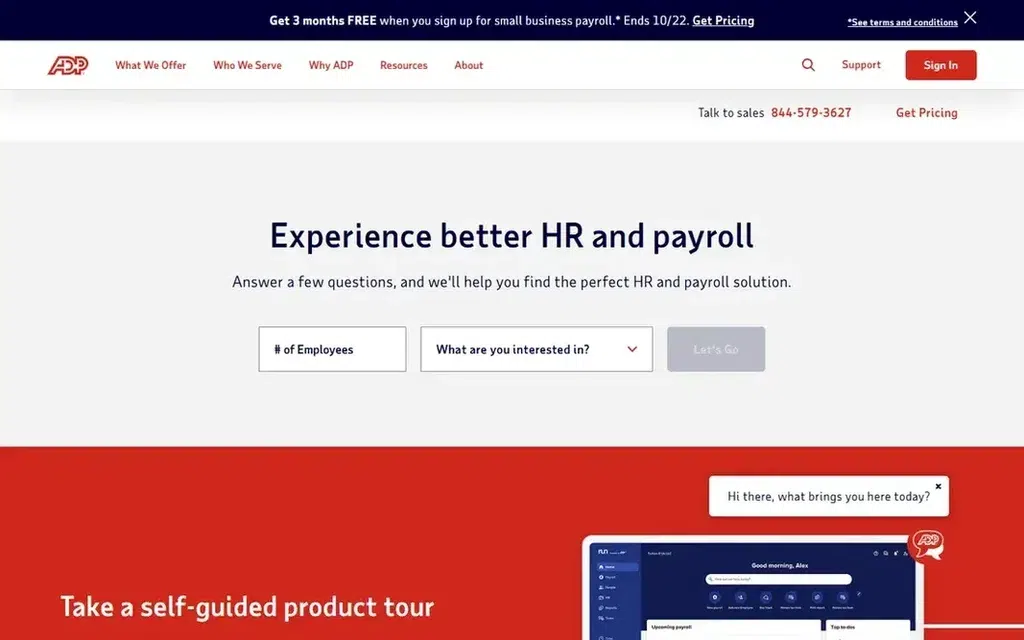
ADP Workforce Now makes the most sense for payroll-led attendance and HR. For enterprises that treat payroll accuracy as the center of gravity, having time and attendance feed the same system cuts handoffs.
It fits organizations that want a consolidated HR and payroll relationship instead of a standalone time tool. ADP Workforce Now does not show a starting price in this comparison, so check the vendor site for current pricing. As for free access: Not stated.
What ADP Workforce Now does well: tax and HR together. Drawbacks to consider: Less specialized in complex shift work.
- Payroll
- Scales across business sizes
- Attendance is one part of a bigger suite
Workday Time Tracking
Best for: Workday-centered HR and finance teams
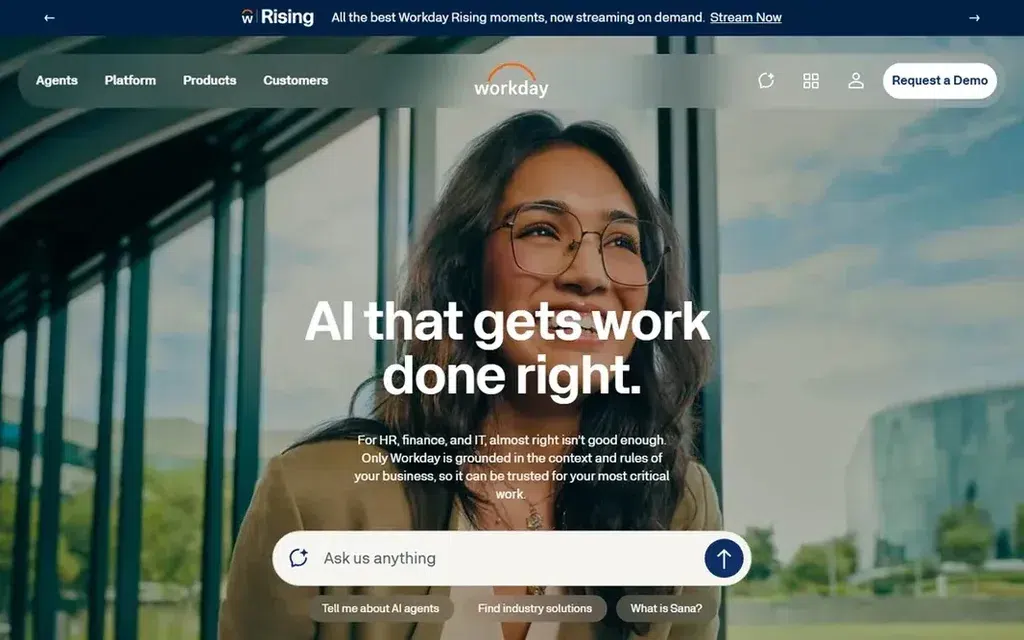
Pick Workday Time Tracking if this describes you: Workday-centered HR and finance teams. Workday Time Tracking is part of the Workday enterprise product for HR, finance and IT, which the homepage frames around AI and agentic capabilities.
Very specialized time rules may also call for closer evaluation against dedicated workforce management suites. Standalone adoption is seldom the point, so businesses outside the Workday ecosystem should weigh whether a product shift is realistic. Pricing for Workday Time Tracking is not stated here, so ask the vendor for current figures. As for free access: Not stated.
The main drawbacks: Setup relies on broader product work.
- Consistent enterprise user experience
- Shared data with HR and finance
- Best value only within Workday
Deputy is aimed squarely at straightforward scheduling and time capture. Deputy describes itself as easy-to-use employee scheduling, HR, AI labor forecasting and payroll software.
It targets organizations that want shift scheduling and time capture without a heavy enterprise rollout. Its emphasis on usability helps managers adopt it rapidly across sites. Starting cost for Deputy: $5 per user per month. On free options: Free trial.
Limits to weigh: Less depth for complex enterprise rules.
- Labor forecasting features
- Easy-to-use scheduling focus
- Payroll coverage varies by region
UKG Pro Workforce Management
Best for: Complicated, multi-location workforce operations
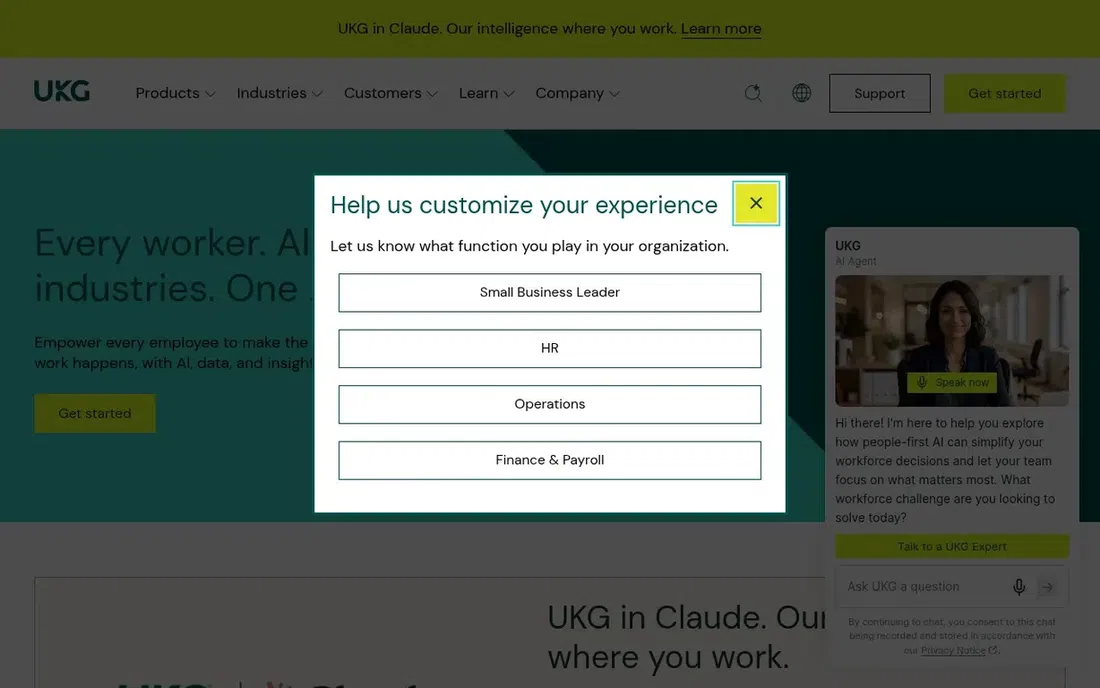
Where UKG Pro Workforce Management fits: complicated, multi-location workforce operations. UKG Pro Workforce Management is a workforce management product built around HR, pay and time operations.
Where it falls short: Configuration can be involved.
Its homepage emphasizes workforce intelligence for modern operations, which points to analytics layered on top of scheduling and time capture. UKG Pro Workforce Management shows no starting price here, so confirm the cost on the vendor site. Free plan details: Not stated.
- Wide workforce management scope
- Workforce intelligence emphasis
- Overkill for straightforward hourly teams
How these tools were picked
We compared the tools on published pricing, free plan or trial availability, feature coverage for time & attendance software for enterprise, and the limits each vendor documents. Where a price is missing, the vendor does not list one publicly or ties it to a quote. Always confirm before budgeting. Order on the page follows fit for the typical buyer first, then price transparency and free access. Your own requirements should decide the final pick.
Questions to settle before buying
- Ask Paycom, SAP SuccessFactors Time Tracking, ADP Workforce Now and others for a written quote, since no starting price is shown.
- Use real work to test the free trial from Deputy, rather than a demo project.
- Before choosing Paycom, weigh its main limit: suite-oriented instead of modular.
- Before you load data into Paycom, check what an export looks like and who can run it.
- Check whether UKG Pro Workforce Management bills monthly or annually, and what cancelling early costs.
FAQ
Can I try these tools before paying?
Often, yes. Deputy offers a free trial. Use your own data and a real task during the test, and check what the free tier or trial limits before you rely on it.
Is it better to choose attendance software inside an HR suite or standalone?
Standalone workforce management tools can offer deeper scheduling logic for complicated hourly operations, so the choice relies on where your complexity sits.
What is the cheapest option for time & attendance software for enterprise in this list?
On published monthly entry prices, Deputy is the lowest here at $5 per user per month. Entry price is only part of the cost, because seats, add-ons and billing terms can change the total.
How long should an enterprise implementation take?
Timelines vary with scope, integrations and the number of locations, so vendors should outline phases and dependencies in writing. Build in time for pay rule testing and manager training before going live.
Do these tools publish their prices?
Not all of them. Paycom, SAP SuccessFactors Time Tracking, ADP Workforce Now and others publish no starting price, so expect a quote request for those. The rest, Deputy included, show a starting price, though seats and billing terms still change the final cost.
Is Paycom the right pick for everyone comparing time & attendance software for enterprise?
No single tool suits every team. Paycom comes first because it fits single-database HR and payroll automation, while SAP SuccessFactors Time Tracking suits SAP-centric global enterprises and ADP Workforce Now suits payroll-led attendance and HR. Match the tool to your own size, budget and workflow before deciding.
Sources
- https://www.paycom.com
- https://www.sap.com
- https://www.adp.com
- https://www.workday.com
- https://www.deputy.com
- https://www.ukg.com