Best Payroll Software for Enterprise in 2026: 9 Platforms Compared
Compare the best payroll software for enterprise teams in 2026, with pricing, global payroll, tax filing and implementation notes for large employers.

- Editor's choice
 Workday HCM
Global enterprises wanting HR and finance together
Starts atSee websiteVisit workday.comFull review - Great alternative
 ADP Vantage HCM
Payroll depth and tax compliance
Starts atSee websiteVisit adp.comFull review - Also consider
 UKG Pro
Large hourly and shift-based workforces
Starts atSee websiteVisit ukg.comFull review
TL;DR:
- Most enterprise payroll platforms are quote-based, so the written quote and implementation scope matter more than any headline monthly rate.
- Workday, Oracle and SAP suit very large global employers, while UKG Pro and Dayforce suit large hourly and shift-based workforces.
- Rippling is the clearest published-price option in this list, which makes early budgeting much simpler for growing enterprises.
- Payroll at enterprise scale is really an HCM decision, since time, benefits, compliance and finance data must flow into the same pay run.
Quick comparison
| Tool | Best for | Starts at | Free plan? | |
|---|---|---|---|---|
| Workday HCM | Global enterprises wanting HR and finance together | See website | No | Visit |
| ADP Vantage HCM | Payroll depth and tax compliance | See website | No | Visit |
| UKG Pro | Large hourly and shift-based workforces | See website | No | Visit |
 Dayforce | Continuous payroll and real-time pay data | See website | No | Visit |
 Oracle Fusion Cloud HCM | Enterprises already running Oracle systems | See website | No | Visit |
 SAP SuccessFactors | SAP enterprises needing global payroll | See website | No | Visit |
 Rippling | Growing enterprises wanting HR, payroll and IT together | $40 per month base plus $8 per employee per month | No | Visit |
 Paycom | Single-database payroll and HR | See website | No | Visit |
 Paylocity | Mid-enterprise teams wanting modern payroll tools | See website | No | Visit |
The best payroll software for enterprise
Enterprise payroll is not a simple purchase. It touches tax, benefits, time, scheduling and finance, and a mistake affects thousands of people at once. These nine platforms all handle that scale, but they do it in different ways.
Workday HCM is the default shortlist pick for many very large employers, and the reason is the unified data model. HR, payroll, finance and planning sit in one system, so headcount, pay and budget figures come from the same source. That matters when a board asks why labor cost moved, or when finance needs a forecast that ties directly to approved roles. The platform also covers global payroll needs across many countries, which helps firms that hire in several regions.
The trade-off is time and effort. Workday implementations often run for many months, and complex configuration usually needs experienced consultants. Smaller or simpler employers may find the platform more than they need. For a global enterprise that wants one governed system and can staff the project properly, though, Workday remains a strong choice. Our pick for the largest, most complex employers is Workday, provided the timeline is planned honestly from the start.
- Unified HR and finance data
- Strong global payroll coverage
- Deep analytics and planning tools
- Long implementation timelines
- Needs specialist consultants for complex setups
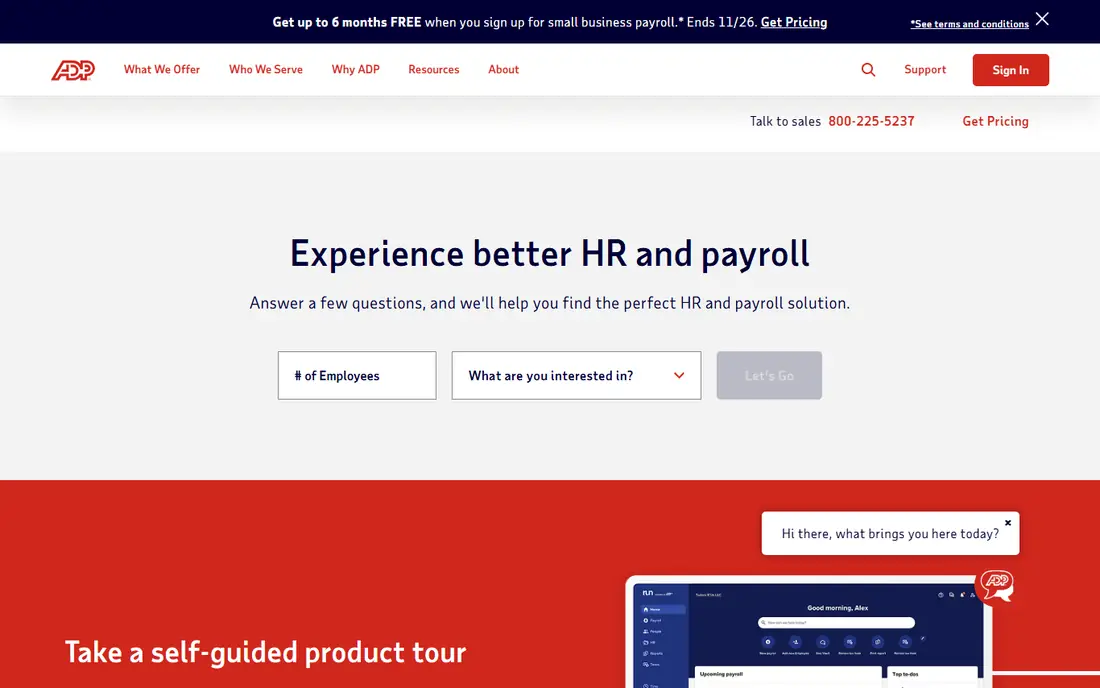
ADP has processed payroll for decades, and that heritage shows in its tax and compliance work. ADP Vantage HCM combines payroll, HR, time and benefits, with tax filing and regulatory updates handled as part of the service. For enterprises that prize payroll accuracy above all else, that depth is reassuring. ADP also offers benchmarking data drawn from a very large workforce base, which can help pay and turnover discussions.
The downside is comparison shopping. ADP pricing is quoted by headcount and modules, so two firms can receive quite different proposals. Buyers should ask for a line-by-line quote that lists modules, implementation, tax filing and support separately. ADP suits compliance-heavy enterprises that want a proven payroll engine and are comfortable with a sales-led buying process.
- Deep payroll and tax filing experience
- Large compliance infrastructure
- Broad partner marketplace
- Pricing is quote-based and can be hard to compare
- Interface can feel dated in places
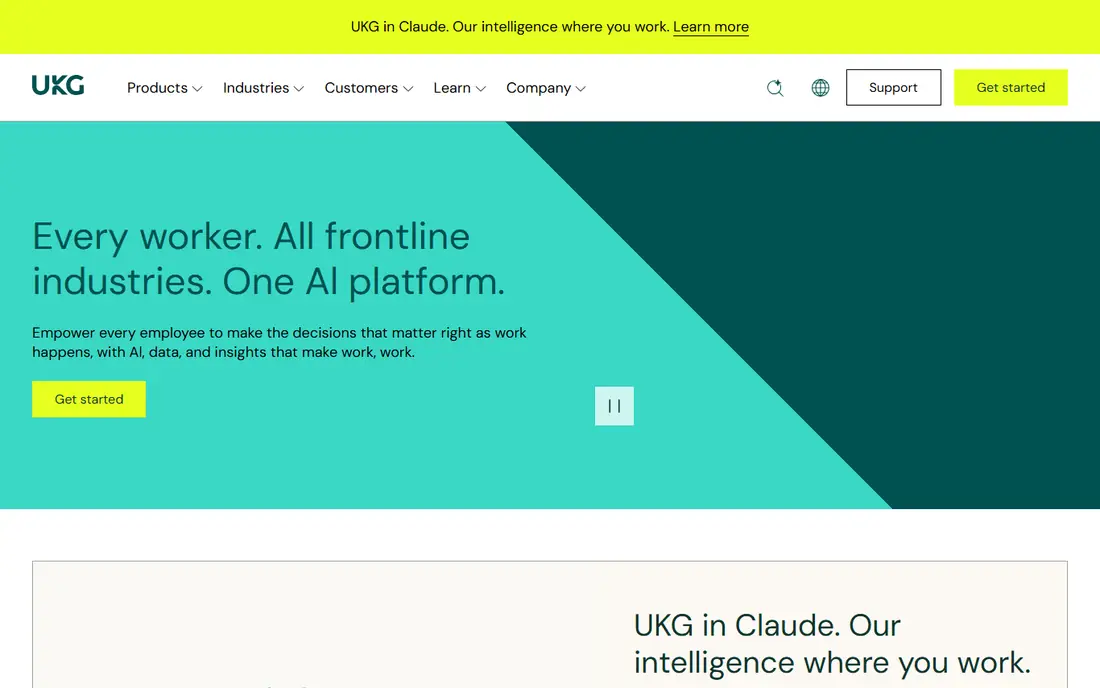
UKG Pro grew out of workforce management, and it still leads there. Scheduling, time and attendance, absence and payroll work together, so a shift change can flow into pay without manual rework. That is a real advantage for hospitals, retailers, manufacturers and logistics firms with thousands of hourly workers. Labor cost reporting also helps managers see overtime and staffing cost in time to act.
UKG Pro is priced by quote, and large deployments need careful planning around scheduling rules, union rules and pay policies. Teams that mainly employ salaried office staff may not use its strongest features. For workforce-heavy enterprises, however, UKG Pro is often the most practical choice on this list.
- Strong workforce management and scheduling
- Solid payroll and time tools
- Good labor cost controls
- Quote-only pricing
- Configuration can be complex for large rollouts
Dayforce takes a different approach to payroll timing. Instead of batch processing at the end of a period, it calculates pay continuously as time, scheduling and HR data change. That means payroll teams can spot errors earlier, and employees can see a clearer picture of pay before payday. Benefits, talent and workforce management sit on the same database, which reduces the reconciliation work that plagues many older stacks.
The catch is implementation depth. Dayforce is a full HCM suite, not a quick payroll add-on, so buyers should plan for data migration, testing and parallel runs. Pricing is quoted, so total cost depends on modules and headcount. For mid-to-large enterprises that want fresher pay data and fewer batch surprises, Dayforce deserves a close look.
- Payroll calculated continuously from live data
- Strong benefits and talent tools
- Single database design
- Implementation can be complex
- Quote-only pricing
Oracle Fusion Cloud HCM makes the most sense for firms already standardized on Oracle. When HR, payroll and finance share the Oracle stack, integrations are simpler and reporting is more consistent. The platform supports global payroll and compliance, and its workforce modeling tools help large employers test hiring, restructuring and cost scenarios before they commit.
The honest weakness is complexity. Oracle deployments often need consultants and internal staff who know the platform well. Firms without an Oracle base should weigh that cost against the benefit. For Oracle shops, though, the fit is hard to beat, and payroll benefits from sitting close to the general ledger.
- Deep integration with Oracle ERP and finance
- Strong global compliance
- Flexible workforce modeling
- Heavy reliance on Oracle expertise
- Implementation effort is usually significant
SAP SuccessFactors is the natural HCM choice for enterprises running SAP. Its payroll coverage spans many countries, and integration with SAP finance and supply chain systems keeps payroll, cost centers and reporting aligned. The suite covers core HR, talent, learning and workforce planning, so large firms can standardize on one vendor for people processes.
As with Oracle, the main drawback is project scale. SuccessFactors implementations take time, and buyers should confirm which countries, payroll rules and integrations are included in the quote. For SAP enterprises, the long-term payoff is a consistent system of record. For firms outside the SAP world, a lighter platform may deliver value faster.
- Broad global payroll coverage
- Deep SAP ERP integration
- Complete HR suite
- Long implementation
- Configuration needs SAP expertise
Rippling stands out here because its starting price is public, which is rare in enterprise payroll. HR, payroll, benefits and IT device and app management live in one system, so a new hire can get payroll, benefits and laptop access from one workflow. That unified approach appeals to fast-growing firms that want to avoid stitching together many separate tools.
The watch-out is module pricing. The base rate is only the start, and finance, global payroll and other modules add cost. Very large global employers with complex union or multi-country needs should test Rippling against Workday or SAP before committing. For enterprises in the hundreds to low thousands of employees, Rippling offers a modern, transparent path.
- Published starting price
- HR, payroll and IT in one platform
- Fast setup compared with legacy suites
- Costs rise as modules are added
- Less proven at the very largest global scale
Paycom keeps payroll, HR, time, talent and benefits on a single database, which limits the sync errors that happen when data moves between systems. Employees can check their own paycheck data before payday through the self-service tools, which can cut payroll queries and catch errors early. Paycom also offers global HCM coverage across many countries, a useful point for firms expanding abroad.
Pricing is quoted and includes a one-time implementation fee, so buyers should compare total first-year cost, not just the monthly rate. Paycom suits enterprises that want a single system of record without the scale of a Workday or SAP project. Its dedicated specialist model during implementation is a plus for teams without deep HCM staff.
- One database for payroll, HR, time and talent
- Employee self-service for pay checks
- Global HCM coverage
- Quote-only pricing
- One-time implementation fee in the quote
Paylocity pairs payroll with HR, time, benefits and engagement tools in a package that feels more modern than many legacy suites. Employees get a clear self-service portal, and HR teams can build dashboards and reports without calling IT for every change. The integration marketplace is broad, which helps firms that keep best-of-breed tools for recruiting or learning.
Paylocity charges an implementation fee and quotes by headcount and modules, so the same advice applies: get the full scope in writing. At the very largest global scale, Workday, Oracle or SAP may offer deeper coverage. For mid-enterprise firms that want solid payroll with a better daily experience, Paylocity is a strong, practical pick.
- Modern interface and employee engagement tools
- Broad payroll and HR coverage
- Large integration marketplace
- Quote-only pricing
- Implementation fee applies
- Less depth than the largest suites at extreme scale
How we picked these
We compared official product pages, pricing pages, public documentation and user reviews for enterprise payroll and HCM platforms. We favored platforms with proven large-employer payroll, tax filing and global coverage, and we checked whether pricing was published or quote-based. We did not claim hands-on testing. Instead, we weighed payroll accuracy, time and scheduling depth, integration with finance systems, implementation effort and total cost. Platforms that only serve small businesses, or that lack credible enterprise payroll depth, were left out.
What to check before you sign an enterprise payroll contract
Enterprise payroll contracts fail more often on scope than on software quality. Start with the countries and worker types you actually pay, including contractors, part-time staff and shift workers. Confirm which of those are in the quoted payroll scope, and which need a partner or extra module. Then list the tax filings, benefits carriers and finance integrations that must work on day one, and get each one named in the statement of work.
Next, plan the implementation like a real project. Ask for the timeline, the internal staff needed, the data migration steps and the number of parallel pay runs before go-live. Parallel runs, where old and new systems pay the same period and results are compared, catch errors before they reach employees. Finally, compare total cost over three years, not one month. License fees, implementation, support, tax filing charges and future module costs all count, and the cheapest quote can become the most expensive contract if scope is missing.
Questions to ask every vendor
Ask how pay rules are configured, who owns configuration changes after go-live, and how long a rule change takes. Ask how errors are corrected after a pay run, and what audit trail exists for each change. Ask about support hours, response times and whether you get a named contact. These answers reveal more about daily life with the platform than a feature checklist does.
FAQ
How much does enterprise payroll software cost?
Most enterprise vendors quote by headcount and modules, so there is no single price. Rippling publishes a starting point of $40 per month plus $8 per employee per month, while Workday, ADP, UKG, Dayforce, Oracle and SAP require a quote. Budget for implementation and first-year support on top of the license, since total first-year cost is often well above the software fee alone.
How long does enterprise payroll implementation take?
Timelines vary by platform and scope. Mid-market platforms may go live in a few months, while Workday, Oracle and SAP projects often take 12 to 18 months. Data migration, integrations, testing and parallel runs drive the timeline. A dedicated internal team and a clear scope help more than any vendor promise.
What is the difference between payroll software and HCM software?
Payroll software calculates pay, taxes and filings. HCM software adds HR, time, benefits, talent and workforce planning around that payroll core. At enterprise scale, most buyers choose an HCM suite because pay depends on time, scheduling, benefits and HR data, and keeping those in one system reduces errors.
Can enterprise payroll software handle global payroll?
Many platforms on this list can, but coverage differs by country. Workday, Oracle, SAP, Dayforce and Paycom all offer global payroll, while others rely on partners in some countries. Confirm your exact countries, local filing rules and currency needs in writing before signing.
Should a large company use a PEO instead of payroll software?
A PEO becomes the employer of record and handles HR compliance, benefits and payroll administration, which suits firms without a large HR team. Enterprises with established HR teams usually prefer direct HCM software, since it gives them more control over data, policy and integrations. The right choice depends on how much control and internal HR capacity you want to keep.