Best Attendance Apps in 2026: 8 Apps Compared
Searching for the best attendance app for a school or workplace? We compare 8 attendance apps on clock-ins, schedules, reports and free plans. Read more.
- Editor's choice
 Jibble
Workplaces that want free time tracking
Starts atFreeVisit jibble.ioFull review - Great alternative
 Connecteam
Frontline and shift teams
Starts atFrom $29 per monthVisit connecteam.comFull review - Also consider
 Homebase
Hourly teams in one location
Starts atFrom $24 per location per monthVisit joinhomebase.comFull review
TL;DR:
- Jibble has the most generous free plan for workplaces, with unlimited users on its free tier.
- Connecteam and Homebase pair attendance with scheduling, which suits shift teams better than a bare clock.
- ClassDojo and MyAttendanceTracker are the simplest picks for classrooms, not for payroll.
- Deputy and When I Work are stronger when rotas, breaks and labour rules shape the working day.
Quick comparison
| Tool | Best for | Starts at | Free plan? | |
|---|---|---|---|---|
| Jibble | Workplaces that want free time tracking | Free | Yes | Visit |
| Connecteam | Frontline and shift teams | From $29 per month | Yes | Visit |
| Homebase | Hourly teams in one location | From $24 per location per month | Yes | Visit |
 Deputy | Shift teams with compliance needs | See website | Free trial | Visit |
 When I Work | Small shift teams | From $2.50 per user per month | Free trial | Visit |
 Buddy Punch | Small workplaces that want simple tracking | From $4.99 per user per month | Free trial | Visit |
 ClassDojo | K-12 classrooms | Free | Yes | Visit |
 MyAttendanceTracker | Teachers who want a simple log | Free | Yes | Visit |
The best attendance apps
Attendance tracking covers two different jobs: schools need a fast roll call, and workplaces need clock-ins that feed payroll. We frame each app below plainly for schools and workplaces, so you can see which job it was built for and avoid buying a classroom log for payroll, or a payroll clock for a class.
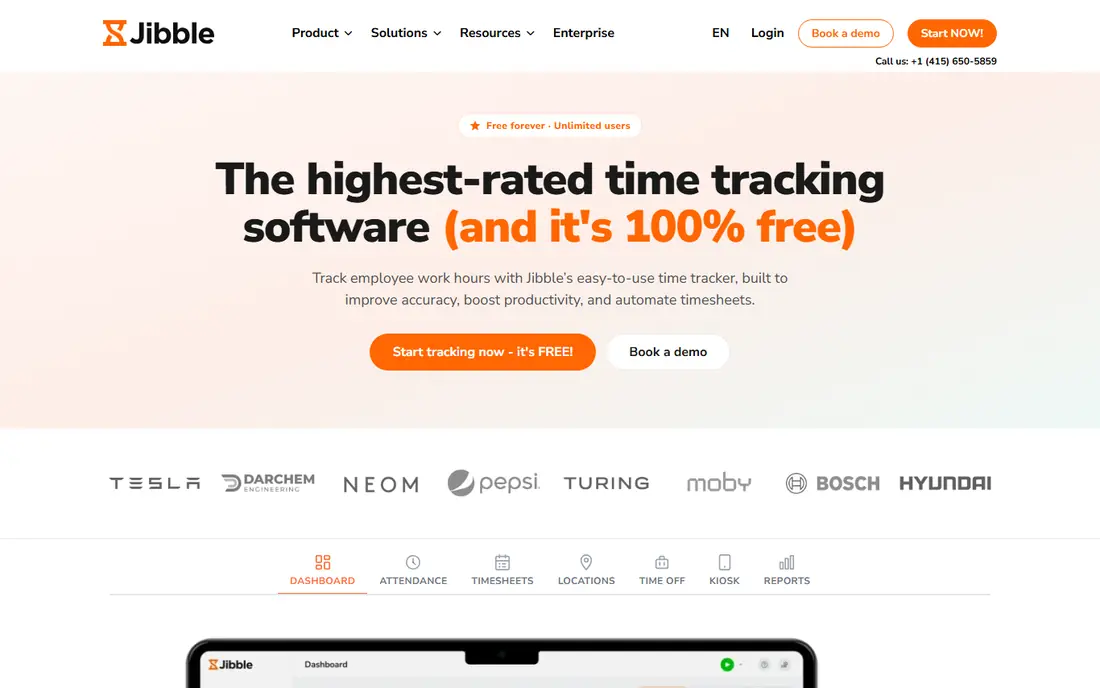
Jibble is the workplace pick when cost is the first question. Its main strengths are free for unlimited users, facial recognition and GPS clock-ins, overtime and break tracking. In daily use, that makes it a practical choice for workplaces that want free time tracking.
The main catch is paid plans cost more than some rivals; advanced workforce tools are limited. It fits best for workplaces that want free time tracking, so check that fit against your own routine before you commit, and test the free tier or trial with a real task first.
Before you choose Jibble, compare it with one other option in this list on the task you do most, and check the official pricing page again, because plans and limits can change.
- Free for unlimited users
- Facial recognition and GPS clock-ins
- Overtime and break tracking
- Paid plans cost more than some rivals
- Advanced workforce tools are limited
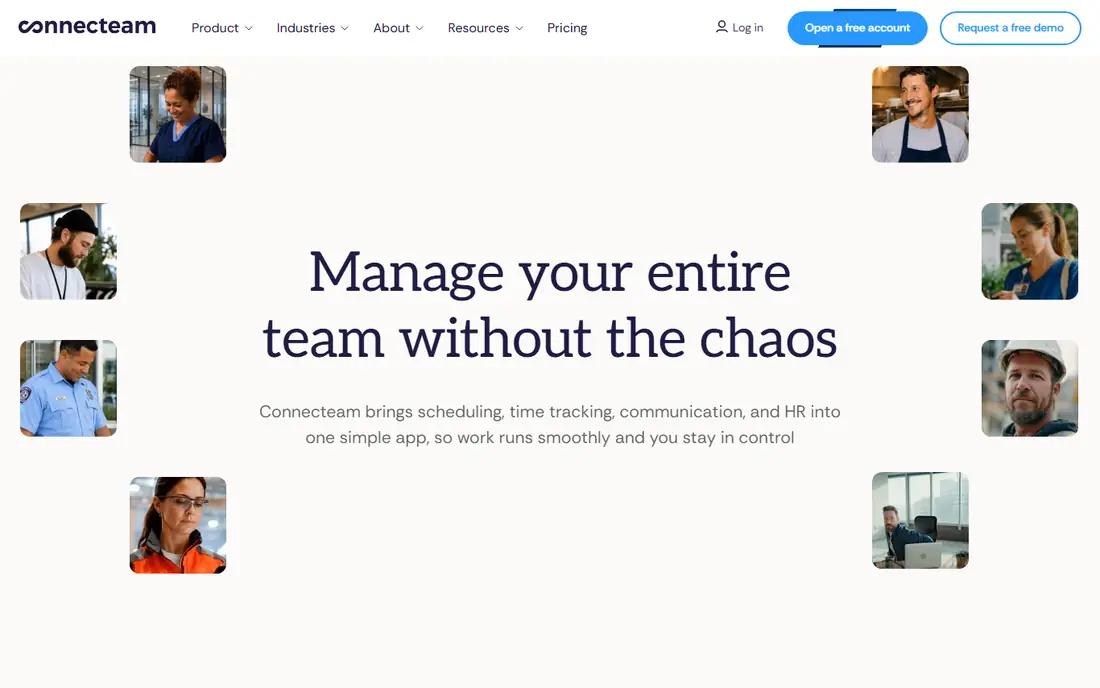
Connecteam suits frontline teams that need one app for attendance and schedules. The strengths that stand out are time clock plus scheduling, forms and chat in one app, GPS tracking, free for up to 10 users. For frontline and shift teams, that combination covers the core job well.
The honest catch is per-user costs rise as teams grow; some features need higher plans. For frontline and shift teams, that trade-off is usually acceptable, but confirm it on a trial with the exact task you do most often.
For Connecteam, the best test is a real task from your own routine, not a demo account, because a demo can hide the friction of daily use.
- Time clock plus scheduling, forms and chat in one app
- GPS tracking
- Free for up to 10 users
- Per-user costs rise as teams grow
- Some features need higher plans
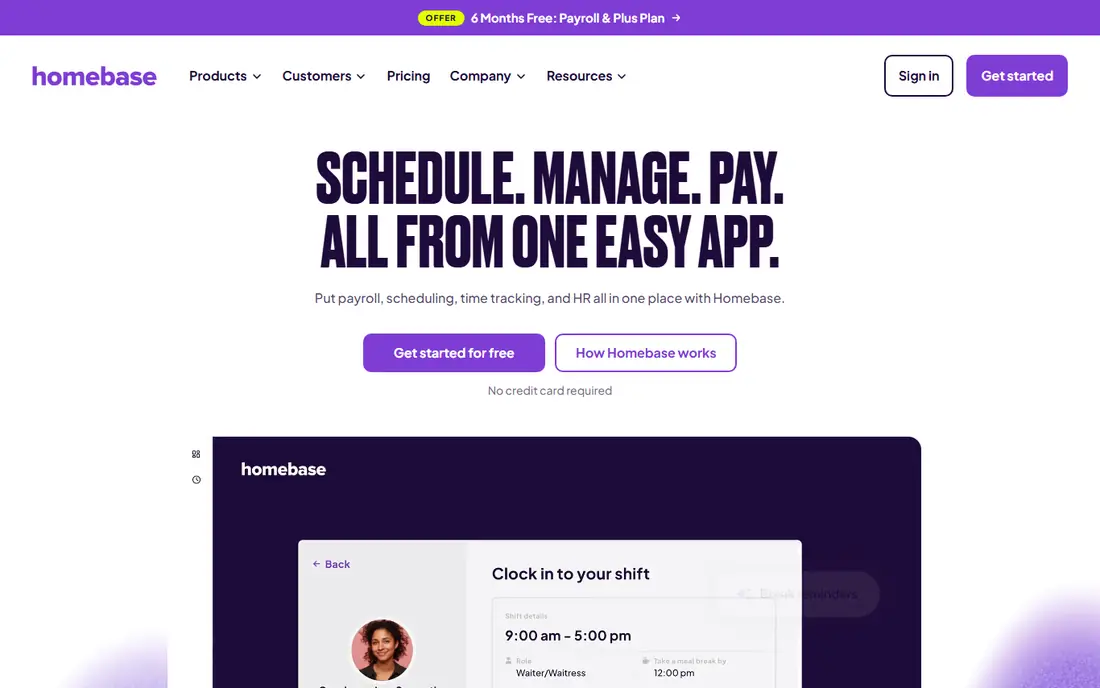
Homebase is a natural fit for cafes, shops and restaurants. What stands out most are scheduling, time clock and payroll tools together, per-location pricing, hiring tools. That mix suits hourly teams in one location better than a generic tool would.
Watch out for this: per-location pricing can cost more across many sites; some payroll features are US-focused. Still, for hourly teams in one location, the overall value holds up, as long as you check the paid limits before you rely on it daily.
If Homebase is on your shortlist, check support hours, export options and any limit on users, projects or messages before you move your data across.
- Scheduling, time clock and payroll tools together
- Per-location pricing
- Hiring tools
- Per-location pricing can cost more across many sites
- Some payroll features are US-focused
Deputy is made for shift work where breaks and local rules matter. Its key strengths are scheduling with labour-law and break templates, facial recognition clock-ins, payroll integrations. If you need shift teams with compliance needs, those strengths line up with the daily work.
The downside to weigh is pricing is behind signup; setup takes care for complex rotas. If you are choosing for shift teams with compliance needs, test that downside early, because it is the part most likely to frustrate you later.
Before you choose Deputy, compare it with one other option in this list on the task you do most, and check the official pricing page again, because plans and limits can change.
- Scheduling with labour-law and break templates
- Facial recognition clock-ins
- Payroll integrations
- Pricing is behind signup
- Setup takes care for complex rotas
When I Work keeps the rota simple. Its main strengths are simple scheduling and time clock, shift swapping, team messaging. In daily use, that makes it a practical choice for small shift teams.
The main catch is attendance reporting is lighter than Deputy; no free plan. It fits best for small shift teams, so check that fit against your own routine before you commit, and test the free tier or trial with a real task first.
For When I Work, the best test is a real task from your own routine, not a demo account, because a demo can hide the friction of daily use.
- Simple scheduling and time clock
- Shift swapping
- Team messaging
- Attendance reporting is lighter than Deputy
- No free plan
Buddy Punch is a straightforward workplace clock for small teams. The strengths that stand out are photo verification on clock-ins, PTO tracking, payroll exports. For small workplaces that want simple tracking, that combination covers the core job well.
The honest catch is base fee on top of per-user price; scheduling is basic. For small workplaces that want simple tracking, that trade-off is usually acceptable, but confirm it on a trial with the exact task you do most often.
If Buddy Punch is on your shortlist, check support hours, export options and any limit on users, projects or messages before you move your data across.
- Photo verification on clock-ins
- PTO tracking
- Payroll exports
- Base fee on top of per-user price
- Scheduling is basic
ClassDojo fits classrooms because attendance sits next to teacher communication tools. What stands out most are free for teachers, attendance inside a classroom toolkit, parent and student messaging. That mix suits k-12 classrooms better than a generic tool would.
Watch out for this: not built for payroll; attendance is part of a wider app. Still, for k-12 classrooms, the overall value holds up, as long as you check the paid limits before you rely on it daily.
Before you choose ClassDojo, compare it with one other option in this list on the task you do most, and check the official pricing page again, because plans and limits can change.
- Free for teachers
- Attendance inside a classroom toolkit
- Parent and student messaging
- Not built for payroll
- Attendance is part of a wider app
MyAttendanceTracker is the plainest classroom pick. Its key strengths are free and simple attendance log, fast roll call, basic reports. If you need teachers who want a simple log, those strengths line up with the daily work.
The downside to weigh is no scheduling or payroll tools; aimed at classrooms only. If you are choosing for teachers who want a simple log, test that downside early, because it is the part most likely to frustrate you later.
For MyAttendanceTracker, the best test is a real task from your own routine, not a demo account, because a demo can hide the friction of daily use.
- Free and simple attendance log
- Fast roll call
- Basic reports
- No scheduling or payroll tools
- Aimed at classrooms only
How we picked these
We compared official pricing pages, feature pages and app listings for each product in this list, and we checked whether the core job, the free tier and the paid limits matched the topic. We favoured products that exist and work today, with a clear official homepage and published pricing or a clear free tier. We did not claim hands-on testing that did not happen, and we did not invent ratings, user counts or features. We left out products that do not truly fit the topic, even when they are well known in a nearby category.
What to check before you choose
Start with the job you do most often, not with the longest feature list. For best attendance app, that job should guide the shortlist, because a tool that excels at a nearby job can still disappoint on the daily task. Check the free tier or trial with a real task, and note what is locked behind a paid plan, because the limit that matters is usually the one you hit in week two, not on day one. Check the total cost too, including any per-user, per-project or export fee, and check whether the tool works on the devices you actually use. Finally, check support, export and privacy terms before you move important data across, and keep a backup of anything you cannot afford to lose.
FAQ
What is the best option for best attendance app?
For most people, the top pick in this list is a safe starting point, because it balances features, price and ease of use for best attendance app. The right choice still depends on your budget, your device and how often you will use it. Try the free tier or trial with a real task before you pay.
Are there good best attendance apps with a free plan?
Yes, several options in this list offer a free plan or free tier, and we state the free plan for each product in the table above. Free plans usually limit some features, exports or usage, so check those limits against your routine. A free plan is often enough to test a tool, and sometimes enough for long-term use.
How much should I expect to pay?
Prices in this list range from free to paid plans, and we list the starting price for each product from vendor pages where available. If a price says See website, the vendor does not publish a simple starting price, so ask for a quote. Always check the checkout page, because taxes, billing terms and add-ons can change the total.
How do I choose between the top two options?
Compare them on the task you do most, not on the total feature count. Use each free tier or trial for the same real task, and note which one felt faster and clearer. If the prices are close, pick the tool with the clearer support, export and privacy terms.
Can I switch later if I pick the wrong one?
Yes, in most cases you can switch, but switching is easier if you keep your data exportable from the start. Check export options before you commit, and avoid storing the only copy of important work inside one app. A short trial with real data will show whether switching costs are likely to be high.