Survey Software for Small Teams in 2026: The 6 Best Options Side by Side
Searching for the best Survey software for small teams? Here are 6 options with prices and free plans. Each entry gets a plain verdict. Decide faster.
- Editor's choice
 Qualtrics XM
Serious experience management programs
Starts atSee websiteVisit qualtrics.comFull review - Great alternative
 SurveySparrow
AI-assisted customer feedback analysis
Starts atSee websiteVisit surveysparrow.comFull review - Also consider
 Jotform
Quick, adaptable form building
Starts at$34 a monthVisit jotform.comFull review
Direct answer
Our first pick is Qualtrics XM, best for serious experience management programs. Listed starting prices: Jotform from $34 a month and SurveyMonkey from $25 per user per month. SurveySparrow fits AI-assisted customer feedback analysis; Jotform fits quick, adaptable form building. Prices, free plans and limits for all 6 tools follow.
TL;DR:
- Qualtrics XM sits first on this list: serious experience management programs.
- A free plan is available from 2 of the 6 tools: Jotform, SurveyMonkey.
- SurveyMonkey fits general surveys and feedback.
- Before buying Jotform, weigh this: Survey analytics are less deep than research tools.
Last checked November 2026. Prices and plan details were read from the vendors' own pages in November 2026; vendors change plans often, so confirm the current price on the vendor site before you buy.
Quick comparison
| Tool | Best for | Starts at | Free plan? | |
|---|---|---|---|---|
| Qualtrics XM | Serious experience management programs | See website | Not stated | Visit |
| SurveySparrow | AI-assisted customer feedback analysis | See website | Free trial | Visit |
| Jotform | Quick, adaptable form building | $34 a month | Yes | Visit |
 Typeform | Conversational, engaging form experiences | See website | Not stated | Visit |
 Google Forms | Teams already using Google Workspace | See website | Not stated | Visit |
 SurveyMonkey | General surveys and feedback | $25 per user per month | Yes | Visit |
Survey Software for Small Teams compared in detail
If you are comparing Survey software for small teams, this page covers 6 tools in one place: what each is best for, what it costs to start, whether it has a free plan, and the main limit to know about.
Qualtrics XM targets serious experience management programs. Also, for a small team that just needs occasional surveys, Qualtrics XM is likely more product than necessary, and the ramp-up time is real.
Beyond that, the product is made for depth instead of fast one-off polls. From a buyer's view, more straightforward tools will get entry-level feedback collected quicker. Qualtrics XM does not show a starting price in this comparison, so check the vendor site for current pricing. Free access: Not stated.
What to check first: Heavy for small team needs.
- Suited to structured feedback programs
- Predictive and simulation capabilities
- Setup and learning need commitment
SurveySparrow works best for AI-assisted customer feedback analysis. SurveySparrow describes itself as an AI-powered customer feedback product, with AI that analyzes the customer experience journey and supports smarter CX decisions. As for the details, pick SurveySparrow when customer feedback is the core use case and you want AI support in interpreting it.
Points against: Analysis features need time to use well.
In practice, small teams centred on understanding customers across touchpoints will find the positioning relevant, notably if feedback analysis is a recurring need instead of an occasional task. Its customer experience orientation means it may be narrower than a general-purpose survey tool for internal polls or event forms. Check the vendor site for SurveySparrow pricing; none is listed in this comparison. On free options: Free trial.
- AI analysis of the customer journey
- Geared toward smarter CX decisions
- CX focus may be narrow for general surveys
Jotform makes the most sense for quick, adaptable form building. Jotform is an online form builder positioned around creating forms and surveys easily and in seconds.
Its emphasis on speed and adaptability makes it a practical everyday tool for teams that collect data across multiple workflows instead of running one formal research program. In daily use, since it is form-first, its survey analytics and research features are less developed than those of dedicated survey systems. Jotform cost at the entry level: $34 per month. Jotform offers a free plan.
Watch-outs: Survey analytics are less deep than research tools.
- Wide form-building focus
- Straightforward starting point for small teams
- Large template range can slow selection
Typeform is a good fit for conversational, engaging form experiences. Typeform focuses on AI-powered forms that it says collect more data, then trigger automatic workflows to enrich leads, follow up and support revenue growth, all without code.
Where it is weaker: Conversational style may not suit every audience.
Pick Typeform when presentation and follow-up automation are priorities. Small teams that want a more conversational, one-question-at-a-time experience will find the format distinctive and engaging. Pricing for Typeform is not stated here, so ask the vendor for current figures. As for free access: Not stated.
- Automatic workflows without code
- AI-powered form building
- Workflow setup layers on learning time
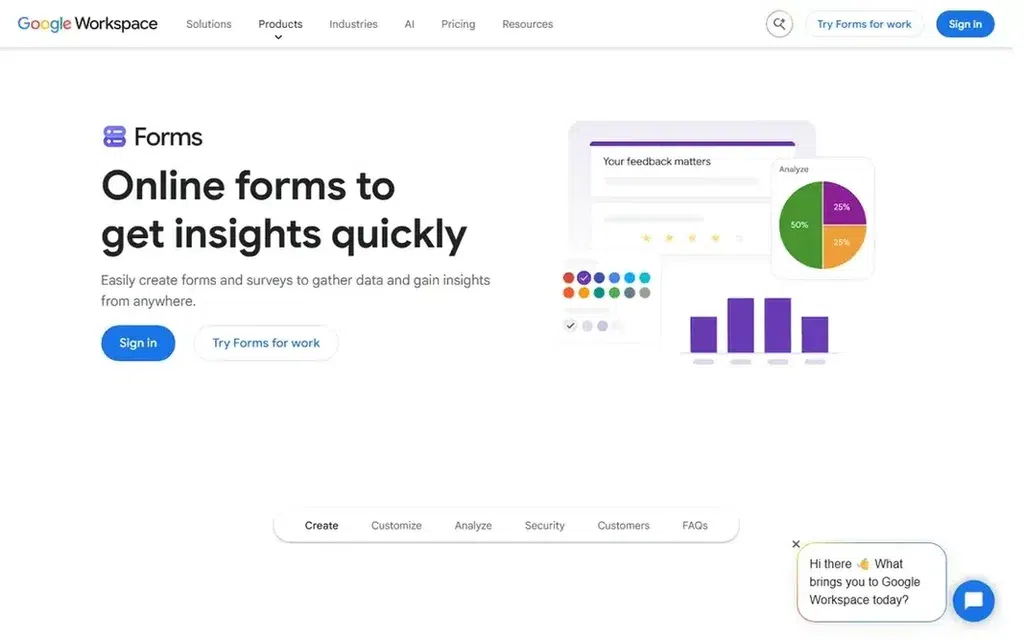
Google Forms is built with teams already using Google Workspace in mind. For small teams already working in Google's ecosystem, it removes friction: the interface is familiar, sharing is straightforward and responses flow into the same account your team uses daily.
It fits fast internal polls, signups and entry-level feedback collection. Check the vendor site for Google Forms pricing; none is listed in this comparison. Trial and free access: Not stated.
Trade-offs to know: Design choices are restricted.
- Straightforward survey and form creation
- Simple sharing and collaboration
- Advanced survey logic is entry-level
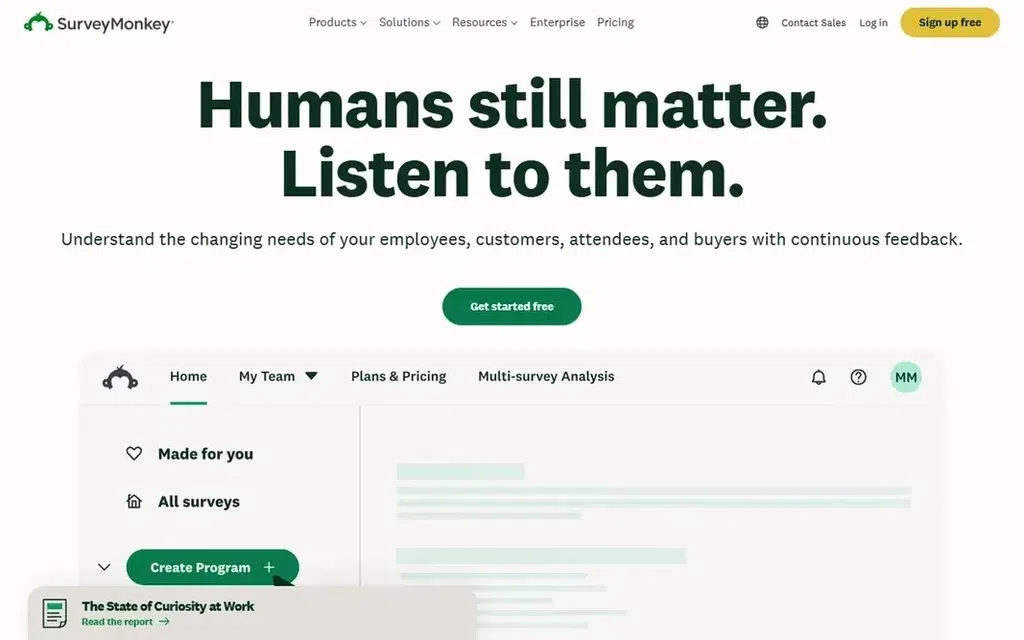
SurveyMonkey is designed for general surveys and feedback. SurveyMonkey presents itself as a survey system for creating surveys and forms with AI and templates.
Its stated uses bundle employee and customer feedback, market research and event registrations. As for the details, for a small team that needs one dependable place to run feedback programs and one-off polls, it is a sensible starting point since the core workflow is familiar and the template library covers typical scenarios. SurveyMonkey starts at: $25 per user per month. SurveyMonkey includes a free tier.
Where it is weaker: Advanced logic can take time to learn.
- Supports market research and registrations
- AI and template-based survey creation
- Feature depth may exceed straightforward needs
How we compared the tools
Pre-purchase checklist
- Get a written quote from Qualtrics XM, SurveySparrow, Typeform and Google Forms; the list shows no starting price for them.
- Read the fine print on the free plans from Jotform and SurveyMonkey; seat, project and feature caps differ.
- Use real work to test the free trial from SurveySparrow, rather than a demo project.
- Read the limits listed for Qualtrics XM first: heavy for small team needs.
- Look at which plan of SurveySparrow unlocks the features you need; entry tiers are often cut down.
- Look at the renewal terms for Typeform: auto-renewal, notice periods and price changes can matter more than the first-year price.
FAQ
Do these tools publish their prices?
Not all of them. Qualtrics XM, SurveySparrow, Typeform and Google Forms publish no starting price, so expect a quote request for those. The rest, Jotform included, show a starting price, though seats and billing terms still change the final cost.
Do small teams need a full experience management system?
Systems like Qualtrics XM are aimed at sustained, structured feedback programs and take real setup effort. Most small teams get more value from a focused survey tool and can move to a deeper system when research becomes a dedicated function.
Can I try these tools before paying?
Often, yes. Jotform and SurveyMonkey have a free plan and SurveySparrow offers a free trial. Use your own data and a real task during the test, and check what the free tier or trial limits before you rely on it.
Is Qualtrics XM the right pick for everyone comparing Survey software for small teams?
No single tool suits every team. Qualtrics XM comes first because it fits serious experience management programs, while SurveySparrow suits AI-assisted customer feedback analysis and Jotform suits fast, flexible form building. Match the tool to your own size, budget and workflow before deciding.
Which options for Survey software for small teams have a free plan?
On this list, Jotform and SurveyMonkey include a free plan. Caps on seats, usage or features are common, so test the free plan against your real workload. One other tool offers a trial instead. All 6 picks in this Survey software for small teams comparison list a starting price, free plan details and the main limits on their cards above.
Sources
- https://www.qualtrics.com
- https://surveysparrow.com
- https://www.jotform.com
- https://www.typeform.com
- https://workspace.google.com/products/forms
- https://www.surveymonkey.com