Survey Software for Freelancers in 2026: The 5 Best Options Side by Side
Best Survey software for freelancers in 2026: 5 tools with starting prices, free plans and limits. Cost notes and weak points included. Compare quickly.
- Editor's choice
 Jotform
Quick form and survey creation
Starts at$34 per monthVisit jotform.comFull review - Great alternative
 SurveyMonkey
Client feedback and market research surveys
Starts at$25 per user per monthVisit surveymonkey.comFull review - Also consider
 Google Forms
Straightforward surveys inside Google Workspace
Starts atSee websiteVisit workspace.google.comFull review
Direct answer
Start with Jotform if you need quick form and survey creation. Listed starting prices: Jotform from $34 per month and SurveyMonkey from $25 per user per month. SurveyMonkey is better for client feedback and market research surveys, and Google Forms is better for straightforward surveys inside Google Workspace. The full list of 5 tools follows, with prices and free plan facts.
TL;DR:
- Top of the list is Jotform, which targets quick form and survey creation.
- Check the limits for Alchemer before you commit: restricted public homepage detail to verify features.
- Jotform, SurveyMonkey: these are the 2 tools out of 5 that offer a free plan.
- Typeform is the one to check for conversational surveys with automatic follow-up.
- SurveyMonkey is the lowest-priced starter here at $25 per user per month.
Last checked November 2026. Prices and plan details were read from the vendors' own pages in November 2026; vendors change plans often, so confirm the current price on the vendor site before you buy.
Quick comparison
| Tool | Best for | Starts at | Free plan? | |
|---|---|---|---|---|
| Jotform | Quick form and survey creation | $34 per month | Yes | Visit |
| SurveyMonkey | Client feedback and market research surveys | $25 per user per month | Yes | Visit |
| Google Forms | Straightforward surveys inside Google Workspace | See website | Not stated | Visit |
 Alchemer | Structured surveys for research-minded freelancers | See website | Not stated | Visit |
 Typeform | Conversational surveys with automatic follow-up | See website | Not stated | Visit |
Tool-by-tool breakdown
Short on time? The summary and table above give the quick view of 5 Survey software for freelancers, and the profiles that follow give the detail behind each entry.
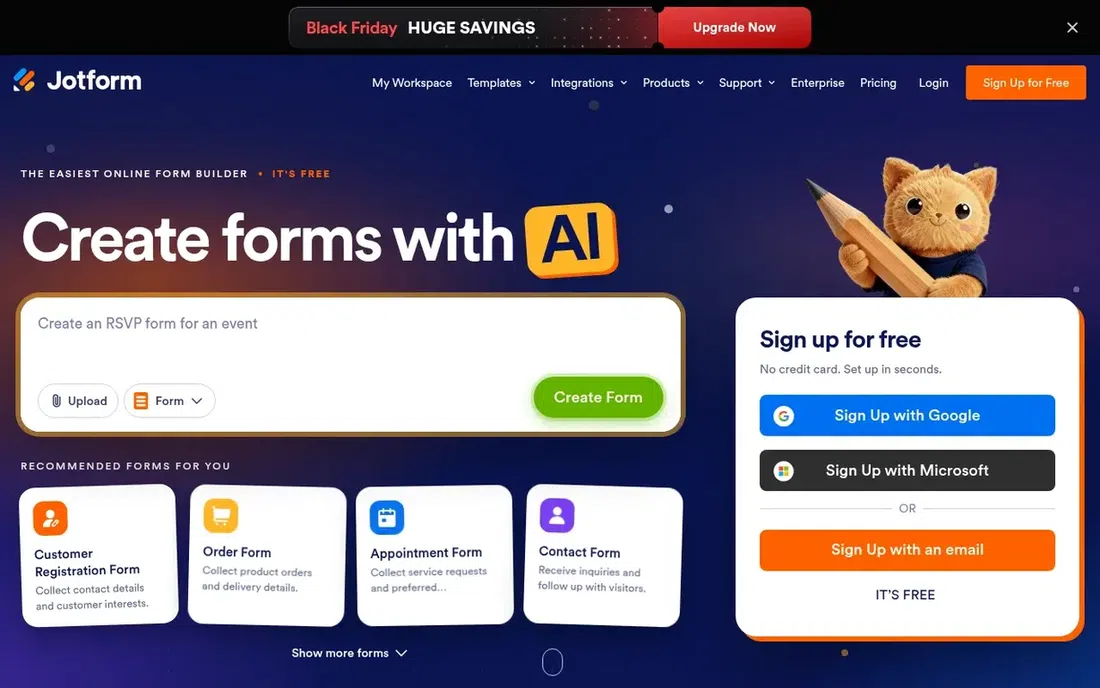
In short, Jotform is for quick form and survey creation. Jotform is an online form builder that also spans surveys, positioned around creating forms in seconds.
Trade-offs to know: Design customization may feel restricted for branded work.
For everyday use, for freelancers who require a questionnaire live the same day, its straightforward approach cuts setup friction. Also, consider Jotform for everyday forms; choose a research-oriented product when methodology and reporting depth drive the project. Starting cost for Jotform: $34 per month. Free access exists with Jotform.
- Fast form building
- Beginner-friendly entry point
- Less emphasis on advanced research methods
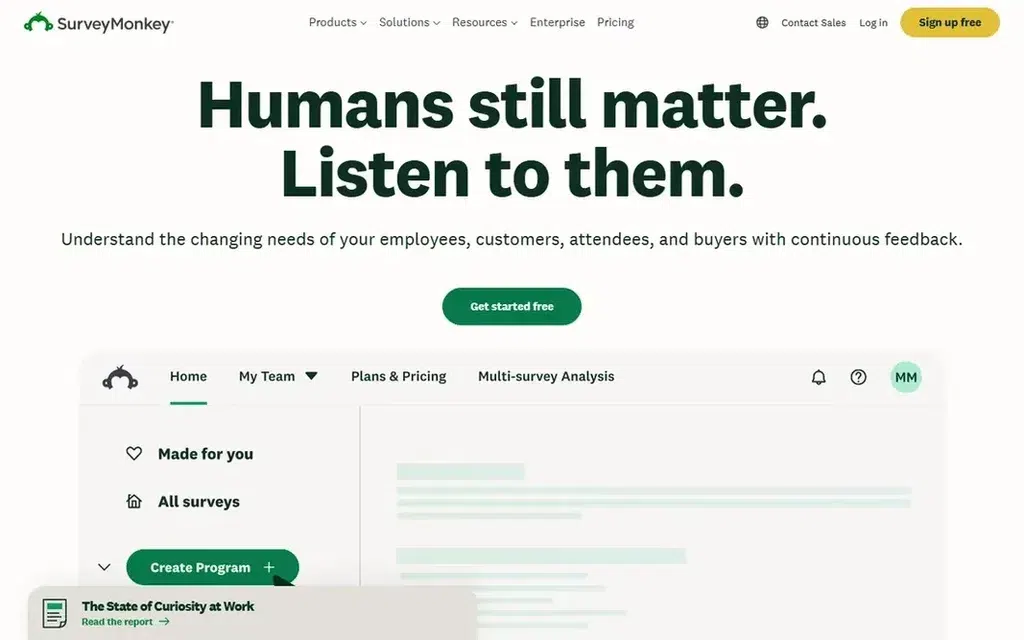
Where SurveyMonkey fits: client feedback and market research surveys. SurveyMonkey presents itself as a widely used survey product with AI assistance and templates for employee and customer feedback, market research and event registrations. Pick SurveyMonkey when feedback and research are recurring deliverables; a lighter builder may fit occasional one-question surveys better.
Drawbacks to consider: Wide feature set can feel heavy for fast polls.
As for the details, the breadth of choices can slow down someone who just needs a short feedback form. The experience is less conversational than form-first tools. Freelancers who on a regular basis run client satisfaction surveys or small research projects get a familiar structure and ready-made starting points, which shortens setup time between billable work. Entry price for SurveyMonkey: $25 per user per month. SurveyMonkey offers a free plan.
- Aimed at feedback and research
- AI help and templates
- Design is more conventional than conversational
In short, Google Forms is for simple surveys inside Google Workspace. Its strength is simplicity, so branching logic and refined respondent experiences are restricted compared to dedicated survey tools.
Limits to weigh: Entry-level presentation choices.
From a buyer's view, use Google Forms for short, practical surveys. Move to a richer product when a client expects branded design or complicated question flows. Check the vendor site for Google Forms pricing; none is listed in this comparison. Free access: Not stated.
- Familiar Google interface
- Gather data and insights from anywhere
- Restricted advanced survey logic
Alchemer was built for structured surveys for research-minded freelancers. Alchemer is a survey system used for structured feedback and research projects. From a buyer's view, for straightforward client questionnaires, a lighter builder is normally quicker.
Where it falls short: Restricted public homepage detail to verify features.
Consider Alchemer when a project calls for a more established survey environment. Freelancers who deliver survey design or analysis for clients may encounter it as a working environment, so entry-level familiarity helps when a client already runs surveys there. More specifically, public homepage information was restricted at the time of comparison, so confirm current capabilities on the vendor site before committing. Pricing for Alchemer is not stated here, so ask the vendor for current figures. On free options: Not stated.
- Handy for client research work
- Established survey product
- May be more product than small projects need
Typeform targets conversational surveys with automatic follow-up. Its homepage emphasizes forms that collect more data and then trigger workflows to follow up and enrich leads.
Trade-offs to know: Less suited to heavy research programs.
In daily use, the automation emphasis can be more than a freelancer needs for a one-off questionnaire, and complicated research designs may call for a dedicated survey product. Typeform shows no starting price here, so confirm the cost on the vendor site. Trial and free access: Not stated.
- No-code setup
- Automatic workflows after responses
- Automation focus may exceed simple survey needs
How these tools were picked
For each of the 5 tools we noted price, free plan or trial, fit for Survey software for freelancers and the main limit, using vendor pages and documentation. Where a price is missing, the vendor does not list one publicly or ties it to a quote. Always confirm before budgeting. The ranking is editorial: typical fit first, then clear pricing, then free access. If your needs are unusual, read the profiles rather than relying on position.
Questions to settle before buying
- Ask Google Forms, Alchemer and Typeform for a written quote, since no starting price is shown.
- Read the fine print on the free plans from Jotform and SurveyMonkey; seat, project and feature caps differ.
- Before choosing Jotform, weigh its main limit: less emphasis on advanced research methods.
- Read the plan comparison for Jotform carefully; key features often start on a higher tier.
- The entry price of Google Forms is only the starting point; model the full cost with seats and extras.
FAQ
What is the cheapest option for Survey software for freelancers in this list?
On published monthly entry prices, SurveyMonkey is the lowest here at $25 per user per month. Entry price is only part of the cost, because seats, add-ons and billing terms can change the total. Each of the 5 options in this Survey software for freelancers guide has its own card above with the price, free plan and limits.
Can I try these tools before paying?
Often, yes. Jotform and SurveyMonkey have a free plan. Use your own data and a real task during the test, and check what the free tier or trial limits before you rely on it. All 5 picks in this Survey software for freelancers comparison list a starting price, free plan details and the main limits on their cards above.
Which options for Survey software for freelancers have a free plan?
On this list, Jotform and SurveyMonkey include a free plan. Caps on seats, usage or features are common, so test the free plan against your real workload. For the full picture, the cards above cover all 5 entries of this Survey software for freelancers list, including price, free plan and limits.
Which survey tool is best for a freelancer's first client questionnaire?
The first pick on this list is Jotform, because it suits quick form and survey creation. SurveyMonkey is better for client feedback and market research surveys, and Google Forms for straightforward surveys inside Google Workspace. Check price and limits against your own needs before choosing.
Is Jotform the right pick for everyone comparing Survey software for freelancers?
No single tool suits every team. Jotform comes first because it fits fast form and survey creation, while SurveyMonkey suits client feedback and market research surveys and Google Forms suits simple surveys inside Google Workspace. Match the tool to your own size, budget and workflow before deciding.
Sources
- https://www.jotform.com
- https://www.surveymonkey.com
- https://workspace.google.com/products/forms
- https://www.alchemer.com
- https://www.typeform.com