The 6 Best Survey Software for Schools in 2026, Ranked
Best survey software for schools in 2026: 6 contenders with entry costs and free tiers. Strengths and gaps are listed per tool. Updated November 2026.
- Editor's choice
 SurveyMonkey
Templated surveys with AI assistance
Starts at$25 per user per monthVisit surveymonkey.comFull review - Great alternative
 Google Forms
Everyday forms inside Google Workspace
Starts atSee websiteVisit workspace.google.comFull review - Also consider
 Typeform
Engaging, conversational form experiences
Starts atSee websiteVisit typeform.comFull review
Direct answer
SurveyMonkey leads the list, best for templated surveys with AI assistance. Listed starting prices: SurveyMonkey from $25 per user per month and Jotform from $34 a month. Google Forms fits everyday forms inside Google Workspace; Typeform fits engaging, conversational form experiences. Prices, free plans and limits for all 6 tools follow.
TL;DR:
- This list starts with SurveyMonkey, which is built for templated surveys with AI assistance.
- SurveyMonkey is the lowest-priced starter here at $25 per user per month.
- Free plans exist at 2 of 6 tools (SurveyMonkey, Jotform).
- The main caution on Google Forms: design choices are restricted.
- Qualtrics fits advanced research and experience programs.
Last checked November 2026. Prices and plan details were read from the vendors' own pages in November 2026; vendors change plans often, so confirm the current price on the vendor site before you buy.
Quick comparison
| Tool | Best for | Starts at | Free plan? | |
|---|---|---|---|---|
| SurveyMonkey | Templated surveys with AI assistance | $25 per user per month | Yes | Visit |
| Google Forms | Everyday forms inside Google Workspace | See website | Not stated | Visit |
| Typeform | Engaging, conversational form experiences | See website | Not stated | Visit |
 Jotform | Quick form creation with adaptable layouts | $34 a month | Yes | Visit |
| SoGoSurvey | Compliance-conscious experience management | See website | Not stated | Visit |
 Qualtrics | Advanced research and experience programs | See website | Not stated | Visit |
The 6 tools in detail
This LinkVetted guide covers 6 survey software for schools. Each profile lists a starting price, free plan details, strengths and drawbacks, so you can drop poor fits quickly.
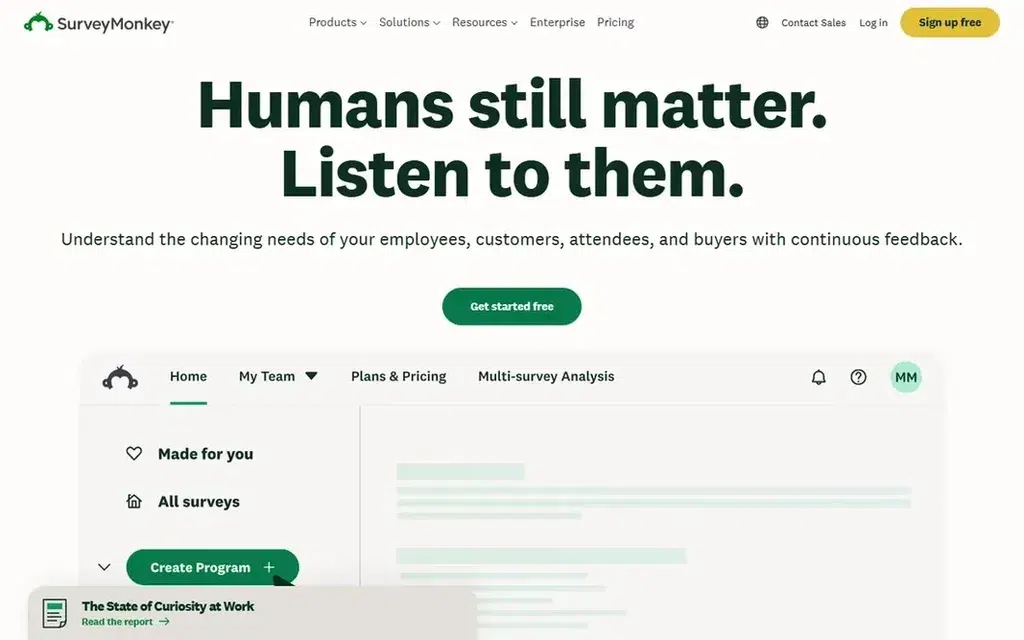
Pick SurveyMonkey if this describes you: templated surveys with AI assistance. Schools can use it for parent feedback, staff climate surveys and event signups, and the template library helps non-technical staff start rapidly.
Downsides: Feature depth may exceed straightforward polls.
Some of the more advanced question logic and reporting choices take time to learn. The product is oriented toward general feedback instead of classroom assessment. SurveyMonkey pricing: $25 per user per month. A free plan is available with SurveyMonkey.
- Wide feedback and research use
- AI and template-based creation
- Advanced logic can need learning
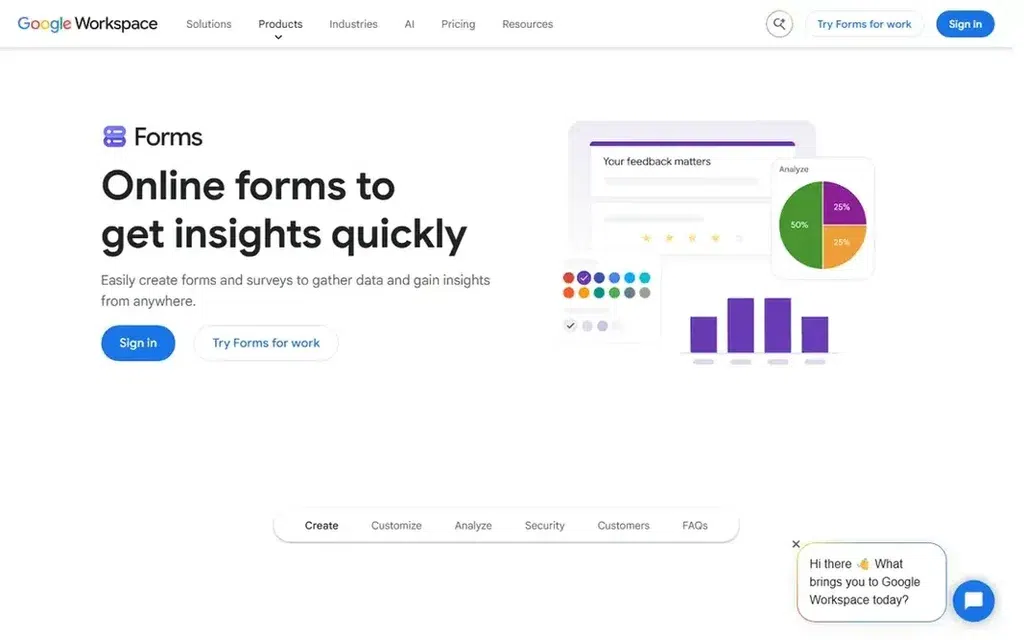
Google Forms targets everyday forms inside Google Workspace. Google Forms is an online form builder within Google Workspace for creating forms and surveys to gather data and insights.
Limits to weigh: Advanced analysis needs other tools.
From a buyer's view, the form design and question logic are intentionally entry-level, so complicated branching surveys or refined branded questionnaires can feel constrained. Beyond that, schools needing richer question types or deeper reporting may prefer Typeform, Jotform or a research-focused product. Google Forms does not show a starting price in this comparison, so check the vendor site for current pricing. Free options: Not stated.
- Straightforward form and survey building
- Part of Google Workspace
- Design choices are restricted
Typeform is a good fit for engaging, conversational form experiences. For dense academic surveys, a traditional layout may work better.
In daily use, for schools, its conversational style can boost response rates on parent and student feedback. The automation helps route responses to the right staff. Typeform shows no starting price here, so confirm the cost on the vendor site. As for free access: Not stated.
Honest limits: Automation focus skews to business use.
- AI-powered automation workflows
- Conversational form design
- Distinctive format may not suit all surveys
Jotform works best for quick form creation with adaptable layouts. Jotform is an online form builder for creating forms and surveys rapidly.
In practice, schools prioritizing statistical reporting may want a dedicated survey system. Jotform cost at the entry level: $34 per month. A free plan is available with Jotform.
Trade-offs to know: Less centred on research analysis.
- Wide general-purpose use
- Fast form and survey building
- Breadth of choices can overwhelm beginners
SoGoSurvey
Best for: Compliance-conscious experience management
Where SoGoSurvey fits: compliance-conscious experience management. The enterprise positioning can feel like more product than a single classroom needs, and evaluating it properly takes time through a demo. SoGoSurvey, presented as Sogolytics, is an experience management product for customer and employee experience that also supports fast AI-assisted survey creation.
What to check first: Enterprise framing may feel heavy for small schools.
It states compliance with HIPAA and GDPR, which matters to schools handling sensitive student or staff data, and it fits districts running structured feedback programs. Smaller schools with simple survey needs may find lighter tools quicker to adopt. SoGoSurvey does not show a starting price in this comparison, so check the vendor site for current pricing. Free access: Not stated.
- Compliance-oriented product
- Experience management for CX and EX
- Demo-based evaluation takes time
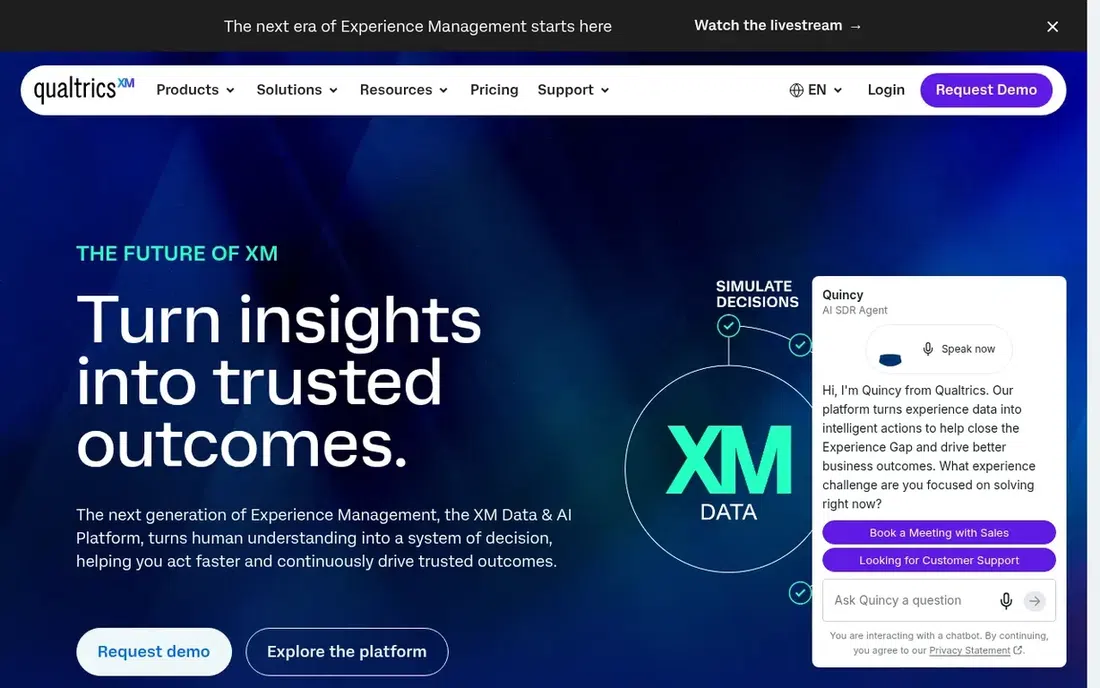
Qualtrics is aimed squarely at advanced research and experience programs. For schools, that depth fits district-level research, program evaluation and structured feedback programs where analysis matters more than fast form building.
What to check first: More complexity than straightforward classroom polls.
The breadth of the product can feel heavy for a teacher who just wants a fast poll. The ramp-up time is steeper than simpler form builders. Pricing for Qualtrics is not stated here, so ask the vendor for current figures. Trial and free access: Not stated.
- Deep experience management features
- Simulation and prediction tools
- Heavier setup for occasional users
How we built this list
We compared the tools on published pricing, free plan or trial availability, feature coverage for survey software for schools, and the limits each vendor documents. Prices and plan limits come from vendor pages and can change, so confirm them on the vendor site before you buy. We ordered the tools by general fit, then by how clearly pricing is shown, then by free access. A buyer with unusual needs may reorder them.
A buyer's checklist
- Ask Google Forms, Typeform, SoGoSurvey and Qualtrics for a written quote, since no starting price is shown.
- Look at free plan limits closely: SurveyMonkey and Jotform have one, and the caps decide whether it is usable for real work.
- Before choosing SurveyMonkey, weigh its main limit: advanced logic can require learning.
- Ask Jotform which support channels and response times come with the plan you would buy.
- Look at the renewal terms for Qualtrics: auto-renewal, notice periods and price changes can matter more than the first-year price.
FAQ
How are the tools for survey software for schools ordered?
SurveyMonkey sits first and Qualtrics last because the order follows typical fit for survey software for schools, then price clarity and free access. It is a judgement call, so read each profile for fit and limits.
Can I try these tools before paying?
Often, yes. SurveyMonkey and Jotform have a free plan. Use your own data and a real task during the test, and check what the free tier or trial limits before you rely on it. All 6 picks in this Survey software for schools comparison list a starting price, free plan details and the main limits on their cards above.
Do these tools publish their prices?
Not all of them. Google Forms, Typeform, SoGoSurvey and Qualtrics publish no starting price, so expect a quote request for those. The rest, SurveyMonkey included, show a starting price, though seats and billing terms still change the final cost.
Is SurveyMonkey the right pick for everyone comparing survey software for schools?
No single tool suits every team. SurveyMonkey comes first because it fits templated surveys with AI assistance, while Google Forms suits everyday forms inside Google Workspace and Typeform suits engaging, conversational form experiences. Match the tool to your own size, budget and workflow before deciding.
When is a research-grade product better than an entry-level form builder?
Choose a system like Qualtrics or SurveyMonkey when you need advanced logic, deeper reporting or program evaluation across a district. Match the tool to the complexity of your questions and the analysis you plan to do.
Sources
- https://www.surveymonkey.com
- https://workspace.google.com/products/forms
- https://www.typeform.com
- https://www.jotform.com
- https://www.sogosurvey.com
- https://www.qualtrics.com