The 5 Best Webinar Software for Schools in 2026, Ranked
5 best webinar software for schools, compared on pricing, free plans and best-fit use. Hidden costs and gaps are flagged. Last reviewed November 2026.
- Editor's choice
 Livestorm
Branded events with engagement insights
Starts at€2.50 per attendeeVisit livestorm.coFull review - Great alternativeAdobe Connect
Training sessions with measurable outcomes
Starts atSee websiteVisit adobe.comFull review - Also considerCisco Webex Webinars
Institutions wanting AI-assisted collaboration
Starts atSee websiteVisit webex.comFull review
Direct answer
Start with Livestorm if you need branded events with engagement insights. Listed starting prices: Livestorm from €2.50 per attendee. Adobe Connect is better for training sessions with measurable outcomes, and Cisco Webex Webinars is better for institutions wanting AI-assisted collaboration. Details, prices and limits for the rest of the 5 tools are below.
TL;DR:
- The list opens with Livestorm, aimed at branded events with engagement insights.
- A fair warning about Adobe Connect: interface can feel dated to some users.
- Only Cisco Webex Webinars offers a free plan among these 5 tools.
- For structured virtual conferences and events, GoTo Webinar is worth a look.
Last checked November 2026. Prices and plan details were read from the vendors' own pages in November 2026; vendors change plans often, so confirm the current price on the vendor site before you buy.
Quick comparison
| Tool | Best for | Starts at | Free plan? | |
|---|---|---|---|---|
| Livestorm | Branded events with engagement insights | €2.50 per attendee | Not stated | Visit |
| Adobe Connect | Training sessions with measurable outcomes | See website | Not stated | Visit |
| Cisco Webex Webinars | Institutions wanting AI-assisted collaboration | See website | Yes | Visit |
 Zoom Webinars | Familiar large-audience school events | See website | Not stated | Visit |
 GoTo Webinar | Structured virtual conferences and events | See website | Free trial | Visit |
Tool-by-tool breakdown
If you are comparing webinar software for schools, this page covers 5 tools in one place: what each is best for, what it costs to start, whether it has a free plan, and the main limit to know about.
In short, Livestorm is for branded events with engagement insights. Livestorm is an all-in-one webinar product targeted at marketing teams, with branded events, engagement insights and CRM sync. In practice, for schools, it can suit admissions teams or communications offices running prospective-family events and wanting to track attendee interest and follow up afterward.
Its marketing focus means classroom teaching features are not the priority. Schools looking primarily for instruction and student interaction should consider an education-specific system instead. The starting price for Livestorm: €2.50 per attendee. On free options: Not stated.
Where it is weaker: Less emphasis on daily teaching tools.
- Engagement insights and CRM sync
- All-in-one webinar workflow
- Marketing orientation instead of classroom focus
Adobe Connect
Best for: Training sessions with measurable outcomes
For training sessions with measurable outcomes, Adobe Connect is a natural candidate. Adobe Connect is positioned around training and webinars, highlighting audience engagement, presenter productivity and measurable outcomes.
Downsides: Interface can feel dated to some users.
From a buyer's view, schools prioritizing simplicity for young students may prefer a virtual-classroom-first tool. Pricing for Adobe Connect is not stated here, so ask the vendor for current figures. Free access: Not stated.
- Supports presenter productivity
- Made for training and webinars
- Focused more on training than K-12 daily use
Cisco Webex Webinars
Best for: Institutions wanting AI-assisted collaboration
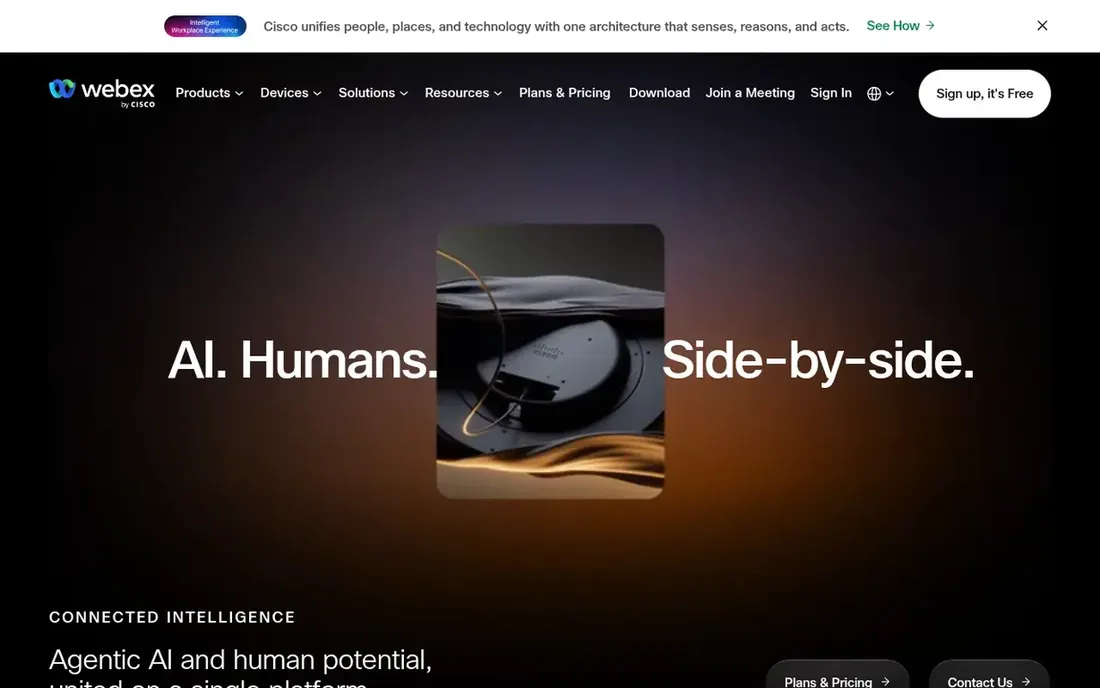
Cisco Webex Webinars was built for institutions wanting AI-assisted collaboration. Smaller schools without technical staff may find a more straightforward, classroom-focused tool easier to adopt.
In practice, Cisco Webex Webinars sits within a collaboration system that spans meetings, customer experience and devices, with AI features promoted across the suite. From a buyer's view, the system leans toward corporate use, so education-specific workflows may need additional configuration. Pricing for Cisco Webex Webinars is not stated here, so ask the vendor for current figures. You can start on Cisco Webex Webinars without paying.
Where it falls short: Setup may need IT involvement.
- Part of a wide product and device ecosystem
- Fits formal
- Feature set is wide and can feel corporate
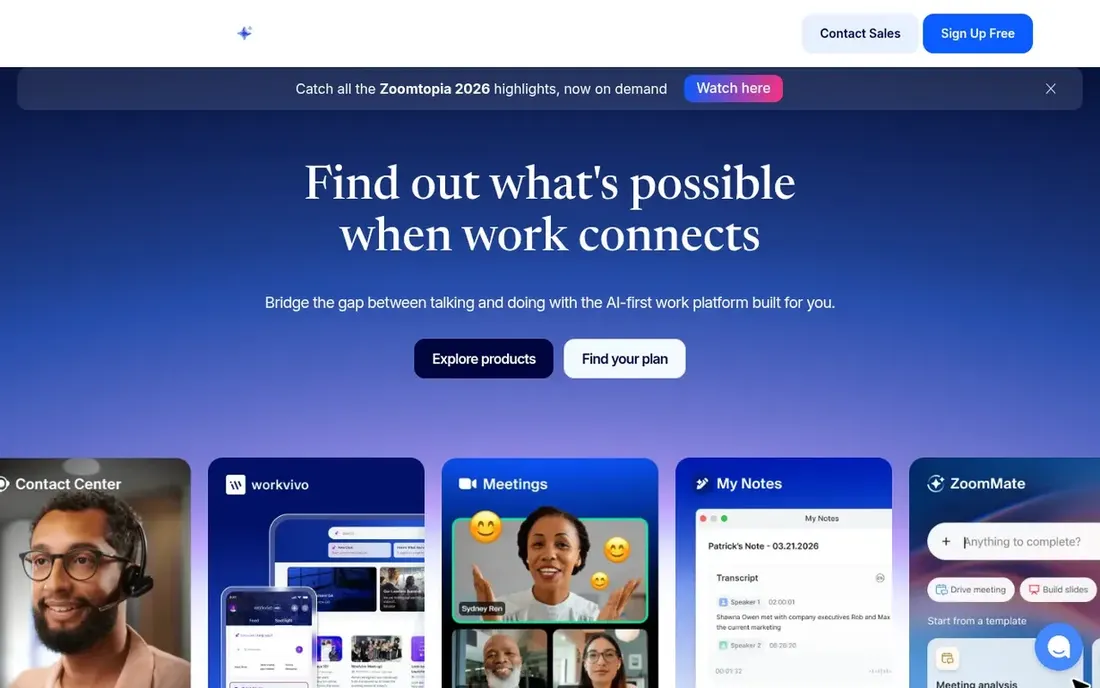
Zoom Webinars is designed for familiar large-audience school events. Zoom Webinars runs on a system plenty of schools already use for meetings, chat and phone, so teachers and families frequently arrive knowing the interface.
Watch-outs: Webinar features separated from meeting plans.
The breadth of features means settings and roles can take time to learn, and webinar capabilities are distinct from standard meetings. This comparison lists no price for Zoom Webinars; ask the vendor. Free options: Not stated.
- Wide collaboration features beyond webinars
- Manages large sessions and events
- Advanced controls can overwhelm new users
Choose GoTo Webinar for structured virtual conferences and events. It fits schools running open houses, guest speaker series or district-wide presentations where the format is a scheduled broadcast instead of a recurring class.
Since it targets events rather than everyday instruction, it may not replace a learning product for daily teaching. GoTo Webinar does not show a starting price in this comparison, so check the vendor site for current pricing. Free options: Free trial.
Downsides: Less centered on daily classroom teaching.
- Straightforward event-oriented design
- Focus on audience engagement
- Separate from routine class meetings
How we chose
For each of the 5 tools we noted price, free plan or trial, fit for webinar software for schools and the main limit, using vendor pages and documentation. Seat minimums, billing terms and add-ons can move the real cost, so the starting prices here are a guide and not a quote. We ordered the tools by general fit, then by how clearly pricing is shown, then by free access. A buyer with unusual needs may reorder them.
What to confirm before you sign up
- Ask Adobe Connect, Cisco Webex Webinars, Zoom Webinars and GoTo Webinar for a written quote, since no starting price is shown.
- Test the free plan from Cisco Webex Webinars against your real workload before relying on it.
- Run a trial of GoTo Webinar with real work before paying for a year; your own workflow is the best test.
- Before choosing Livestorm, weigh its main limit: marketing orientation instead of classroom focus.
- Total up the real monthly cost of Livestorm, including add-ons, extra users and usage-based fees.
- Check whether GoTo Webinar bills monthly or annually, and what cancelling early costs.
FAQ
How are the tools for webinar software for schools ordered?
The order follows typical fit for webinar software for schools, with Livestorm first and GoTo Webinar last, then price clarity and free access. It is editorial judgement, not a score, so another team could rank the tools differently.
Can I try these tools before paying?
Often, yes. Cisco Webex Webinars has a free plan and GoTo Webinar offers a free trial. Use your own data and a real task during the test, and check what the free tier or trial limits before you rely on it. For the full picture, the cards above cover all 5 entries of this webinar software for schools list, including price, free plan and limits.
Which webinar tool is a good match for a school already using Microsoft tools?
For most readers this guide would start with Livestorm, built for branded events with engagement insights. Adobe Connect is the alternative for training sessions with measurable outcomes, and Cisco Webex Webinars for institutions wanting AI-assisted collaboration. The right answer depends on budget and workflow.
Do these tools publish their prices?
Not all of them. Adobe Connect, Cisco Webex Webinars, Zoom Webinars and GoTo Webinar publish no starting price, so expect a quote request for those. The rest, Livestorm included, show a starting price, though seats and billing terms still change the final cost.
Is Livestorm the right pick for everyone comparing webinar software for schools?
No single tool suits every team. Livestorm comes first because it fits branded events with engagement insights, while Adobe Connect suits training sessions with measurable outcomes and Cisco Webex Webinars suits institutions wanting AI-assisted collaboration. Match the tool to your own size, budget and workflow before deciding.
Sources
- https://livestorm.co
- https://www.adobe.com/products/adobeconnect.html
- https://www.webex.com
- https://zoom.us
- https://www.goto.com/webinar