The 6 Best Survey Software for Startups in 2026, Ranked
Compare 6 best Survey software for startups, with prices, free plans and who each fits. Price notes and drawbacks come with each one. Checked this month.
- Editor's choice
 Jotform
Quick form and survey creation
Starts at$34 a monthVisit jotform.comFull review - Great alternative
 SurveyMonkey
Templates across feedback and research
Starts at$25 per user per monthVisit surveymonkey.comFull review - Also consider
 Google Forms
Straightforward surveys inside Google Workspace
Starts atSee websiteVisit workspace.google.comFull review
Direct answer
Jotform is the first pick on this list for quick form and survey creation. Listed starting prices: Jotform from $34 a month, SurveyMonkey from $25 per user per month and Formstack from $83 a month. If your case is different, SurveyMonkey suits templates across feedback and research and Google Forms suits straightforward surveys inside Google Workspace. Details, prices and limits for the rest of the 6 tools are below.
TL;DR:
- The list opens with Jotform, aimed at quick form and survey creation.
- A free plan is available from 2 of the 6 tools: Jotform, SurveyMonkey.
- Zoho Survey is the one to check for configurable surveys within Zoho.
- The lowest published monthly entry price here is $25 per user per month, from SurveyMonkey.
Last checked November 2026. Prices and plan details were read from the vendors' own pages in November 2026; vendors change plans often, so confirm the current price on the vendor site before you buy.
Quick comparison
| Tool | Best for | Starts at | Free plan? | |
|---|---|---|---|---|
| Jotform | Quick form and survey creation | $34 a month | Yes | Visit |
| SurveyMonkey | Templates across feedback and research | $25 per user per month | Yes | Visit |
| Google Forms | Straightforward surveys inside Google Workspace | See website | Not stated | Visit |
 Formstack | Secure forms with documents and eSignatures | $83 a month | Free trial | Visit |
 Typeform | Conversational forms with automation | See website | Not stated | Visit |
 Zoho Survey | Configurable surveys within Zoho | See website | Not stated | Visit |
The 6 tools in detail
Short on time? The summary and table above give the quick view of 6 Survey software for startups, and the profiles that follow give the detail behind each entry.
Where Jotform fits: quick form and survey creation. Jotform is an online form builder for creating forms and surveys easily, positioned around building forms in seconds. It works as a general-purpose form tool instead of a research-only product.
Limits to weigh: Advanced workflows may need setup.
More specifically, teams needing deep survey analytics or experience management may find it less specialized. On top of that, pick Jotform when speed and general form adaptability matter more than research depth. The starting price for Jotform: $34 per month. Jotform has a free plan.
- Straightforward starting point
- Supports surveys and forms
- Less emphasis on research analytics
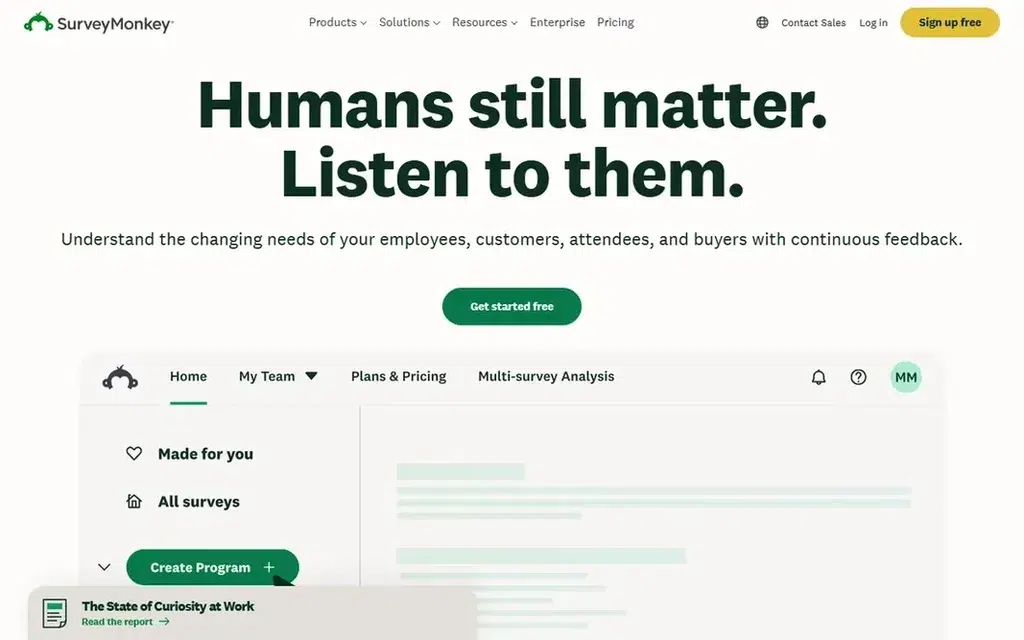
SurveyMonkey is built with templates across feedback and research in mind. SurveyMonkey presents itself as a widely used survey platform for easily creating surveys and forms with AI and templates, covering employee and customer feedback, market research, event registrations, and more.
Startups wanting surveys tightly wired into automatic lead workflows may prefer a form tool built around automation. Pick SurveyMonkey when template variety and feedback coverage matter most. Starting cost for SurveyMonkey: $25 per user per month. You can start on SurveyMonkey without paying.
Where it falls short: Wide feature set can feel busy.
- Supports market research and registrations
- Spans employee and customer feedback
- Less concentrated on deep automation
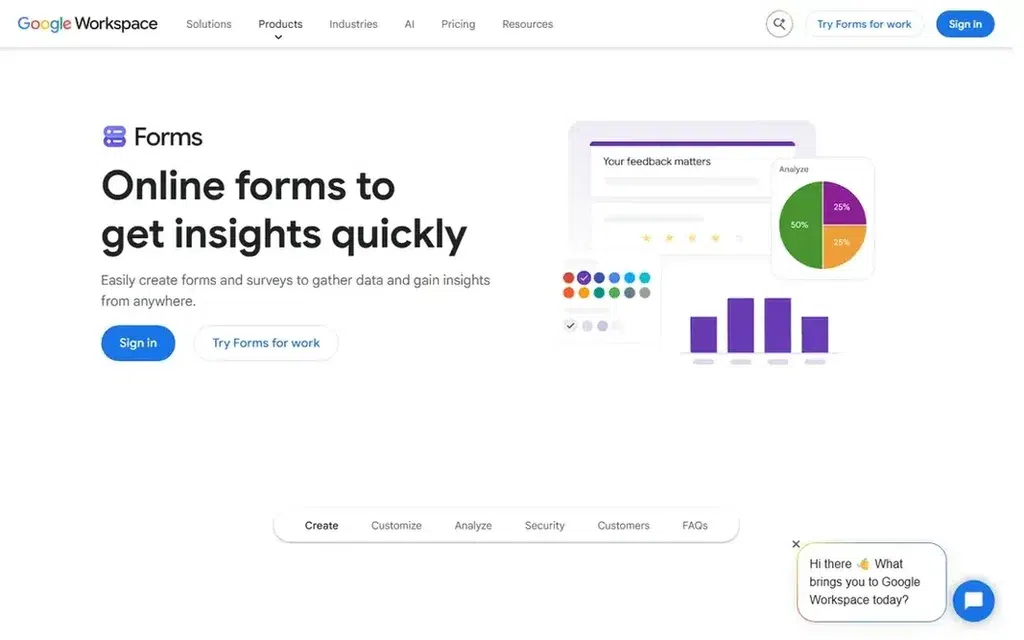
Google Forms is built with straightforward surveys inside Google Workspace in mind. It suits startups already using Google Workspace that require quick, straightforward surveys for internal feedback, event signups, or straightforward customer questions without adding another tool to the stack.
Choose Google Forms for quick, low-friction data collection inside Workspace. No starting price is listed for Google Forms here; confirm pricing on the vendor site. Trial and free access: Not stated.
What to check first: Entry-level presentation choices.
- Simple form and survey creation
- Collects data from anywhere
- Limited advanced survey logic
Formstack is built with secure forms with documents and eSignatures in mind. Formstack provides secure, easy-to-use forms, documents, and eSignatures, helping organizations simplify workflows with online forms, document generation, and e-signature tools.
It suits startups whose surveys sit alongside contracts, onboarding paperwork, or approval flows, where collecting a response and generating a signed document should happen in one workflow. What you pay to start with Formstack: $83 per month. On free options: Free trial.
Trade-offs to know: Broader than survey needs.
- Secure positioning
- Workflow simplifying
- Less concentrated on research templates
Typeform serves conversational forms with automation. Teams that primarily need deep statistical analysis or large-scale research programs may find Typeform less specialized than dedicated research systems.
Points against: Advanced automation needs planning.
Also, if your priority is a straightforward internal form inside an existing productivity suite, a lighter choice may be enough. Choose Typeform when the survey is part of an automatic lead or customer workflow. Typeform does not show a starting price in this comparison, so check the vendor site for current pricing. Free plan details: Not stated.
- No-code setup
- AI-powered form building
- Less suited to heavy research analysis
Zoho Survey was built for customizable surveys within Zoho. Zoho Survey is an online survey forms maker for market research, feedback questionnaires, customer satisfaction, and more, with configurable survey forms.
It suits startups already using Zoho tools that want surveys for research and feedback in the same ecosystem, keeping data and workflows closer together. Zoho Survey shows no starting price here, so confirm the cost on the vendor site. Free options: Not stated.
Where it falls short: Best value inside Zoho.
- Configurable survey forms
- Includes feedback and market research
- Less known for advanced automation
How we chose
Before you commit
- Ask Google Forms, Typeform and Zoho Survey for a written quote, since no starting price is shown.
- Read the fine print on the free plans from Jotform and SurveyMonkey; seat, project and feature caps differ.
- Run a trial of Formstack with real work before paying for a year; your own workflow is the best test.
- Read the limits listed for Jotform first: less emphasis on research analytics.
- Confirm you can export your data from SurveyMonkey, so leaving later does not mean losing records.
- Read the plan comparison for Google Forms carefully; key features often start on a higher tier.
FAQ
What is the cheapest option for Survey software for startups in this list?
On published monthly entry prices, SurveyMonkey is the lowest here at $25 per user per month. Entry price is only part of the cost, because seats, add-ons and billing terms can change the total. Each of the 6 options in this Survey software for startups guide has its own card above with the price, free plan and limits.
Which options for Survey software for startups have a free plan?
Jotform and SurveyMonkey offer a free plan in this list. Free plans usually cap users, projects or features, so check the limits on the vendor page. One other tool offers a trial instead. All 6 picks in this Survey software for startups comparison list a starting price, free plan details and the main limits on their cards above.
Can I try these tools before paying?
Often, yes. Jotform and SurveyMonkey have a free plan and Formstack offers a free trial. Use your own data and a real task during the test, and check what the free tier or trial limits before you rely on it.
Do these tools publish their prices?
Not all of them. Google Forms, Typeform and Zoho Survey publish no starting price, so expect a quote request for those. The rest, Jotform included, show a starting price, though seats and billing terms still change the final cost.
How do Formstack and Zoho Survey differ for startups?
Formstack merges forms with document generation and eSignatures, which fits workflows involving contracts or approvals. Zoho Survey concentrates on configurable survey forms for research and feedback and suits best when your team already uses Zoho tools.
Sources
- https://www.jotform.com
- https://www.surveymonkey.com
- https://workspace.google.com/products/forms
- https://www.formstack.com
- https://www.typeform.com
- https://www.zoho.com/survey