Best Survey Software for Salons (2026): 5 Picks Checked on Vendor Pages
5 best Survey software for salons, compared on pricing, free plans and best-fit use. Fit and flaws are laid out for each entry. Budget notes included.
- Editor's choice
 Typeform
Engaging, conversational client feedback
Starts atSee websiteVisit typeform.comFull review - Great alternative
 Qualtrics XM
Enterprise-grade experience management
Starts atSee websiteVisit qualtrics.comFull review - Also consider
 SurveyMonkey
General client and staff surveys
Starts at$25 per user a monthVisit surveymonkey.comFull review
Direct answer
This list puts Typeform first for engaging, conversational client feedback. Listed starting prices: SurveyMonkey from $25 per user a month and Jotform from $34 a month. If your case is different, Qualtrics XM suits enterprise-grade experience management and SurveyMonkey suits general client and staff surveys. The full list of 5 tools follows, with prices and free plan facts.
TL;DR:
- The list opens with Typeform, aimed at engaging, conversational client feedback.
- For straightforward surveys within Google Workspace, Google Forms is worth a look.
- What to know about Jotform first: feature depth may vary by plan.
- Starting prices begin at $25 per user per month with SurveyMonkey.
- SurveyMonkey, Jotform: these are the 2 tools out of 5 that offer a free plan.
Last checked November 2026. Prices and plan details were read from the vendors' own pages in November 2026; vendors change plans often, so confirm the current price on the vendor site before you buy.
Quick comparison
| Tool | Best for | Starts at | Free plan? | |
|---|---|---|---|---|
| Typeform | Engaging, conversational client feedback | See website | Not stated | Visit |
| Qualtrics XM | Enterprise-grade experience management | See website | Not stated | Visit |
| SurveyMonkey | General client and staff surveys | $25 per user a month | Yes | Visit |
 Jotform | Surveys plus salon operational forms | $34 a month | Yes | Visit |
 Google Forms | Straightforward surveys within Google Workspace | See website | Not stated | Visit |
The best Survey software for salons
LinkVetted compared 5 Survey software for salons. The goal is a practical shortlist: published prices, free plan facts, best-fit use cases and honest limits for every entry.
Where Typeform fits: engaging, conversational client feedback. It contains AI-assisted creation and automation to follow up or route responses, fitting salons that want a more engaging feedback experience.
Points against: Advanced automation may need a premium level.
Also, salons needing dense reporting or multi-section questionnaires may prefer SurveyMonkey or Qualtrics XM. No starting price is listed for Typeform here; confirm pricing on the vendor site. On free options: Not stated.
- AI-powered form building
- Interactive
- Can be slower to complete for long surveys
Qualtrics XM serves enterprise-grade experience management. The system may be more than a single salon needs, and its depth can need training.
What to check first: Can be complicated for small salons.
Also, Qualtrics XM is an experience management system that goes beyond entry-level surveys, offering tools to simulate and predict customer and employee experiences. Qualtrics XM shows no starting price here, so confirm the cost on the vendor site. Trial and free access: Not stated.
- Advanced experience management features
- Supports customer and employee experience
- May need onboarding to use fully
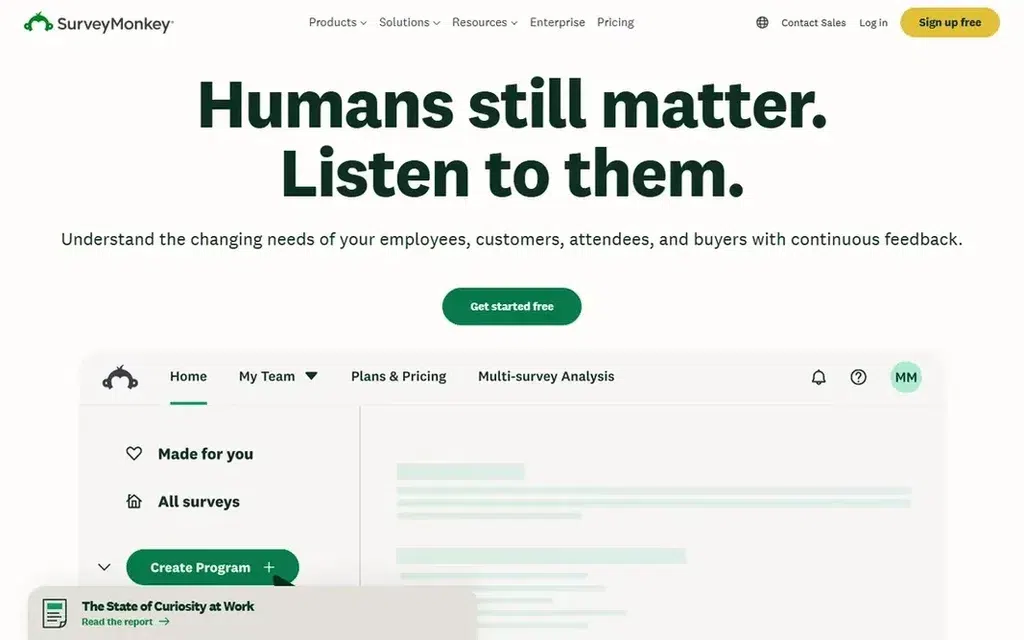
SurveyMonkey works best for general client and staff surveys. SurveyMonkey is a widely used survey system for building questionnaires with templates and AI assistance.
Trade-offs to know: Interface can feel busy for straightforward polls.
Salons seeking a more straightforward, form-first experience might look at Google Forms or Jotform instead. What you pay to start with SurveyMonkey: $25 per user per month. SurveyMonkey includes a free tier.
- AI-assisted survey creation
- Reporting and analysis tools
- Advanced features may need a premium plan
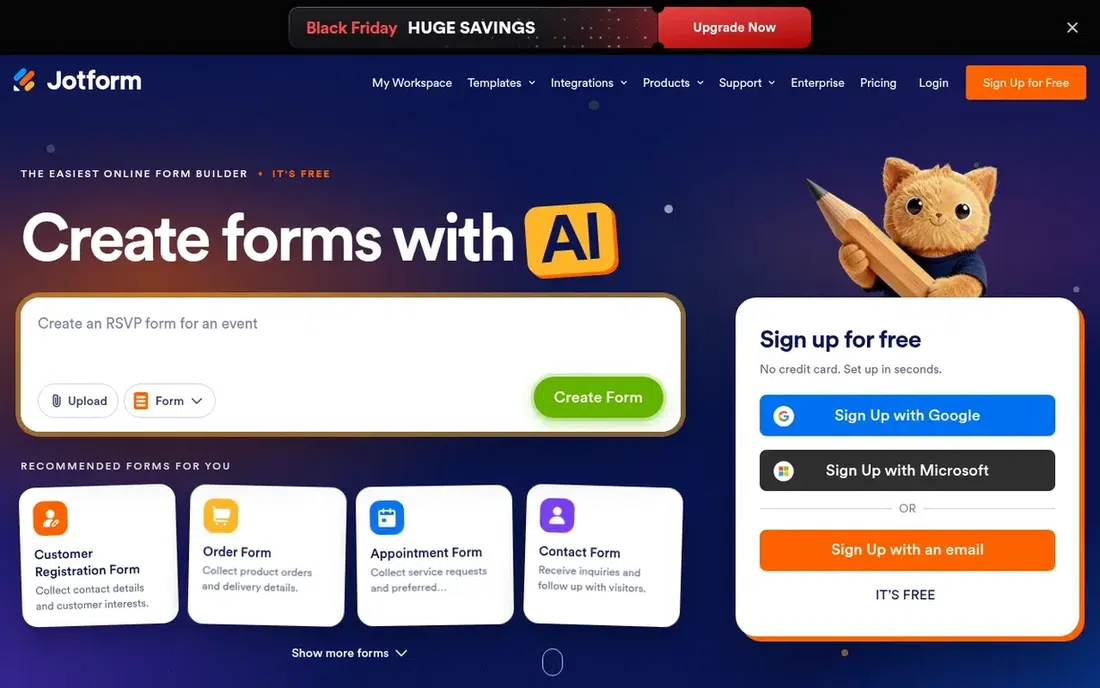
Pick Jotform if this describes you: surveys plus salon operational forms. Salons focused purely on feedback might find Google Forms sufficient.
Its no-code approach makes it accessible for staff without technical backgrounds. Jotform starts at: $34 per month. Jotform has a free plan.
Limits to weigh: Feature depth may vary by plan.
- Fast form creation with templates
- No-code builder
- Less specialized for deep survey analytics
For straightforward surveys within Google Workspace, Google Forms is a natural candidate. Google Forms is an online form builder within Google Workspace for creating surveys and collecting responses.
Design and analytics are entry-level, so salons wanting branded, interactive surveys may prefer Typeform. Beyond that, for advanced experience management, Qualtrics XM is more capable. Check the vendor site for Google Forms pricing; none is listed in this comparison. Free plan details: Not stated.
The main drawbacks: Restricted design customization.
- Connects with Google Workspace
- Responses collected in a familiar interface
- Entry-level reporting compared to dedicated tools
What went into this list
What to check before you buy
- Ask Typeform, Qualtrics XM and Google Forms for a written quote, since no starting price is shown.
- Check what the free option really includes: SurveyMonkey and Jotform offer a free plan, and usage caps differ.
- Read the limits listed for Typeform first: can be slower to complete for long surveys.
- Test how quickly Jotform answers a pre-sales question; it hints at how support will feel later.
- Look at which plan of Qualtrics XM unlocks the features you need; entry tiers are often cut down.
FAQ
Is a free survey tool enough for a small salon?
As your survey volume or reporting needs grow, you may want a system with more templates, logic, and analytics. Compare documented limits before committing.
Is Typeform the right pick for everyone comparing Survey software for salons?
No single tool suits every team. Typeform comes first because it fits engaging, conversational client feedback, while Qualtrics XM suits enterprise-grade experience management and SurveyMonkey suits general client and staff surveys. Match the tool to your own size, budget and workflow before deciding.
Which options for Survey software for salons have a free plan?
SurveyMonkey and Jotform offer a free plan in this list. Free plans usually cap users, projects or features, so check the limits on the vendor page. All 5 picks in this Survey software for salons comparison list a starting price, free plan details and the main limits on their cards above.
How do I encourage clients to complete surveys?
Keep surveys short, send them soon after the appointment, and explain how feedback boosts service. A conversational format like Typeform can feel more engaging.
What should a salon look for in survey software?
Prioritize simplicity for staff, mobile-friendly client surveys, and reporting that flags trends in satisfaction. If you collect health information, check compliance features. Integration with booking or CRM tools can also save time.
Can I try these tools before paying?
Often, yes. SurveyMonkey and Jotform have a free plan. Use your own data and a real task during the test, and check what the free tier or trial limits before you rely on it. For the full picture, the cards above cover all 5 entries of this Survey software for salons list, including price, free plan and limits.
Sources
- https://www.typeform.com
- https://www.qualtrics.com
- https://www.surveymonkey.com
- https://www.jotform.com
- https://workspace.google.com/products/forms