Best Survey Software for Remote Teams in 2026: Prices, Free Plans and 5 Picks
5 best survey software for remote teams, with entry costs, free tiers and the buyer each one serves. Each listing flags where it falls short. Plain facts.
- Editor's choice
 Google Forms
Fast surveys inside Google Workspace
Starts atSee websiteVisit workspace.google.comFull review - Great alternative
 Typeform
Conversational forms with automation
Starts atSee websiteVisit typeform.comFull review - Also consider
 SurveySparrow
AI-assisted customer feedback
Starts atSee websiteVisit surveysparrow.comFull review
Direct answer
Our first pick is Google Forms, best for fast surveys inside Google Workspace. Listed starting prices: SurveyMonkey from $25 per user a month and Jotform from $34 per month. Typeform is the stronger choice for conversational forms with automation, while SurveySparrow suits AI-assisted customer feedback. The other 2 tools in the list cover narrower or pricier cases.
TL;DR:
- Top of the list is Google Forms, which targets fast surveys inside Google Workspace.
- One limit worth knowing about Typeform: conversational style may not suit long surveys.
- Only 2 of the 5 tools have a free plan (SurveyMonkey, Jotform), so check the caps.
- The lowest published monthly entry price here is $25 per user per month, from SurveyMonkey.
Last checked November 2026. Prices and plan details were read from the vendors' own pages in November 2026; vendors change plans often, so confirm the current price on the vendor site before you buy.
Quick comparison
| Tool | Best for | Starts at | Free plan? | |
|---|---|---|---|---|
| Google Forms | Fast surveys inside Google Workspace | See website | Not stated | Visit |
| Typeform | Conversational forms with automation | See website | Not stated | Visit |
| SurveySparrow | AI-assisted customer feedback | See website | Free trial | Visit |
 SurveyMonkey | All-around surveys and feedback | $25 per user a month | Yes | Visit |
 Jotform | Quick form and survey building | $34 per month | Yes | Visit |
5 survey software for remote teams in detail
If you are comparing survey software for remote teams, this page covers 5 tools in one place: what each is best for, what it costs to start, whether it has a free plan, and the main limit to know about.
Google Forms is aimed squarely at fast surveys inside Google Workspace. Google Forms is an online form builder within Google Workspace for creating forms and surveys to gather data from anywhere.
Limits to weigh: Entry-level reporting for complicated analysis.
On top of that, design and question logic options are restricted compared to dedicated survey systems. As for the details, remote teams already using Google tools can share forms rapidly and collect responses without adding another system. Google Forms shows no starting price here, so confirm the cost on the vendor site. On free options: Not stated.
- Simple to share by link
- Straightforward form creation
- Restricted design customization
Typeform was built for conversational forms with automation. Typeform builds AI-powered forms meant to feel conversational and engaging.
Watch-outs: Workflow features need configuration.
Remote teams that collect feedback through links and want responses to feed into other tools will appreciate the automation angle. This comparison lists no price for Typeform; ask the vendor. As for free access: Not stated.
- No-code setup
- AI-powered form building
- Conversational style may not suit long surveys
SurveySparrow targets AI-assisted customer feedback. SurveySparrow is an AI-powered customer feedback system that examines the customer experience journey. Teams wanting wide survey templates should consider SurveyMonkey.
The main drawbacks: Setup for CX programs takes planning.
In practice, the product is built around CX decisions instead of general-purpose form building. Its customer experience focus means internal polls and straightforward forms may be better served elsewhere. Check the vendor site for SurveySparrow pricing; none is listed in this comparison. On free options: Free trial.
- AI analysis of customer journeys
- Focus on customer experience
- Customer experience focus may not fit internal polls
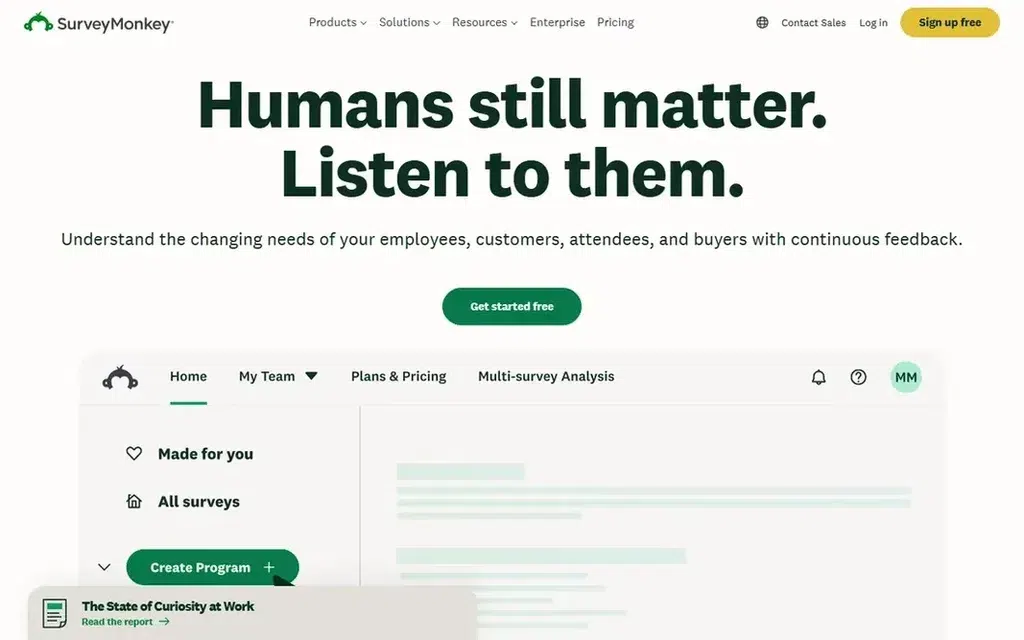
SurveyMonkey was built for all-around surveys and feedback. It spans employee and customer feedback, market research and event registrations.
For everyday use, the breadth of features means some advanced question logic and reporting settings take time to learn. SurveyMonkey starts at: $25 per user per month. SurveyMonkey offers a free plan.
Points against: Advanced logic can add complexity.
- Templates for numerous use cases
- Supports employee and customer feedback
- Branding choices vary by level
Pick Jotform if this describes you: quick form and survey building. Jotform is an online form builder for creating forms and surveys rapidly.
In practice, teams concentrated on conversational forms may prefer Typeform. Remote teams that require to collect data for events, requests or feedback can build and share forms without much setup. Jotform cost at the entry level: $34 per month. Jotform includes a free tier.
Downsides: Feature depth varies by use case.
- Works for numerous data collection needs
- Fast form creation
- Advanced workflows need setup
What went into this list
Questions to settle before buying
- Confirm the entry price on the vendor page. For Google Forms, Typeform and SurveySparrow that means a quote rather than a fixed price.
- Look at free plan limits closely: SurveyMonkey and Jotform have one, and the caps decide whether it is usable for real work.
- Take the trial from SurveySparrow and push a live task through it before you pay.
- Read the limits listed for Google Forms first: restricted design customization.
- Map your must-have features to a specific Jotform plan before you compare prices.
- Ask Typeform which support channels and response times come with the plan you would buy.
FAQ
Do these tools publish their prices?
Not all of them. Google Forms, Typeform and SurveySparrow publish no starting price, so expect a quote request for those. The rest, SurveyMonkey included, show a starting price, though seats and billing terms still change the final cost.
Can I try these tools before paying?
Often, yes. SurveyMonkey and Jotform have a free plan and SurveySparrow offers a free trial. Use your own data and a real task during the test, and check what the free tier or trial limits before you rely on it. All 5 picks in this Survey software for remote teams comparison list a starting price, free plan details and the main limits on their cards above.
Which options for survey software for remote teams have a free plan?
On this list, SurveyMonkey and Jotform include a free plan. Caps on seats, usage or features are common, so test the free plan against your real workload. One other tool offers a trial instead. For the full picture, the cards above cover all 5 entries of this Survey software for remote teams list, including price, free plan and limits.
Is Google Forms the right pick for everyone comparing survey software for remote teams?
No single tool suits every team. Google Forms comes first because it fits quick surveys inside Google Workspace, while Typeform suits conversational forms with automation and SurveySparrow suits AI-assisted customer feedback. Match the tool to your own size, budget and workflow before deciding.
When should a team choose Typeform over SurveyMonkey?
Typeform fits teams that want conversational forms and automatic follow-up workflows. SurveyMonkey is better for broad template needs and general feedback projects.
Sources
- https://workspace.google.com/products/forms
- https://www.typeform.com
- https://surveysparrow.com
- https://www.surveymonkey.com
- https://www.jotform.com