The 6 Best Ad Networks Software for Remote Teams in 2026, Ranked
Searching for the best ad networks software for remote teams? Here are 6 options with prices and free plans. Every entry states what it lacks. Compare quickly.
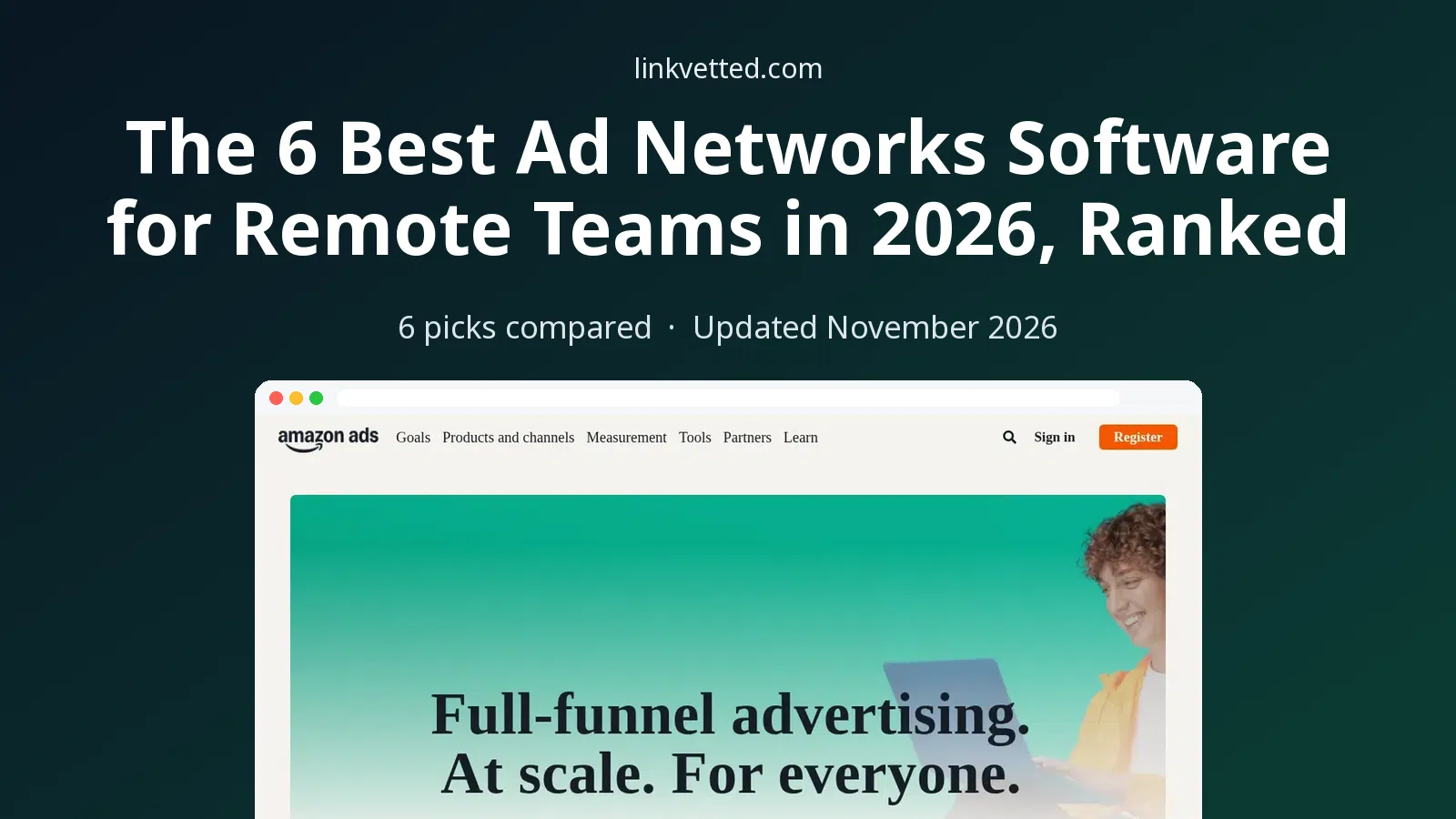
- Editor's choice
 Amazon Ads
Reaching shoppers on and off Amazon
Starts atPricing on requestVisit advertising.amazon.comFull review - Great alternative
 LinkedIn Ads
Targeting professional and B2B audiences
Starts atPricing on requestVisit business.linkedin.comFull review - Also consider
 AdRoll
Multichannel campaigns from one dashboard
Starts atPricing on requestVisit adroll.comFull review
Direct answer
For reaching shoppers on and off Amazon, Amazon Ads is where this list starts. LinkedIn Ads is the stronger choice for targeting professional and B2B audiences, while AdRoll suits multichannel campaigns from one dashboard. The remaining 3 options are covered below with pricing notes and limits. None of these vendors publish plan prices, so pricing is on request for every option.
TL;DR:
- Top of the list is Amazon Ads, which targets reaching shoppers on and off Amazon.
- One limit worth knowing about Amazon Ads: a good match for product sellers.
- Every tool from Amazon Ads to Google Ads works by quote, with no list price shown.
- Google Ads suits search and YouTube campaigns in one place.
- None of the 6 tools, from Amazon Ads to Google Ads, has a free plan, so budget for a subscription or use a trial.
Last checked November 2026. Pricing on request: vendors did not publish plan prices when this guide was last checked (November 2026), so ask each vendor for a written quote.
Quick comparison
| Tool | Best for | Starts at | Free plan? | |
|---|---|---|---|---|
| Amazon Ads | Reaching shoppers on and off Amazon | Pricing on request | Not stated | Visit |
| LinkedIn Ads | Targeting professional and B2B audiences | Pricing on request | Not stated | Visit |
| AdRoll | Multichannel campaigns from one dashboard | Pricing on request | Not stated | Visit |
 Outbrain | Direct response content promotion | Pricing on request | Not stated | Visit |
 Microsoft Advertising | Search and display reach on Microsoft properties | Pricing on request | Not stated | Visit |
 Google Ads | Search and YouTube campaigns in one place | Pricing on request | Not stated | Visit |
The 6 tools in detail
LinkVetted put together this guide to ad networks software for remote teams for readers who want a clear shortlist without reading every vendor page. It compares 6 tools on starting price, free plans, who each one suits and where each one falls short.
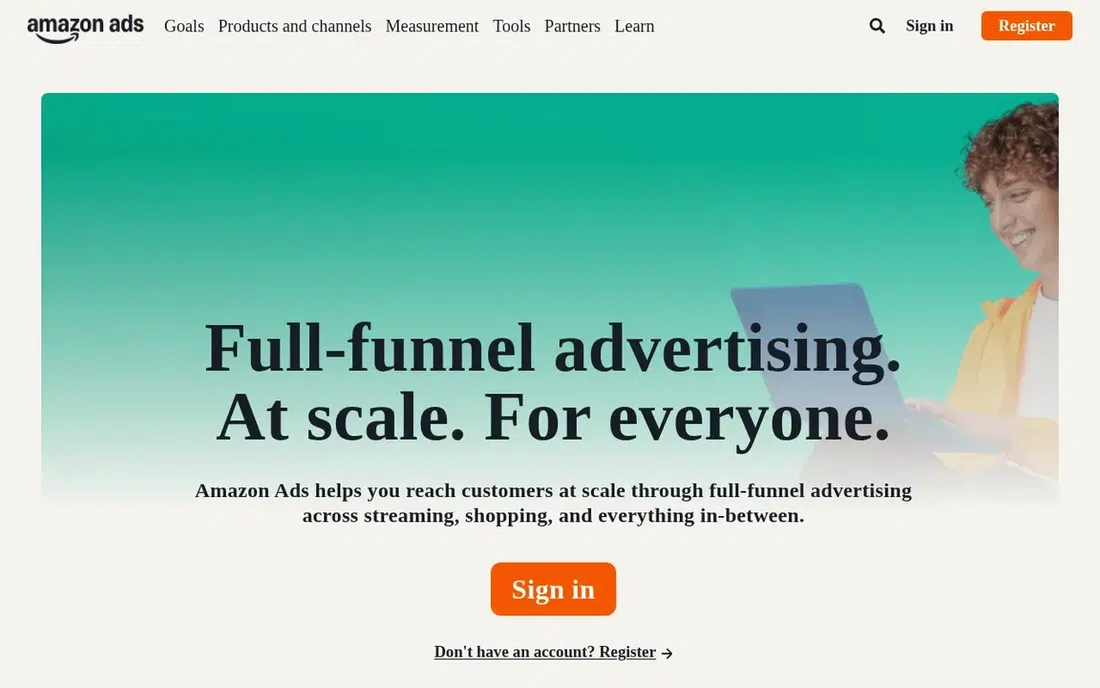
Amazon Ads is aimed squarely at reaching shoppers on and off Amazon. The product is most handy when there is a product catalog and listings ready to support the ads, so service companies may find less fit. The homepage positions it for companies of all sizes looking to grow sales.
Where it is weaker: Needs product and listing readiness.
It can extend reach beyond Amazon's own surfaces to other placements. On top of that, Amazon Ads offers online advertising options that help firms find, attract and engage customers on and off Amazon. Teams without ecommerce operations should look at search or professional networks instead. Check the vendor site for Amazon Ads pricing; none is listed in this comparison. Trial and free access: Not stated.
- Advertising tied to shopping intent
- Works for firms of all sizes
- A good match for product sellers
LinkedIn Ads works best for targeting professional and B2B audiences. Teams focused on ecommerce or mass consumer reach may prefer Amazon Ads or Google Ads.
The homepage emphasizes targeting and self-service controls. Also, LinkedIn Ads provides self-serve advertising that reaches professional audiences worldwide, with useful formats and budget management built in. This comparison lists no price for LinkedIn Ads; ask the vendor. Trial and free access: Not stated.
What to check first: Less suited to consumer products.
- Built-in budget management
- Professional audience targeting
- Costs can climb for wide targeting
Choose AdRoll for multichannel campaigns from one dashboard. It fits remote teams that want display and retargeting activity consolidated in one place, especially small marketing groups that prefer one interface over multiple separate ad accounts.
Where it falls short: Setup needs audience planning.
AdRoll does not show a starting price in this comparison, so check the vendor site for current pricing. Free access: Not stated.
- Account-based marketing support
- Machine learning driven optimization
- Smaller teams may find features broad
Where Outbrain fits: direct response content promotion. Outbrain gives you direct response advertising targeted at driving outcomes and monetizing content, based on its homepage.
Where it is weaker: Overlaps with similar discovery networks.
Outbrain shows no starting price here, so confirm the cost on the vendor site. Free access: Not stated.
- Content monetization choices
- Direct response focus
- Needs capable creative testing
Microsoft Advertising
Best for: Search and display reach on Microsoft properties
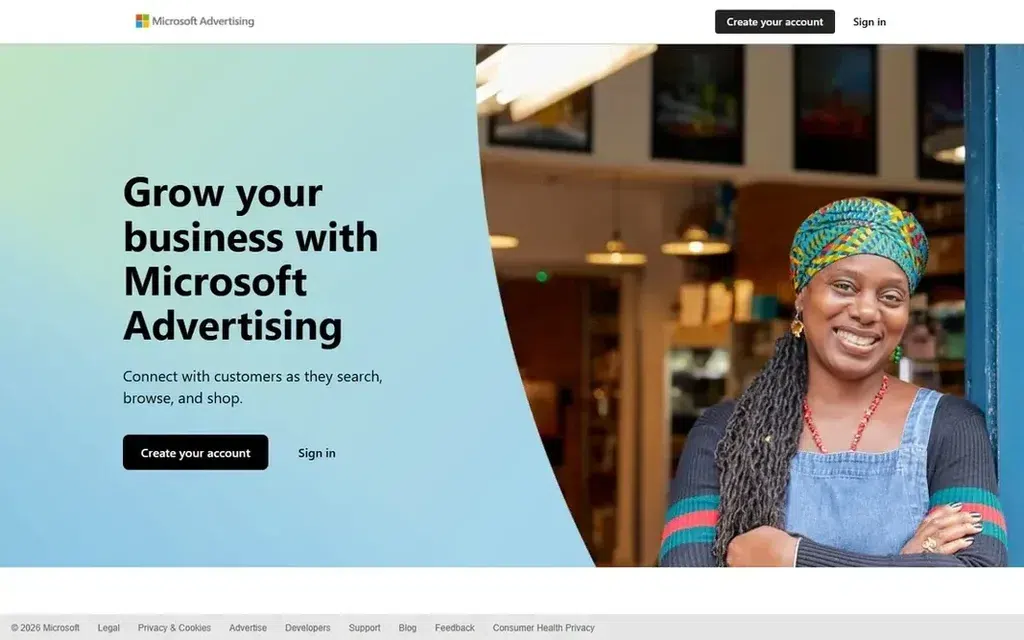
Microsoft Advertising works best for search and display reach on Microsoft properties. It suits remote teams that want a second search channel alongside Google or that want to reach audiences on Microsoft properties, with campaign types that handle both text and visual placements.
Where it shines: Search.
What to check first: Campaign migration needs planning.
Pricing for Microsoft Advertising is not stated here, so ask the vendor for current figures. Free access: Not stated.
- AI-driven tools pitched at ROI
- Display and video in one network
- Smaller search audience than Google
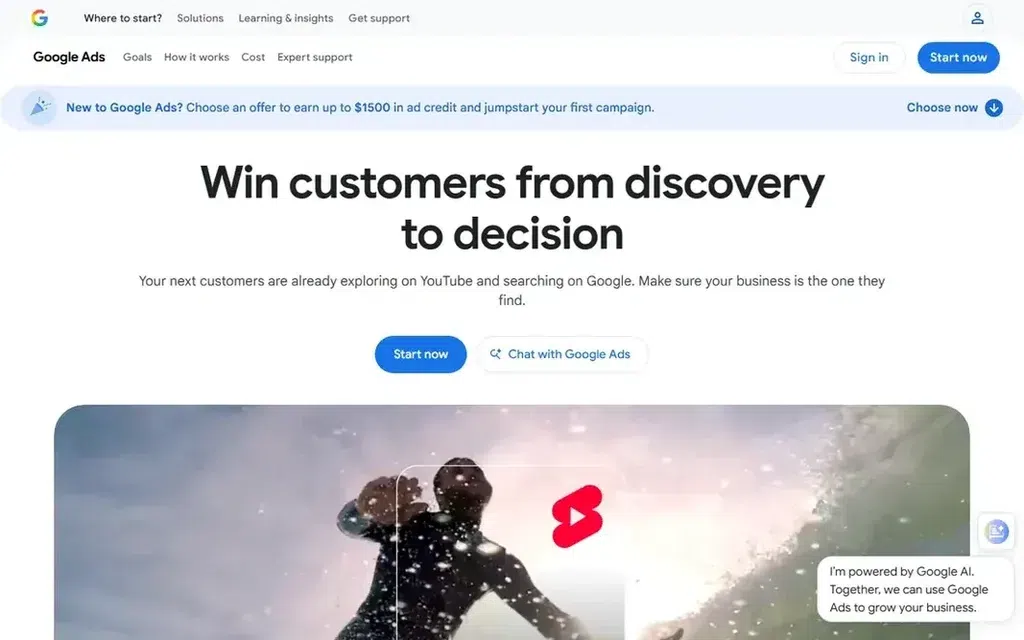
Google Ads is built with search and YouTube campaigns in one place in mind. Its homepage emphasizes starting a first campaign and reaching people across Google and YouTube.
Trade-offs to know: Interface can feel dense for beginners.
Google Ads shows no starting price here, so confirm the cost on the vendor site. Free plan details: Not stated.
- Handles search and YouTube from one account
- Campaign setup guidance for new advertisers
- Needs continuing keyword and budget management
Our selection method
LinkVetted used vendor pricing pages and product documentation as the base, then compared plans, free access and documented limits for 6 tools. Seat minimums, billing terms and add-ons can move the real cost, so the starting prices here are a guide and not a quote. Tools are placed by general fit for ad networks software for remote teams, with price clarity and free access as tie-breakers. A different team can reasonably rank them differently.
Questions to settle before buying
- Request quotes from Amazon Ads, Google Ads and the others; the list shows no fixed prices.
- Read the limits listed for Amazon Ads first: most useful for product sellers.
- Before you load data into Microsoft Advertising, check what an export looks like and who can run it.
- Check the integration list for Amazon Ads against the tools you run today, and note which ones need a higher plan.
- Total up the real monthly cost of LinkedIn Ads, including add-ons, extra users and usage-based fees.
FAQ
Do these tools publish their prices?
No. None of the tools, from Amazon Ads to Google Ads, shows a fixed starting price here, so budget time for quotes.
What should remote teams check before choosing an ad network?
Confirm the available formats, targeting criteria and reporting features, and make sure the system supports shared account access for distributed team members. Review vendor documentation for current setup details.
Which ad network is a good match for a remote team new to advertising?
Start with Amazon Ads if you need reaching shoppers on and off Amazon. LinkedIn Ads is the better match for targeting professional and B2B audiences, and AdRoll for multichannel campaigns from one dashboard. The best choice depends on budget, team size and workflow.
Is Amazon Ads the right pick for everyone comparing ad networks software for remote teams?
No single tool suits every team. Amazon Ads comes first because it fits reaching shoppers on and off Amazon, while LinkedIn Ads suits targeting professional and B2B audiences and AdRoll suits multichannel campaigns from one dashboard. Match the tool to your own size, budget and workflow before deciding.
How are the tools for ad networks software for remote teams ordered?
The order follows typical fit for ad networks software for remote teams, with Amazon Ads first and Google Ads last, then price clarity and free access. It is editorial judgement, not a score, so another team could rank the tools differently.
Can a distributed team handle LinkedIn Ads and AdRoll together?
Yes, numerous teams run LinkedIn Ads for professional targeting and AdRoll for multichannel retargeting from one dashboard. The two serve different purposes, so plan audiences and budgets separately.
Sources
- https://advertising.amazon.com
- https://business.linkedin.com/marketing-solutions/ads
- https://www.adroll.com
- https://www.outbrain.com
- https://ads.microsoft.com
- https://ads.google.com