Best Survey Software for Architects in 2026: Prices, Free Plans and 6 Picks
Shortlisting the best Survey software for architects? 6 products compared on cost, free access and ideal buyer. Each pick lists its main limit. Quick to scan.

- Editor's choice
 Qualtrics XM
Deep experience management and prediction
Starts atSee websiteVisit qualtrics.comFull review - Great alternative
 SurveyMonkey
Structured research and template-driven feedback
Starts at$25 per user per monthVisit surveymonkey.comFull review - Also consider
 Microsoft Forms
Microsoft 365 organizations and internal polls
Starts atSee websiteVisit microsoft.comFull review
Direct answer
Qualtrics XM comes first here, mainly for deep experience management and prediction. Listed starting prices: SurveyMonkey from $25 per user per month and Jotform from $34 a month. If your case is different, SurveyMonkey suits structured research and template-driven feedback and Microsoft Forms suits Microsoft 365 organizations and internal polls. Details, prices and limits for the rest of the 6 tools are below.
TL;DR:
- The list opens with Qualtrics XM, aimed at deep experience management and prediction.
- SurveyMonkey, Jotform: these are the 2 tools out of 6 that offer a free plan.
- For teams already using Google Workspace, Google Forms is worth a look.
- A fair warning about Microsoft Forms: restricted advanced survey logic.
- SurveyMonkey is the lowest-priced starter here at $25 per user per month.
Last checked November 2026. Prices and plan details were read from the vendors' own pages in November 2026; vendors change plans often, so confirm the current price on the vendor site before you buy.
Quick comparison
| Tool | Best for | Starts at | Free plan? | |
|---|---|---|---|---|
| Qualtrics XM | Deep experience management and prediction | See website | Not stated | Visit |
| SurveyMonkey | Structured research and template-driven feedback | $25 per user per month | Yes | Visit |
| Microsoft Forms | Microsoft 365 organizations and internal polls | See website | Not stated | Visit |
 Typeform | Refined, conversational client surveys | See website | Not stated | Visit |
 Jotform | Quick form building with adaptable layouts | $34 a month | Yes | Visit |
 Google Forms | Teams already using Google Workspace | See website | Not stated | Visit |
Survey Software for Architects compared in detail
This LinkVetted guide covers 6 Survey software for architects. Each profile lists a starting price, free plan details, strengths and drawbacks, so you can drop poor fits quickly.

Choose Qualtrics XM for deep experience management and prediction. For architecture practices with a formal research function, it can support occupant experience studies, client relationship tracking and longitudinal feedback across numerous projects. The system is aimed at depth, which can feel heavy for a studio that just needs a fast client check-in.
Limits to weigh: Feature depth can be steep for casual users.
Beyond that, setup and administration assume dedicated time. For everyday use, if your needs are straightforward, a lighter builder will be quicker; choose Qualtrics XM when experience analytics is a strategic priority. No starting price is listed for Qualtrics XM here; confirm pricing on the vendor site. Free access: Not stated.
- Fits formal research programs
- Experience management focus across channels
- Targeted at larger, research-heavy teams
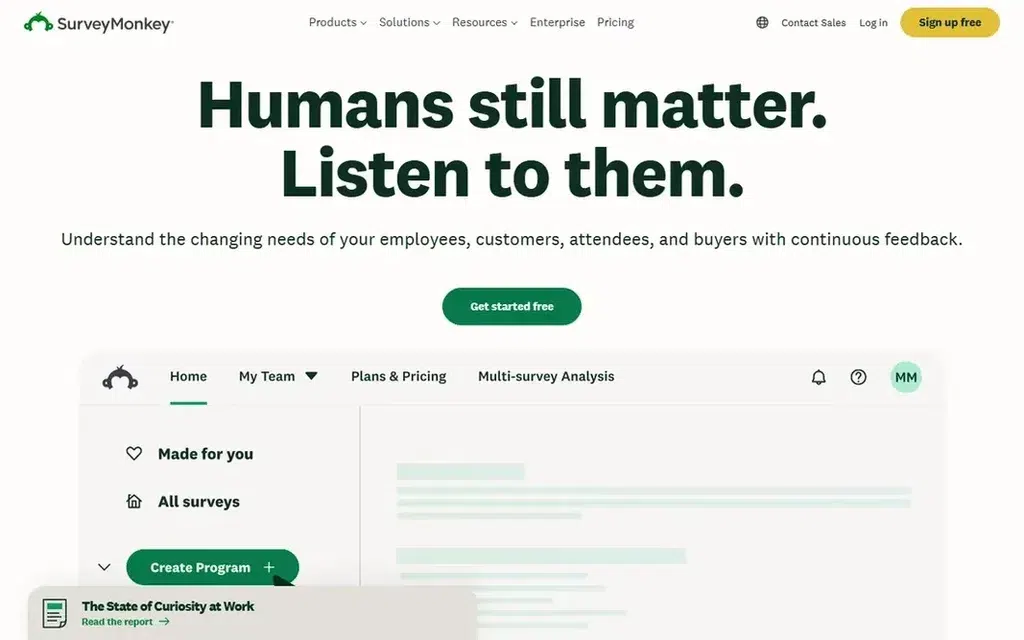
Think of SurveyMonkey for structured research and template-driven feedback. SurveyMonkey is a widely used survey system with AI-assisted creation and templates for employee feedback, customer feedback, market research and event registration. Architects can lean on its templates for client satisfaction studies, team feedback and event follow-up, then use its analysis features to compare results across projects.
The breadth of choices can feel heavy when you only need a short questionnaire, and some advanced question types take practice. In daily use, pick SurveyMonkey when you want established templates and reporting for continuing research. For a light internal poll, a more straightforward tool may be quicker. What you pay to start with SurveyMonkey: $25 per user per month. SurveyMonkey includes a free tier.
Downsides: Advanced question types can overwhelm new users.
What SurveyMonkey does well: Large template library across use cases.
- AI-assisted survey creation
- Analysis tools for feedback programs
- Interface can feel busy for straightforward polls
Microsoft Forms serves Microsoft 365 organizations and internal polls. Externally facing, brand-sensitive client surveys may feel plain. Worth adding: Microsoft Forms is an online tool for surveys, polls and quizzes within the Microsoft ecosystem, targeted at collecting feedback and supporting decisions.
Where it is weaker: Restricted advanced survey logic.
In practice, advanced branching, design control and analysis are modest compared to dedicated survey products. For everyday use, for architecture businesses standardized on Microsoft 365, it is a low-friction way to run internal project reviews, staff polls and simple client questionnaires without adding another system. No starting price is listed for Microsoft Forms here; confirm pricing on the vendor site. Trial and free access: Not stated.
Where it shines: polls and quizzes.
- Suits naturally into Microsoft 365 workflows
- Straightforward sharing for teams
- Branding and layout choices are modest
Typeform works best for refined, conversational client surveys. Typeform is a form and survey builder built around a conversational, one-question-at-a-time experience, with AI assistance and automatic workflows after submission.
For everyday use, the conversational flow is engaging but less efficient for long, grid-heavy questionnaires, and advanced branching takes effort to configure. If you need dense research modules or deep statistical analysis built in, a research-focused system may suit you better. This comparison lists no price for Typeform; ask the vendor. Free options: Not stated.
Where it falls short: Long surveys may feel slow to respondents.
- AI-assisted form building and automation
- One-question-at-a-time layout
- Complicated logic can take time to set up
Jotform works best for quick form building with adaptable layouts. Very elaborate questionnaires may need more configuration than expected.
Trade-offs to know: Numerous choices can slow first-time setup.
In practice, choose it when you want versatile forms alongside surveys; pick a research-focused system when analysis depth matters more. Price to start with Jotform: $34 per month. You can start on Jotform without paying.
- Fast form creation with many templates
- Takes care of forms beyond surveys
- Survey analysis is less central than form building
In short, Google Forms is for teams already using Google Workspace. Google Forms is a straightforward form and survey builder within Google Workspace, built to gather data and insights from anywhere. Design customization and advanced logic are restricted, so complicated questionnaires or branded client surveys may feel constrained.
In practice, use Google Forms for fast, practical collection inside an existing Google workflow. If respondent experience is central to your feedback program, a design-led tool is worth considering. Check the vendor site for Google Forms pricing; none is listed in this comparison. Trial and free access: Not stated.
Watch-outs: Question logic is entry-level compared to rivals.
- Simple sharing within a workspace
- Straightforward
- Restricted visual branding choices
How these tools were picked
For each of the 6 tools we noted price, free plan or trial, fit for Survey software for architects and the main limit, using vendor pages and documentation. Where a price is missing, the vendor does not list one publicly or ties it to a quote. Always confirm before budgeting. We ordered the tools by general fit, then by how clearly pricing is shown, then by free access. A buyer with unusual needs may reorder them.
A buyer's checklist
- Ask Qualtrics XM, Microsoft Forms, Typeform and Google Forms for a written quote, since no starting price is shown.
- Look at free plan limits closely: SurveyMonkey and Jotform have one, and the caps decide whether it is usable for real work.
- Before choosing Qualtrics XM, weigh its main limit: targeted at bigger, research-heavy teams.
- Confirm you can export your data from Typeform, so leaving later does not mean losing records.
- Read the plan comparison for Google Forms carefully; key features often start on a higher tier.
FAQ
Can I try these tools before paying?
Often, yes. SurveyMonkey and Jotform have a free plan. Use your own data and a real task during the test, and check what the free tier or trial limits before you rely on it. Each of the 6 options in this Survey software for Architects guide has its own card above with the price, free plan and limits.
Is Qualtrics XM the right pick for everyone comparing Survey software for architects?
No single tool suits every team. Qualtrics XM comes first because it fits deep experience management and prediction, while SurveyMonkey suits structured research and template-driven feedback and Microsoft Forms suits Microsoft 365 organizations and internal polls. Match the tool to your own size, budget and workflow before deciding.
Do these tools publish their prices?
Not all of them. Qualtrics XM, Microsoft Forms, Typeform and Google Forms publish no starting price, so expect a quote request for those. The rest, SurveyMonkey included, show a starting price, though seats and billing terms still change the final cost.
What is the cheapest option for Survey software for architects in this list?
On published monthly entry prices, SurveyMonkey is the lowest here at $25 per user per month. Entry price is only part of the cost, because seats, add-ons and billing terms can change the total. All 6 picks in this Survey software for Architects comparison list a starting price, free plan details and the main limits on their cards above.
Which survey tool is a good match for post-occupancy evaluations?
Start with Qualtrics XM if you need deep experience management and prediction. SurveyMonkey is the better match for structured research and template-driven feedback, and Microsoft Forms for Microsoft 365 organizations and internal polls. The best choice depends on budget, team size and workflow.
Sources
- https://www.qualtrics.com
- https://www.surveymonkey.com
- https://www.microsoft.com/en-us/microsoft-365/online-surveys-polls-quizzes
- https://www.typeform.com
- https://www.jotform.com
- https://workspace.google.com/products/forms