Best Survey Maker Software for 2026: Our 6 Vetted Picks
Need the best Survey maker software? We compare 6 tools on cost, free access and who each suits. Limits and pricing notes included. Last reviewed November 2026.
- Editor's choice
 Qualtrics XM
Enterprise experience management programs
Starts atSee websiteVisit qualtrics.comFull review - Great alternative
 Zoho Survey
Configurable surveys within Zoho
Starts atSee websiteVisit zoho.comFull review - Also consider
 Jotform
Quick form and survey creation
Starts at$34 per monthVisit jotform.comFull review
Direct answer
Qualtrics XM comes first here, mainly for enterprise experience management programs. Listed starting prices: Jotform from $34 per month and SurveyMonkey from $25 per user a month. For a different need, Zoho Survey covers configurable surveys within Zoho and Jotform covers quick form and survey creation. The remaining 3 options are covered below with prices and limits.
TL;DR:
- Qualtrics XM takes the first slot, best suited to enterprise experience management programs.
- What to know about Jotform first: Survey analytics are less deep.
- Free plans exist at 2 of 6 tools (Jotform, SurveyMonkey).
- Google Forms suits straightforward surveys within Google Workspace.
- The lowest published monthly entry price here is $25 per user per month, from SurveyMonkey.
Last checked November 2026. Prices and plan details were read from the vendors' own pages in November 2026; vendors change plans often, so confirm the current price on the vendor site before you buy.
Quick comparison
| Tool | Best for | Starts at | Free plan? | |
|---|---|---|---|---|
| Qualtrics XM | Enterprise experience management programs | See website | Not stated | Visit |
| Zoho Survey | Configurable surveys within Zoho | See website | Not stated | Visit |
| Jotform | Quick form and survey creation | $34 per month | Yes | Visit |
| SoGoSurvey | Compliant enterprise CX and EX | See website | Not stated | Visit |
 SurveyMonkey | General surveys and feedback | $25 per user a month | Yes | Visit |
 Google Forms | Straightforward surveys within Google Workspace | See website | Not stated | Visit |
The best Survey maker software
LinkVetted put together this guide to Survey maker software for readers who want a clear shortlist without reading every vendor page. It compares 6 tools on starting price, free plans, who each one suits and where each one falls short.
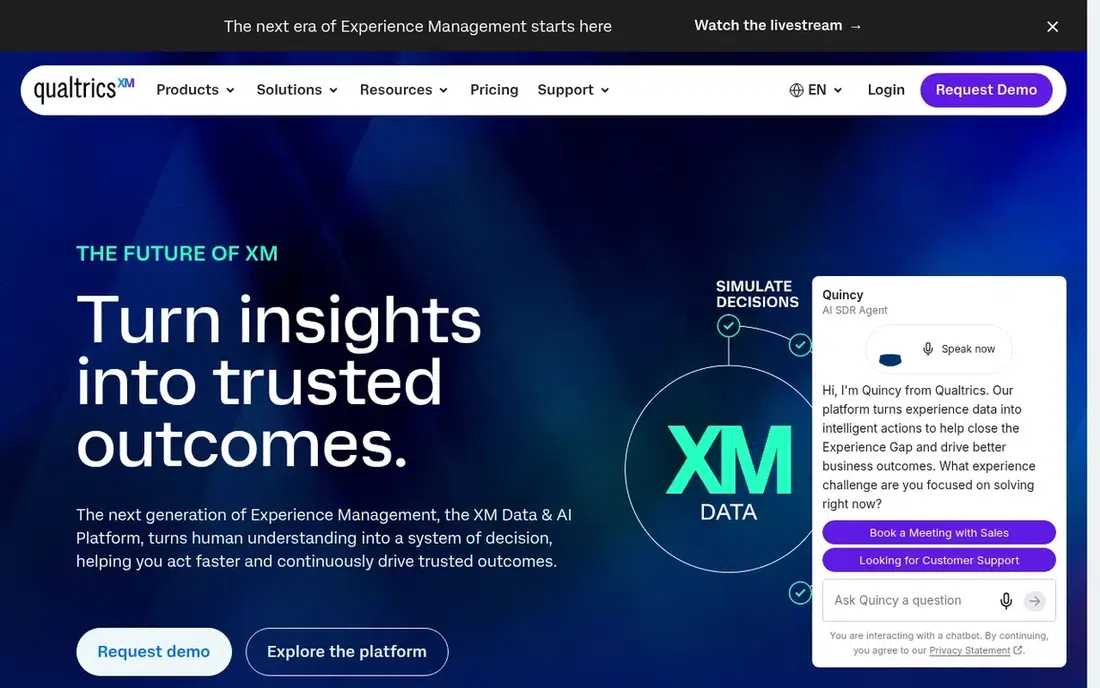
Qualtrics XM was built for enterprise experience management programs. Qualtrics XM positions itself around experience management instead of straightforward survey building.
It fits bigger organizations running coordinated customer experience and employee experience programs where surveys feed a broader insight strategy. No starting price is listed for Qualtrics XM here; confirm pricing on the vendor site. Trial and free access: Not stated.
Honest limits: Can be complicated for small teams.
- Supports large research programs
- Predictive and simulation features
- Setup needs more planning
Zoho Survey makes the most sense for configurable surveys within Zoho. Zoho Survey is an online survey maker for market research, feedback questionnaires and customer satisfaction measurement.
Check the vendor site for Zoho Survey pricing; none is listed in this comparison. Free plan details: Not stated.
What to check first: Best value if already on Zoho.
- Suits the Zoho ecosystem
- Spans research and satisfaction
- Advanced analysis may need higher levels
Jotform serves quick form and survey creation. Jotform is a form builder that also takes care of surveys, emphasizing speed of creation. Beyond that, if your work is largely operational forms with occasional surveys, Jotform suits well.
Highlights: Deals with forms beyond surveys.
Points against: Numerous features sit in higher levels. For advanced questionnaire design and reporting, a survey-first product is the better match. Teams can assemble forms and surveys in seconds using ready-made templates, which makes it handy for organizations that collect numerous kinds of data, from registrations to feedback, in one place. Its strength is form versatility instead of deep survey research and analysis. Jotform starts at: $34 per month. Jotform includes a free tier.
- Wide template selection
- Fast form building
- Survey analytics are less deep
SoGoSurvey
Best for: Compliant enterprise CX and EX
SoGoSurvey makes the most sense for compliant enterprise CX and EX. SoGoSurvey, now branded Sogolytics, is an experience management product for customer and employee programs at enterprise scale. It also supports fast AI-assisted survey creation, and it emphasizes HIPAA and GDPR compliance, which matters for organizations handling sensitive data in regulated industries.
Downsides: Demo-led sales process.
Its enterprise orientation means small teams may find the product and sales process heavier than they need. Choose SoGoSurvey when compliance and large-scale experience programs are priorities; for straightforward feedback surveys, a lighter builder will typically be quicker to adopt. Check the vendor site for SoGoSurvey pricing; none is listed in this comparison. As for free access: Not stated.
- HIPAA and GDPR compliance focus
- Enterprise-scale experience management
- Enterprise focus may overwhelm small users
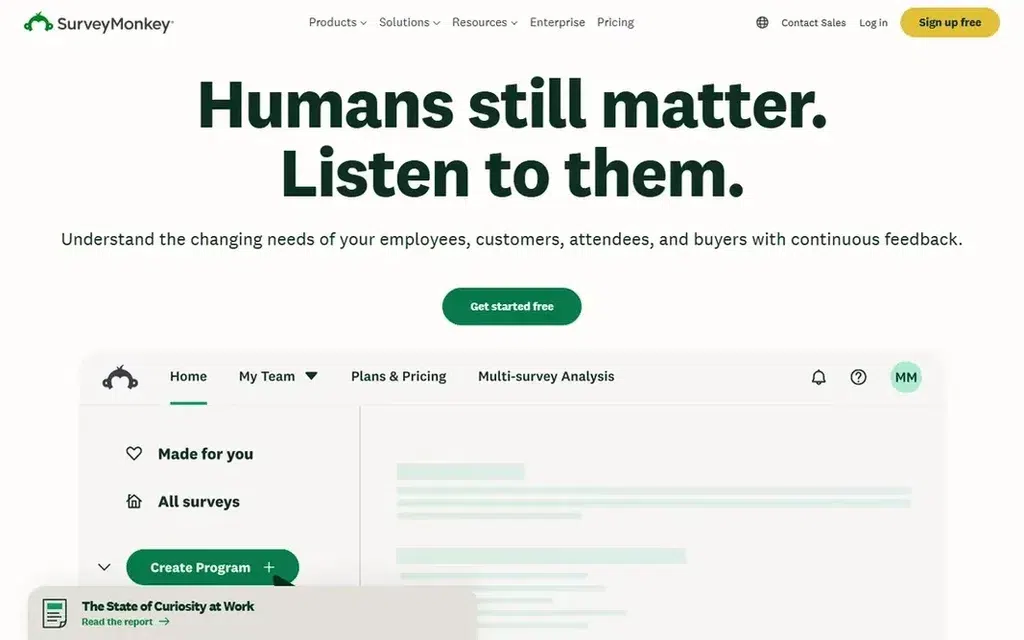
SurveyMonkey makes the most sense for general surveys and feedback. Since it serves such a wide audience, some advanced question logic and analysis features sit behind higher levels.
Beyond that, if you chiefly need straightforward forms inside an existing productivity suite, a lighter choice may be enough. Choose SurveyMonkey when breadth of templates and survey types matters most. Entry price for SurveyMonkey: $25 per user per month. Free access exists with SurveyMonkey.
Trade-offs to know: Advanced logic can need a premium level.
- Supports feedback and market research
- Large template library
- Interface can feel dense for new users
Pick Google Forms if this describes you: straightforward surveys within Google Workspace. Google Forms is an online form and survey builder that lives inside Google Workspace.
For everyday use, choose Google Forms for fast internal or external surveys. Move to a specialized tool when you need sophisticated logic, branding or deeper analysis. No starting price is listed for Google Forms here; confirm pricing on the vendor site. Trial and free access: Not stated.
Limits to weigh: Fewer design customizations.
- Familiar Google interface
- Simple sharing and collaboration
- Restricted advanced question logic
Our selection method
For each of the 6 tools we noted price, free plan or trial, fit for Survey maker software and the main limit, using vendor pages and documentation. Where a price is missing, the vendor does not list one publicly or ties it to a quote. Always confirm before budgeting. Position on the page reflects fit for a typical buyer first, with price clarity and free access breaking ties. Treat it as a guide, not a ruling.
Things to verify first
- Confirm the entry price on the vendor page. For Qualtrics XM, Zoho Survey, SoGoSurvey and Google Forms that means a quote rather than a fixed price.
- Read the fine print on the free plans from Jotform and SurveyMonkey; seat, project and feature caps differ.
- Read the limits listed for Qualtrics XM first: can be complicated for small teams.
- Verify that exporting from Qualtrics XM is possible on your plan and covers all your records.
- Look at the help docs and support options for Google Forms before you commit.
FAQ
Is Qualtrics XM the right pick for everyone comparing Survey maker software?
No single tool suits every team. Qualtrics XM comes first because it fits enterprise experience management programs, while Zoho Survey suits customizable surveys within Zoho and Jotform suits fast form and survey creation. Match the tool to your own size, budget and workflow before deciding.
Do these tools publish their prices?
Not all of them. Qualtrics XM, Zoho Survey, SoGoSurvey and Google Forms publish no starting price, so expect a quote request for those. The rest, Jotform included, show a starting price, though seats and billing terms still change the final cost.
Do I need an enterprise system like Qualtrics or SoGoSurvey?
Enterprise systems make sense when surveys feed a coordinated customer or employee experience program and you need compliance or predictive insight. For single surveys or fast feedback, more straightforward builders are normally quicker to set up.
What should I check before buying survey software?
Confirm question logic, reporting depth, data export, integrations and compliance support for your specific level. Also test response limits and collaboration features against your expected survey volume.
Can I try these options before paying?
Often, yes. Jotform and SurveyMonkey have a free plan. Use your own data and a real task during the test, and check what the free tier or trial limits before you rely on it. For the full picture, the cards above cover all 6 entries of this Survey Maker software list, including price, free plan and limits.
Which options for Survey maker software have a free plan?
On this list, Jotform and SurveyMonkey include a free plan. Caps on seats, usage or features are common, so test the free plan against your real workload. Prices, free plan details and limits for all 6 tools in this Survey Maker software roundup sit on the individual cards above.
Sources
- https://www.qualtrics.com
- https://www.zoho.com/survey
- https://www.jotform.com
- https://www.sogosurvey.com
- https://www.surveymonkey.com
- https://workspace.google.com/products/forms