Best Survey Design Software for 2026: Our 6 Vetted Picks
6 options for the best Survey design software, with entry costs, free tiers and the buyer each one serves. Plain-spoken summaries throughout. Prices checked.
- Editor's choice
 QuestionPro
Research with plenty of question types
Starts at$83 per user a monthVisit questionpro.comFull review - Great alternative
 Qualtrics XM
Experience management at scale
Starts atSee websiteVisit qualtrics.comFull review - Also consider
 Jotform
Fast forms and surveys
Starts at$34 per monthVisit jotform.comFull review
Direct answer
Our first pick is QuestionPro, best for research with numerous question types. Listed starting prices: QuestionPro from $83 per user a month, Jotform from $34 per month and SurveyMonkey from $25 per user a month. If your case is different, Qualtrics XM suits experience management at scale and Jotform suits fast forms and surveys. The other 3 tools in the list cover narrower or pricier cases.
TL;DR:
- QuestionPro sits first on this list: research with numerous question types.
- Before buying Jotform, weigh this: less specialized for research programs.
- Free plans exist at 2 of 6 tools (Jotform, SurveyMonkey).
- SurveyMonkey is the lowest-priced starter here at $25 per user per month.
- Typeform suits conversational forms with automation.
Last checked November 2026. Prices and plan details were read from the vendors' own pages in November 2026; vendors change plans often, so confirm the current price on the vendor site before you buy.
Quick comparison
| Tool | Best for | Starts at | Free plan? | |
|---|---|---|---|---|
| QuestionPro | Research with plenty of question types | $83 per user a month | Free trial | Visit |
| Qualtrics XM | Experience management at scale | See website | Not stated | Visit |
| Jotform | Fast forms and surveys | $34 per month | Yes | Visit |
 SurveyMonkey | Quick surveys with AI and templates | $25 per user a month | Yes | Visit |
| SoGoSurvey | Compliant CX and EX programs | See website | Not stated | Visit |
 Typeform | Conversational forms with automation | See website | Not stated | Visit |
Every option for Survey design software explained
This LinkVetted guide covers 6 options for Survey design software. Each profile lists a starting price, free plan details, strengths and drawbacks, so you can drop poor fits quickly.
Think of QuestionPro for research with many question types. The range of choices can slow down first-time users who just want a straightforward questionnaire.
What to check first: Experience management is one part of a wider suite.
From a buyer's view, if speed and simplicity matter most, SurveyMonkey or Jotform are simpler starting points, whereas Qualtrics XM suits bigger experience programs. Price to start with QuestionPro: $83 per user per month. Free options: Free trial.
- Ready-made templates
- Large library of question types
- Feature depth can feel dense for beginners
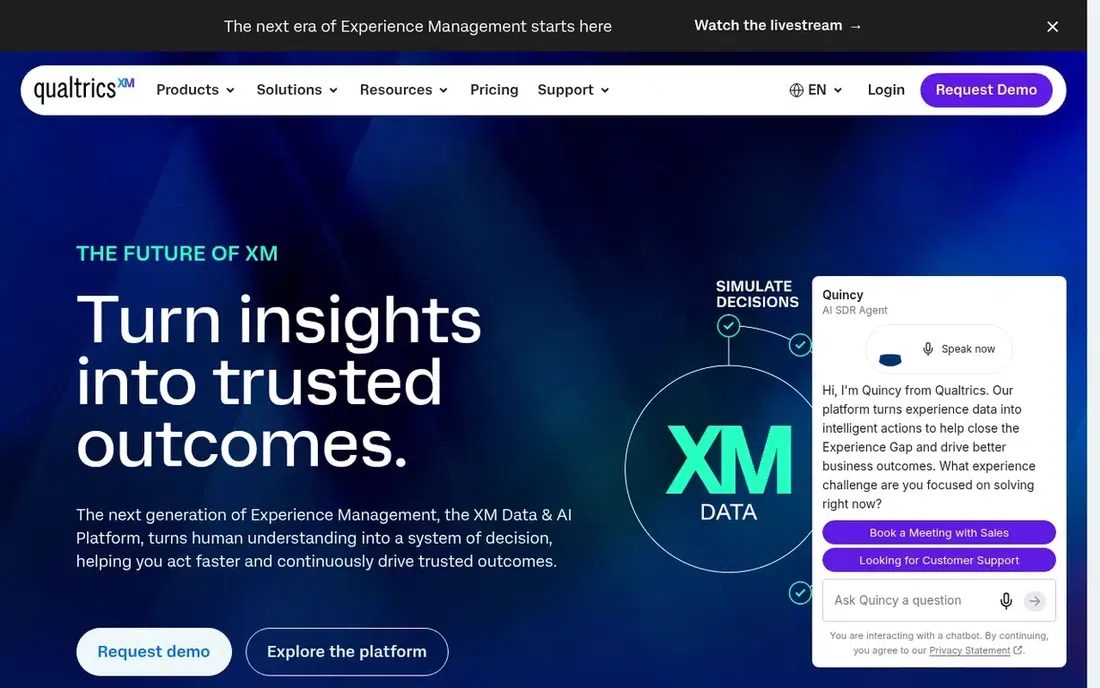
Qualtrics XM was built for experience management at scale. The system is designed for organizational programs, so a small team that just needs a fast questionnaire may find it heavier than necessary.
Trade-offs to know: Pitched at larger organizations.
For conversational forms or straightforward registrations, Typeform or Jotform are more direct choices. Check the vendor site for Qualtrics XM pricing; none is listed in this comparison. On free options: Not stated.
- Action-oriented outcome tracking
- Predictive and simulation capabilities
- Can be more than straightforward surveys need
Choose Jotform for fast forms and surveys. Teams planning structured research or CX programs should look at Qualtrics XM, QuestionPro or Sogolytics instead.
As for the details, Jotform is an online form builder that also spans surveys, positioned around creating forms and surveys easily. Its form-first orientation means deep survey methodology and experience analytics are not the core strength. The starting price for Jotform: $34 per month. Jotform includes a free tier.
Watch-outs: Less specialized for research programs.
- Quick form and survey creation
- Broad form-building focus
- Advanced survey logic is not the emphasis
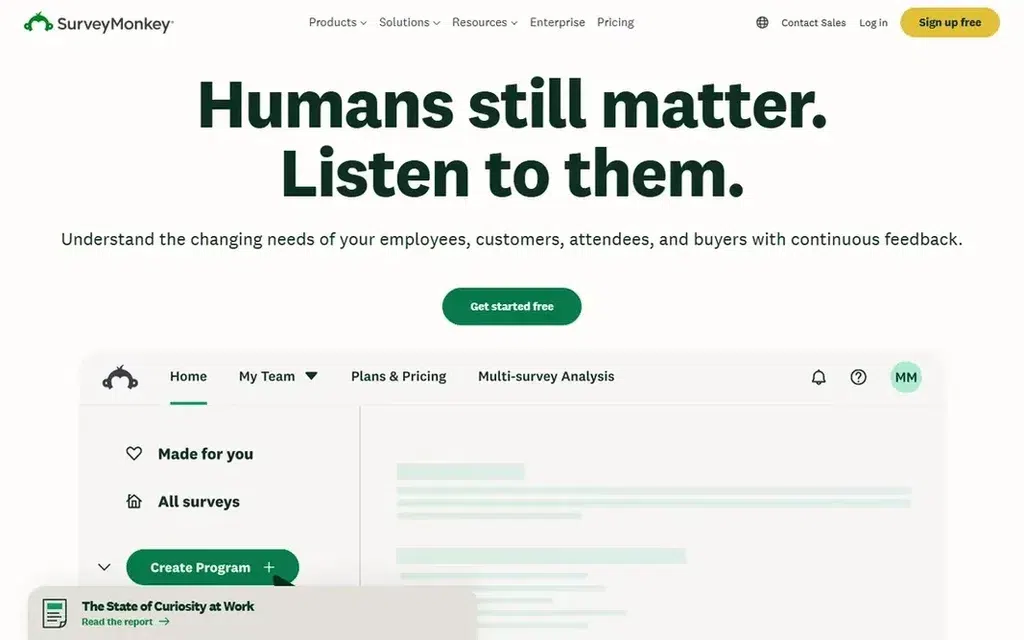
For quick surveys with AI and templates, SurveyMonkey is a natural candidate. Its breadth means very specialized research designs may need more control than the standard builder supplies, and heavier analytics work can call for a dedicated research tool.
Honest limits: Advanced logic may need a higher level.
Choose Qualtrics XM or QuestionPro instead when advanced logic and research-grade analysis are the priority instead of speed. Entry price for SurveyMonkey: $25 per user per month. SurveyMonkey includes a free tier.
- AI-assisted survey creation
- Templates for feedback and research
- Complicated research programs can outgrow it
SoGoSurvey
Best for: Compliant CX and EX programs
SoGoSurvey serves compliant CX and EX programs. SoGoSurvey, presented as Sogolytics, is an experience management product for customer and employee programs at enterprise scale, with AI survey creation and stated HIPAA and GDPR compliance.
It suits regulated industries and bigger organizations that require compliance alongside feedback collection. This comparison lists no price for SoGoSurvey; ask the vendor. Free plan details: Not stated.
Limits to weigh: Demo-led evaluation takes time.
- HIPAA and GDPR compliance stated
- AI survey creation
- Enterprise orientation may overwhelm small teams
Where Typeform fits: conversational forms with automation. Typeform is a form builder that emphasizes conversational, AI-powered forms and automatic workflows that enrich leads, follow up and support revenue growth, all without code.
Also, Survey design here leans toward experience and response quality. Since the product is oriented around forms and automation, teams running lengthy research instruments with intricate branching may want a dedicated survey product. Check the vendor site for Typeform pricing; none is listed in this comparison. Trial and free access: Not stated.
Where it is weaker: Design-first approach may limit deep research.
- Automatic workflows after submission
- No-code setup
- Complicated survey logic is not the focus
Our selection method
Selection started from tools commonly considered for Survey design software, then narrowed to 6 that have clear pricing information or a clear quote process. Seat minimums, billing terms and add-ons can move the real cost, so the starting prices here are a guide and not a quote. The ranking is editorial: typical fit first, then clear pricing, then free access. If your needs are unusual, read the profiles rather than relying on position.
Pre-purchase checklist
- Confirm the entry price on the vendor page. For Qualtrics XM, SoGoSurvey and Typeform that means a quote rather than a fixed price.
- Look at free plan limits closely: Jotform and SurveyMonkey have one, and the caps decide whether it is usable for real work.
- Take the trial from QuestionPro and push a live task through it before you pay.
- Read the limits listed for QuestionPro first: feature depth can feel dense for beginners.
- A short pilot of QuestionPro with your real workflow tells you more than a feature table.
- Look at the renewal terms for SurveyMonkey: auto-renewal, notice periods and price changes can matter more than the first-year price.
FAQ
Can I try these options before paying?
Often, yes. Jotform and SurveyMonkey have a free plan and QuestionPro offers a free trial. Use your own data and a real task during the test, and check what the free tier or trial limits before you rely on it. Each of the 6 options in this Survey design software guide has its own card above with the price, free plan and limits.
Which options for Survey design software have a free plan?
Jotform and SurveyMonkey offer a free plan in this list. Free plans usually cap users, projects or features, so check the limits on the vendor page. One other tool offers a trial instead.
Do these tools support automatic follow-up after a response?
Typeform explicitly flags automatic workflows that trigger after submission, such as lead enrichment and follow-up. From a buyer's view, confirm automation choices on each vendor site for your specific flow.
When should I choose Qualtrics XM over SurveyMonkey?
Qualtrics XM suits organizations running structured customer and employee experience programs with predictive analysis. The choice relies on whether surveys feed a broader experience strategy.
Which survey design tool is a good match for beginners?
Start with QuestionPro if you need research with plenty of question types. Qualtrics XM is the better match for experience management at scale, and Jotform for fast forms and surveys. The best choice depends on budget, team size and workflow.
Do these tools publish their prices?
Not all of them. Qualtrics XM, SoGoSurvey and Typeform publish no starting price, so expect a quote request for those. The rest, QuestionPro included, show a starting price, though seats and billing terms still change the final cost.
Sources
- https://www.questionpro.com
- https://www.qualtrics.com
- https://www.jotform.com
- https://www.surveymonkey.com
- https://www.sogosurvey.com
- https://www.typeform.com