5 Best Graphic Design Software for Marketing Teams for 2026, Vetted and Compared
Searching for the best graphic design software for marketing teams? Here are 5 options with prices and free plans. Every tool lists pros and cons. Facts only.
- Editor's choice
 Figma
Collaborative design and prototyping
Starts at$3 per monthVisit figma.comFull review - Great alternative
 Canva
Quick, template-based social media content
Starts atSee websiteVisit canva.comFull review - Also consider
 Adobe Illustrator
Scalable vector graphics and brand assets
Starts atSee websiteVisit adobe.comFull review
Direct answer
Start with Figma if you need collaborative design and prototyping. Listed starting prices: Figma from $3 per month. If your case is different, Canva suits quick, template-based social media content and Adobe Illustrator suits scalable vector graphics and brand assets. Details, prices and limits for the rest of the 5 tools are below.
TL;DR:
- Figma is the opening pick, best for collaborative design and prototyping.
- Figma, Adobe Photoshop and the 3 others all need a premium plan or a trial, since no free plan is listed.
- Figma is the lowest-priced starter here at $3 per month.
- Before buying Figma, weigh this: primarily for digital products.
Last checked November 2026. Prices and plan details were read from the vendors' own pages in November 2026; vendors change plans often, so confirm the current price on the vendor site before you buy.
Quick comparison
| Tool | Best for | Starts at | Free plan? | |
|---|---|---|---|---|
| Figma | Collaborative design and prototyping | $3 per month | Not stated | Visit |
| Canva | Quick, template-based social media content | See website | Not stated | Visit |
| Adobe Illustrator | Scalable vector graphics and brand assets | See website | Not stated | Visit |
 Affinity Photo | Professional photo editing on a budget | See website | Not stated | Visit |
 Adobe Photoshop | Image editing and compositing | See website | Not stated | Visit |
Graphic Design Software for Marketing Teams profiles
Short on time? The summary and table above give the quick view of 5 graphic design software for marketing teams, and the profiles that follow give the detail behind each entry.
Figma makes the most sense for collaborative design and prototyping. Figma is a collaborative canvas where design, code, and AI come together.
What to check first: Less suited to print.
It supports the entire product design process from concept to production. Entry price for Figma: $3 per month. As for free access: Not stated.
- Live team collaboration
- Plugs into code and AI
- Primarily for digital products
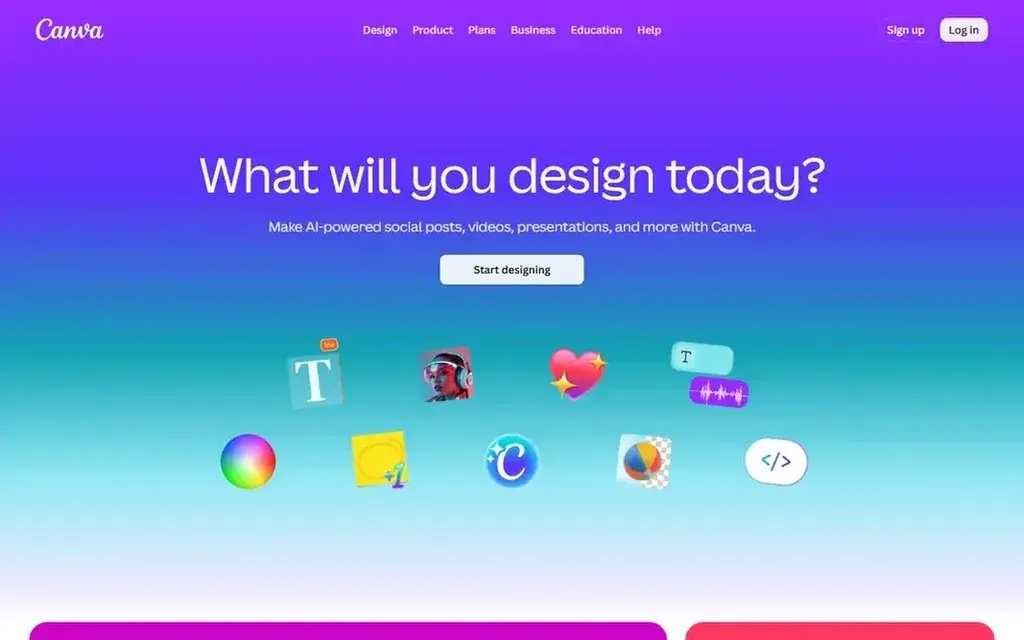
Canva works best for quick, template-based social media content. Canva is an online graphic design tool for creating social media posts, presentations, posters, videos, and more. Its template-driven approach helps non-designers produce on-brand content rapidly.
Canva may feel restrictive for complicated vector or print layouts, and advanced users might miss fine control. For professional print publishing, InDesign is more capable; for intricate vector work, Illustrator offers greater precision. Pricing for Canva is not stated here, so ask the vendor for current figures. On free options: Not stated.
Downsides: Restricted advanced customization.
- Simple drag-and-drop interface
- Large template library
- Less precise for print
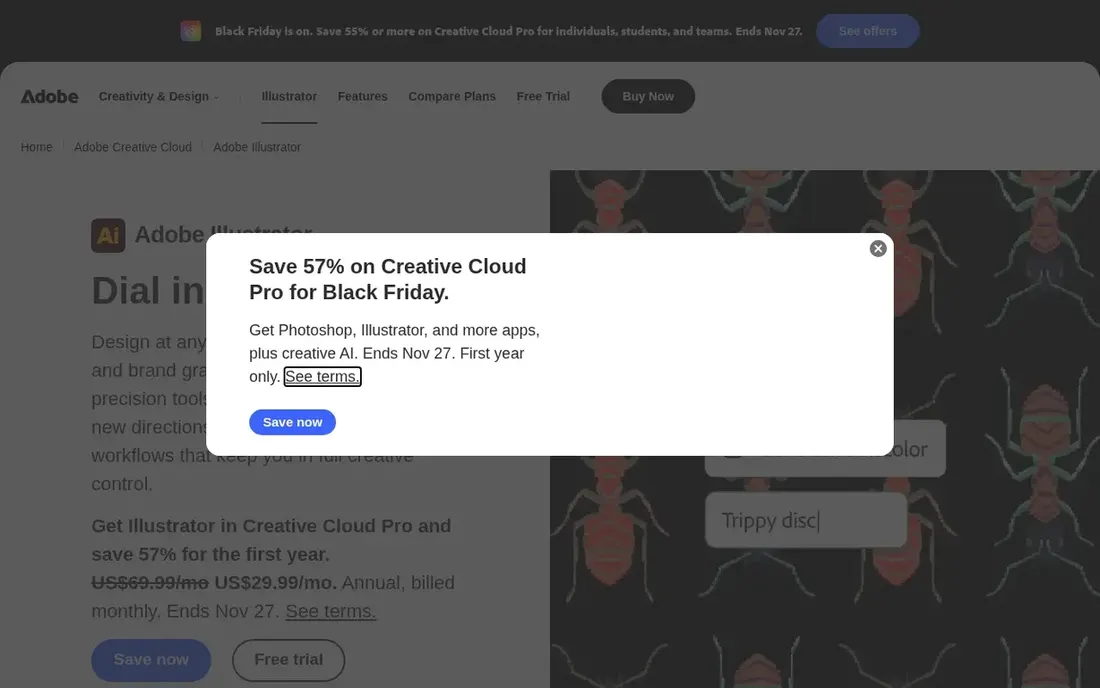
In short, Adobe Illustrator is for scalable vector graphics and brand assets. Adobe Illustrator is a vector graphics editor used for logos, icons, and illustrations. Its generative AI feature can turn text prompts into editable vector art.
Worth adding: if your team prioritizes speed and templates, consider Canva; for collaborative UI work, Figma may be better. Illustrator is less suited to fast social posts or team members without design training. Its complexity can slow down straightforward tasks. Check the vendor site for Adobe Illustrator pricing; none is listed in this comparison. Free access: Not stated.
Where it falls short: Steeper ramp-up time.
- Generative AI for vector creation
- Industry-standard vector editing
- Desktop-centric workflow
Affinity Photo is a good fit for professional photo editing on a budget. Affinity Photo lacks the online and mobile choices of Photoshop, which can limit remote collaboration. Affinity Photo is a professional photo editor concentrated on precision and speed.
The main drawbacks: No mobile version.
It supplies feature-rich retouching and compositing capabilities. Also, marketing teams that require advanced image editing without a subscription model may consider it a solid alternative to Adobe Photoshop. Affinity Photo does not show a starting price in this comparison, so check the vendor site for current pricing. Free plan details: Not stated.
- Quick and precise
- Full editing tools
- Steeper ramp-up time than entry-level editors
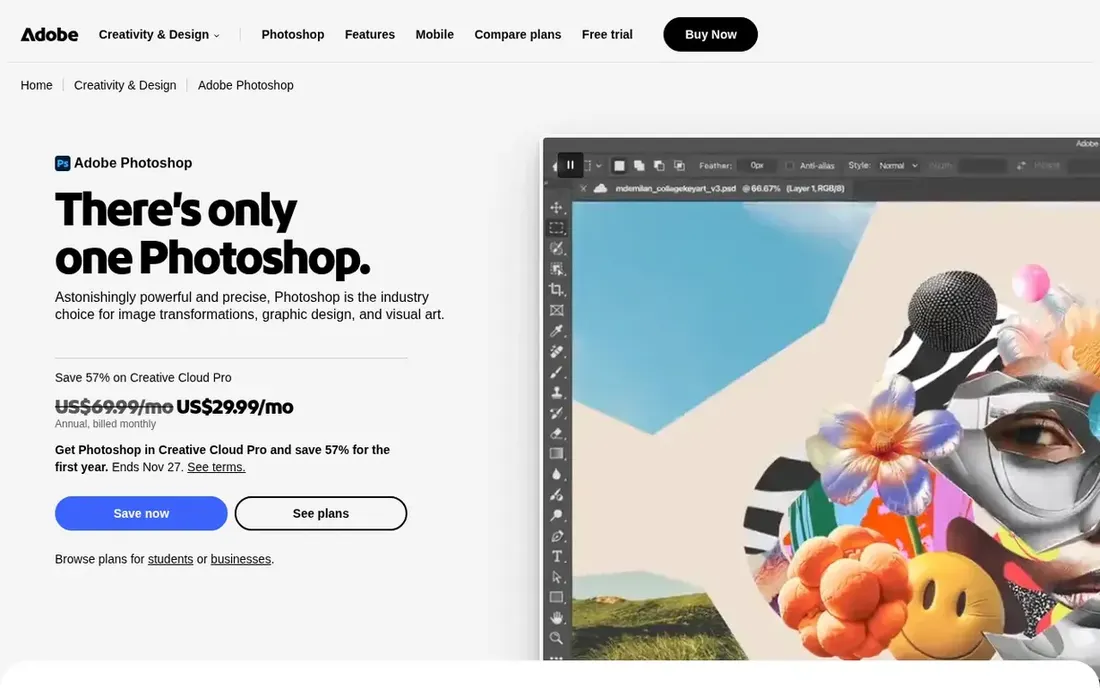
Where Adobe Photoshop fits: image editing and compositing. Adobe Photoshop is a photo and image editing application for retouching, compositing, and creating custom scenes. It gives you online and mobile versions.
What to check first: Not well suited to vector work.
Worth adding: marketing teams use it for campaign imagery, product visuals, and social media graphics that need complicated edits. Worth adding: Photoshop is not built for layout or vector graphics, so teams frequently pair it with other tools. Its depth can overwhelm beginners. This comparison lists no price for Adobe Photoshop; ask the vendor. Free access: Not stated.
- Deep brush and layer tools
- Feature-rich photo retouching
- Needs some expertise
How we chose
We compared the tools on published pricing, free plan or trial availability, feature coverage for graphic design software for marketing teams, and the limits each vendor documents. Plan names, prices and limits change often. Treat the figures here as a starting point and verify them with the vendor. The order reflects how well each tool fits the most common buying scenario for graphic design software for marketing teams, then price clarity, then free plan access. It is a starting point, not a verdict.
What to confirm before you sign up
- Confirm the entry price on the vendor page. For Canva, Adobe Illustrator, Affinity Photo and Adobe Photoshop that means a quote rather than a fixed price.
- Read the limits listed for Figma first: primarily for digital products.
- Ask whether Adobe Illustrator integrates with your current software, and whether that comes standard or as an add-on.
- Confirm you can export your data from Canva, so leaving later does not mean losing records.
- Pick one real project and run it in Affinity Photo first; a small pilot shows fit faster than a checklist.
FAQ
How are the tools for graphic design software for marketing teams ordered?
The order follows typical fit for graphic design software for marketing teams, with Figma first and Adobe Photoshop last, then price clarity and free access. It is editorial judgement, not a score, so another team could rank the tools differently.
What is the cheapest option for graphic design software for marketing teams in this list?
On published monthly entry prices, Figma is the lowest here at $3 per month. Entry price is only part of the cost, because seats, add-ons and billing terms can change the total. For the full picture, the cards above cover all 5 entries of this Graphic design software for marketing teams list, including price, free plan and limits.
Which tool is a good match for creating print brochures and flyers?
The first pick on this list is Figma, because it suits collaborative design and prototyping. Canva is better for quick, template-based social media content, and Adobe Illustrator for scalable vector graphics and brand assets. Check price and limits against your own needs before choosing.
What is the best graphic design software for marketing teams new to design?
This list starts with Figma, which fits collaborative design and prototyping. For other needs, Canva is aimed at quick, template-based social media content, and Adobe Illustrator at scalable vector graphics and brand assets. Check each tool's price and main limit first.
Does any tool for graphic design software for marketing teams here have a free plan?
No tool in this list, Figma and Adobe Photoshop included, has a permanent free plan. Trials and quotes are the usual route, so plan a short evaluation period.
Is Figma the right pick for everyone comparing graphic design software for marketing teams?
No single tool suits every team. Figma comes first because it fits collaborative design and prototyping, while Canva suits fast, template-based social media content and Adobe Illustrator suits scalable vector graphics and brand assets. Match the tool to your own size, budget and workflow before deciding.
Sources
- https://www.figma.com
- https://www.canva.com
- https://www.adobe.com/products/illustrator.html
- https://affinity.serif.com/en-us/photo
- https://www.adobe.com/products/photoshop.html