5 Best File Sync Software for Media Production Studios for 2026, Vetted and Compared
Best file sync software for media production studios: 5 tools compared on price, free plans and fit. Concise write-ups of every option. Full profiles inside.
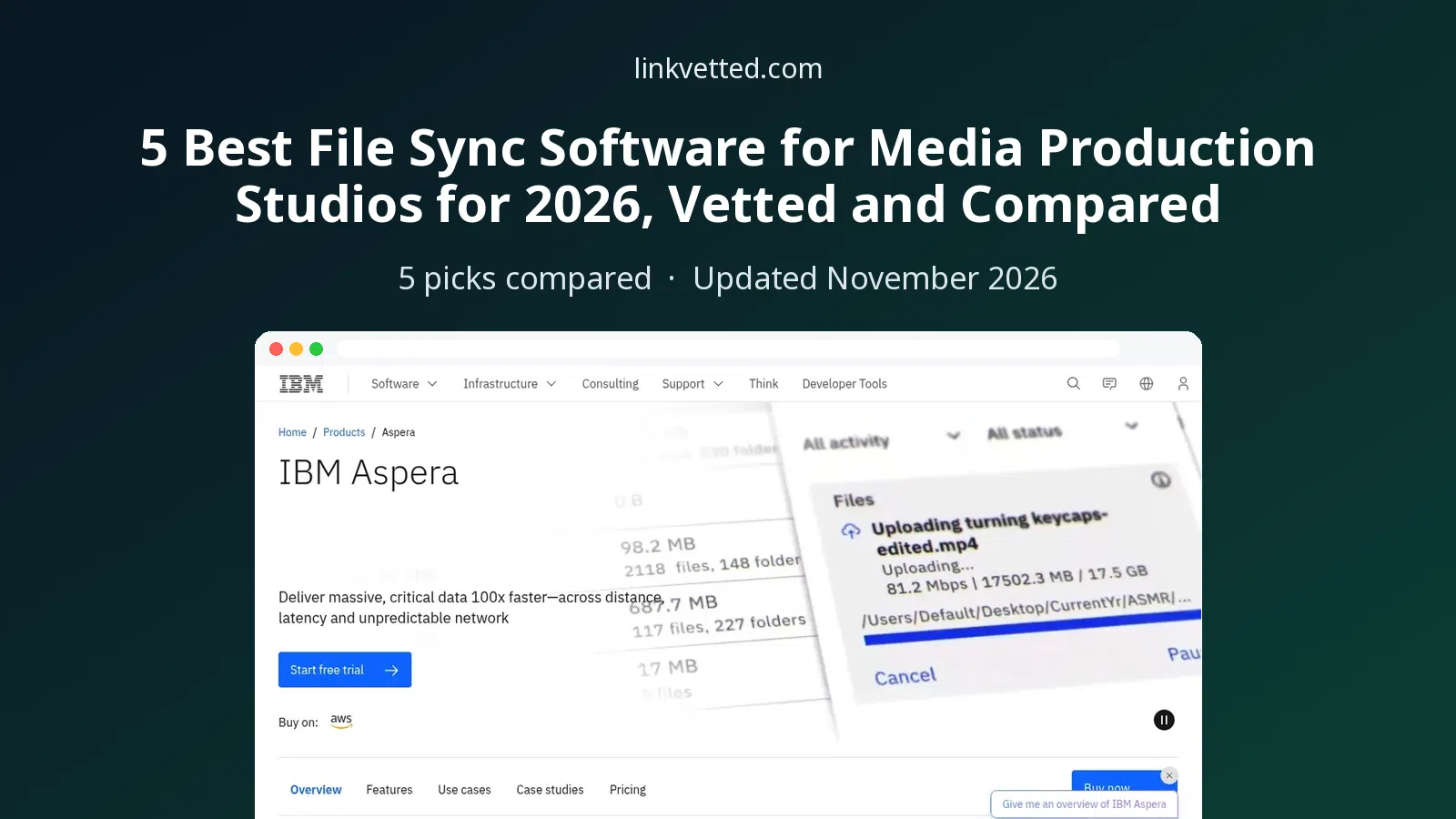
- Editor's choice
 Dropbox
Everyday cloud storage and sharing
Starts at$9.99 per monthVisit dropbox.comFull review - Great alternativeAspera
Accelerated transfer in hybrid clouds
Starts atSee websiteVisit ibm.comFull review - Also considerSigniant Media Shuttle
Quick branded large-file transfer
Starts at$13,000 per yearVisit signiant.comFull review
Direct answer
Dropbox is the first pick on this list for everyday cloud storage and sharing. Listed starting prices: Dropbox from $9.99 per month and Signiant Media Shuttle from $13,000 per year. Look at Aspera for accelerated transfer in hybrid clouds, and at Signiant Media Shuttle for quick branded large-file transfer. The remaining 2 options are covered below with prices and limits.
TL;DR:
- Dropbox is the opening pick, best for everyday cloud storage and sharing.
- The lowest published monthly entry price here is $9.99 per month, from Dropbox.
- One limit worth knowing about Signiant Media Shuttle: centred on transfer instead of everyday document sync.
- Lucidea suits knowledge and collections management.
Last checked November 2026. Prices and plan details were read from the vendors' own pages in November 2026; vendors change plans often, so confirm the current price on the vendor site before you buy.
Quick comparison
| Tool | Best for | Starts at | Free plan? | |
|---|---|---|---|---|
| Dropbox | Everyday cloud storage and sharing | $9.99 per month | Free trial | Visit |
| Aspera | Accelerated transfer in hybrid clouds | See website | Not stated | Visit |
| Signiant Media Shuttle | Quick branded large-file transfer | $13,000 per year | No | Visit |
| Resilio Sync | Peer-to-peer folder syncing | See website | Free trial | Visit |
| Lucidea | Knowledge and collections management | See website | Not stated | Visit |
The full file sync software for media production studios list
If you are comparing file sync software for media production studios, this page covers 5 tools in one place: what each is best for, what it costs to start, whether it has a free plan, and the main limit to know about.
Dropbox works best for everyday cloud storage and sharing. It suits studios handling scripts, schedules, review copies and client deliverables where straightforward shared folders and links matter more than raw transfer speed.
Limits to weigh: Large media can strain storage.
In practice, studios with heavy media movement should consider a dedicated transfer tool alongside or rather than Dropbox. Dropbox cost at the entry level: $9.99 per month. On free options: Free trial.
- Sync across devices
- Straightforward file sharing
- Not built for accelerated transfer
Aspera
Best for: Accelerated transfer in hybrid clouds
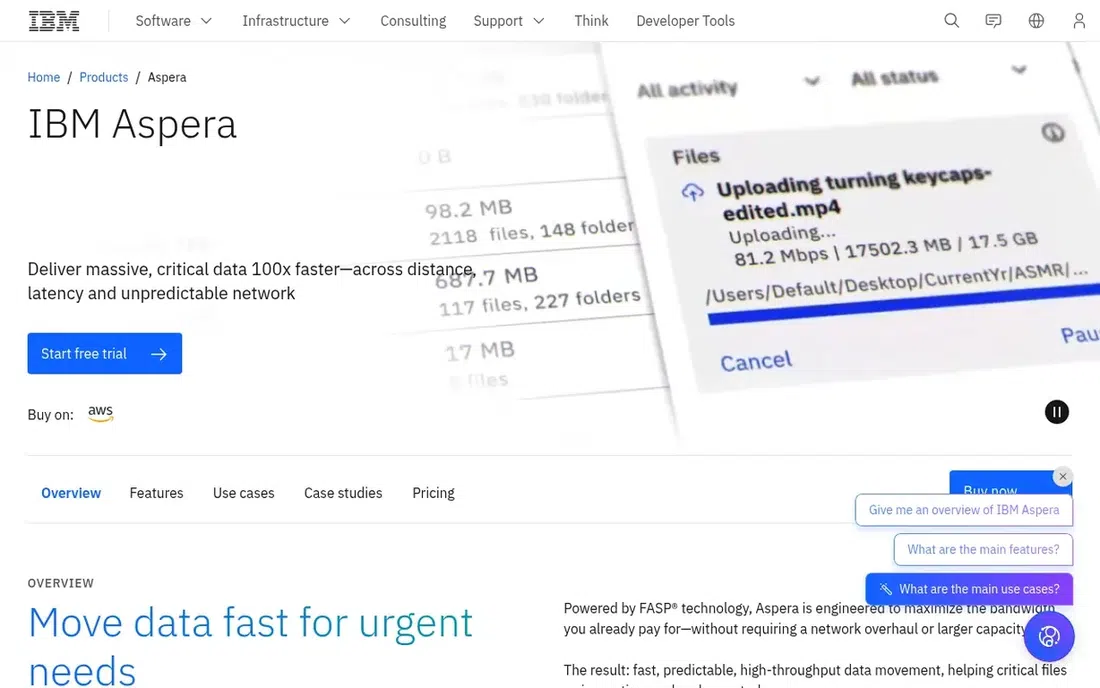
Aspera works best for accelerated transfer in hybrid clouds. IBM Aspera gives you quick, secure large-file transfer built to eliminate slow, unreliable data movement, and it supports demanding workflows in hybrid and multi-cloud environments.
Points against: More than small teams need.
Pricing for Aspera is not stated here, so ask the vendor for current figures. Free access: Not stated.
- Quick large-file movement
- Secure transfer
- Enterprise-oriented setup
Signiant Media Shuttle
Best for: Quick branded large-file transfer
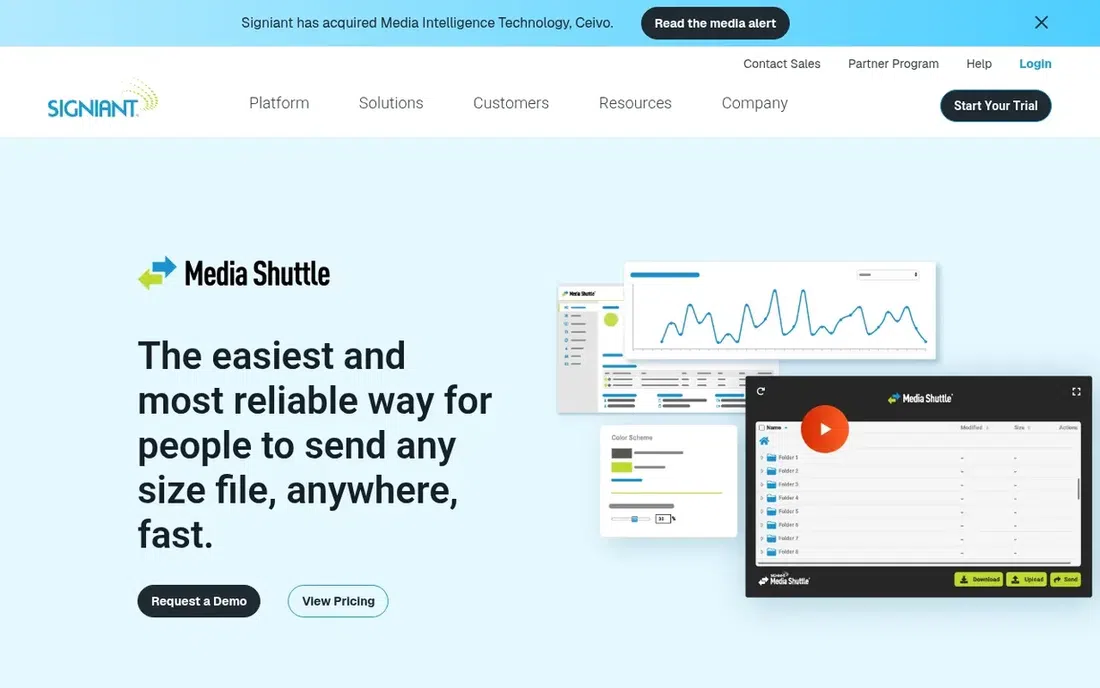
Signiant Media Shuttle serves fast branded large-file transfer. It emphasizes no bandwidth caps plus storage adaptability so workflows are not throttled.
More specifically, since it is centered on transfer instead of continuous folder sync across workstations, it may not replace a general cloud drive for day-to-day documents. Signiant Media Shuttle starts at: $13,000 a year. No free plan comes with Signiant Media Shuttle.
Trade-offs to know: Concentrated on transfer instead of everyday document sync.
- Branded portals for sending files
- No bandwidth caps
- Overkill for small studios
Resilio Sync
Best for: Peer-to-peer folder syncing
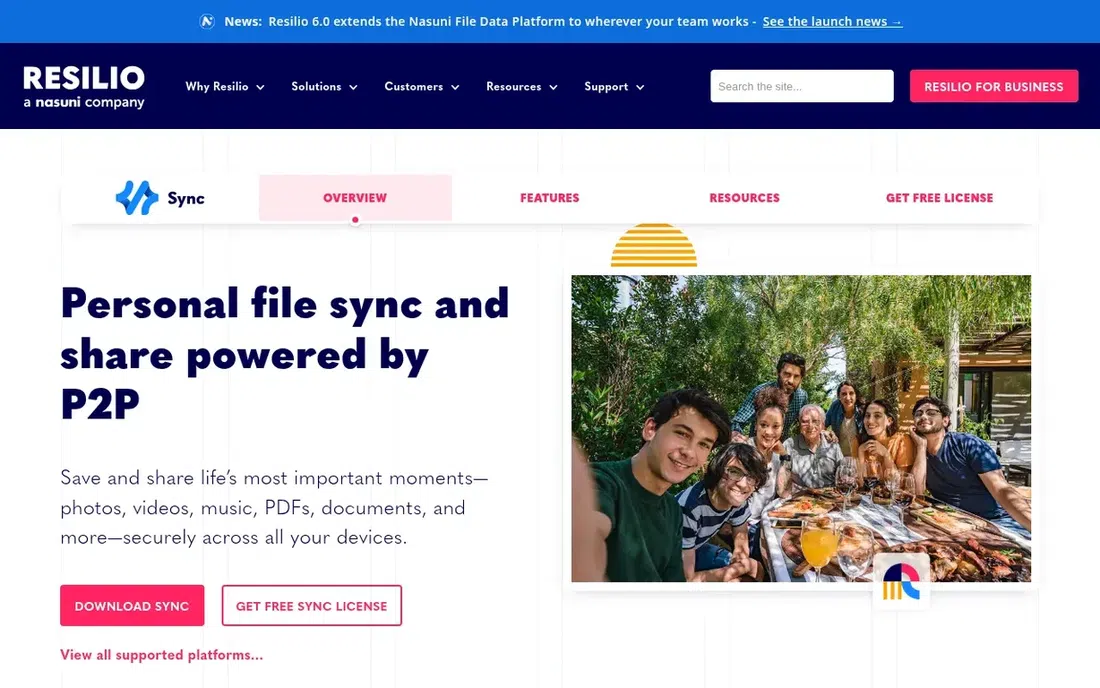
In short, Resilio Sync is for peer-to-peer folder syncing. Studios needing branded delivery links or wide document collaboration should pair it with another tool.
Drawbacks to consider: Less of a cloud archive.
For everyday use, Resilio Sync is a file and folder syncing solution that keeps data consistent across devices, which helps studios share working folders between edit bays, remote editors and archive machines. No starting price is listed for Resilio Sync here; confirm pricing on the vendor site. Free access: Free trial. What Resilio Sync does well: dependable folder sync.
- Suited to distributed teams
- Works across devices
- Needs coordination across machines
Lucidea
Best for: Knowledge and collections management
Lucidea is built with knowledge and collections management in mind. For studios with substantial archives, research libraries or catalogued asset collections, it can support structured description and retrieval of information instead of raw media transfer.
It is not made for moving large video files or syncing edit project folders, so it should not be chosen as a primary media transfer tool. Lucidea does not show a starting price in this comparison, so check the vendor site for current pricing. As for free access: Not stated.
Downsides: Not a media file transfer tool.
- Knowledge management focus
- Library and collections tools
- Different use case from sync
What went into this list
Selection started from tools commonly considered for file sync software for media production studios, then narrowed to 5 that have clear pricing information or a clear quote process. Where a price is missing, the vendor does not list one publicly or ties it to a quote. Always confirm before budgeting. Position on the page reflects fit for a typical buyer first, with price clarity and free access breaking ties. Treat it as a guide, not a ruling.
Before you commit
- Ask Aspera, Resilio Sync and Lucidea for a written quote, since no starting price is shown.
- Use real work to test the free trial from Dropbox and Resilio Sync, rather than a demo project.
- Before choosing Dropbox, weigh its main limit: large media can strain storage.
- Check the integration list for Dropbox against the tools you run today, and note which ones need a higher plan.
- Before you load data into Signiant Media Shuttle, check what an export looks like and who can run it.
FAQ
What is the best file sync tool for large media files?
Dropbox is the pick this page puts first, mainly for everyday cloud storage and sharing. If your situation differs, Aspera suits accelerated transfer in hybrid clouds, and Signiant Media Shuttle suits quick branded large-file transfer. Compare price and limits before you decide.
Does any tool for file sync software for media production studios here have a free plan?
A permanent free plan is not offered by Dropbox, Lucidea or the other tools here. Dropbox, Resilio Sync offer a trial. Plan a short evaluation period instead.
Can I try these tools before paying?
Often, yes. Dropbox and Resilio Sync offer a free trial. Use your own data and a real task during the test, and check what the free tier or trial limits before you rely on it.
What is the cheapest option for file sync software for media production studios in this list?
On published monthly entry prices, Dropbox is the lowest here at $9.99 per month. Entry price is only part of the cost, because seats, add-ons and billing terms can change the total. All 5 picks in this file sync software for media production studios comparison list a starting price, free plan details and the main limits on their cards above.
Is Dropbox the right pick for everyone comparing file sync software for media production studios?
No single tool suits every team. Dropbox comes first because it fits everyday cloud storage and sharing, while Aspera suits accelerated transfer in hybrid clouds and Signiant Media Shuttle suits fast branded large-file transfer. Match the tool to your own size, budget and workflow before deciding.
When does Lucidea make sense for a studio?
Lucidea concentrates on knowledge management, library and collections software, so it suits studios with catalogued archives or research collections that require structured description.
Sources
- https://www.dropbox.com
- https://www.ibm.com/products/aspera
- https://www.signiant.com/products/media-shuttle
- https://www.resilio.com/sync
- https://www.lucidea.com