Platform for Local Directory Sync in 2026: The 6 Best Options Side by Side
Weighing the best platform for local directory sync? We lined up 6 products by cost, free access and fit. Weak spots flagged for every entry. Jump to the table.
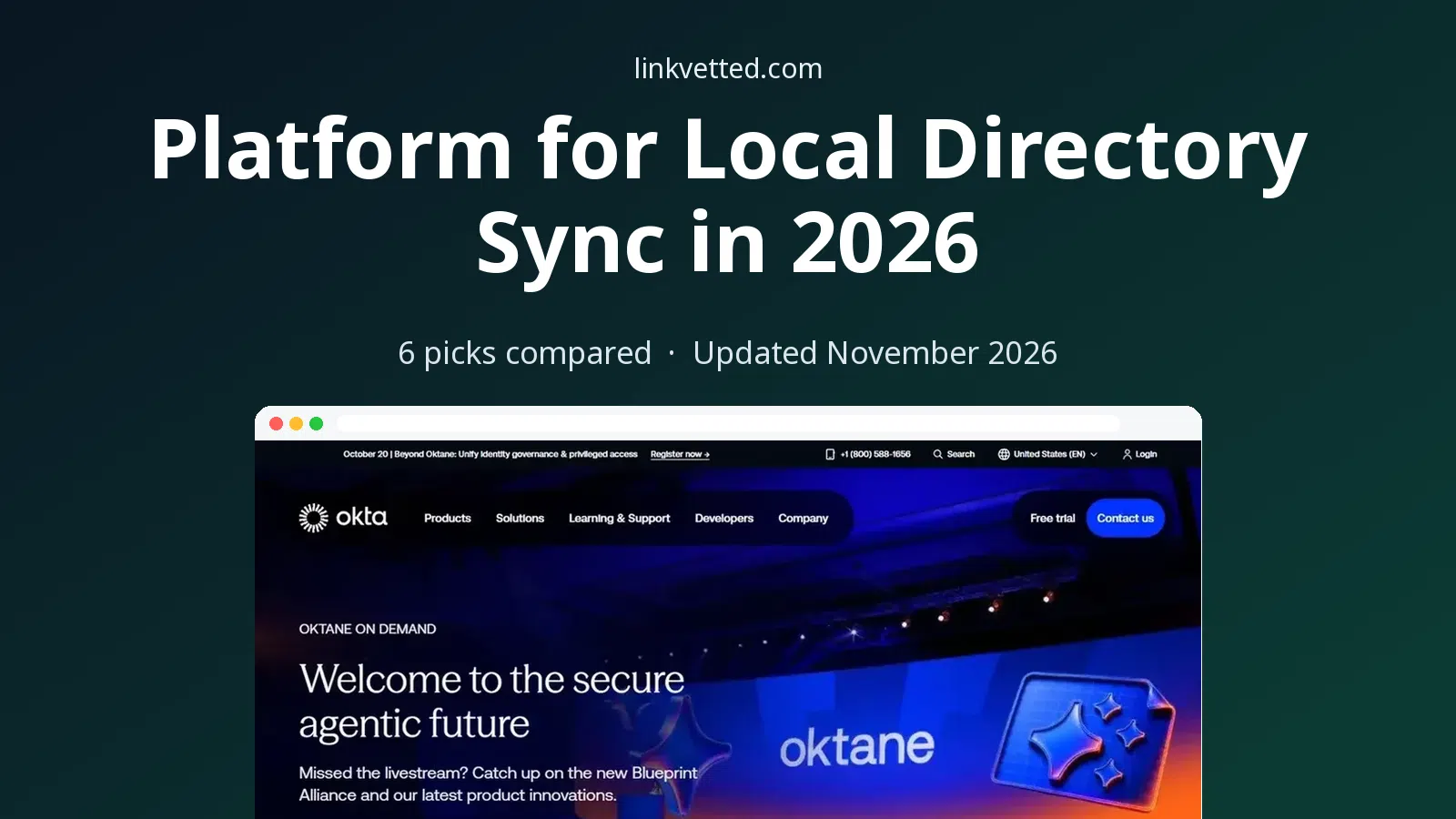
- Editor's choice
 Okta Workforce Identity
Secure access across plenty of applications
Starts at$6 per user a monthVisit okta.comFull review - Great alternative
 ManageEngine ADManager Plus
Bulk Active Directory management and reporting
Starts atSee websiteVisit manageengine.comFull review - Also consider
 Google Workspace
Productivity suite with directory needs
Starts atSee websiteVisit workspace.google.comFull review
Direct answer
Start with Okta Workforce Identity if you need secure access across numerous applications. Listed starting prices: Okta Workforce Identity from $6 per user a month and OneLogin from $3 per user a month. ManageEngine ADManager Plus is better for bulk Active Directory management and reporting, and Google Workspace is better for productivity suite with directory needs. Prices, free plans and limits for all 6 tools follow.
TL;DR:
- Okta Workforce Identity sits first on this list: secure access across numerous applications.
- Before buying OneLogin, weigh this: fewer directory-specific details on the homepage.
- Microsoft Entra ID is the one to check for cloud identity tied to Active Directory.
- The cheapest monthly starting price in the list is $3 per user per month, offered by OneLogin.
- None of the 6 tools, from Okta Workforce Identity to Microsoft Entra ID, has a free plan, so budget for a subscription or use a trial.
Last checked November 2026. Prices and plan details were read from the vendors' own pages in November 2026; vendors change plans often, so confirm the current price on the vendor site before you buy.
Quick comparison
| Tool | Best for | Starts at | Free plan? | |
|---|---|---|---|---|
| Okta Workforce Identity | Secure access across plenty of applications | $6 per user a month | Free trial | Visit |
| ManageEngine ADManager Plus | Bulk Active Directory management and reporting | See website | Not stated | Visit |
| Google Workspace | Productivity suite with directory needs | See website | Not stated | Visit |
 OneLogin | Modern IAM for workforce and partners | $3 per user a month | Free trial | Visit |
| Ping Identity Platform | Frictionless identity security at scale | See website | Not stated | Visit |
 Microsoft Entra ID | Cloud identity tied to Active Directory | See website | Not stated | Visit |
Platform for Local Directory Sync profiles
LinkVetted compared 6 tools for platform for local directory sync. The goal is a practical shortlist: published prices, free plan facts, best-fit use cases and honest limits for every entry.
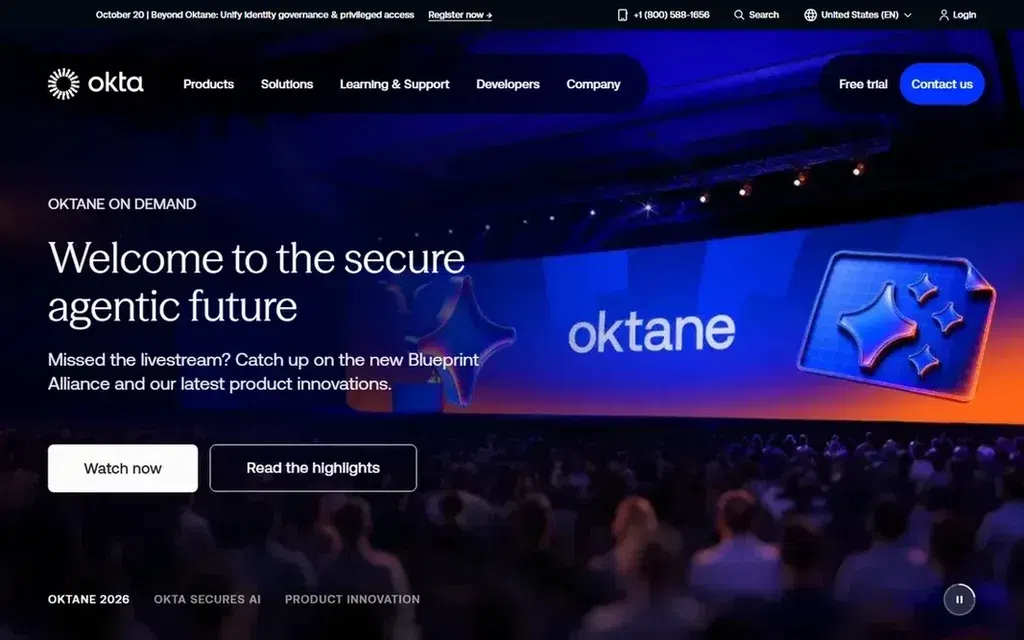
Think of Okta Workforce Identity for secure access across numerous applications. It suits organizations that require employees to reach plenty of applications securely whereas keeping a local directory as a source of truth.
Watch-outs: Setup spans plenty of settings.
Since it is a full identity system, directory sync is one capability among numerous, and administrators should plan the integration carefully. Price to start with Okta Workforce Identity: $6 per user per month. Free options: Free trial.
- Identity-centered security approach
- Authentication and automation focus
- Directory sync is one part of a bigger system
ManageEngine ADManager Plus
Best for: Bulk Active Directory management and reporting
Choose ManageEngine ADManager Plus for bulk Active Directory management and reporting. Its focus is AD management and reporting, so organizations needing wide application SSO may pair it with an identity system.
Limits to weigh: Narrower than full IAM products.
No starting price is listed for ManageEngine ADManager Plus here; confirm pricing on the vendor site. Free access: Not stated.
- Delegation and workflow support
- Predefined AD reports and automation
- AD-centric scope
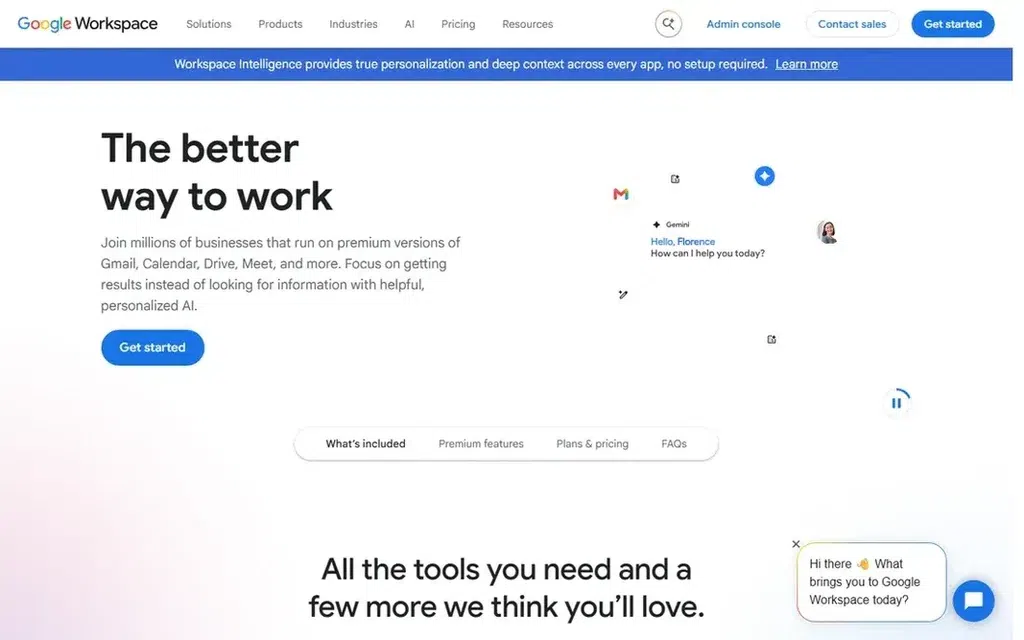
Google Workspace works best for productivity suite with directory needs. It suits teams standardizing on Google collaboration tools and needing consistent identity across them.
Where it falls short: Directory sync is not the headline feature.
As for the details, organizations heavily invested in Microsoft identity may prefer a Microsoft-native choice. Google Workspace shows no starting price here, so confirm the cost on the vendor site. As for free access: Not stated.
- Collaboration built in
- Secure online productivity tools
- Best fit for Google-centric organizations
OneLogin serves modern IAM for workforce and partners. OneLogin presents a modern identity and access management system targeted at securing workforce, customer, and partner data.
Where it falls short: Fewer directory-specific details on the homepage.
For everyday use, teams looking for a consolidated access system instead of a pure sync tool may find it worth evaluating. For everyday use, the homepage emphasizes IAM broadly, so confirm directory sync specifics during evaluation. The starting price for OneLogin: $3 per user per month. On free options: Free trial.
- Modern IAM positioning
- Budget-conscious framing
- Needs planning for local sync
Ping Identity Platform
Best for: Frictionless identity security at scale
In short, Ping Identity Platform is for Frictionless identity security at scale. Teams prioritizing both security and smooth sign-in experiences commonly contain it on a shortlist.
What to check first: Sync setup needs planning.
As a wide identity security system, it involves more configuration than a narrow sync utility. Pricing for Ping Identity Platform is not stated here, so ask the vendor for current figures. As for free access: Not stated.
- Enterprise identity security framing
- Frictionless user experiences
- Wide product scope
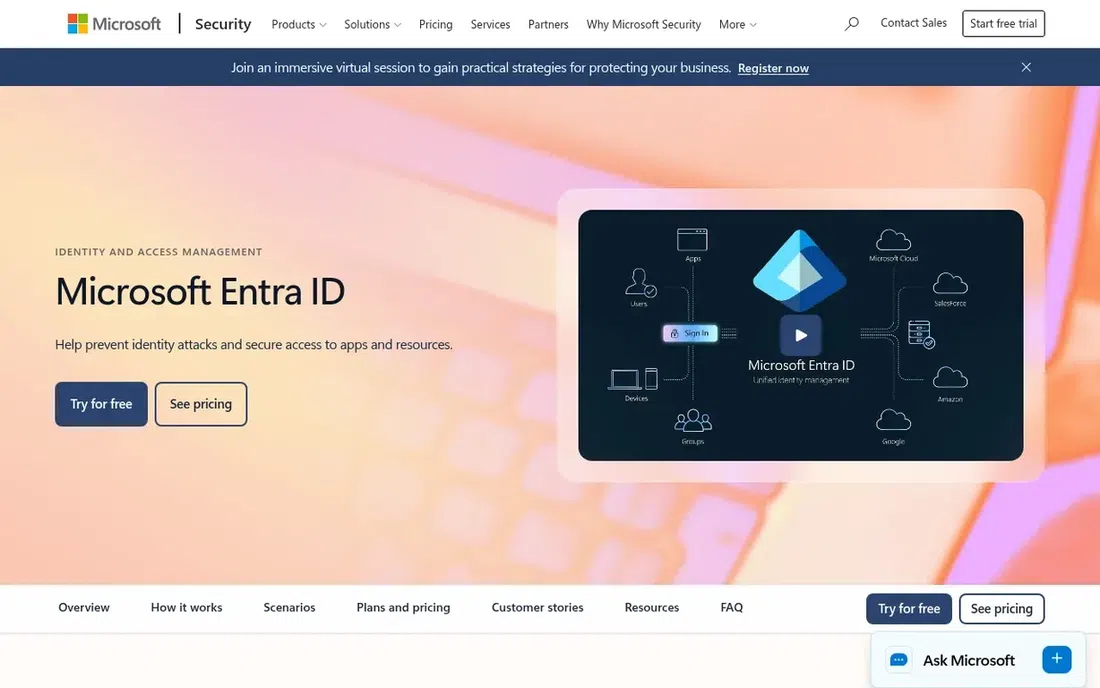
Microsoft Entra ID is a good fit for cloud identity tied to Active Directory. It supports single sign-on and Zero Trust approaches, which makes it a natural fit for organizations already running local Active Directory and wanting a managed path to cloud identity.
Limits to weigh: Deep setup can be complicated.
This comparison lists no price for Microsoft Entra ID; ask the vendor. On free options: Not stated.
- Identity attack prevention focus
- SSO and Zero Trust support
- Best value inside Microsoft stack
How these tools were picked
What to confirm before you sign up
- Confirm the entry price on the vendor page. For ManageEngine ADManager Plus, Google Workspace, Ping Identity Platform and Microsoft Entra ID that means a quote rather than a fixed price.
- Use real work to test the free trial from Okta Workforce Identity and OneLogin, rather than a demo project.
- Before choosing Okta Workforce Identity, weigh its main limit: directory sync is one part of a bigger product.
- Verify that exporting from ManageEngine ADManager Plus is possible on your plan and covers all your records.
- Test the integrations you rely on with Ping Identity Platform before committing; some connectors sit on upper tiers.
FAQ
What is the cheapest option for platform for local directory sync in this list?
On published monthly entry prices, OneLogin is the lowest here at $3 per user per month. Entry price is only part of the cost, because seats, add-ons and billing terms can change the total. For the full picture, the cards above cover all 6 entries of this platform for local directory sync list, including price, free plan and limits.
Can I try these tools before paying?
Often, yes. Okta Workforce Identity and OneLogin offer a free trial. Use your own data and a real task during the test, and check what the free tier or trial limits before you rely on it.
Should I choose a full IAM system or a dedicated AD tool?
A dedicated AD tool like ManageEngine ADManager Plus fits teams concentrated on bulk directory administration and reporting. Plenty of organizations use both together.
How are the tools for platform for local directory sync ordered?
The order follows typical fit for platform for local directory sync, with Okta Workforce Identity first and Microsoft Entra ID last, then price clarity and free access. It is editorial judgement, not a score, so another team could rank the tools differently.
Does any tool for platform for local directory sync here have a free plan?
No tool in this list, Okta Workforce Identity and Microsoft Entra ID included, has a permanent free plan. Okta Workforce Identity, OneLogin offer a trial. Trials and quotes are the usual route, so plan a short evaluation period.
Sources
- https://www.okta.com
- https://www.manageengine.com/products/ad-manager
- https://workspace.google.com
- https://www.onelogin.com
- https://www.pingidentity.com
- https://www.microsoft.com/en-us/security/business/identity-access/microsoft-entra-id