5 Thumbnail Design Software for YouTube Channels Worth Shortlisting in 2026
Compare 5 best thumbnail design software for YouTube channels, with prices, free plans and who each fits. Concise write-ups of every option. Details below.
- Editor's choice
 Snappa
AI-driven fast graphics
Starts at$10 a monthVisit snappa.comFull review - Great alternative
 Affinity Photo
Precise photo editing without complexity
Starts atSee websiteVisit affinity.serif.comFull review - Also consider
 Adobe Photoshop
Advanced compositing and pixel-level control
Starts atSee websiteVisit adobe.comFull review
Direct answer
If you need AI-driven fast graphics, Snappa is the first tool to look at here. Listed starting prices: Snappa from $10 a month and Figma from $3 a month. Affinity Photo fits precise photo editing without complexity; Adobe Photoshop fits advanced compositing and pixel-level control. Prices, free plans and limits for all 5 tools follow.
TL;DR:
- The list opens with Snappa, aimed at AI-driven quick graphics.
- Snappa is the only tool of the 5 with a free plan.
- For vector-based thumbnail graphics, CorelDRAW is worth a look.
- Figma is the lowest-priced starter here at $3 per month.
- What to know about Adobe Photoshop first: steep ramp-up time for beginners.
Last checked November 2026. Prices and plan details were read from the vendors' own pages in November 2026; vendors change plans often, so confirm the current price on the vendor site before you buy.
Quick comparison
| Tool | Best for | Starts at | Free plan? | |
|---|---|---|---|---|
| Snappa | AI-driven fast graphics | $10 a month | Yes | Visit |
| Affinity Photo | Precise photo editing without complexity | See website | Not stated | Visit |
| Adobe Photoshop | Advanced compositing and pixel-level control | See website | Not stated | Visit |
 Figma | Collaborative thumbnail design systems | $3 a month | Not stated | Visit |
 CorelDRAW | Vector-based thumbnail graphics | See website | Not stated | Visit |
Tool-by-tool breakdown
If you are comparing thumbnail design software for YouTube channels, this page covers 5 tools in one place: what each is best for, what it costs to start, whether it has a free plan, and the main limit to know about.
Pick Snappa if this describes you: AI-driven fast graphics. Snappa is AI graphic design software that turns a single prompt into graphics for social media, ads, and blogs. For everyday use, pick Snappa when speed and concept generation are more important than in-depth customization.
On top of that, the homepage flags scroll-stopping graphics, which aligns with the goal of catching viewer attention. Beyond that, if you need precise adjustments, a full editor may be better. Snappa's AI-driven approach may limit fine-grained control compared with traditional editors like Adobe Photoshop or Affinity Photo. On cost, Snappa starts like this: $10 per month. Free access exists with Snappa.
Drawbacks to consider: Less control over fine details.
- Prompt-based graphic generation
- Straightforward interface for quick output
- May lack advanced editing tools
Affinity Photo is aimed squarely at precise photo editing without complexity. Affinity Photo is a professional photo editor made for precision, speed, and creative freedom.
As for the details, if you depend on deep external integrations, Photoshop may be a better fit. Affinity Photo may have fewer learning resources and plugins than Adobe Photoshop, which can matter for complicated workflows. Check the vendor site for Affinity Photo pricing; none is listed in this comparison. Free options: Not stated.
The main drawbacks: Smaller ecosystem of tutorials.
- Professional-grade editing tools
- Focus on precision and speed
- Less external plugin support
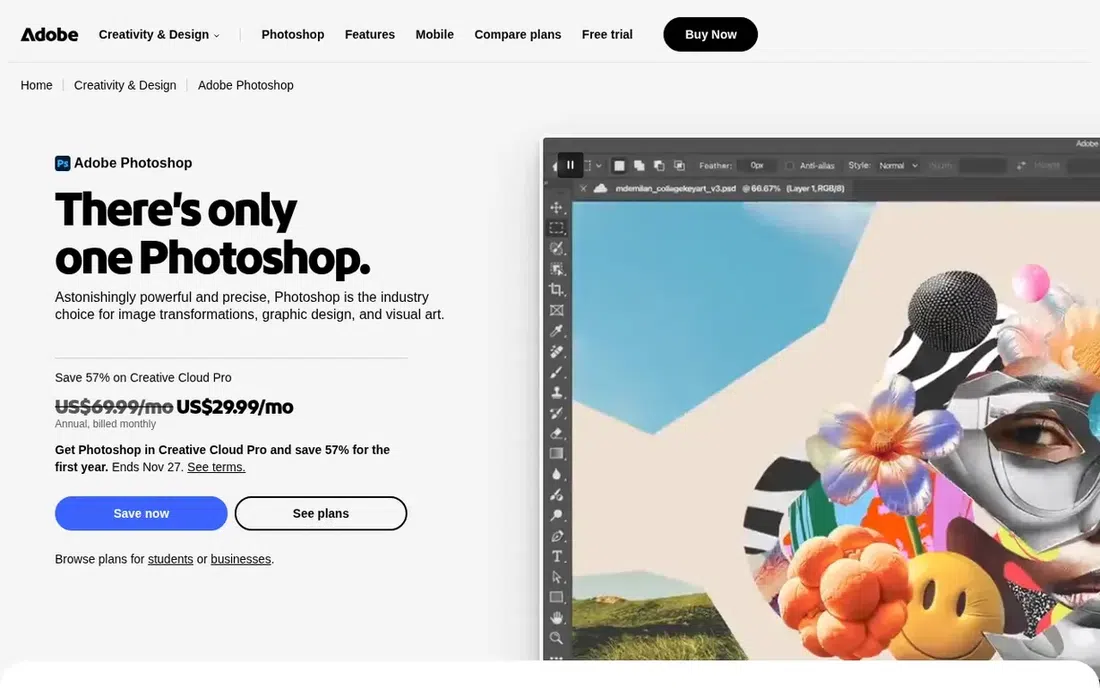
Adobe Photoshop targets advanced compositing and pixel-level control. Adobe Photoshop is a professional image editor known for detailed compositing, typography, and retouching. Choose Photoshop when precise, layered design matters more than speed.
Drawbacks to consider: Resource-heavy on older hardware.
The homepage flags fast ways to build custom scenes and combine images online or on mobile, making it an adaptable choice for creators who edit across devices. Photoshop's depth can slow down straightforward tasks, and new users may need time to learn its interface. This comparison lists no price for Adobe Photoshop; ask the vendor. On free options: Not stated.
- Wide file format support
- Broad layer and masking tools
- Steep ramp-up time for beginners
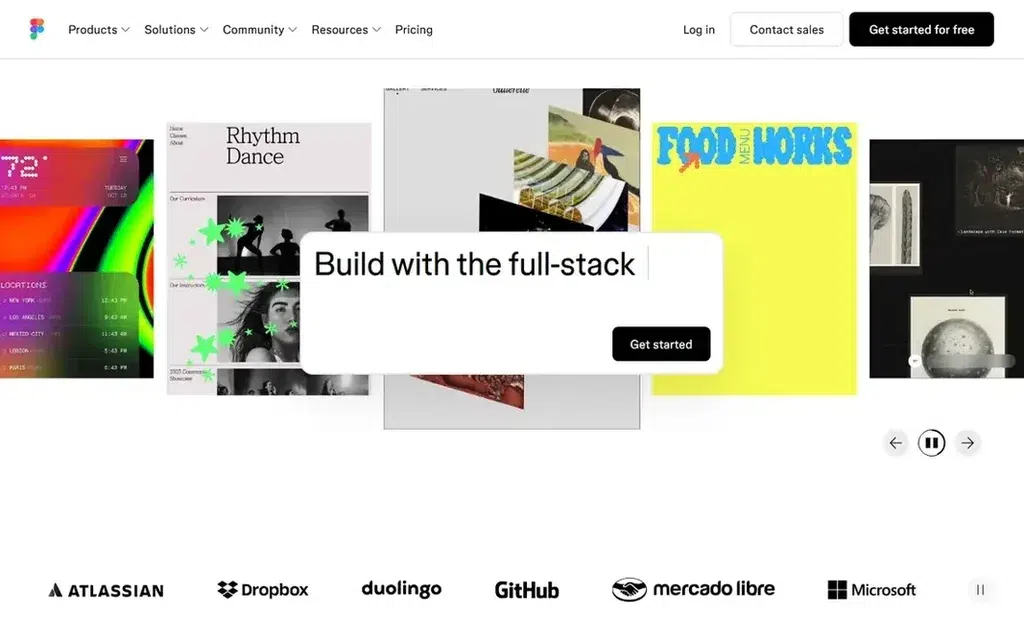
For collaborative thumbnail design systems, Figma is a natural candidate. If your thumbnails depend on advanced retouching, Adobe Photoshop or Affinity Photo may be more suitable.
From a buyer's view, the homepage emphasizes going from concept to production with an entire team in one place, which can simplify recurring thumbnail workflows. Beyond that, Figma is not a dedicated photo editor, so heavy image manipulation may need another tool. Figma pricing: $3 per month. As for free access: Not stated.
Trade-offs to know: Not designed for photo editing.
- Live collaboration features
- Browser-based with cross-platform access
- Needs setup for raster-heavy work
Think of CorelDRAW for vector-based thumbnail graphics. CorelDRAW is professional graphic design software with vector, technical illustration, and CAD choices.
From a buyer's view, if your thumbnails are largely photographic, consider a dedicated photo editor. CorelDRAW does not show a starting price in this comparison, so check the vendor site for current pricing. Free options: Not stated.
Where it is weaker: Interface can feel complicated for new users.
- Solid vector illustration tools
- Supports logos and layout design
- Vector focus may be overkill for photos
How these tools were picked
A buyer's checklist
- Get a written quote from Affinity Photo, Adobe Photoshop and CorelDRAW; the list shows no starting price for them.
- Look at the free plan from Snappa closely: its caps decide whether it is usable for real work.
- Read the limits listed for Snappa first: less control over fine details.
- Verify that exporting from Adobe Photoshop is possible on your plan and covers all your records.
- Before rolling out Affinity Photo, verify the integrations your workflow depends on.
FAQ
Which tool is a good match for photo-heavy thumbnails?
Start with Snappa if you need AI-driven fast graphics. Affinity Photo is the better match for precise photo editing without complexity, and Adobe Photoshop for advanced compositing and pixel-level control. The best choice depends on budget, team size and workflow.
Which options for thumbnail design software for YouTube channels have a free plan?
Snappa is the only tool in this list with a free plan. Free plans usually cap users, projects or features, so check the limits on the vendor page.
Can I try these tools before paying?
Often, yes. Snappa has a free plan. Use your own data and a real task during the test, and check what the free tier or trial limits before you rely on it.
Is Snappa the right pick for everyone comparing thumbnail design software for YouTube channels?
No single tool suits every team. Snappa comes first because it fits AI-driven quick graphics, while Affinity Photo suits precise photo editing without complexity and Adobe Photoshop suits advanced compositing and pixel-level control. Match the tool to your own size, budget and workflow before deciding.
What is the best thumbnail design software for beginners?
Snappa comes first here and is built for AI-driven fast graphics. Buyers with other needs may prefer Affinity Photo (for precise photo editing without complexity) or Adobe Photoshop (for advanced compositing and pixel-level control). Compare costs and limits first.
Can I use Figma for YouTube thumbnails?
Figma can be used for thumbnail design, notably for building reusable templates and collaborating with a team. Even so, it is not a dedicated photo editor, so heavy image manipulation may need another tool.
Sources
- https://snappa.com
- https://affinity.serif.com/photo
- https://www.adobe.com/products/photoshop.html
- https://www.figma.com
- https://www.coreldraw.com