Choosing Supervisory Control and Data Acquisition Software in 2026: 5 Options Compared
Best supervisory control and data acquisition software in 2026: 5 contenders with entry costs and free tiers. Pros and cons for every tool. See the full list.
- Editor's choiceVTScada
All-in-one SCADA system
Starts atPricing on requestVisit trihedral.comFull review - Great alternativeAVEVA Edge
Industrial software ecosystem
Starts atPricing on requestVisit aveva.comFull review - Also considerSchneider Electric EcoStruxure
Energy management and automation
Starts atPricing on requestVisit se.comFull review
Direct answer
This list puts VTScada first for all-in-one SCADA system. Look at AVEVA Edge for industrial software ecosystem, and at Schneider Electric EcoStruxure for energy management and automation. All 5 tools are compared below on fit, free plan and limits. None of these vendors publish plan prices, so pricing is on request for every option.
TL;DR:
- VTScada takes the first slot, best suited to all-in-one SCADA product.
- For universal automation system, Ignition is worth a look.
- A permanent free plan is missing from all 5 tools, VTScada and Ignition included; plan for a trial or a premium start.
- Every tool from VTScada to Ignition works by quote, with no list price shown.
- Check the limits for Rockwell Automation FactoryTalk View before you commit: restricted compatibility with non-Rockwell hardware.
Last checked November 2026. Pricing on request: vendors did not publish plan prices when this guide was last checked (November 2026), so ask each vendor for a written quote.
Quick comparison
| Tool | Best for | Starts at | Free plan? | |
|---|---|---|---|---|
| VTScada | All-in-one SCADA system | Pricing on request | Not stated | Visit |
| AVEVA Edge | Industrial software ecosystem | Pricing on request | Not stated | Visit |
| Schneider Electric EcoStruxure | Energy management and automation | Pricing on request | Not stated | Visit |
| Rockwell Automation FactoryTalk View | Rockwell automation systems | Pricing on request | Not stated | Visit |
 Ignition | Universal automation product | Pricing on request | Not stated | Visit |
Tool-by-tool breakdown
If you are comparing supervisory control and data acquisition software, this page covers 5 tools in one place: what each is best for, what it costs to start, whether it has a free plan, and the main limit to know about.
VTScada
Best for: All-in-one SCADA system
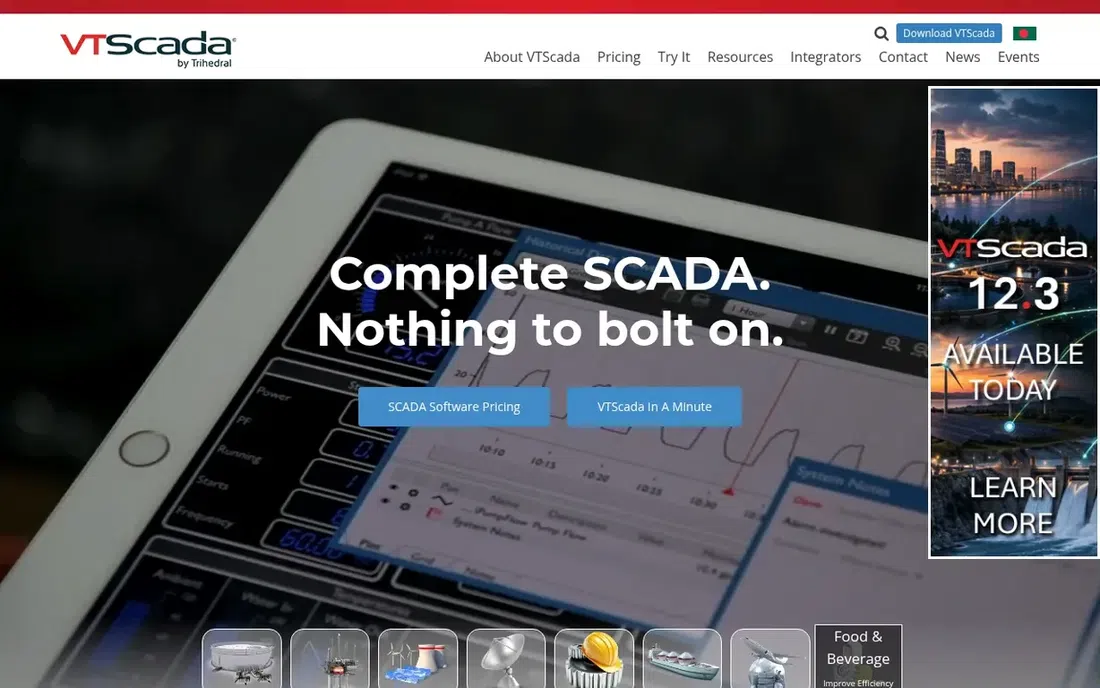
Think of VTScada for all-in-one SCADA system. From a buyer's view, if you need deep third-party integrations, Ignition might be a better choice.
It is meant to supply a complete option without the need for extra modules. This makes it a solid fit for organizations that want a single-vendor, all-in-one approach to SCADA. VTScada does not show a starting price in this comparison, so check the vendor site for current pricing. Free plan details: Not stated.
Trade-offs to know: May be complicated for entry-level needs.
- All essential layers included
- Built-in redundancy
- Restricted customization compared with modular systems
AVEVA Edge
Best for: Industrial software ecosystem
AVEVA Edge targets industrial software ecosystem. For a more self-contained option, consider VTScada or Ignition.
Trade-offs to know: Can be complicated to deploy.
It is designed to optimize engineering, operations, and performance. AVEVA Edge shows no starting price here, so confirm the cost on the vendor site. Free access: Not stated.
- Optimized for engineering and operations
- Scalable across enterprise
- Needs integration with other AVEVA products for full benefits
Schneider Electric EcoStruxure
Best for: Energy management and automation
Pick Schneider Electric EcoStruxure if this describes you: energy management and automation. It is designed to integrate SCADA with energy efficiency and sustainability initiatives.
Honest limits: May need Schneider-specific expertise.
Also, the system is right for organizations looking to combine automation with energy management. This comparison lists no price for Schneider Electric EcoStruxure; ask the vendor. As for free access: Not stated.
- Wide industry applications
- Digitalization focus
- Complicated implementation
Rockwell Automation FactoryTalk View
Best for: Rockwell automation systems
Rockwell Automation FactoryTalk View is built with Rockwell automation systems in mind. Rockwell Automation FactoryTalk View is a SCADA and HMI software built to work smoothly with Rockwell Automation controllers and devices. It is often used in manufacturing environments that depend on Rockwell hardware.
Also, for multi-vendor support, consider Ignition or AVEVA Edge. As for the details, FactoryTalk View is less adaptable if you have a mixed-vendor environment, as it is optimized for Rockwell systems. It also needs familiarity with Rockwell's programming and configuration tools. Check the vendor site for Rockwell Automation FactoryTalk View pricing; none is listed in this comparison. Free options: Not stated.
Honest limits: Restricted compatibility with non-Rockwell hardware.
- Full visualization tools
- Supports large-scale applications
- Needs Rockwell-specific knowledge
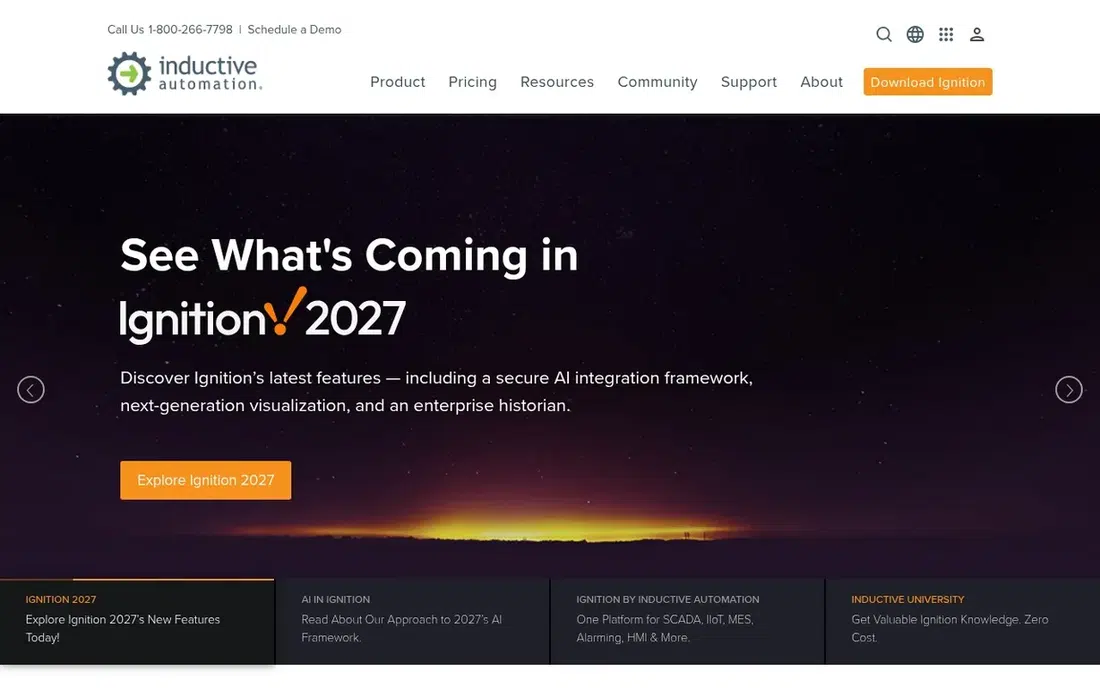
Ignition targets universal automation system. In daily use, Ignition by Inductive Automation is a SCADA software that serves as a universal system for industrial automation needs. It is built to link disparate systems and offer a unified view of operations.
In practice, Whereas Ignition is feature-rich, it may need extra modules for advanced historian functionality. Its wide feature set might be overwhelming for small-scale operations. Ignition shows no starting price here, so confirm the cost on the vendor site. Free options: Not stated.
The main drawbacks: Restricted built-in historian without extras.
- Capable integration capabilities
- Scalable for several industries
- May need training for full use
How we compared the tools
What to check before you buy
- Request quotes from VTScada, Ignition and the others; the list shows no fixed prices.
- Read the limits listed for VTScada first: may be complicated for entry-level needs.
- Work out what Ignition costs with your real seat count, add-ons and usage, not just the entry price.
- Read the plan comparison for Rockwell Automation FactoryTalk View carefully; key features often start on a higher tier.
- Confirm that AVEVA Edge connects to the apps your team already uses, on the plan you would actually buy.
FAQ
Can SCADA software connect with my existing systems?
Ignition is recognised for its universal connectivity, whereas VTScada bundles plenty of drivers as standard. Check vendor documentation for specific compatibility with your equipment.
Do these tools publish their prices?
No. None of the tools, from VTScada to Ignition, shows a fixed starting price here, so budget time for quotes.
What should I consider when choosing SCADA software?
Consider your hardware environment, required features, scalability, and budget. Also think about vendor support and training. If you are tied to a specific automation vendor, their SCADA offering may integrate best, but open products like Ignition offer adaptability.
Can I try these options before paying?
Not by default. None of the tools, from VTScada to Ignition, lists a free plan or a free trial here, so ask each vendor for a demo before committing.
Is VTScada the right pick for everyone comparing supervisory control and data acquisition software?
No single tool suits every team. VTScada comes first because it fits all-in-one SCADA platform, while AVEVA Edge suits industrial software ecosystem and Schneider Electric EcoStruxure suits energy management and automation. Match the tool to your own size, budget and workflow before deciding.
What is SCADA software?
It collects data from sensors and equipment, offers live visualization, and lets operators to run operations. It is essential for industries like manufacturing, energy, and utilities.
Sources
- https://www.trihedral.com
- https://www.aveva.com
- https://www.se.com
- https://www.rockwellautomation.com
- https://inductiveautomation.com