Best Website Heatmap Tools in 2026: 9 Tools Compared
Compare the best website heatmap tools for 2026, from Hotjar and Microsoft Clarity to Crazy Egg and FullStory, with pricing, recordings and privacy compared.

- Editor's choice
 Microsoft Clarity
Free heatmaps and recordings at any traffic level
Starts atFreeVisit clarity.microsoft.comFull review - Great alternative
 Hotjar
Teams that want heatmaps plus surveys and feedback
Starts atFreeVisit hotjar.comFull review - Also consider
 Crazy Egg
Small businesses that want heatmaps plus A/B testing
Starts at$29 per monthVisit crazyegg.comFull review
TL;DR:
- Microsoft Clarity is our pick for most sites, because it offers unlimited heatmaps, recordings and funnels free, with no traffic limits.
- Hotjar, now part of Contentsquare, suits teams that want heatmaps plus surveys and feedback in one research tool.
- Crazy Egg and Lucky Orange suit small businesses that want visual heatmaps plus A/B testing or live chat in a simple package.
- Mouseflow and Smartlook suit teams that need form analytics, funnels and mobile app insights alongside heatmaps.
- FullStory and Contentsquare suit larger teams that need enterprise-grade digital experience analytics, at quoted or higher-tier prices.
Quick comparison
| Tool | Best for | Starts at | Free plan? | |
|---|---|---|---|---|
| Microsoft Clarity | Free heatmaps and recordings at any traffic level | Free | Yes | Visit |
| Hotjar | Teams that want heatmaps plus surveys and feedback | Free | Yes | Visit |
| Crazy Egg | Small businesses that want heatmaps plus A/B testing | $29 per month | Yes | Visit |
 Lucky Orange | Ecommerce teams that want live view plus chat | $32 per month | Free trial | Visit |
 Mouseflow | Teams that need form analytics and friction analysis | $25 per month | Yes | Visit |
 Smartlook | Web and mobile app heatmaps in one tool | See website | Yes | Visit |
 FullStory | Larger teams needing deep digital experience analytics | Free | Yes | Visit |
 Contentsquare | Enterprises needing full digital experience analytics | See website | No | Visit |
 VWO | Teams that combine heatmaps with A/B testing programs | See website | Free trial | Visit |
The best website heatmap tools
A website heatmap shows where visitors click, how far they scroll and where they move their mouse, turning raw analytics into a visual picture of what people actually do on a page. The best tools pair heatmaps with session recordings, funnels and feedback, so you can see a problem, watch it happen and test a fix. We compared heatmap types, recordings, privacy controls, integrations and price.
Microsoft Clarity
Best for: Free heatmaps and recordings at any traffic level
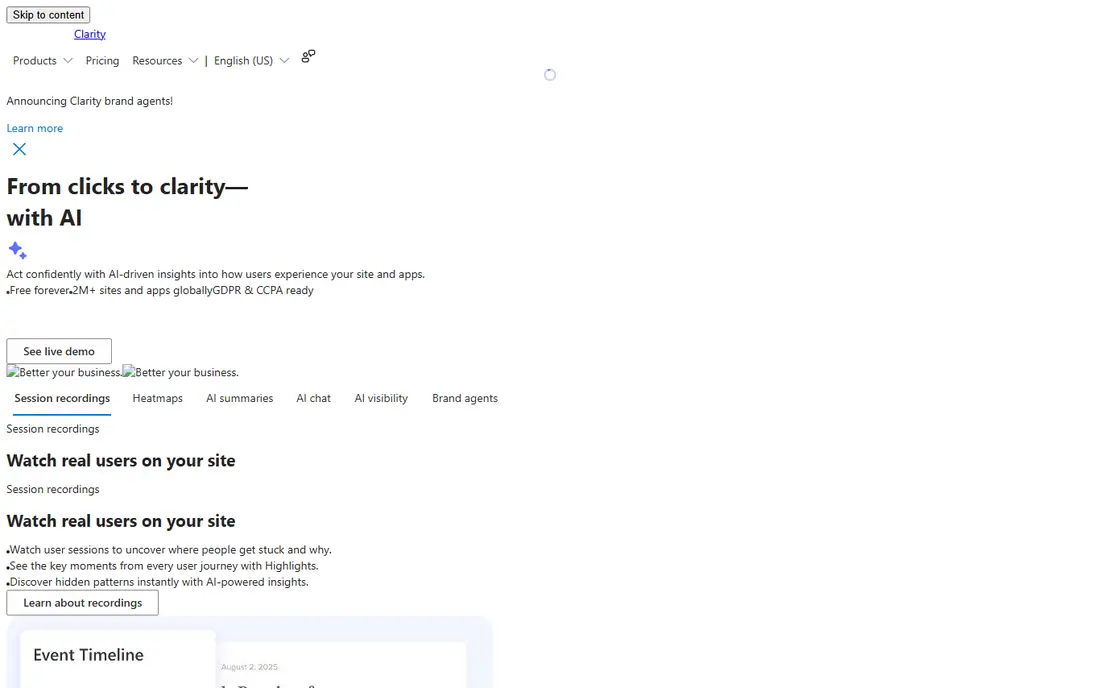
Microsoft Clarity is the hardest tool in this list to beat on value, because it is free with no traffic limits, no sampling and no paid tier. It offers click, scroll and area heatmaps, session recordings with rage-click and dead-click detection, funnels, AI session summaries and integrations with Google Ads and analytics tools. For a small business, blog or store, Clarity answers most heatmap questions without a subscription.
The trade-offs are data control and depth. Clarity data is stored in Microsoft Azure, with EU traffic transferred to the US under standard contractual clauses, and Microsoft acts as a data controller for visitor data, not just a processor. There is also no per-user deletion, so removing one visitor's data means deleting a whole project. For most sites, that is acceptable, but a strict-compliance client should consider a self-hosted or enterprise alternative.
- Free forever with no traffic limits
- Click, scroll and area heatmaps
- Session recordings and funnels
- Data lives in Microsoft Azure
- No per-user deletion, only whole-project deletion
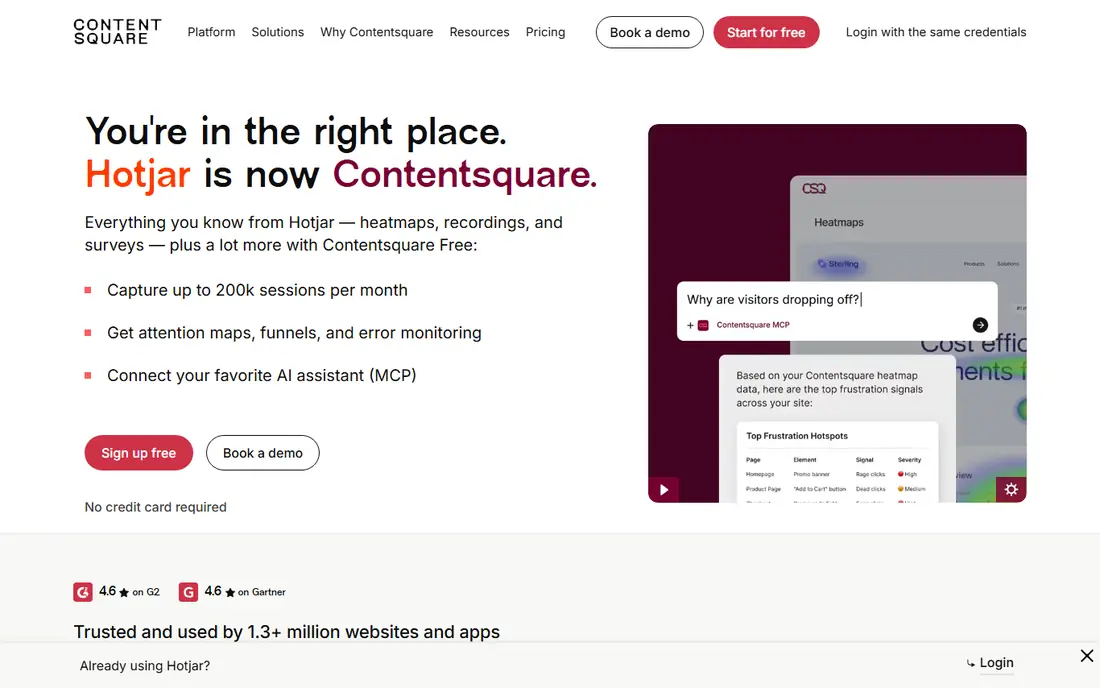
Hotjar, now part of Contentsquare, remains the best-known heatmap tool, and its strength is combining quantitative and qualitative research. Heatmaps and recordings show what visitors do, while surveys, feedback widgets and interviews explain why they do it. That combination helps a product or marketing team move from spotting a drop-off to understanding the reason behind it, without buying a separate survey tool.
Pricing has changed with the Contentsquare transition, so confirm current figures before buying. Recent comparisons place paid plans from around $32 to $49 per month depending on sessions and plan, with a free plan for limited sessions. Surveys are billed as a separate product on some plans, which can add cost. For a team that values feedback alongside heatmaps, Hotjar's combined workflow still justifies the price.
- Heatmaps, recordings, surveys and feedback in one tool
- Now backed by Contentsquare analytics
- Paid plans start around $32 to $49 per month
- Surveys billed separately on some plans

Crazy Egg is a straightforward heatmap tool with a clear appeal: install a script, see click, scroll and confetti heatmaps, and test changes with built-in A/B testing. Its confetti view breaks clicks down by traffic source, device and other segments, which helps a marketer see whether a problem affects all visitors or only one segment. Pricing starts at $29 per month on annual billing, with a limited free plan for heatmaps and surveys.
The limits are recordings and scale. Lower plans include few or no session recordings, so a team that wants to watch individual sessions will need a higher tier or a second tool such as Clarity. Crazy Egg is best for a small business that wants visual optimization and simple testing in one place, rather than deep enterprise analytics.
- Click, scroll and confetti heatmaps
- Built-in A/B testing
- Simple setup
- Recordings limited on lower plans
- Session limits vary by plan
Lucky Orange suits online stores because it combines heatmaps with live visitor viewing and chat, so a store owner can watch a shopper struggle on checkout and offer help in the moment. Its dynamic heatmaps handle pages that change content, such as product listings and carts, better than static screenshot heatmaps. Pricing starts around $32 per month on annual billing, with a 7-day trial rather than a free plan.
The cost and session limits are the drawbacks. A high-traffic store can move through session allowances quickly, and the lack of a free tier makes it harder to test long-term. For a store that values live interaction alongside heatmaps, Lucky Orange's chat and live view are a genuine difference, but a team that only needs heatmaps should compare Clarity or Crazy Egg first.
- Live visitor view
- Built-in chat
- Dynamic heatmaps for changing pages
- No permanent free plan, only a trial
- Pricing rises with sessions
Mouseflow stands out for form analytics: it shows exactly which fields cause hesitation, errors or abandonment, which is the detail that matters most for checkout, signup and lead forms. It also offers five heatmap types, session recordings, funnels and friction scores that highlight pages where visitors struggle. The free plan covers 500 sessions per month, while paid plans start around $25 per month on annual billing.
Session volume is the main cost driver, since a busy site will need a higher tier quickly. Mouseflow is less suited to a team that only wants a quick click map, where Clarity is free and simpler. For a team optimizing forms and funnels, Mouseflow's field-level detail makes it one of the most actionable tools in this list.
- Five heatmap types
- Strong form analytics
- Funnel and friction scoring
- Free plan limited to 500 sessions per month
- Higher plans cost more for volume
Smartlook covers both websites and mobile apps, with heatmaps, recordings, funnels and event tracking in one platform. That breadth suits a product team with a website and an app, since user behavior can be followed across both without switching tools. Its free tier covers basic use, while paid pricing is session-based and best confirmed on the site for your traffic level.
The trade-off is pricing complexity. Costs depend on sessions, features and platform mix, so a team should model its real traffic before committing. Smartlook is also less survey-focused than Hotjar, so a team that needs feedback widgets may pair it with a survey tool. For cross-platform product analytics with heatmaps, Smartlook is a strong, modern choice.
- Web and mobile heatmaps
- Recordings and funnels
- Event-based analysis
- Pricing varies by sessions and features
- Enterprise features sit on higher tiers
FullStory goes beyond basic heatmaps into full digital experience analytics, with session replay that includes console errors, network activity and frustration signals, plus powerful search across sessions. That depth helps product and engineering teams find not just where users struggle, but why, by linking a heatmap pattern to a specific error or slow network call. A free plan covers limited sessions, which is enough to test the product.
Paid pricing is custom, which puts FullStory out of reach for many small businesses, and its depth can feel heavy for a team that only needs a click map. Mobile analytics also sit on paid plans. For a larger product team that already invests in experience analytics, FullStory's replay and search capabilities justify an enterprise conversation.
- Detailed session replay with console and network data
- Strong search and funnels
- Mobile support on paid plans
- Paid plans are custom-priced
- Can be heavy for small sites
Contentsquare
Best for: Enterprises needing full digital experience analytics
Contentsquare is the enterprise end of this list, offering zone-based heatmaps, journey analysis, merchandising insights and AI-assisted findings across web and app. Its acquisition of Hotjar means heatmaps, recordings and surveys now sit alongside enterprise analytics, which suits large retailers, banks and media companies with complex customer journeys. Integrations with analytics, testing and data platforms support large-scale optimization programs.
Pricing is quoted and setup is sales-led, so a small business should not start here. The platform also assumes a team that will invest in analysis and testing, not just glance at a heatmap occasionally. For an enterprise team with high traffic and a dedicated optimization program, Contentsquare's depth and scale are the reason to choose it over simpler tools.
- Deep journey, zone and merchandising analysis
- Strong enterprise integrations
- Now includes Hotjar
- Enterprise pricing and sales-led setup
- Overkill for small sites
VWO, or Visual Website Optimizer, pairs heatmaps with a full experimentation platform, including A/B testing, multivariate testing, personalization and feature flags. That combination suits a conversion team that wants to spot a problem on a heatmap, form a hypothesis, run a test and measure the result in one place, rather than stitching three tools together. Its heatmaps, recordings and funnels support that workflow, with targeting for specific audiences and pages.
The drawback is scope and price. Full VWO plans are sales-led and priced for teams running regular tests, so a team that only needs a heatmap will pay for features it does not use. A trial is available for testing. For a team with an active optimization program, VWO's combined heatmap and testing workflow is efficient, but for simple heatmap needs, Clarity or Crazy Egg is cheaper and faster.
- Heatmaps plus full experimentation platform
- Funnels and session recordings
- Strong targeting
- Pricing is sales-led for full plans
- Heavier than a standalone heatmap tool
How we picked these
We compared official feature pages, pricing pages and public comparisons for each tool, focusing on heatmap types, recordings, funnels, surveys, privacy controls, mobile support and price at realistic traffic levels. We favored tools that are actively maintained in October 2026 and that cover different needs, from free heatmaps to enterprise experience analytics. We did not claim hands-on testing, and session-based pricing means totals depend heavily on monthly traffic.
How to use heatmaps without misleading yourself
A heatmap shows where people click, not why they click there, so pair every heatmap with recordings, funnels or feedback before changing a page. A hot spot on a non-clickable element may mean confusion, not interest, and a cold area may mean visitors found what they needed above it, not that the content failed. Segment heatmaps by device, traffic source and new versus returning visitors, since a desktop pattern rarely matches a mobile one.
Privacy and consent matter for recordings
Heatmaps and recordings can capture personal data, so configure masking for form fields, passwords and sensitive text before launching, and check your privacy policy and consent setup. Most tools offer automatic masking, but verify it on a test page with a real form. Keep retention periods short where possible, limit access to the team that needs recordings, and delete data you no longer use. Respecting visitor privacy is not just a legal duty, it also builds trust with the audience you are trying to understand.
Turn findings into tests, not just redesigns
The best heatmap workflow ends with a test, not a redesign based on a single map. Note the finding, form a hypothesis, change one element and measure the result with a funnel or A/B test. If the change helps, keep it and move to the next finding. If it does not, revert it and learn from the result. That discipline prevents expensive redesigns driven by a colorful map that looked convincing but proved nothing.
FAQ
What is the best website heatmap tool?
For most sites, Microsoft Clarity is the best website heatmap tool, because it is free with unlimited traffic, heatmaps, recordings and funnels. Hotjar is the best choice for teams that also want surveys and feedback, while Crazy Egg suits small businesses that want heatmaps plus A/B testing. Choose based on traffic, privacy needs and whether you need recordings or surveys too.
What is the best free heatmap tool for websites?
Microsoft Clarity is the best free heatmap tool, with no traffic limits, no sampling and no paid tier. Hotjar, Mouseflow and Smartlook also offer free plans, but with session limits. For unlimited free use, Clarity is unmatched, though its data control limits suit some teams less well than a paid or self-hosted option.
What types of heatmaps are there?
The main types are click heatmaps, which show where visitors click, scroll heatmaps, which show how far down a page visitors reach, move heatmaps, which show mouse movement, and area or attention heatmaps, which combine clicks and views. Some tools add confetti heatmaps that segment clicks by source or device, and dynamic heatmaps for pages that change content.
Do heatmaps slow down my website?
Heatmap scripts add a small load, but modern tools are designed to be lightweight and asynchronous, so the impact is usually minimal. Keep only one heatmap and recording tool installed at a time, avoid running multiple analytics scripts that duplicate work, and test page speed before and after installation. If speed drops noticeably, check the tool's script settings and sampling options.
Are website heatmaps GDPR compliant?
Heatmaps can be GDPR compliant when configured correctly, with consent where required, masking of personal data in forms, clear privacy notices and appropriate data processing terms. Tools differ in data location and deletion options, so check each vendor's privacy documentation and your own legal advice. Microsoft Clarity, for example, stores data in Azure and lacks per-user deletion, which matters for strict compliance cases.