Choosing Source Code Management Software for Remote Teams in 2026: 6 Options Compared
Searching for the best source code management software for remote teams? Here are 6 options with prices and free plans. Caveats come with every verdict.
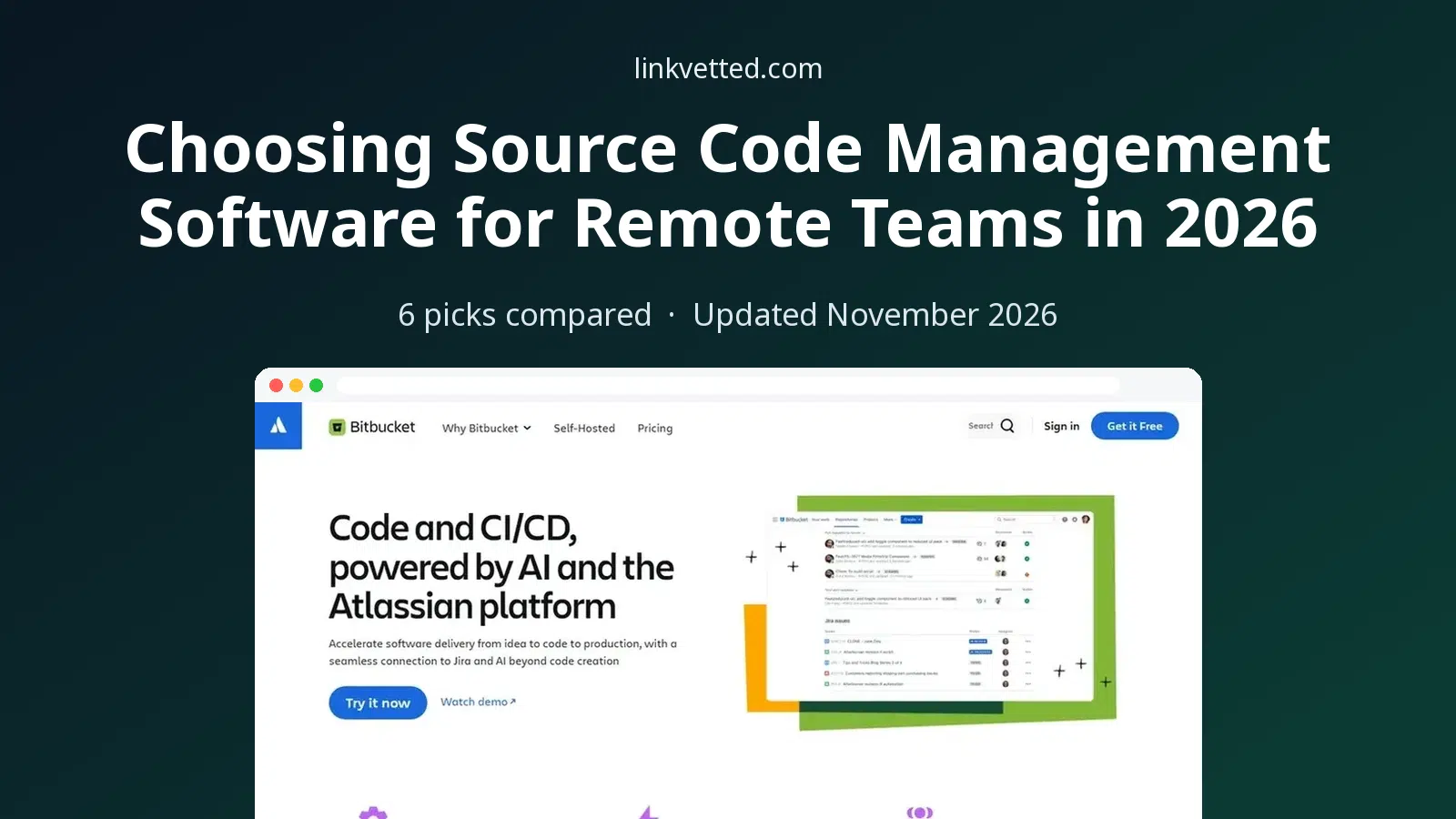
- Editor's choicePerforce Helix Core
Large files and complicated branching
Starts atSee websiteVisit perforce.comFull review - Great alternative
 Bitbucket
Teams using Atlassian planning tools
Starts atSee websiteVisit bitbucket.orgFull review - Also considerGitea
Light self-hosted Git service
Starts at$9.5 per user a monthVisit gitea.comFull review
Direct answer
This list puts Perforce Helix Core first for large files and complicated branching. Listed starting prices: Gitea from $9.5 per user a month, GitHub from $4 per user a month and GitLab from $15 per user per month. If your case is different, Bitbucket suits teams using Atlassian planning tools and Gitea suits light self-hosted Git service. All 6 tools are compared below on price, free plan and limits.
TL;DR:
- Perforce Helix Core is the opening pick, best for large files and complicated branching.
- The lowest published monthly entry price here is $4 per user per month, from GitHub.
- RhodeCode fits unified self-hosted repository management.
- GitHub, GitLab, RhodeCode: these are the 3 tools out of 6 that offer a free plan.
- A fair warning about GitHub: advanced controls can need extras.
Last checked November 2026. Prices and plan details were read from the vendors' own pages in November 2026; vendors change plans often, so confirm the current price on the vendor site before you buy.
Quick comparison
| Tool | Best for | Starts at | Free plan? | |
|---|---|---|---|---|
| Perforce Helix Core | Large files and complicated branching | See website | Not stated | Visit |
| Bitbucket | Teams using Atlassian planning tools | See website | Not stated | Visit |
| Gitea | Light self-hosted Git service | $9.5 per user a month | Free trial | Visit |
 GitHub | Wide ecosystem and community collaboration | $4 per user a month | Yes | Visit |
 GitLab | Integrated DevOps in one product | $15 per user per month | Yes | Visit |
| RhodeCode | Unified self-hosted repository management | $75 per user a year | Yes | Visit |
The best source code management software for remote teams
Short on time? The summary and table above give the quick view of 6 source code management software for remote teams, and the profiles that follow give the detail behind each entry.
Perforce Helix Core
Best for: Large files and complicated branching
Where Perforce Helix Core fits: large files and complex branching. Perforce Helix Core is a high-performance version control system designed to scale with teams and manage large files and complicated branching. Consider it when large assets or complicated branching are central to your workflow.
Teams working purely with text-based code may find Git-based products more straightforward and more familiar. The system has a steeper ramp-up time than usual Git hosting and normally needs dedicated administration. This comparison lists no price for Perforce Helix Core; ask the vendor. Trial and free access: Not stated.
The main drawbacks: Needs dedicated administration.
- High-performance version control
- Handles large binary assets
- Steeper ramp-up time than Git hosts
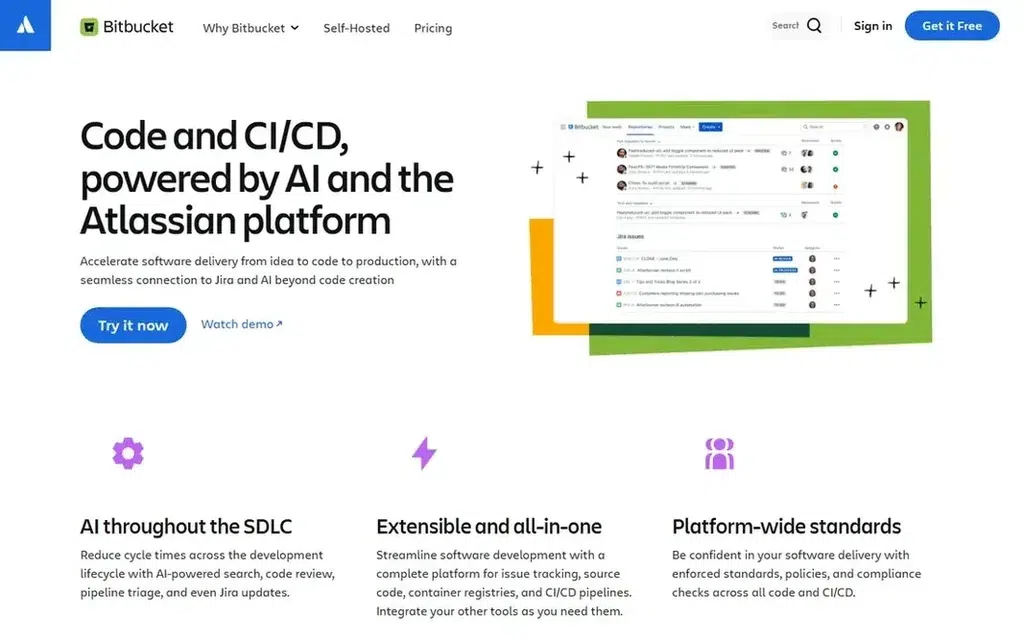
Where Bitbucket fits: teams using Atlassian planning tools. Bitbucket is a Git hosting service from Atlassian that integrates closely with Jira and Confluence. Some advanced CI and security capabilities rely on extra Atlassian services.
On top of that, remote teams already using those planning and documentation tools can link code changes to issues and share context without switching applications. Teams not using Atlassian products may find the integration benefits less compelling and the standalone feature set narrower. No starting price is listed for Bitbucket here; confirm pricing on the vendor site. As for free access: Not stated.
Trade-offs to know: Best value within the Atlassian ecosystem.
- Tight integration with Atlassian products
- Git and Mercurial repository support
- Fewer standalone features outside that stack
Gitea
Best for: Light self-hosted Git service
Gitea is built with light self-hosted Git service in mind. Choose a hosted service if you prefer not to handle infrastructure.
Watch-outs: Smaller ecosystem than major products.
On top of that, Gitea is a self-hosted, all-in-one software development service that contains Git hosting, code review, team collaboration, a package registry, and CI/CD. More specifically, remote teams that want to keep repositories on their own infrastructure can run it with relatively little overhead. Price to start with Gitea: $9.5 per user per month. Free access: Free trial.
- Painless self-hosted setup
- All-in-one Git hosting and collaboration
- Advanced features may need extras

GitHub works best for broad ecosystem and community collaboration. GitHub is a widely adopted developer product built around Git hosting, pull requests, and issue tracking.
For everyday use, consider alternatives when strict on-premises control or unified lifecycle tooling is a priority. Also, remote teams benefit from its familiar review workflow, broad integrations, and large community, which make onboarding distributed contributors simpler. The starting price for GitHub: $4 per user per month. GitHub has a free plan.
Downsides: Advanced controls can need extras.
- Large ecosystem of integrations
- Broad documentation and community support
- Some features are geared toward public open source

Pick GitLab if this describes you: integrated DevOps in one system. For remote teams, that means source control, merge requests, pipelines, and security checks can live in one place, reducing tool sprawl.
The main drawbacks: Self-managed setup needs maintenance.
Beyond that, the breadth of features can make initial configuration and administration heavier than more straightforward Git hosts. Entry price for GitLab: $15 per user per month. GitLab has a free plan.
- Unified source control and CI/CD
- Single application for the lifecycle
- Can be complicated to configure
RhodeCode
Best for: Unified self-hosted repository management
Choose RhodeCode for unified self-hosted repository management. RhodeCode gives you unified security and team collaboration across Git, Subversion, and Mercurial, and it is self-hosted behind your firewall. Worth adding: consider a hosted service if you want minimal operational overhead or wide marketplace integrations.
Downsides: Smaller community than major products.
Worth adding: since RhodeCode is self-hosted only, teams must deal with installation, maintenance, and scaling themselves. Its community and integration ecosystem are smaller than those of large hosted systems. Entry price for RhodeCode: $75 per user per year. RhodeCode has a free plan.
- Unified security and team collaboration
- Self-hosted behind your firewall
- Restricted to self-hosted deployment
How we built this list
LinkVetted looked at what each vendor publishes: pricing, plan limits, feature coverage for source code management software for remote teams and stated drawbacks. No hands-on testing is claimed. Where a price is missing, the vendor does not list one publicly or ties it to a quote. Always confirm before budgeting. We ordered the tools by general fit, then by how clearly pricing is shown, then by free access. A buyer with unusual needs may reorder them.
Before you commit
- Confirm the entry price on the vendor page. For Perforce Helix Core and Bitbucket that means a quote rather than a fixed price.
- Look at free plan limits closely: GitHub, GitLab and RhodeCode have one, and the caps decide whether it is usable for real work.
- Use real work to test the free trial from Gitea, rather than a demo project.
- Read the limits listed for Perforce Helix Core first: steeper ramp-up time than Git hosts.
- Check how data leaves Bitbucket: formats, limits and whether exports are available on every plan.
- Look at the help docs and support options for Gitea before you commit.
FAQ
Is Perforce Helix Core the right pick for everyone comparing source code management software for remote teams?
No single tool suits every team. Perforce Helix Core comes first because it fits large files and complex branching, while Bitbucket suits teams using Atlassian planning tools and Gitea suits lightweight self-hosted Git service. Match the tool to your own size, budget and workflow before deciding.
What is the cheapest option for source code management software for remote teams in this list?
On published monthly entry prices, GitHub is the lowest here at $4 per user per month. Entry price is only part of the cost, because seats, add-ons and billing terms can change the total. Prices, free plan details and limits for all 6 tools in this source code management software for remote teams roundup sit on the individual cards above.
Which options for source code management software for remote teams have a free plan?
On this list, GitHub, GitLab and RhodeCode include a free plan. Caps on seats, usage or features are common, so test the free plan against your real workload. One other tool offers a trial instead.
What should remote teams look for in source code management software?
Prioritize dependable code review, clear branching models, and integrations with your communication and CI tools. Access control and audit features matter for distributed teams, and deployment choices should match your security requirements.
Can I try these tools before paying?
Often, yes. GitHub, GitLab and RhodeCode have a free plan and Gitea offers a free trial. Use your own data and a real task during the test, and check what the free tier or trial limits before you rely on it.
Sources
- https://www.perforce.com/products/helix-core
- https://bitbucket.org
- https://gitea.com
- https://github.com
- https://gitlab.com
- https://rhodecode.com
Related guides
- 5 Best 3D Modeling Software for Remote Teams for 2026, Vetted and Compared
- Best Augmented Reality SDK Software for Remote Teams in 2026: Prices, Free Plans and 5 Picks
- Choosing CAD Software for Remote Teams in 2026: 6 Options Compared
- Choosing Cloud Desktop Services for Remote Work in 2026: 5 Options Compared