Top 5 Source Code Management Software for Enterprise for 2026 (Prices and Free Plans)
Searching for the best source code management software for enterprise? Here are 5 options with prices and free plans. Each tool gets a one-line verdict.
- Editor's choice
 Bitbucket
Git hosting tied to Atlassian workflows
Starts atSee websiteVisit bitbucket.orgFull review - Great alternativeAzure DevOps Server
On-premises code, work and pipelines
Starts atSee websiteVisit azure.microsoft.comFull review - Also consider
 GitLab
One system across the software lifecycle
Starts at$29 per user a monthVisit about.gitlab.comFull review
Direct answer
This list puts Bitbucket first for Git hosting tied to Atlassian workflows. Listed starting prices: GitLab from $29 per user a month. Alternatives: Azure DevOps Server for on-premises code, work and pipelines, and GitLab for one product across the software lifecycle. Details, prices and limits for the rest of the 5 tools are below.
TL;DR:
- Bitbucket takes the first slot, best suited to Git hosting tied to Atlassian workflows.
- The main caution on GitLab: wide scope can be a lot to adopt at once.
- GitHub Enterprise suits governed Git with AI assistance built in.
- GitLab is the only tool of the 5 with a free plan.
- The lowest published monthly entry price here is $29 per user per month, from GitLab.
Last checked November 2026. Prices and plan details were read from the vendors' own pages in November 2026; vendors change plans often, so confirm the current price on the vendor site before you buy.
Quick comparison
| Tool | Best for | Starts at | Free plan? | |
|---|---|---|---|---|
| Bitbucket | Git hosting tied to Atlassian workflows | See website | Not stated | Visit |
| Azure DevOps Server | On-premises code, work and pipelines | See website | Free trial | Visit |
| GitLab | One system across the software lifecycle | $29 per user a month | Yes | Visit |
| Azure Repos | Cloud Git repositories in the Microsoft stack | See website | Free trial | Visit |
| GitHub Enterprise | Governed Git with AI assistance built in | See website | Not stated | Visit |
Source Code Management Software for Enterprise, one by one
LinkVetted put together this guide to source code management software for enterprise for readers who want a clear shortlist without reading every vendor page. It compares 5 tools on starting price, free plans, who each one suits and where each one falls short.
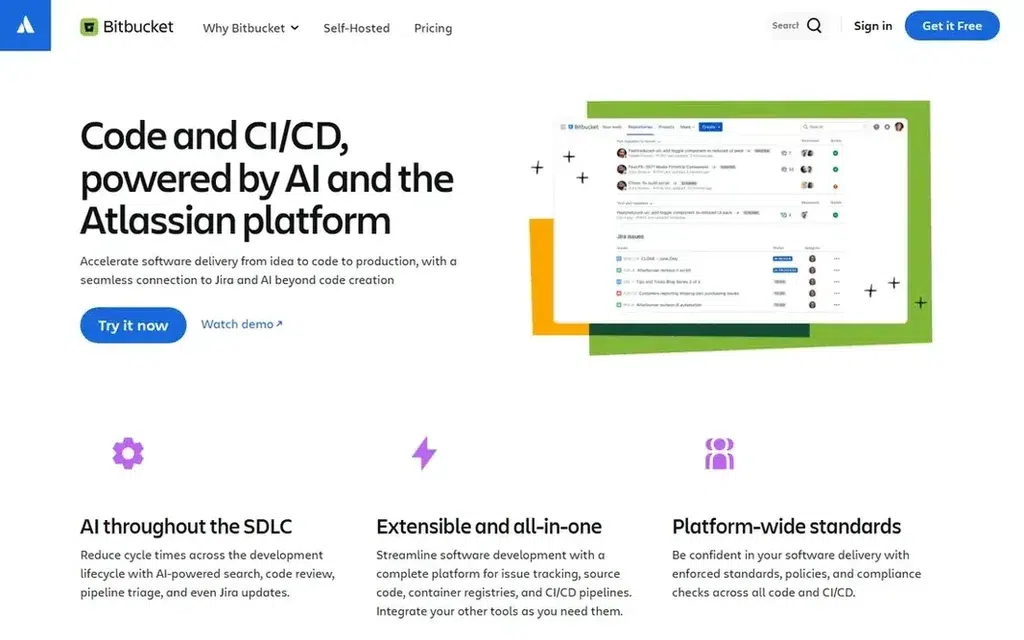
Bitbucket works best for Git hosting tied to Atlassian workflows. Bitbucket is Atlassian's Git-based source code hosting and collaboration product.
It is often chosen by organizations already using Atlassian planning and collaboration tools, since repository work sits naturally alongside those workflows. As a repository-centric product, broader governance and delivery capabilities commonly come from surrounding tools instead of Bitbucket itself. No starting price is listed for Bitbucket here; confirm pricing on the vendor site. Free options: Not stated.
The main drawbacks: Less of a single lifecycle system.
- Suits teams already using Atlassian tooling
- Git repository hosting and code collaboration
- Enterprise governance relies on adjacent tools
Azure DevOps Server
Best for: On-premises code, work and pipelines
Azure DevOps Server makes the most sense for on-premises code, work and pipelines. Azure DevOps Server is Microsoft's on-premises offering that merges source code hosting, work item tracking and delivery tooling in one integrated set of developer tools. It is pitched at organizations that require to keep infrastructure under their own control whereas still giving teams a connected workflow from code to shipped software.
Main advantages: Hosted on-premises for full infrastructure control.
Trade-offs to know: Upgrades and maintenance fall to your team.
Organizations comfortable in the cloud may find Azure Repos or GitHub Enterprise more straightforward, whereas teams wanting a single vendor product for the entire lifecycle should evaluate GitLab. Beyond that, running it on-premises means your team owns installation, upgrades and availability, which is a real operational commitment. Azure DevOps Server shows no starting price here, so confirm the cost on the vendor site. Free options: Free trial.
- Work tracking and delivery tools
- Integrated code
- Needs server administration effort

GitLab is built with one platform across the software lifecycle in mind. GitLab describes itself as an intelligent orchestration product that provides teams and agents context and governance across the entire software lifecycle. If your priority is just governed Git hosting with AI assistance, GitHub Enterprise is the more focused choice.
If you need on-premises integration with work tracking, look at Azure DevOps Server. Instead of a standalone Git host, it bundles source management with planning, review and delivery capabilities. Entry price for GitLab: $29 per user per month. You can start on GitLab without paying.
Points against: Deep configuration needed for large orgs.
- Includes the whole lifecycle in one system
- Positions strongly for agentic software engineering
- Wide scope can be a lot to adopt at once
Azure Repos
Best for: Cloud Git repositories in the Microsoft stack
Azure Repos is aimed squarely at cloud Git repositories in the Microsoft stack. Compared to GitHub Enterprise, Azure Repos offers less in the way of dedicated enterprise governance and AI assistance.
Its value grows primarily when used alongside other Azure DevOps services. Enterprises with strict on-premises requirements should consider Azure DevOps Server, and those wanting a single lifecycle product may prefer GitLab. Pricing for Azure Repos is not stated here, so ask the vendor for current figures. Free plan details: Free trial.
Downsides: Less governance depth than enterprise GitHub.
- Suits organizations standardized on Microsoft tooling
- Git repositories with pull requests and review
- Value relies on the surrounding Azure DevOps suite
GitHub Enterprise
Best for: Governed Git with AI assistance built in
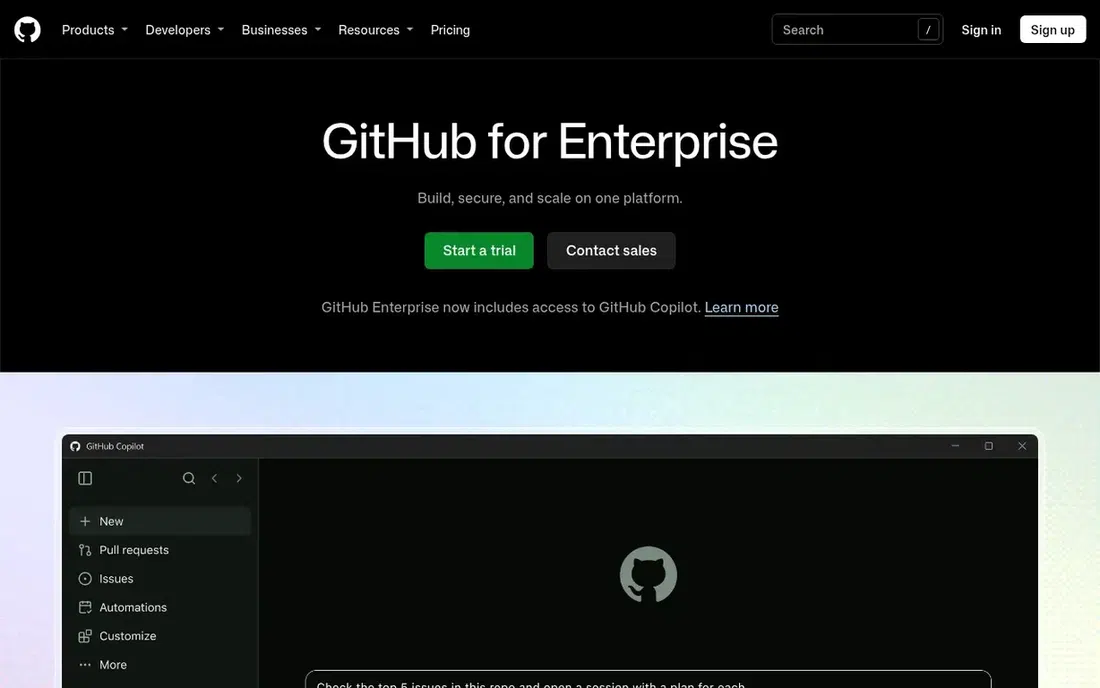
GitHub Enterprise is designed for governed Git with AI assistance built in. It suits large engineering organizations that want a familiar Git workflow with policy and security layered on top.
For everyday use, teams that primarily want an all-in-one lifecycle product with built-in pipelines and issue tracking may prefer GitLab, and organizations that must stay fully on-premises should weigh Azure DevOps Server alongside it. No starting price is listed for GitHub Enterprise here; confirm pricing on the vendor site. Free options: Not stated.
Downsides: Enterprise administration layers on complexity.
- Choice of deployment approach
- Governance and security controls for large organizations
- Advanced controls can feel heavy for small teams
How these tools were picked
For each of the 5 tools we noted price, free plan or trial, fit for source code management software for enterprise and the main limit, using vendor pages and documentation. Seat minimums, billing terms and add-ons can move the real cost, so the starting prices here are a guide and not a quote. Tools are placed by general fit for source code management software for enterprise, with price clarity and free access as tie-breakers. A different team can reasonably rank them differently.
What to check before you buy
- Confirm the entry price on the vendor page. For Bitbucket, Azure DevOps Server, Azure Repos and GitHub Enterprise that means a quote rather than a fixed price.
- Look at the free plan from GitLab closely: its caps decide whether it is usable for real work.
- Run a trial of Azure DevOps Server and Azure Repos with real work before paying for a year; your own workflow is the best test.
- Read the limits listed for Bitbucket first: Enterprise governance depends on adjacent tools.
- Check how data leaves GitHub Enterprise: formats, limits and whether exports are available on every plan.
- A short pilot of Bitbucket with your real workflow tells you more than a feature table.
FAQ
Can I try these tools before paying?
Often, yes. GitLab has a free plan and Azure DevOps Server and Azure Repos offer a free trial. Use your own data and a real task during the test, and check what the free tier or trial limits before you rely on it.
What is the difference between Azure DevOps Server and Azure Repos?
Azure DevOps Server is the on-premises product that merges code hosting, work tracking and delivery tools on your own infrastructure. In practice, Azure Repos is the cloud Git repository service within Azure DevOps, so the choice normally comes down to hosting requirements.
Which options for source code management software for enterprise have a free plan?
GitLab is the only tool in this list with a free plan. Free plans usually cap users, projects or features, so check the limits on the vendor page. Several others offer a trial instead.
How are the tools for source code management software for enterprise ordered?
Bitbucket sits first and GitHub Enterprise last because the order follows typical fit for source code management software for enterprise, then price clarity and free access. It is a judgement call, so read each profile for fit and limits.
What is the cheapest option for source code management software for enterprise in this list?
On published monthly entry prices, GitLab is the lowest here at $29 per user per month. Entry price is only part of the cost, because seats, add-ons and billing terms can change the total. For the full picture, the cards above cover all 5 entries of this source code management software for enterprise list, including price, free plan and limits.
Sources
- https://bitbucket.org/product
- https://azure.microsoft.com/en-us/products/devops/server
- https://about.gitlab.com
- https://azure.microsoft.com/en-us/products/devops/repos
- https://github.com/enterprise