Best Legacy Code Management Software (2026): 6 Picks Checked on Vendor Pages
Need the best legacy code management software? We compare 6 tools on cost, free access and who each suits. Every profile names its biggest catch. Choose faster.
- Editor's choice
 GitLab
Integrated lifecycle orchestration
Starts at$29 per user a monthVisit about.gitlab.comFull review - Great alternativeApache Subversion
Centralized version control continuity
Starts atSee websiteVisit subversion.apache.orgFull review - Also consider
 SonarQube
Code quality and security verification
Starts atSee websiteVisit sonarsource.comFull review
Direct answer
For integrated lifecycle orchestration, GitLab is where this list starts. Listed starting prices: GitLab from $29 per user a month. Apache Subversion fits centralized version control continuity; SonarQube fits code quality and security verification. Details, prices and limits for the rest of the 6 tools are below.
TL;DR:
- GitLab takes the first slot, best suited to integrated lifecycle orchestration.
- The main caution on SonarQube: not a version control system.
- GitLab is the lowest-priced starter here at $29 per user per month.
- Azure DevOps Server is the one to check for on-premises code and work tracking.
Last checked November 2026. Prices and plan details were read from the vendors' own pages in November 2026; vendors change plans often, so confirm the current price on the vendor site before you buy.
Quick comparison
| Tool | Best for | Starts at | Free plan? | |
|---|---|---|---|---|
| GitLab | Integrated lifecycle orchestration | $29 per user a month | Yes | Visit |
| Apache Subversion | Centralized version control continuity | See website | Not stated | Visit |
| SonarQube | Code quality and security verification | See website | Not stated | Visit |
| GitHub Enterprise | Governed development with AI assistance | See website | Not stated | Visit |
| Perforce Helix Core | Large repositories and binary assets | See website | Not stated | Visit |
| Azure DevOps Server | On-premises code and work tracking | See website | Free trial | Visit |
The best legacy code management software
LinkVetted compared 6 tools for legacy code management software. The goal is a practical shortlist: published prices, free plan facts, best-fit use cases and honest limits for every entry.
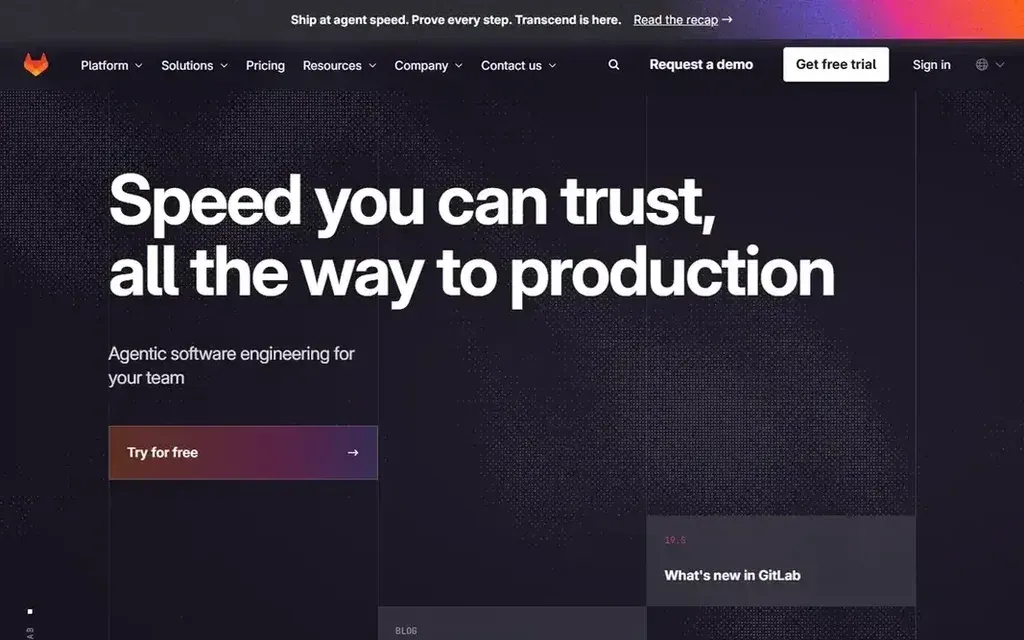
GitLab makes the most sense for integrated lifecycle orchestration. Since the product spans so much of the lifecycle, initial configuration takes real effort, and teams wanting only version control may pay for capability they do not use.
Beyond that, for legacy code management, that means version control sits alongside planning, review and delivery in a single system. GitLab starts at: $29 per user per month. A free plan is available with GitLab.
Watch-outs: Wide scope means a steeper setup.
- Supports teams working alongside automatic agents
- Handles the whole software lifecycle in one system
- Deep configuration required for complicated policies
Apache Subversion
Best for: Centralized version control continuity
Think of Apache Subversion for centralized version control continuity. The centralized model means developers rely on server connectivity, and the surrounding tooling offers fewer modern collaboration features than Git products.
Drawbacks to consider: Fewer modern collaboration features.
Beyond that, Apache Subversion is a long-established centralized version control system, widely known for managing source code with a single authoritative repository. Apache Subversion does not show a starting price in this comparison, so check the vendor site for current pricing. Trial and free access: Not stated.
- Open source with wide tooling support
- Straightforward concept for linear histories
- Centralized model limits offline work
Pick SonarQube if this describes you: code quality and security verification. SonarQube from Sonar supplies code quality, security and verification tooling, including compliant AI code reviews.
SonarQube does not store or run source history, so it must be paired with a version control system. Its value relies on sustained attention to findings instead of one-off scans. Check the vendor site for SonarQube pricing; none is listed in this comparison. On free options: Not stated.
What to check first: Not a version control system.
- Complements existing version control
- Code quality and security verification
- Needs integration with a repository host
GitHub Enterprise
Best for: Governed development with AI assistance
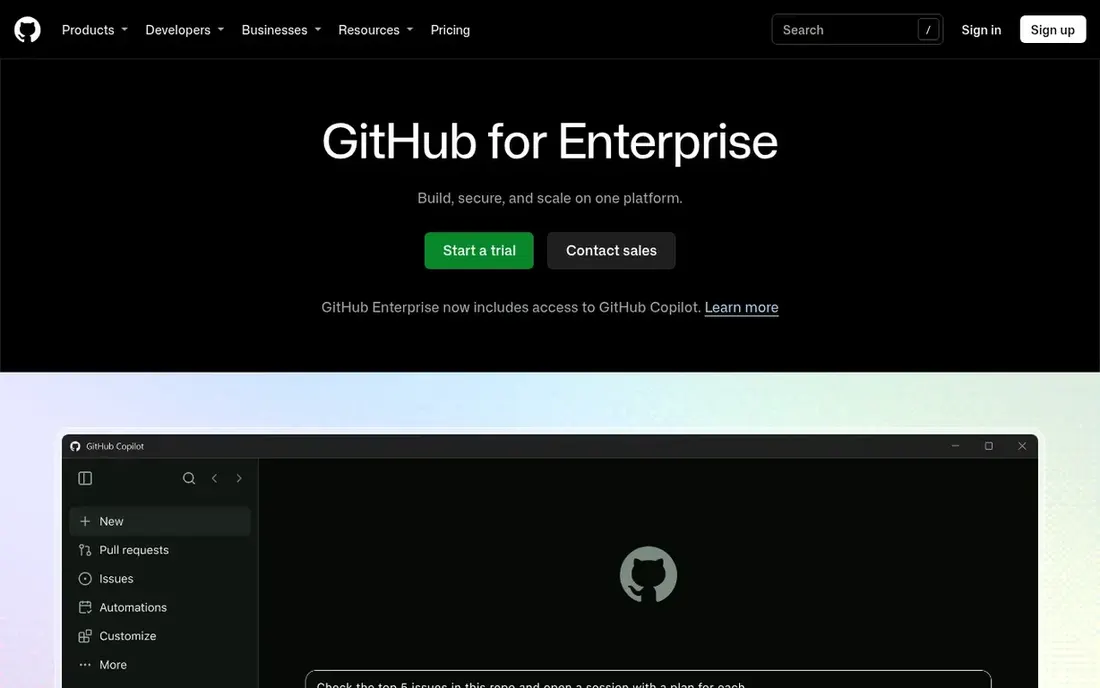
GitHub Enterprise is aimed squarely at governed development with AI assistance. Smaller teams may find the enterprise controls unnecessary.
The product assumes a Git-centric workflow, so teams still on centralized version control face a migration effort before they see value. On top of that, GitHub Enterprise is a system for shipping software at scale, combining governance, security and deployment choice in one place. GitHub Enterprise shows no starting price here, so confirm the cost on the vendor site. Free access: Not stated.
Drawbacks to consider: Migration of long histories takes planning.
- Copilot included in the system
- Governance and security controls for large organizations
- Feature depth can overwhelm small teams
Perforce Helix Core
Best for: Large repositories and binary assets
In short, Perforce Helix Core is for large repositories and binary assets. Teams with modest repositories and standard workflows may not need its scaling characteristics. More specifically, Perforce Helix Core, also presented as Perforce P4, is a high-performance version control system built to scale with teams of any size.
Limits to weigh: Specialized knowledge needed to administer.
It is frequently chosen for legacy projects that bundle large binary assets, like game content or hardware designs, where Git repositories become unwieldy. Its model differs from distributed version control, so developers familiar with Git face a ramp-up time, and administration needs dedicated knowledge. Consider a Git-based product if your legacy code is largely text and your team is Git-native. Perforce Helix Core does not show a starting price in this comparison, so check the vendor site for current pricing. Free access: Not stated.
- Meant to scale across team sizes
- High-performance version control
- Different workflow from Git-based tools
Azure DevOps Server
Best for: On-premises code and work tracking
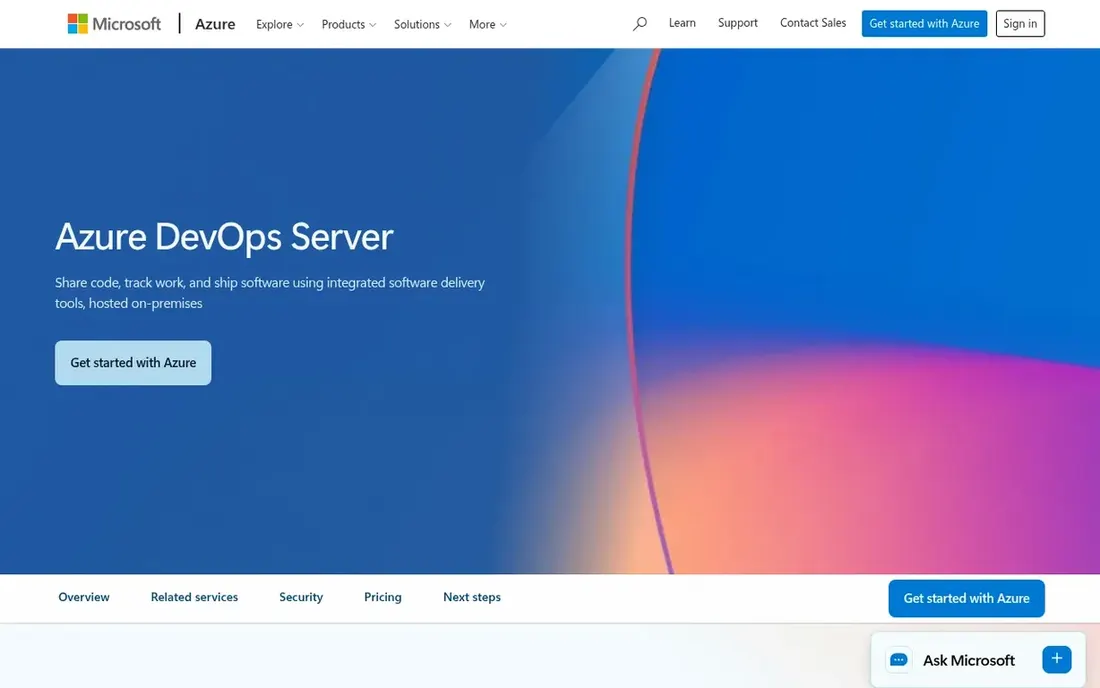
Azure DevOps Server is aimed squarely at on-premises code and work tracking. That makes it a practical choice for organizations with legacy code that must stay inside their own network or data center.
Strengths: Integrated code.
It fits enterprises already invested in Microsoft tooling that want version control and work item tracking in one governed system. Check the vendor site for Azure DevOps Server pricing; none is listed in this comparison. On free options: Free trial.
Watch-outs: Needs server maintenance and upgrades.
- Hosted on-premises for infrastructure control
- Familiar to Microsoft-centric organizations
- Less appealing for teams avoiding on-premises infrastructure
What went into this list
LinkVetted used vendor pricing pages and product documentation as the base, then compared plans, free access and documented limits for 6 tools. Where a price is missing, the vendor does not list one publicly or ties it to a quote. Always confirm before budgeting. The order reflects how well each tool fits the most common buying scenario for legacy code management software, then price clarity, then free plan access. It is a starting point, not a verdict.
What to check before you buy
- Confirm the entry price on the vendor page. For Apache Subversion, SonarQube, GitHub Enterprise and others that means a quote rather than a fixed price.
- Look at the free plan from GitLab closely: its caps decide whether it is usable for real work.
- Use real work to test the free trial from Azure DevOps Server, rather than a demo project.
- Before choosing GitLab, weigh its main limit: wide scope means a steeper setup.
- Add up seats, add-ons and usage charges for Azure DevOps Server before comparing it with cheaper entries.
- Check the support hours and onboarding help GitLab offers; smaller vendors vary a lot here.
FAQ
When does Perforce Helix Core make more sense than a Git platform?
Perforce Helix Core is made for high-performance version control and scaling, which helps when repositories bundle large binary assets or very long histories. Git-based products remain a natural fit for text-heavy code and Git-native teams.
Can I try these options before paying?
Often, yes. GitLab has a free plan and Azure DevOps Server offers a free trial. Use your own data and a real task during the test, and check what the free tier or trial limits before you rely on it.
What is the cheapest option for legacy code management software in this list?
On published monthly entry prices, GitLab is the lowest here at $29 per user per month. Entry price is only part of the cost, because seats, add-ons and billing terms can change the total. Each of the 6 options in this legacy code management software guide has its own card above with the price, free plan and limits.
Which options for legacy code management software have a free plan?
GitLab is the only tool in this list with a free plan. Free plans usually cap users, projects or features, so check the limits on the vendor page. One other tool offers a trial instead.
What counts as legacy code management software?
It spans tools that store, version and govern long-lived codebases, frequently with controls for change history and release processes. Numerous teams combine a repository system with a verification tool.
Do these tools publish their prices?
Not all of them. Apache Subversion, SonarQube, GitHub Enterprise and others publish no starting price, so expect a quote request for those. The rest, GitLab included, show a starting price, though seats and billing terms still change the final cost.
Sources
- https://about.gitlab.com
- https://subversion.apache.org
- https://www.sonarsource.com/products/sonarqube
- https://github.com/enterprise
- https://www.perforce.com/products/helix-core
- https://azure.microsoft.com/en-us/products/devops/server