Best Software for School Communication (2026): 6 Picks Checked on Vendor Pages
Searching for the best software for school communication? Here are 6 options with prices and free plans. Each tool is judged on the same checks. Start here.
- Editor's choice
 Google Classroom
Classroom management and communication
Starts atSee websiteVisit classroom.google.comFull review - Great alternative
 ClassDojo
Elementary classroom communication
Starts atSee websiteVisit classdojo.comFull review - Also consider
 Microsoft Teams for Education
Collaboration and class meetings
Starts at$4.00 per user a monthVisit microsoft.comFull review
Direct answer
Google Classroom comes first here, mainly for Classroom management and communication. Listed starting prices: Microsoft Teams for Education from $4.00 per user a month. For a different need, ClassDojo covers elementary classroom communication and Microsoft Teams for Education covers collaboration and class meetings. Prices, free plans and limits for all 6 tools follow.
TL;DR:
- Google Classroom is the opening pick, best for Classroom management and communication.
- Remind is the one to check for community group messaging.
- A permanent free plan is missing from all 6 tools, Google Classroom and Remind included; plan for a trial or a premium start.
- For the cheapest start, look at Microsoft Teams for Education: $4.00 per user per month.
Last checked November 2026. Prices and plan details were read from the vendors' own pages in November 2026; vendors change plans often, so confirm the current price on the vendor site before you buy.
Quick comparison
| Tool | Best for | Starts at | Free plan? | |
|---|---|---|---|---|
| Google Classroom | Classroom management and communication | See website | Not stated | Visit |
| ClassDojo | Elementary classroom communication | See website | Not stated | Visit |
| Microsoft Teams for Education | Collaboration and class meetings | $4.00 per user a month | Free trial | Visit |
 Canvas LMS | Higher education and K-12 LMS | See website | Not stated | Visit |
| ParentSquare | Unified K-12 family engagement | See website | Not stated | Visit |
 Remind | Community group messaging | See website | Not stated | Visit |
The full software for school communication list
Short on time? The summary and table above give the quick view of 6 tools for software for school communication, and the profiles that follow give the detail behind each entry.
In short, Google Classroom is for Classroom management and communication. Google Classroom is a central hub for tools and resources built to help educators run classrooms and enrich learning experiences.
In daily use, Google Classroom's communication features are entry-level and may not support solid family engagement. Teachers already using Google tools will find it a convenient way to simplify classroom communication. Pricing for Google Classroom is not stated here, so ask the vendor for current figures. Free options: Not stated.
Where it is weaker: Needs Google ecosystem.
- Central hub for assignments and resources
- Links up with Google tools
- Communication features are entry-level
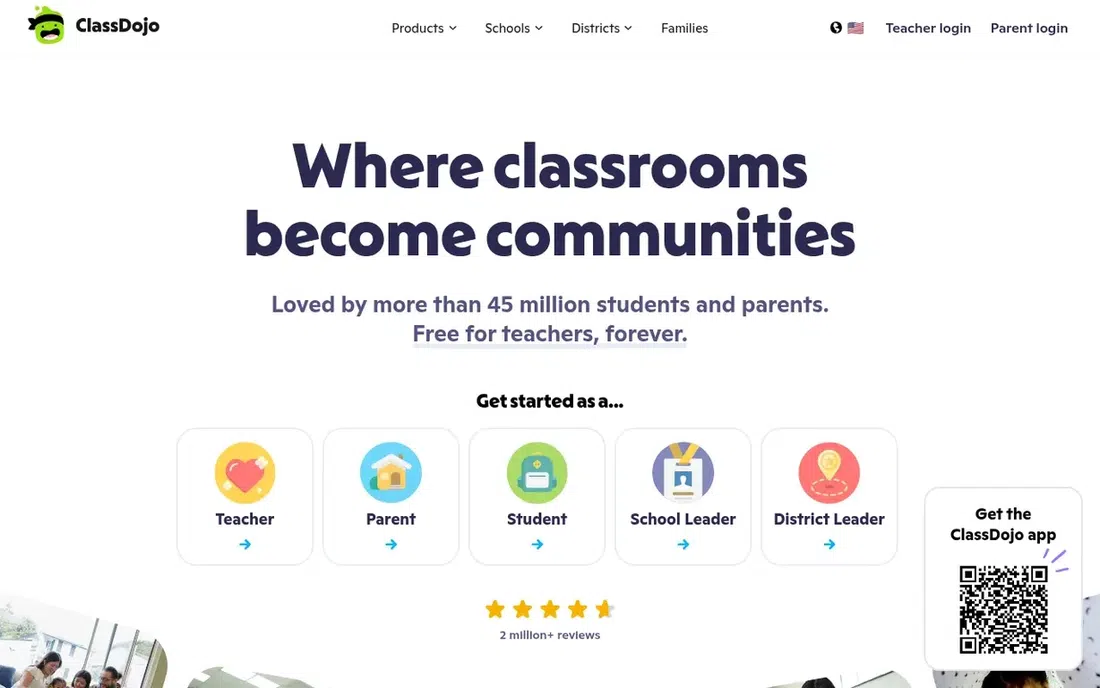
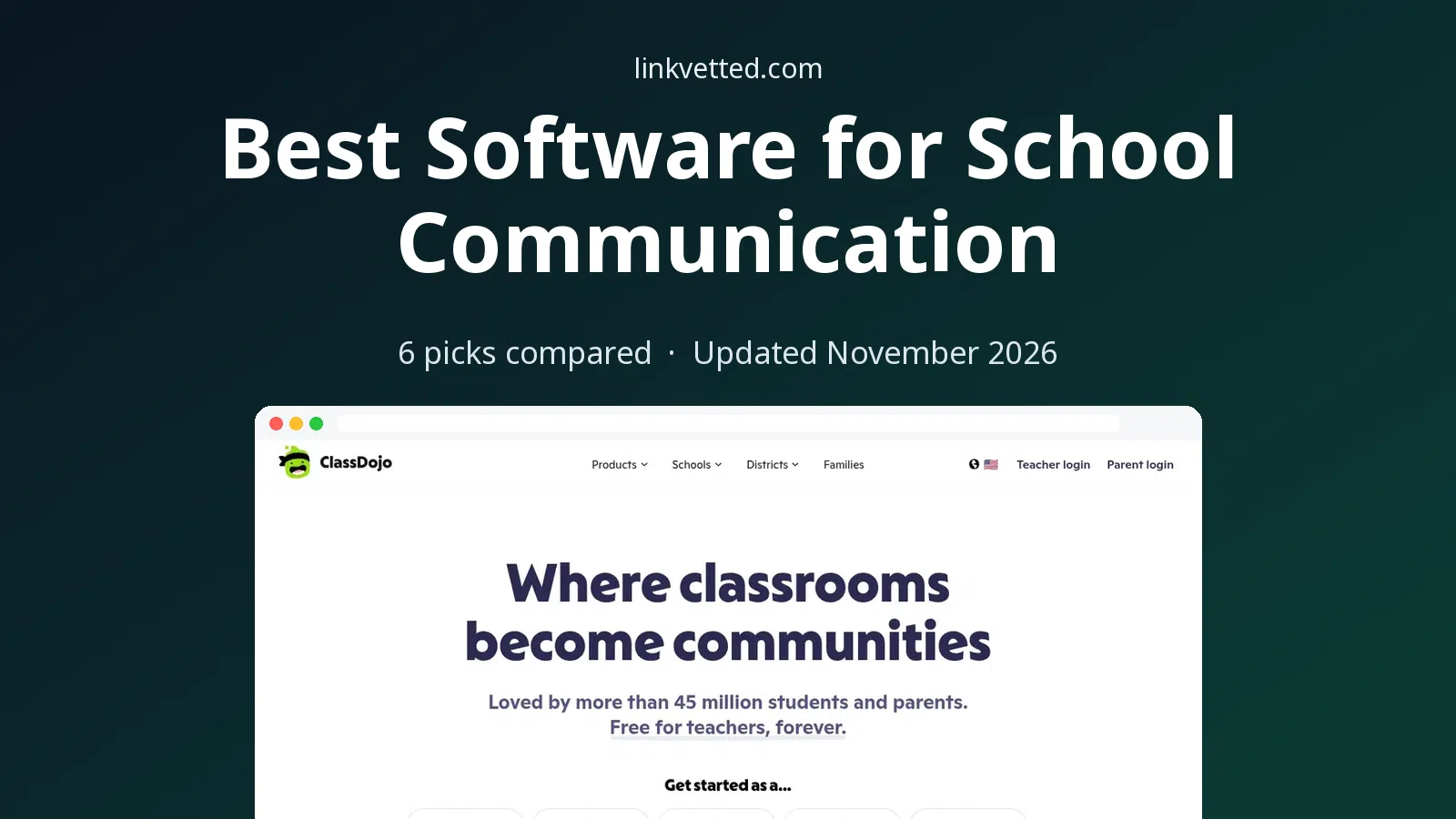
Where ClassDojo fits: elementary classroom communication. ClassDojo links K-12 teachers with families through free classroom communication, behavior tracking, and student portfolios. It is notably widely used in elementary settings for sharing updates and photos with parents.
Teachers who want a straightforward, engaging way to keep families informed will find ClassDojo a practical choice. ClassDojo concentrates on classroom-level communication and may lack the administrative tools bigger schools or districts need. For school-wide or district-wide communication, a system like ParentSquare is more appropriate. This comparison lists no price for ClassDojo; ask the vendor. As for free access: Not stated.
Limits to weigh: May not scale to district-wide needs.
- Comes with behavior tracking and student portfolios
- Free classroom communication
- Restricted to classroom-level features
Pick Microsoft Teams for Education if this describes you: collaboration and class meetings. Schools using Microsoft 365 will find Teams a natural fit for communication and collaboration. More specifically, Microsoft Teams for Education brings classes, meetings, assignments, files, and collaboration together in one place.
On top of that, educators and students can communicate through chat and video, making it a feature-rich tool for remote and hybrid learning. Teams supplies plenty of features that may be more than needed for entry-level school communication, and it needs a Microsoft 365 environment. On cost, Microsoft Teams for Education starts like this: $4.00 per user per month. Free access: Free trial.
Where it is weaker: Needs Microsoft 365 setup.
- Integrates meetings, assignments, files
- Supports live collaboration
- Can be overwhelming for straightforward communication
Canvas LMS makes the most sense for higher education and K-12 LMS. Canvas by Instructure is a learning management system built to ease teaching and enhance student learning. It bundles communication features like announcements and messaging, making it a thorough system for educational institutions.
Watch-outs: Primarily a LMS.
As for the details, schools and districts seeking an integrated LMS with communication capabilities will find Canvas a capable choice. Canvas is primarily a LMS, so its communication features may not be as specialized as those in a dedicated family engagement product. Canvas LMS shows no starting price here, so confirm the cost on the vendor site. Free access: Not stated.
- Approachable learning management
- Contains communication tools
- Not a dedicated communication system
ParentSquare
Best for: Unified K-12 family engagement
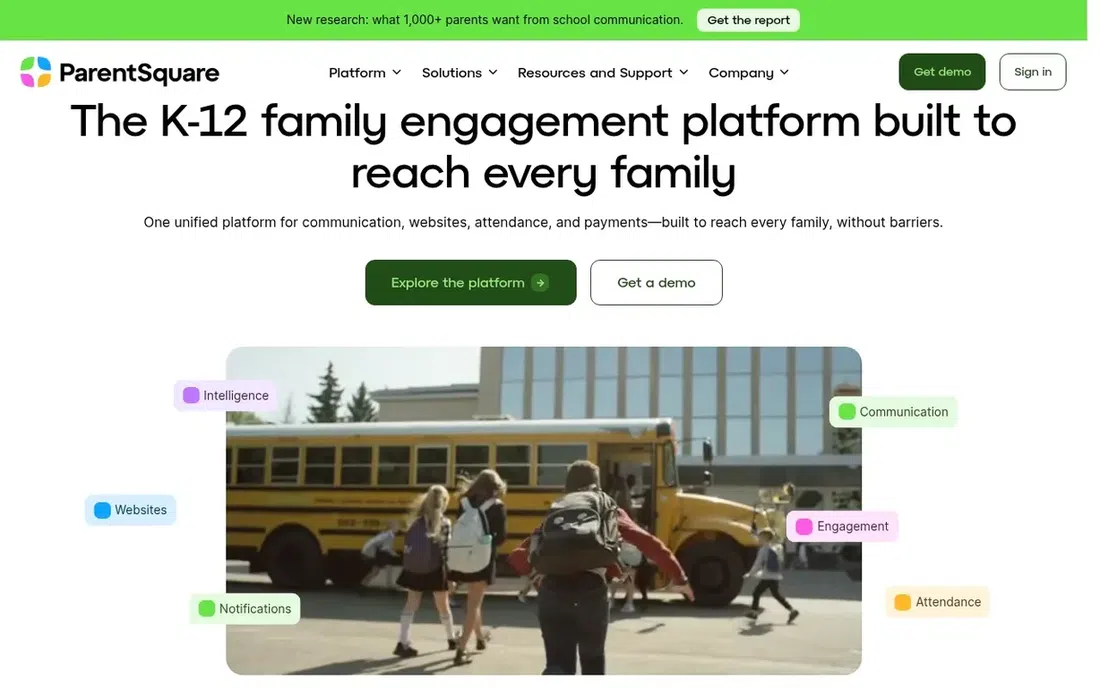
For unified K-12 family engagement, ParentSquare is a natural candidate. This makes it a solid fit for districts seeking a unified communication hub that links several tools and engages families across the community.
Check the vendor site for ParentSquare pricing; none is listed in this comparison. Free access: Not stated.
Downsides: Needs setup and training.
- Merges communications, websites, attendance, payments
- Built for district-wide family engagement
- May be more than small schools need
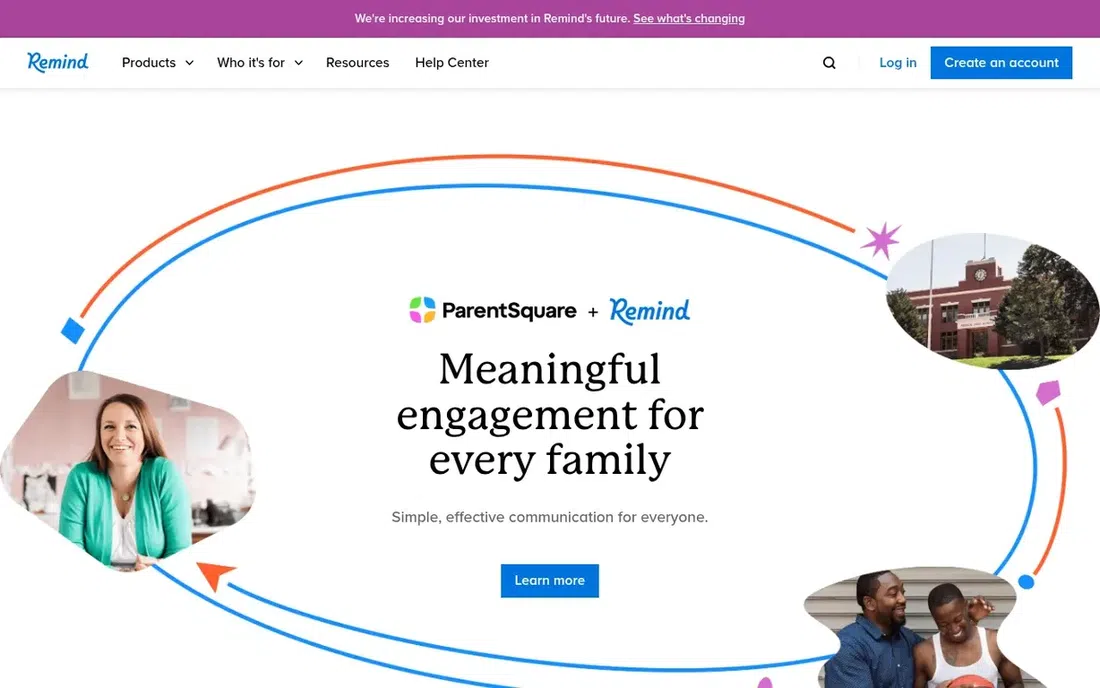
Remind makes the most sense for community group messaging. For K-12 schools and districts, Remind directs users to ParentSquare, so it may not be the best fit for formal school-wide communication.
What to check first: Restricted to messaging features.
Teachers who require an entry-level way to send reminders and updates will find Remind simple to use. Remind does not show a starting price in this comparison, so check the vendor site for current pricing. As for free access: Not stated.
- Also serves youth organizations and nonprofits
- Straightforward messaging for teachers and groups
- K-12 districts are directed to ParentSquare
Our selection method
We compared the tools on published pricing, free plan or trial availability, feature coverage for software for school communication, and the limits each vendor documents. Plan names, prices and limits change often. Treat the figures here as a starting point and verify them with the vendor. We ordered the tools by general fit, then by how clearly pricing is shown, then by free access. A buyer with unusual needs may reorder them.
Pre-purchase checklist
- Get a written quote from Google Classroom, ClassDojo, Canvas LMS and others; the list shows no starting price for them.
- Take the trial from Microsoft Teams for Education and push a live task through it before you pay.
- Before choosing Google Classroom, weigh its main limit: communication features are entry-level.
- Find out what support Google Classroom includes on your plan, and whether onboarding help costs extra.
- Look at the renewal terms for Remind: auto-renewal, notice periods and price changes can matter more than the first-year price.
FAQ
Is Google Classroom the right pick for everyone comparing software for school communication?
No single tool suits every team. Google Classroom comes first because it fits Classroom management and communication, while ClassDojo suits elementary classroom communication and Microsoft Teams for Education suits collaboration and class meetings. Match the tool to your own size, budget and workflow before deciding.
How are the tools for software for school communication ordered?
Google Classroom sits first and Remind last because the order follows typical fit for software for school communication, then price clarity and free access. It is a judgement call, so read each profile for fit and limits.
Does any tool for software for school communication here have a free plan?
A permanent free plan is not offered by Google Classroom, Remind or the other tools here. Microsoft Teams for Education offer a trial. Plan a short evaluation period instead.
How does Remind differ from ParentSquare?
Remind concentrates on straightforward messaging for teachers and community groups, whereas ParentSquare is aimed at district-wide family engagement with extra features like attendance and payments. K-12 districts are directed to ParentSquare for full needs.
Can I use Google Classroom for parent communication?
Google Classroom contains entry-level communication features like announcements, but it is primarily a classroom management tool. For solid parent communication, consider pairing it with a dedicated system like ParentSquare.
Do these tools publish their prices?
Not all of them. Google Classroom, ClassDojo, Canvas LMS and others publish no starting price, so expect a quote request for those. The rest, Microsoft Teams for Education included, show a starting price, though seats and billing terms still change the final cost.
Sources
- https://classroom.google.com
- https://www.classdojo.com
- https://www.microsoft.com/en-us/microsoft-teams/education
- https://www.instructure.com/canvas
- https://www.parentsquare.com
- https://www.remind.com