6 Best Software for School Scheduling for 2026, Vetted and Compared
Compare 6 picks for the best software for school scheduling, with prices, free plans and who each fits. The weak spots sit next to the strengths. Details below.
- Editor's choiceAeries Student Information System
Districts wanting live data and analytics
Starts atSee websiteVisit aeries.comFull review - Great alternativeBlackbaud Education Management
Teams comparing choices in this category
Starts atSee websiteVisit blackbaud.comFull review - Also consider
 FACTS SIS
Connected K-12 data and finance ecosystem
Starts atSee websiteVisit factsmgt.comFull review
Direct answer
If you need districts wanting real-time data and analytics, Aeries Student Information System is the first tool to look at here. Listed starting prices: Sycamore School from $4 per student a month. Blackbaud Education Management is the stronger choice for teams comparing choices in this category, while FACTS SIS suits connected K-12 data and finance ecosystem. Prices, free plans and limits for all 6 tools follow.
TL;DR:
- Aeries Student Information System takes the first slot, best suited to districts wanting live data and analytics.
- Neither Aeries Student Information System nor Infinite Campus, nor any of the other 4 tools, has a permanent free plan; trials and quotes are the norm.
- What to know about Blackbaud Education Management first: broader portfolio can feel complex.
- Sycamore School has the lowest monthly starting price in this list: $4 per student per month.
Last checked November 2026. Prices and plan details were read from the vendors' own pages in November 2026; vendors change plans often, so confirm the current price on the vendor site before you buy.
Quick comparison
| Tool | Best for | Starts at | Free plan? | |
|---|---|---|---|---|
| Aeries Student Information System | Districts wanting live data and analytics | See website | Not stated | Visit |
| Blackbaud Education Management | Teams comparing choices in this category | See website | Not stated | Visit |
| FACTS SIS | Connected K-12 data and finance ecosystem | See website | Not stated | Visit |
| Sycamore School | All-in-one school operations and communication | $4 per student a month | Not stated | Visit |
| Veracross | Teams comparing choices in this category | See website | Not stated | Visit |
 Infinite Campus | Districts needing a thorough SIS | See website | Not stated | Visit |
Our 6 picks for software for school scheduling
LinkVetted compared 6 tools for software for school scheduling. The goal is a practical shortlist: published prices, free plan facts, best-fit use cases and honest limits for every entry.
Aeries Student Information System
Best for: Districts wanting live data and analytics
Where Aeries Student Information System fits: districts wanting live data and analytics. Schools needing only entry-level scheduling should confirm the analytics and reporting features they will actually use.
Strengths: teachers and parents.
Check the vendor site for Aeries Student Information System pricing; none is listed in this comparison. As for free access: Not stated.
Honest limits: Analytics depth should be checked.
- Real-time data for staff and families
- Serves districts
- District orientation may not suit every school
Blackbaud Education Management
Best for: Teams comparing choices in this category
For teams comparing options in this category, Blackbaud Education Management is a natural candidate. Scheduling sits within a broader management environment instead of as a standalone tool.
In practice, the wider portfolio means more moving parts, and some schools may only need a fraction of it. This comparison lists no price for Blackbaud Education Management; ask the vendor. On free options: Not stated.
Where it falls short: Broader portfolio can feel complicated.
- Part of a broader software portfolio
- Education-focused management suite
- Scheduling is one part of a bigger suite
FACTS SIS is a good fit for connected K-12 data and finance ecosystem. It fits institutions looking to consolidate administrative functions.
Confirm which parts of the product your school would actually use before deciding. FACTS SIS does not show a starting price in this comparison, so check the vendor site for current pricing. Free access: Not stated.
Honest limits: Scheduling is one piece of the product.
- Connected K-12 SaaS ecosystem
- Finances and admissions
- Wide scope needs careful planning
Sycamore School
Best for: All-in-one school operations and communication
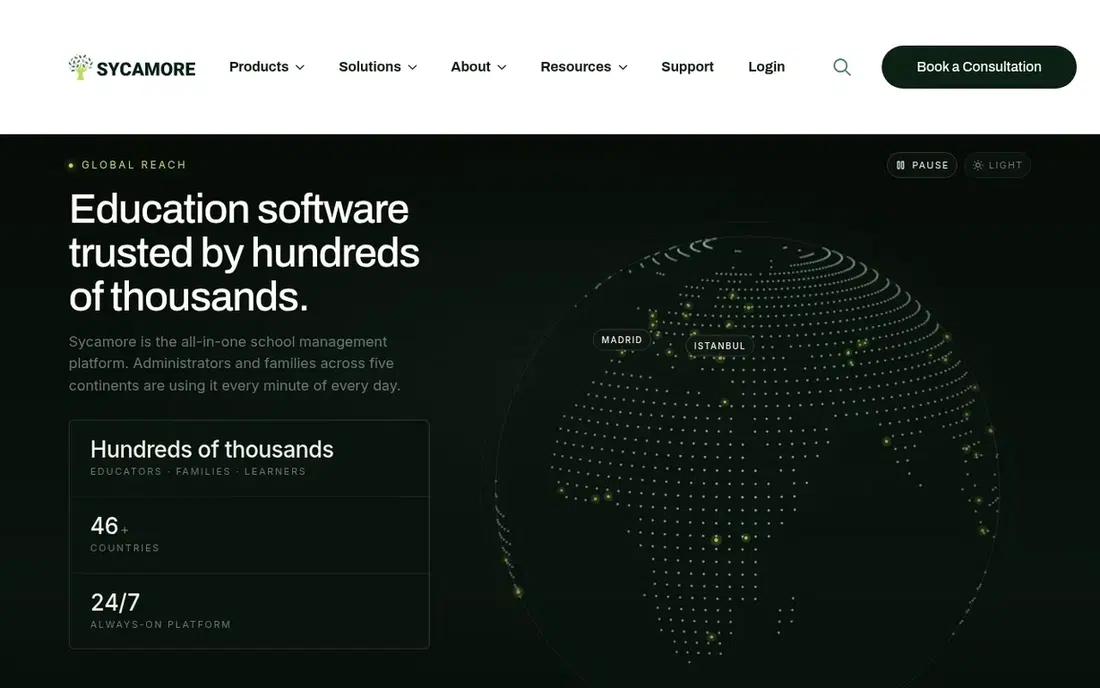
Sycamore School is built with all-in-one school operations and communication in mind. Sycamore School, from Sycamore Leaf Solutions, is described as an all-in-one school management system meant to ease operations and enhance communication. That makes it a reasonable fit for schools that want scheduling and daily administration handled in one place without juggling numerous vendors.
Communication features are a stated priority. An all-in-one approach can trade depth for convenience, so schools with highly specialized scheduling needs should check module specifics. On top of that, bigger districts with complicated requirements may prefer a system built around district-scale operations. Review the documented feature list before committing. On cost, Sycamore School starts like this: $4 per student per month. Free options: Not stated.
Watch-outs: Feature depth varies by module.
- Built-in communication focus
- Single system for school management
- Less suited to very large districts
Veracross
Best for: Teams comparing choices in this category
Choose Veracross for teams comparing choices in this category. It is a natural fit for schools already managing numerous separate data sources.
Honest limits: Public districts may need a different fit.
On top of that, schools with modest needs should weigh whether the full SIS is more than required. No starting price is listed for Veracross here; confirm pricing on the vendor site. Trial and free access: Not stated.
- Single SIS for connected records
- Aims to unify school data
- Centred on private schools
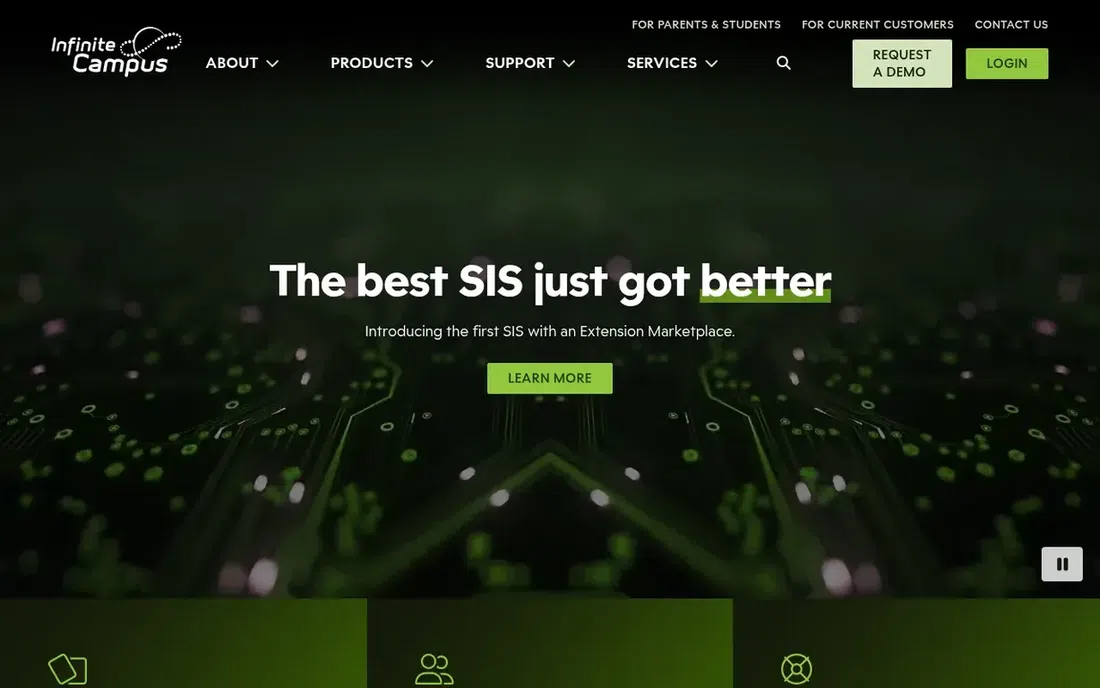
Choose Infinite Campus for districts needing a comprehensive SIS. Infinite Campus positions itself as a modern, thorough student information system that links districts to a large set of core tools. Confirm module details with the vendor.
Also, if your priority is a lightweight, quick-to-launch scheduler, a more straightforward cloud-based choice may be simpler to adopt. Beyond that, the breadth that makes it capable can also mean a heavier implementation and more configuration than a small school may want. Check the vendor site for Infinite Campus pricing; none is listed in this comparison. Free plan details: Not stated.
Drawbacks to consider: Setup needs planning.
- Wide SIS feature set
- Manages scheduling within one system
- Large-scale focus may suit smaller schools less
What went into this list
For each of the 6 tools we noted price, free plan or trial, fit for software for school scheduling and the main limit, using vendor pages and documentation. Plan names, prices and limits change often. Treat the figures here as a starting point and verify them with the vendor. The sequence is a judgement call: typical use case first, then pricing transparency, then free access. Use the profiles to check fit.
What to check before you buy
- Confirm the entry price on the vendor page. For Aeries Student Information System, Blackbaud Education Management, FACTS SIS and others that means a quote rather than a fixed price.
- Read the limits listed for Aeries Student Information System first: district orientation may not suit every school.
- Test how quickly Veracross answers a pre-sales question; it hints at how support will feel later.
- Confirm minimum seats and billing terms with Aeries Student Information System before you commit to an annual plan.
- A short pilot of FACTS SIS with your real workflow tells you more than a feature table.
FAQ
What should a school look for in scheduling software?
Look for scheduling workflows that match your course structure, calendar and reporting requirements. Also check implementation effort and staff training needs before choosing.
Is Aeries Student Information System the right pick for everyone comparing software for school scheduling?
No single tool suits every team. Aeries Student Information System comes first because it fits districts wanting real-time data and analytics, while Blackbaud Education Management suits teams comparing options in this category and FACTS SIS suits connected K-12 data and finance ecosystem. Match the tool to your own size, budget and workflow before deciding.
Does any tool for software for school scheduling here have a free plan?
A permanent free plan is not offered by Aeries Student Information System, Infinite Campus or the other tools here. Plan a short evaluation period instead.
Can I try these tools before paying?
Not by default. None of the tools, from Aeries Student Information System to Infinite Campus, lists a free plan or a free trial here, so ask each vendor for a demo before committing.
What is the cheapest option for software for school scheduling in this list?
On published monthly entry prices, Sycamore School is the lowest here at $4 per student per month. Entry price is only part of the cost, because seats, add-ons and billing terms can change the total. All 6 picks in this software for school scheduling comparison list a starting price, free plan details and the main limits on their cards above.
How do district systems differ from private school systems?
District-oriented systems like Infinite Campus and Aeries emphasize scale, live data and analytics across numerous schools. As for the details, match the orientation to your school type.
Sources
- https://www.aeries.com
- https://www.blackbaud.com
- https://factsmgt.com
- https://www.sycamoreschool.com
- https://www.veracross.com
- https://www.infinitecampus.com