Best Software for Residential Construction in 2026: Prices, Free Plans and 6 Picks
6 tools for the best software for residential construction, compared on pricing, free plans and best-fit use. Each pick lists its main limit. Start here.

- Editor's choice
 Procore
Site-to-office project visibility
Starts atSee websiteVisit procore.comFull review - Great alternative
 Buildxact
Estimating and project management
Starts atSee websiteVisit buildxact.comFull review - Also consider
 Contractor Foreman
All-in-one contractor management
Starts atSee websiteVisit contractorforeman.comFull review
Direct answer
Our first pick is Procore, best for site-to-office project visibility. Listed starting prices: Knowify from $19 per unit a month and Fieldwire from $39 per user per month. Buildxact is the stronger choice for estimating and project management, while Contractor Foreman suits all-in-one contractor management. The full list of 6 tools follows, with prices and free plan facts.
TL;DR:
- Top of the list is Procore, which targets site-to-office project visibility.
- Fieldwire suits live jobsite task tracking.
- Knowify has the lowest monthly starting price in this list: $19 per unit per month.
- Fieldwire stands alone as the one tool in this list with a free plan.
- What to know about Contractor Foreman first: wide suite may need setup time.
Last checked November 2026. Prices and plan details were read from the vendors' own pages in November 2026; vendors change plans often, so confirm the current price on the vendor site before you buy.
Quick comparison
| Tool | Best for | Starts at | Free plan? | |
|---|---|---|---|---|
| Procore | Site-to-office project visibility | See website | Not stated | Visit |
| Buildxact | Estimating and project management | See website | Free trial | Visit |
| Contractor Foreman | All-in-one contractor management | See website | Not stated | Visit |
 CoConstruct | Residential builders and remodelers | See website | Not stated | Visit |
 Knowify | Trade contractors on residential jobs | $19 per unit a month | Free trial | Visit |
 Fieldwire | Live jobsite task tracking | $39 per user per month | Yes | Visit |
The best software for residential construction
If you are comparing software for residential construction, this page covers 6 tools in one place: what each is best for, what it costs to start, whether it has a free plan, and the main limit to know about.

Think of Procore for site-to-office project visibility. Verify which modules fit your workflow on the vendor site.
Trade-offs to know: Can be more than small builders need.
As for the details, Procore describes its product as connecting the site and the office, giving teams the live visibility needed to deliver quality projects on time. Check the vendor site for Procore pricing; none is listed in this comparison. Free plan details: Not stated.
- Live project visibility
- Wide construction system
- Implementation needs effort
Choose Buildxact for estimating and project management. Bigger commercial operations may prefer Procore. The homepage mentions a trial, with details shown on the vendor site.
In practice, if you need deep field task tracking or drawing control, a dedicated tool for example Fieldwire may complement it better. Confirm regional availability and current features with the vendor before deciding. Check the vendor site for Buildxact pricing; none is listed in this comparison. On free options: Free trial.
Points against: Estimating focus may leave gaps elsewhere.
- Project and construction management
- Easy-to-use positioning
- Regional availability should be checked
Contractor Foreman makes the most sense for all-in-one contractor management. Contractor Foreman markets itself as all-in-one construction management software handling estimates, scheduling, time cards and invoicing. The homepage also mentions a trial and a guarantee, details of which are shown on the vendor site.
Where it shines: Estimates.
More specifically, since it spans plenty of functions, some modules may be less deep than dedicated specialists, so map your must-haves first. More specifically, confirm module coverage with the vendor. Pricing for Contractor Foreman is not stated here, so ask the vendor for current figures. Free plan details: Not stated.
Downsides: Wide suite may need setup time.
- Scheduling and invoicing together
- Straightforward contractor focus
- Depth varies by module
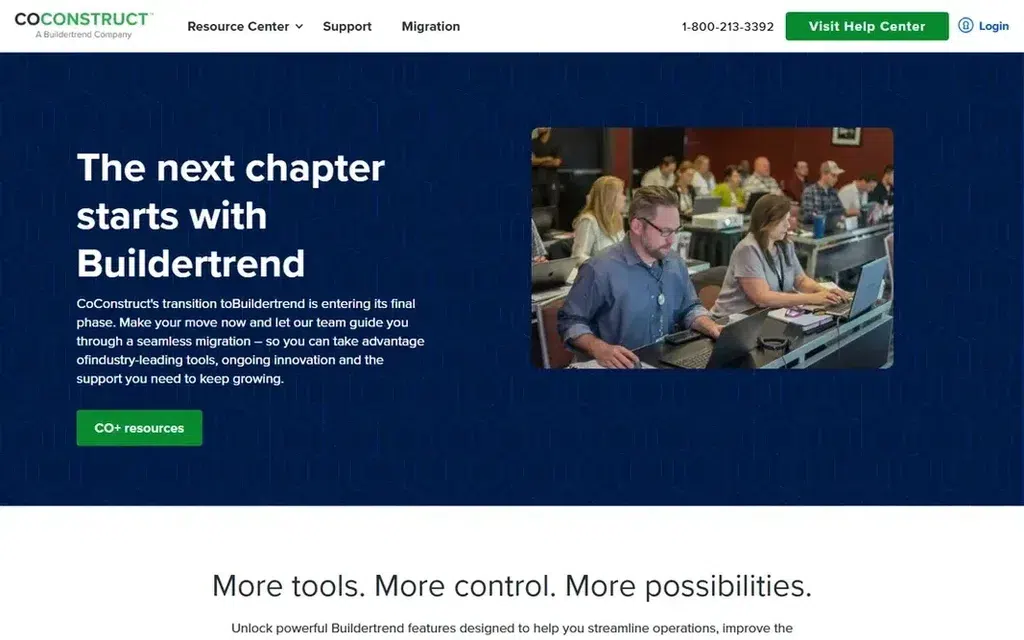
In short, CoConstruct is for residential builders and remodelers. If your work is largely commercial or you only need field task tracking, a narrower tool like Fieldwire may be a better fit. Confirm current feature scope with the vendor.
Trade-offs to know: Setup takes planning.
The product carries a ramp-up time, and very small operations may find it heavier than needed. From a buyer's view, CoConstruct is construction management software pitched at custom home builders and remodelers. Its homepage notes that CoConstruct and Buildertrend are now a unified brand committed to a smooth experience. Check the vendor site for CoConstruct pricing; none is listed in this comparison. On free options: Not stated.
- Built around custom home and remodel workflows
- Client communication and selections support
- Can feel complicated for very small crews
Where Knowify fits: trade contractors on residential jobs. The homepage displays starting pricing, which is listed on the vendor site.
As for the details, confirm the modules you need with the vendor. On cost, Knowify starts like this: $19 per unit per month. Trial and free access: Free trial.
Honest limits: Feature depth varies by workflow.
- Run and invoice in one place
- Aimed at trade contractors
- Trade-contractor focus may not suit custom home builders
Fieldwire is built with live jobsite task tracking in mind. Fieldwire by Hilti is live jobsite management software for tracking tasks, updating drawings and reducing expensive rework, pitched at owners, general contractors and subcontractors. It can sit alongside estimating or business software instead of replace it.
Points against: Not a full estimating or billing suite.
It is not a full estimating, selections or invoicing product, so pair it with tools like Buildxact or Contractor Foreman for office functions. From a buyer's view, verify current capabilities on the vendor site. Starting cost for Fieldwire: $39 per user per month. Fieldwire has a free plan.
- Targeted at owners
- GCs and subcontractors
- Best paired with office software
What went into this list
We compared the tools on published pricing, free plan or trial availability, feature coverage for software for residential construction, and the limits each vendor documents. Plan names, prices and limits change often. Treat the figures here as a starting point and verify them with the vendor. We ordered the tools by general fit, then by how clearly pricing is shown, then by free access. A buyer with unusual needs may reorder them.
Pre-purchase checklist
- Confirm the entry price on the vendor page. For Procore, Buildxact, Contractor Foreman and CoConstruct that means a quote rather than a fixed price.
- Look at the free plan from Fieldwire closely: its caps decide whether it is usable for real work.
- Use real work to test the free trial from Buildxact and Knowify, rather than a demo project.
- Before choosing Procore, weigh its main limit: can be more than small builders need.
- List the apps you already depend on and check that Buildxact supports each one on the plan you would buy.
- Run a one or two week pilot of CoConstruct with the people who will use it every day.
FAQ
Which options for software for residential construction have a free plan?
Fieldwire is the only tool in this list with a free plan. Free plans usually cap users, projects or features, so check the limits on the vendor page. Several others offer a trial instead. For the full picture, the cards above cover all 6 entries of this software for residential construction list, including price, free plan and limits.
What is the cheapest option for software for residential construction in this list?
On published monthly entry prices, Knowify is the lowest here at $19 per unit per month. Entry price is only part of the cost, because seats, add-ons and billing terms can change the total. Prices, free plan details and limits for all 6 tools in this software for residential construction roundup sit on the individual cards above.
Can I try these tools before paying?
Often, yes. Fieldwire has a free plan and Buildxact and Knowify offer a free trial. Use your own data and a real task during the test, and check what the free tier or trial limits before you rely on it.
Which software is a good match for custom home builders?
This list starts with Procore, which fits site-to-office project visibility. For other needs, Buildxact is aimed at estimating and project management, and Contractor Foreman at all-in-one contractor management. Check each tool's price and main limit first.
How are the tools for software for residential construction ordered?
The order follows typical fit for software for residential construction, with Procore first and Fieldwire last, then price clarity and free access. It is editorial judgement, not a score, so another team could rank the tools differently.
Sources
- https://www.procore.com
- https://www.buildxact.com
- https://www.contractorforeman.com
- https://www.coconstruct.com
- https://www.knowify.com
- https://www.fieldwire.com