Choosing Construction Bid Software for Residential Contractors in 2026: 6 Options Compared
Compare 6 best construction bid software for residential contractors, with prices, free plans and who each fits. Caveats come with every verdict. Facts only.
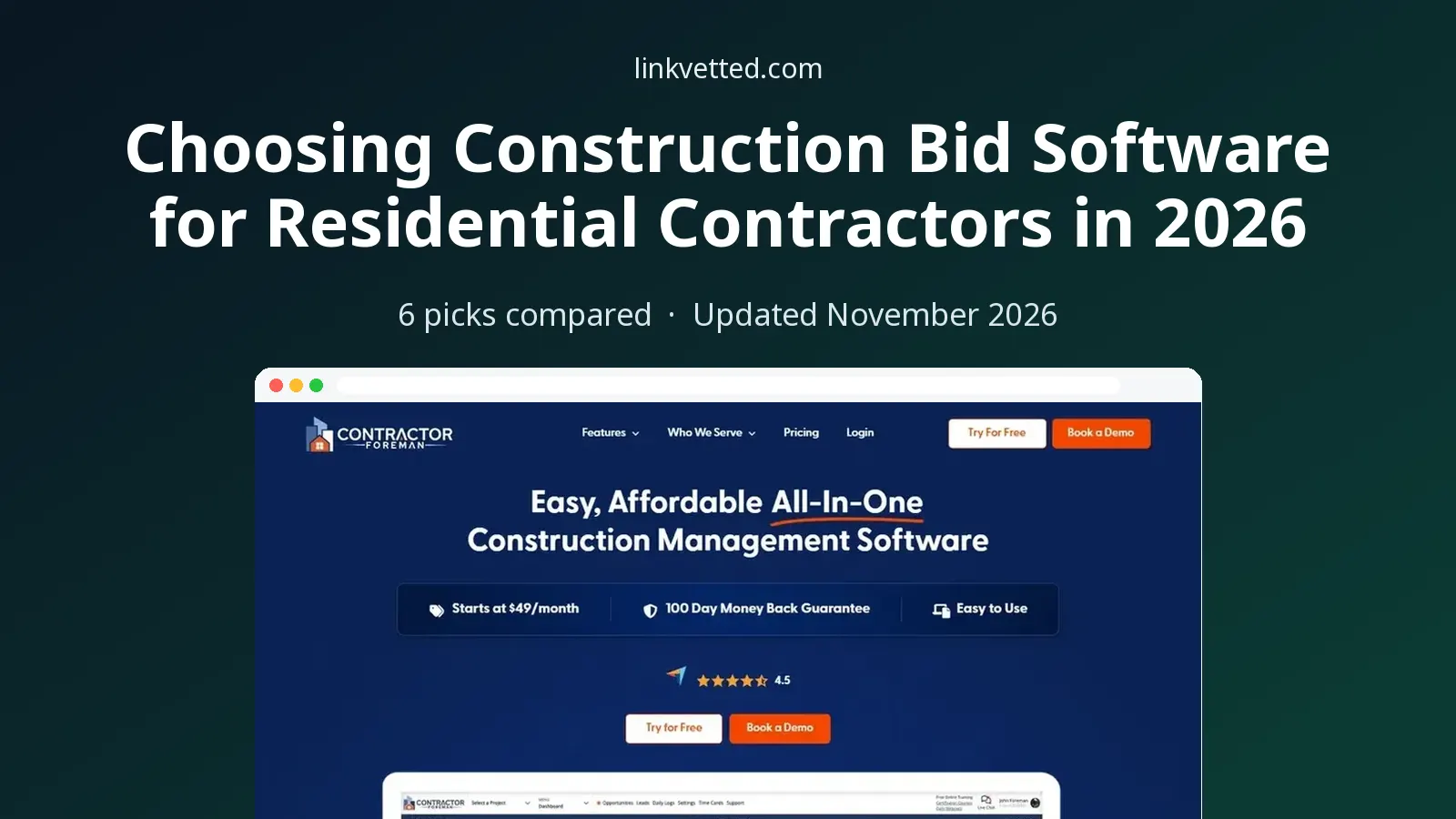
- Editor's choice
 Bluebeam Revu
Plan review and document collaboration during bidding
Starts atSee websiteVisit bluebeam.comFull review - Great alternative
 Contractor Foreman
Small residential crews needing budget-friendly all-in-one
Starts atSee websiteVisit contractorforeman.comFull review - Also consider
 CoConstruct
Residential builders managing bids and selections
Starts atSee websiteVisit coconstruct.comFull review
Direct answer
Bluebeam Revu leads the list, best for plan review and document collaboration during bidding. Listed starting prices: STACK from $49 per user a month. Contractor Foreman fits small residential crews needing budget-friendly all-in-one; CoConstruct fits residential builders managing bids and selections. All 6 tools are compared below on price, free plan and limits.
TL;DR:
- This list starts with Bluebeam Revu, which is built for plan review and document collaboration during bidding.
- Bluebeam Revu, Procore and the 4 others all need a premium plan or a trial, since no free plan is listed.
- STACK has the lowest monthly starting price in this list: $49 per user per month.
- Procore is the one to check for expanding residential businesses needing project controls.
Last checked November 2026. Prices and plan details were read from the vendors' own pages in November 2026; vendors change plans often, so confirm the current price on the vendor site before you buy.
Quick comparison
| Tool | Best for | Starts at | Free plan? | |
|---|---|---|---|---|
| Bluebeam Revu | Plan review and document collaboration during bidding | See website | Free trial | Visit |
| Contractor Foreman | Small residential crews needing budget-friendly all-in-one | See website | Not stated | Visit |
| CoConstruct | Residential builders managing bids and selections | See website | Not stated | Visit |
 PlanSwift | Takeoff-driven estimating for residential bids | See website | Free trial | Visit |
 STACK | Quick takeoff feeding competitive residential bids | $49 per user a month | Free trial | Visit |
 Procore | Expanding residential businesses needing project controls | See website | Not stated | Visit |
The 6 tools in detail
If you are comparing construction bid software for residential contractors, this page covers 6 tools in one place: what each is best for, what it costs to start, whether it has a free plan, and the main limit to know about.
Think of Bluebeam Revu for plan review and document collaboration during bidding. It suits teams that require dependable PDF-based collaboration alongside their estimating tools.
Drawbacks to consider: Best value needs team adoption.
Confirm current product editions on the vendor site. No starting price is listed for Bluebeam Revu here; confirm pricing on the vendor site. On free options: Free trial.
- Runs projects from design to completion
- Capable PDF markup and review
- Not a full estimating or bid management suite
Contractor Foreman
Best for: Small residential crews needing budget-friendly all-in-one
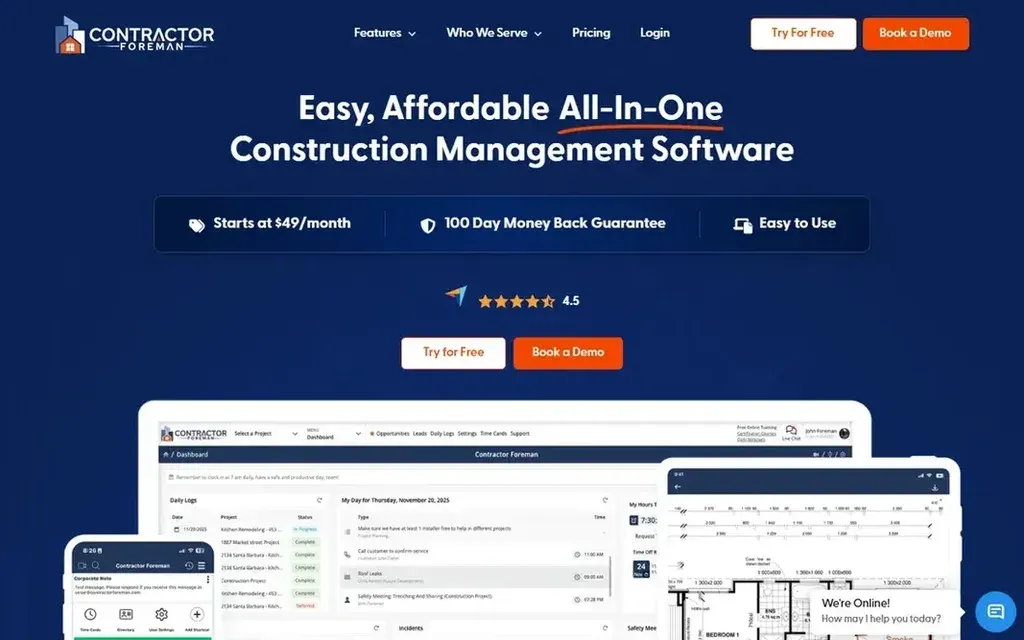
Contractor Foreman works best for small residential crews needing affordable all-in-one. For residential contractors, it provides a practical way to move from spreadsheet bidding to a connected workflow without adopting a large enterprise product.
More specifically, Contractor Foreman is all-in-one construction management software handling estimates, scheduling, time cards, and invoicing. This comparison lists no price for Contractor Foreman; ask the vendor. Trial and free access: Not stated.
What works well: Estimates, scheduling. Points against: Wide feature set can need setup time.
- Invoicing together
- Fits small to mid-sized contractors
- May lack deep custom-home selection tools
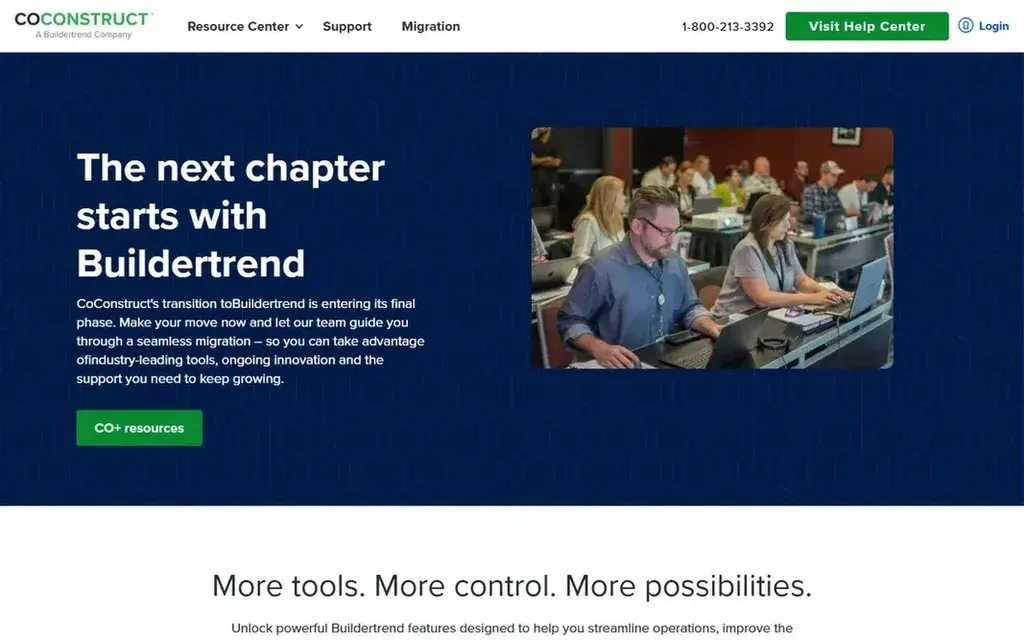
CoConstruct is a good fit for residential builders managing bids and selections. If you only need standalone takeoff and estimate assembly, a lighter estimating tool may be simpler to adopt. Beyond that, CoConstruct is construction management software geared toward custom home builders and remodelers, and it now shares a unified brand with Buildertrend.
Its core strength is linking bid and estimate work to selections, change orders, and client communication so homeowners see the same numbers the office does. As for the details, confirm current feature packaging on the vendor site. CoConstruct does not show a starting price in this comparison, so check the vendor site for current pricing. Trial and free access: Not stated.
Points against: May feel heavy for very small crews.
- Bids tied to selections and change orders
- Built for custom home and remodel workflows
- Unified brand transition may affect support paths
PlanSwift is a good fit for Takeoff-driven estimating for residential bids. PlanSwift is takeoff software for construction estimating, positioned around quicker and more accurate estimates that help win profitable jobs.
Confirm integrations and current capabilities on the vendor site. Also, since PlanSwift centers on takeoff and estimating, it does not replace project management, scheduling, or client communication tools. Check the vendor site for PlanSwift pricing; none is listed in this comparison. On free options: Free trial.
Limits to weigh: Narrow scope compared to full management suites.
Strengths: Aims at quicker.
- More accurate estimates
- Takeoff software aimed at construction estimating
- Needs accurate plan sets to be effective
In short, STACK is for quick takeoff feeding competitive residential bids. STACK is cloud-based construction software that emphasizes saving time and improving accuracy from bid decision through project closeout.
Drawbacks to consider: Estimating focus may leave gaps in job costing.
Also, new users should expect a ramp-up time on takeoff workflows. Check current feature coverage on the vendor site. What you pay to start with STACK: $49 per user per month. Trial and free access: Free trial.
- Aims at accuracy and speed
- Supports collaboration from bid to closeout
- Learning curve for new takeoff users
Pick Procore if this describes you: expanding residential businesses needing project controls. Contractors whose central need is fast takeoff and estimate assembly may prefer a focused estimating tool.
Where it falls short: Implementation effort is significant.
Procore is a construction management system that links the site and the office with live visibility for delivering projects on time. Beyond that, verify the modules relevant to residential bidding on the vendor site. Procore does not show a starting price in this comparison, so check the vendor site for current pricing. Free access: Not stated.
- Solid visibility across projects
- Wide project management coverage
- Can be more than small residential crews need
How we compared the tools
LinkVetted used vendor pricing pages and product documentation as the base, then compared plans, free access and documented limits for 6 tools. Seat minimums, billing terms and add-ons can move the real cost, so the starting prices here are a guide and not a quote. Tools are placed by general fit for construction bid software for residential contractors, with price clarity and free access as tie-breakers. A different team can reasonably rank them differently.
Things to verify first
- Get a written quote from Bluebeam Revu, Contractor Foreman, CoConstruct and others; the list shows no starting price for them.
- Use real work to test the free trial from Bluebeam Revu, PlanSwift and STACK, rather than a demo project.
- Before choosing Bluebeam Revu, weigh its main limit: not a full estimating or bid management suite.
- Before rolling out STACK, verify the integrations your workflow depends on.
- Map your must-have features to a specific PlanSwift plan before you compare prices.
FAQ
What is the cheapest option for construction bid software for residential contractors in this list?
On published monthly entry prices, STACK is the lowest here at $49 per user per month. Entry price is only part of the cost, because seats, add-ons and billing terms can change the total. Each of the 6 options in this construction bid software for residential contractors guide has its own card above with the price, free plan and limits.
Do I need a full project management suite for bidding?
Not necessarily. Focused takeoff and estimating tools can produce competitive bids, whereas full suites add scheduling, job costing, and client portals. Choose based on whether bidding is a standalone task or part of a connected workflow.
Does any tool for construction bid software for residential contractors here have a free plan?
A permanent free plan is not offered by Bluebeam Revu, Procore or the other tools here. Bluebeam Revu, PlanSwift, STACK offer a trial. Plan a short evaluation period instead.
Do these tools publish their prices?
Not all of them. Bluebeam Revu, Contractor Foreman, CoConstruct and others publish no starting price, so expect a quote request for those. The rest, STACK included, show a starting price, though seats and billing terms still change the final cost.
Can I try these tools before paying?
Often, yes. Bluebeam Revu, PlanSwift and STACK offer a free trial. Use your own data and a real task during the test, and check what the free tier or trial limits before you rely on it.
Sources
- https://www.bluebeam.com
- https://www.contractorforeman.com
- https://www.coconstruct.com
- https://www.planswift.com
- https://www.stackct.com
- https://www.procore.com